13 Free Customer Thank-You Email Templates
Free thank-you email templates for customers, orders, events and donations
Thank you

Thank you
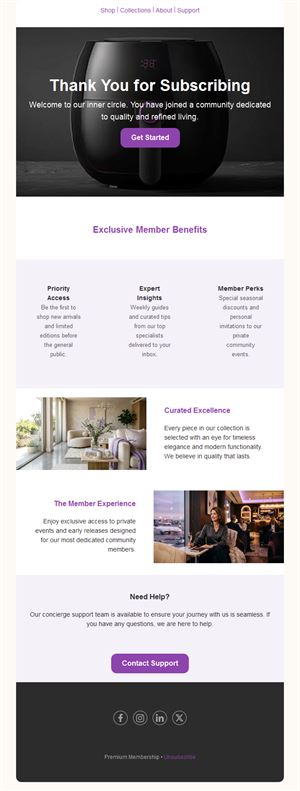
Thank you
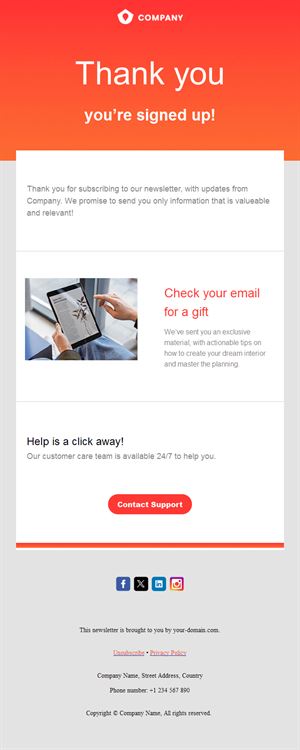
Thank you
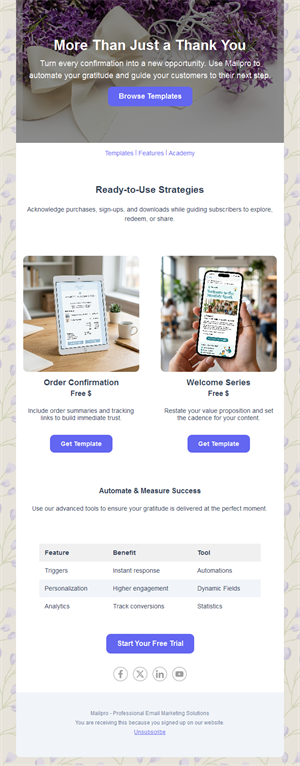
Thank you
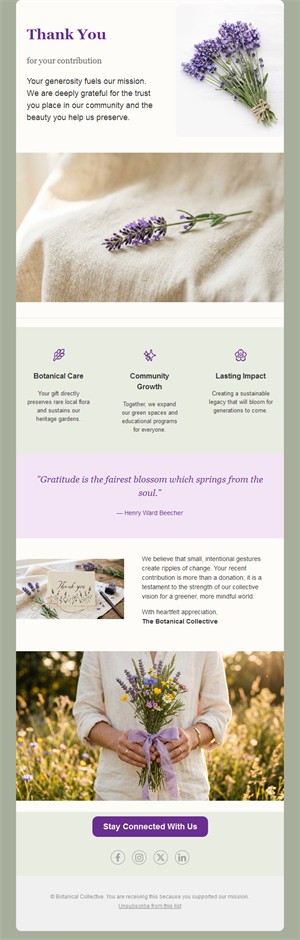
Thank you
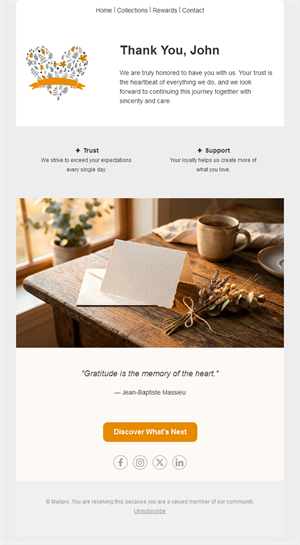
Thank you
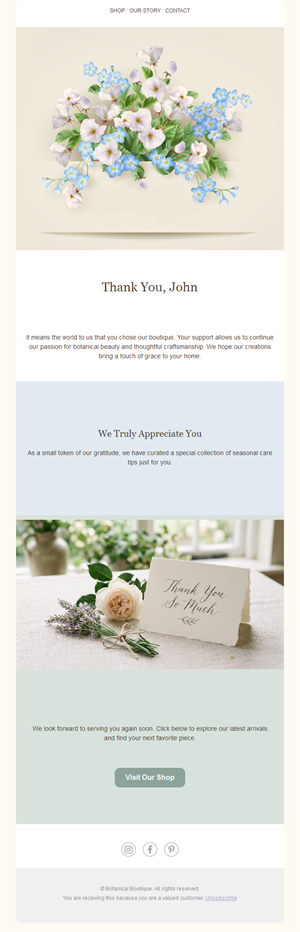
Thank you
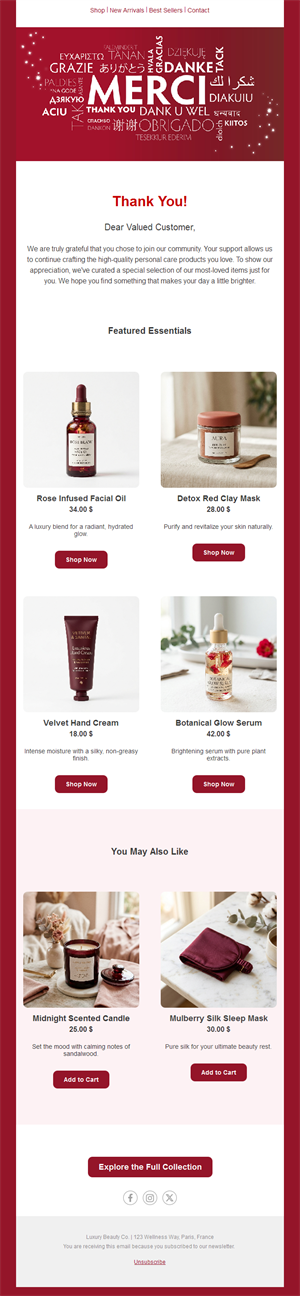
Thank you
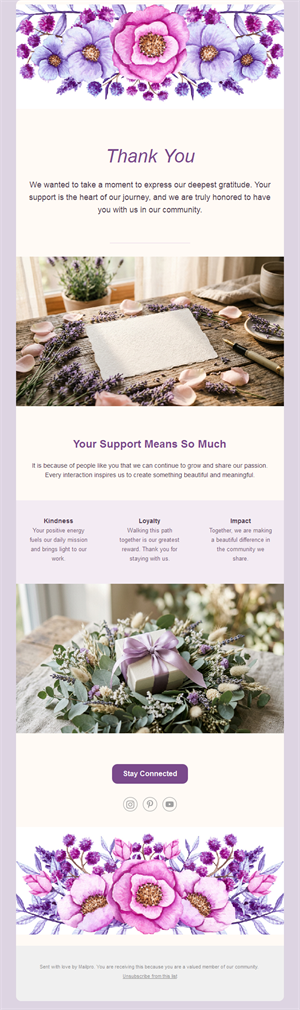
Thank you
Thank you

Thank you
Thank you
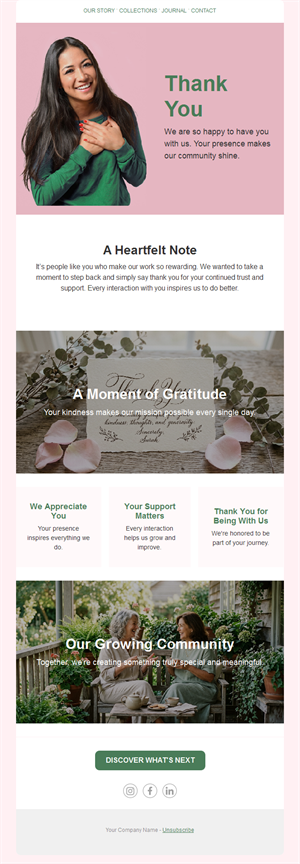
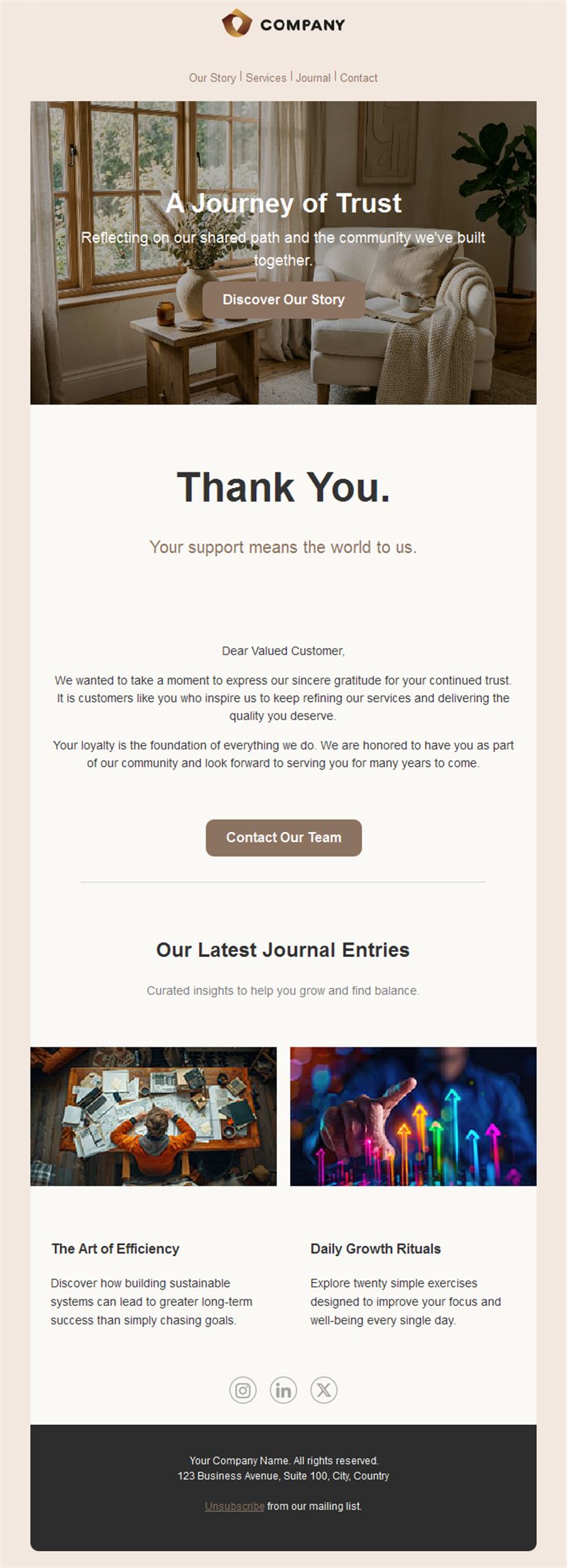
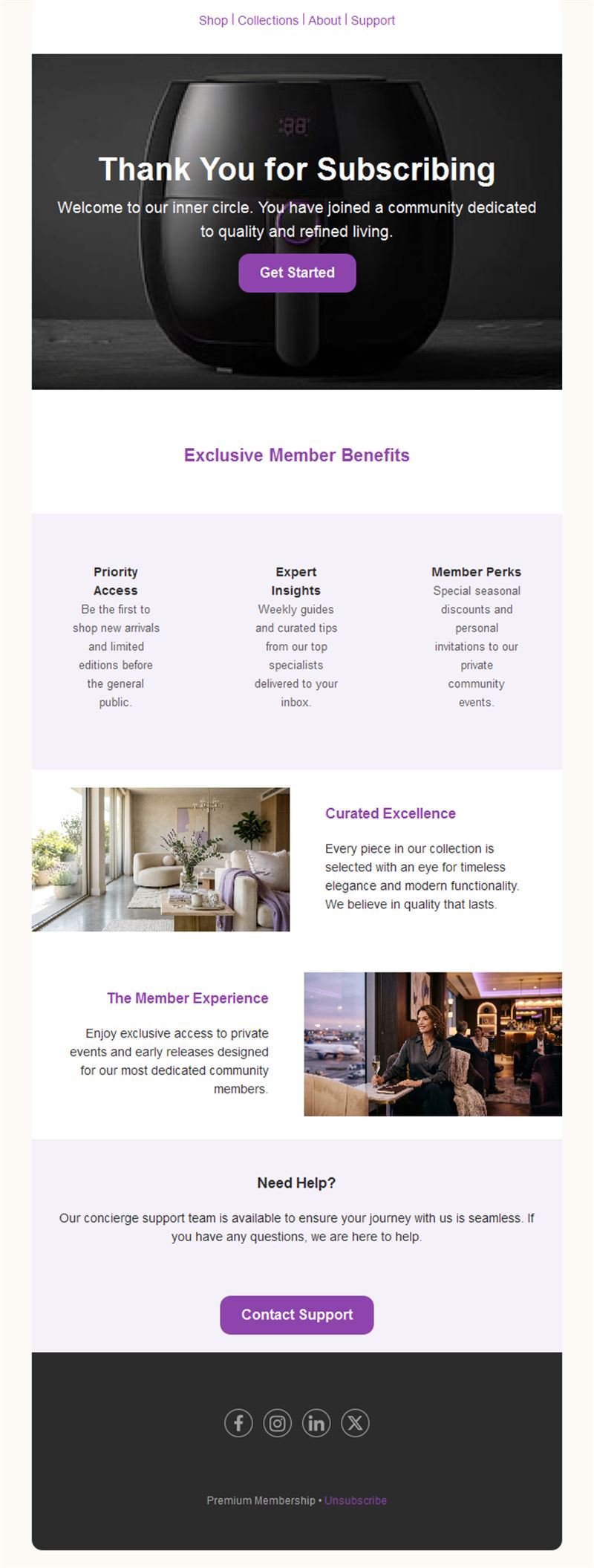
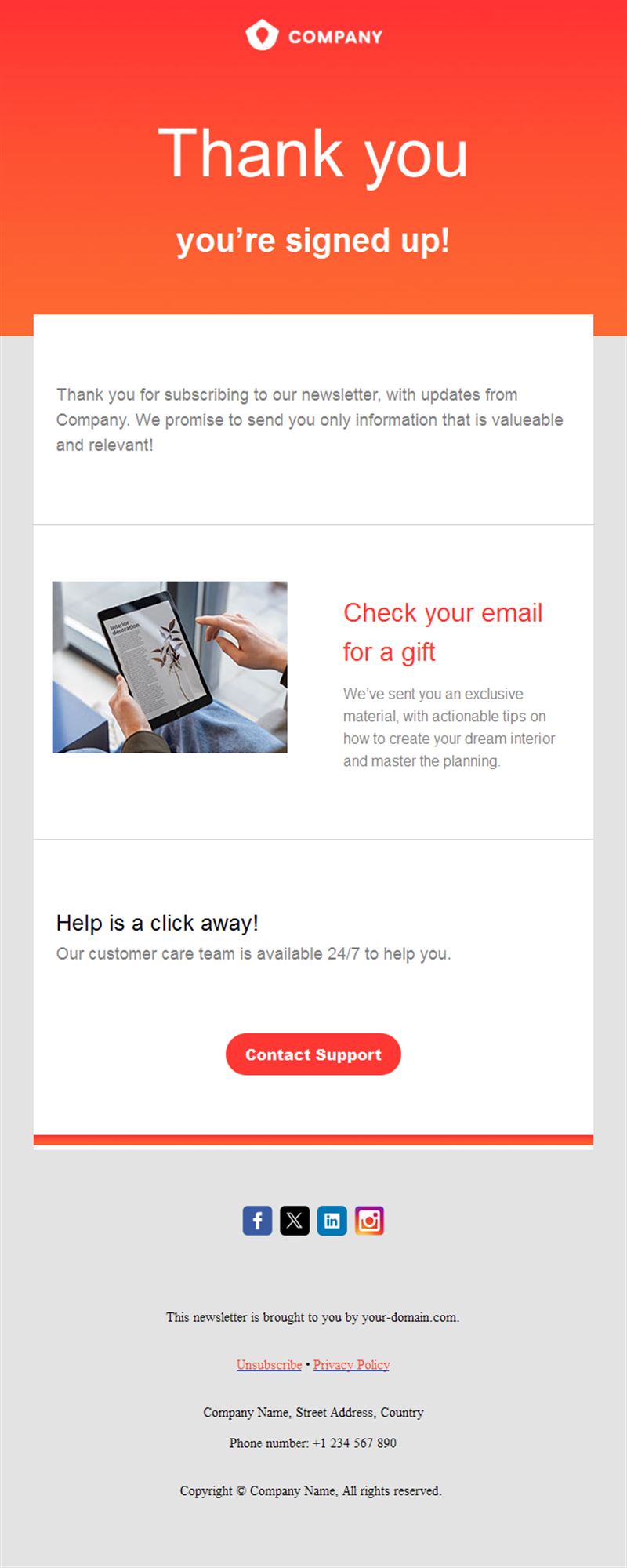
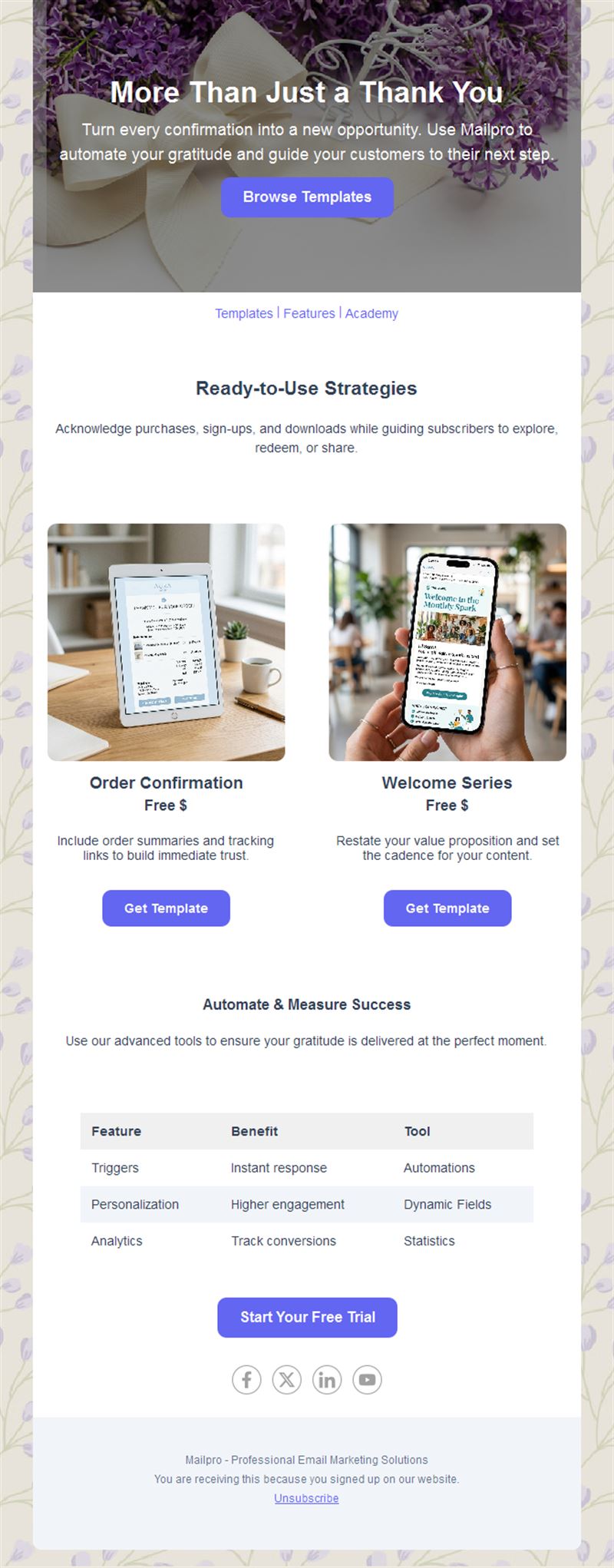
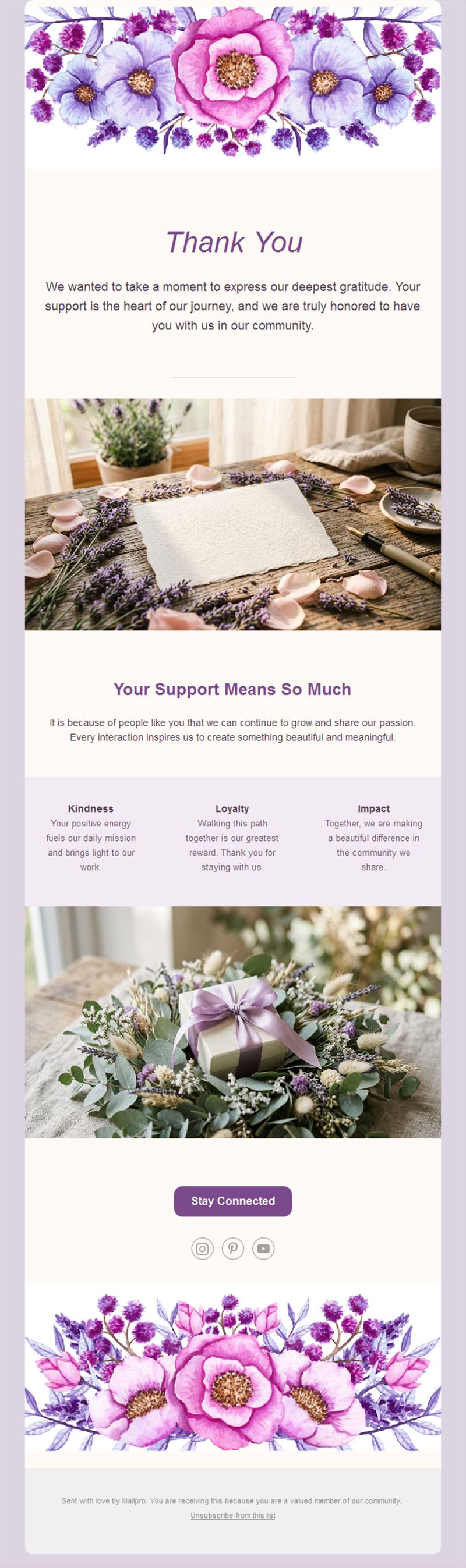
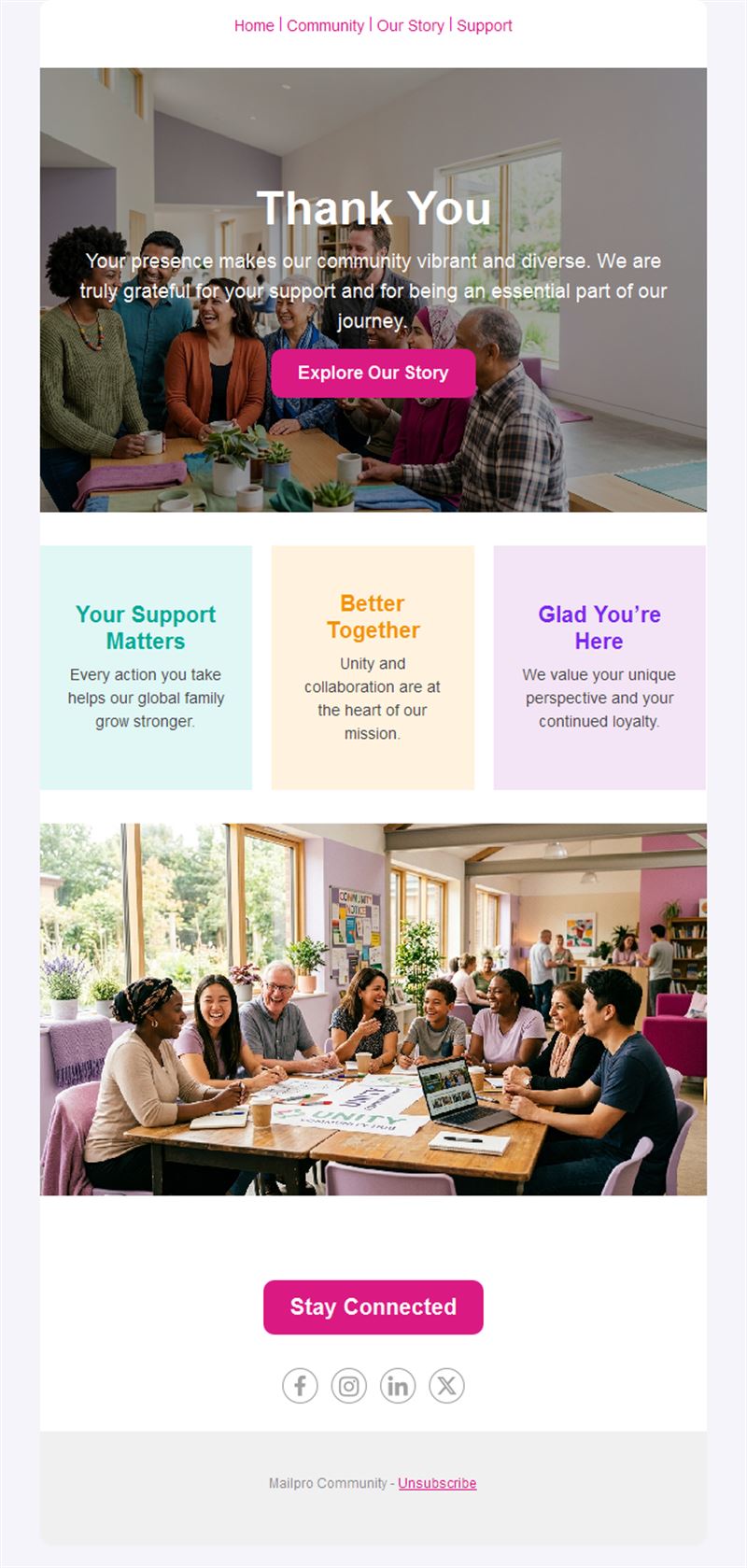
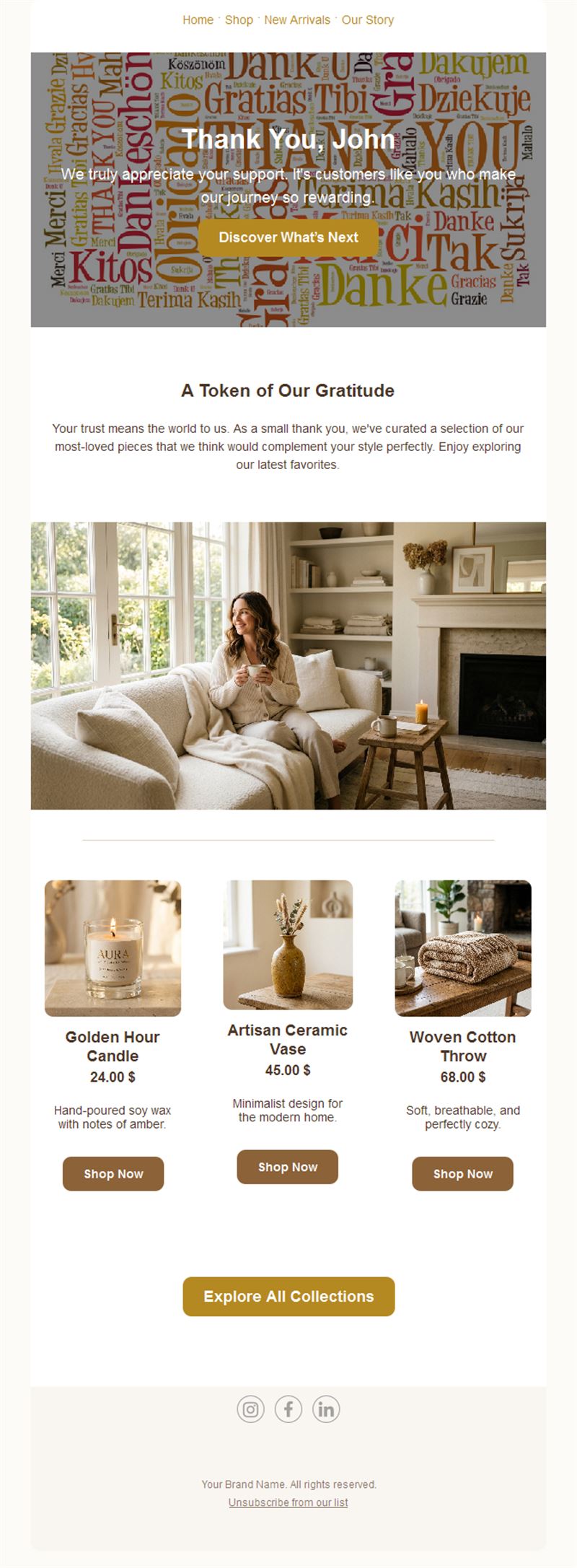
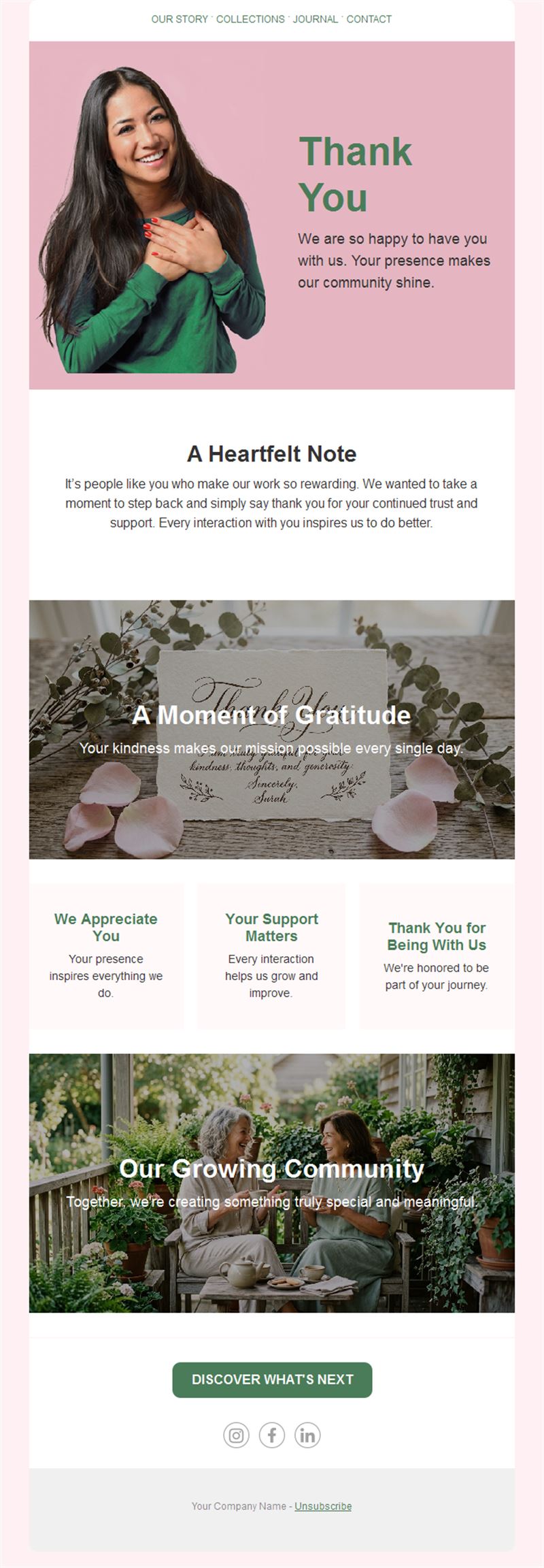
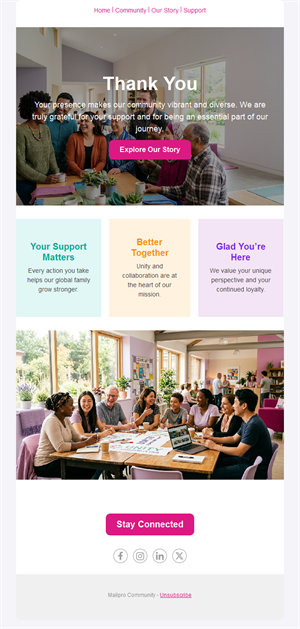
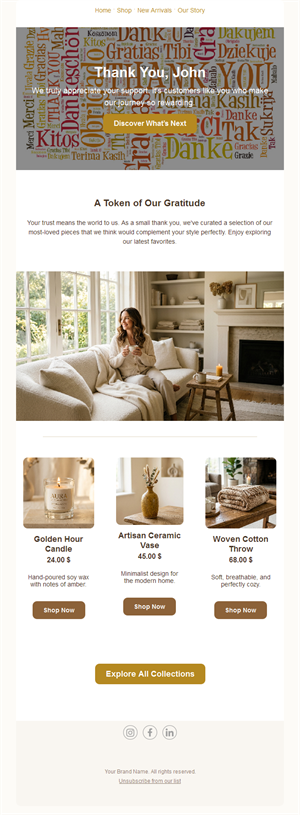
Gratitude is the most underrated marketing tool. Pick a ready-made thank you email template, customize it in minutes, and send with Mailpro™.
Why use Thank You email templates?
A well-crafted thank-you email confirms the action, strengthens the relationship, and quietly opens the door to the next one. These templates make appreciation part of your customer journey instead of an afterthought.
- Highest open rates: thank-you emails routinely outperform every other campaign type.
- Relationship builder: appreciation turns one-time buyers into regulars.
- Next-step ready: each layout has room for a gentle follow-up action.
- Set-and-forget: pair with automation and every customer gets thanked instantly.
When to send a thank-you email
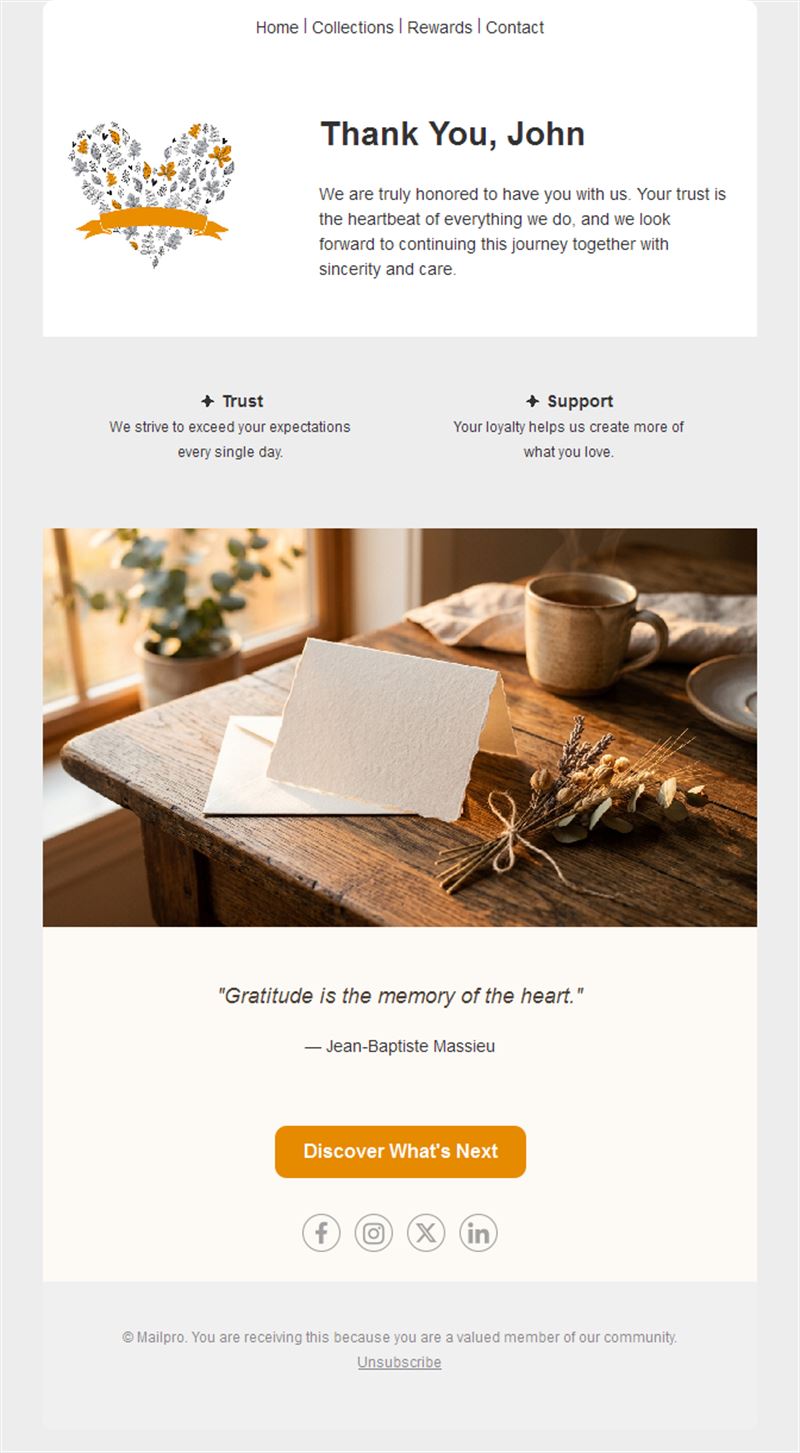
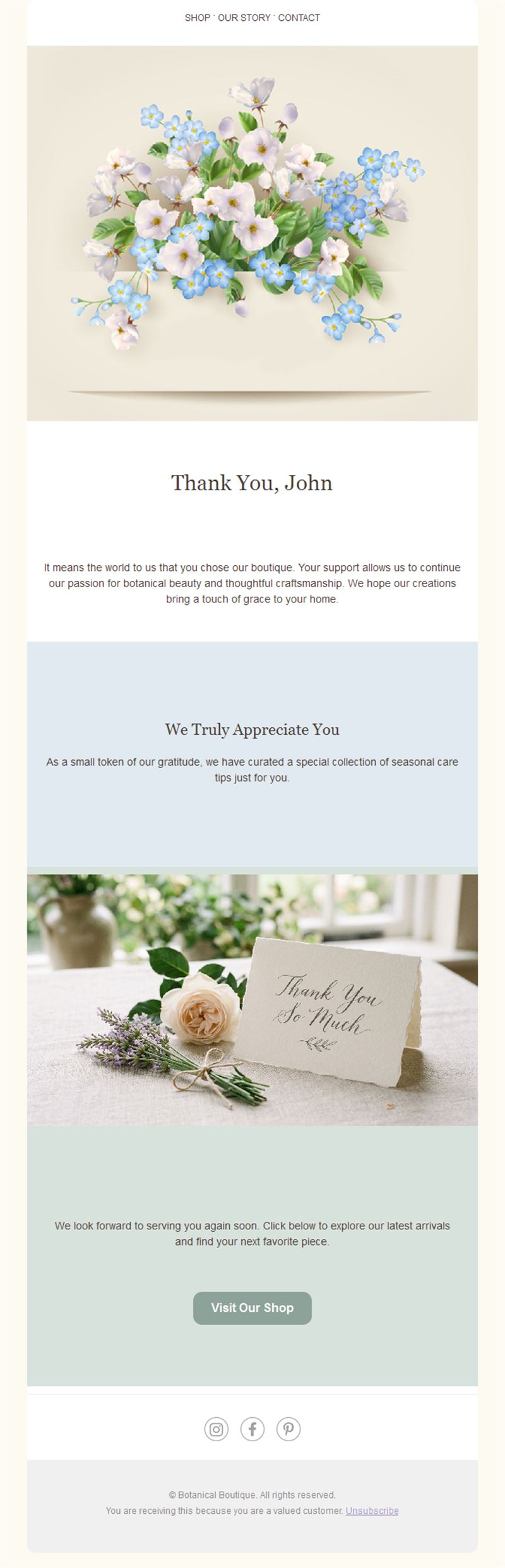
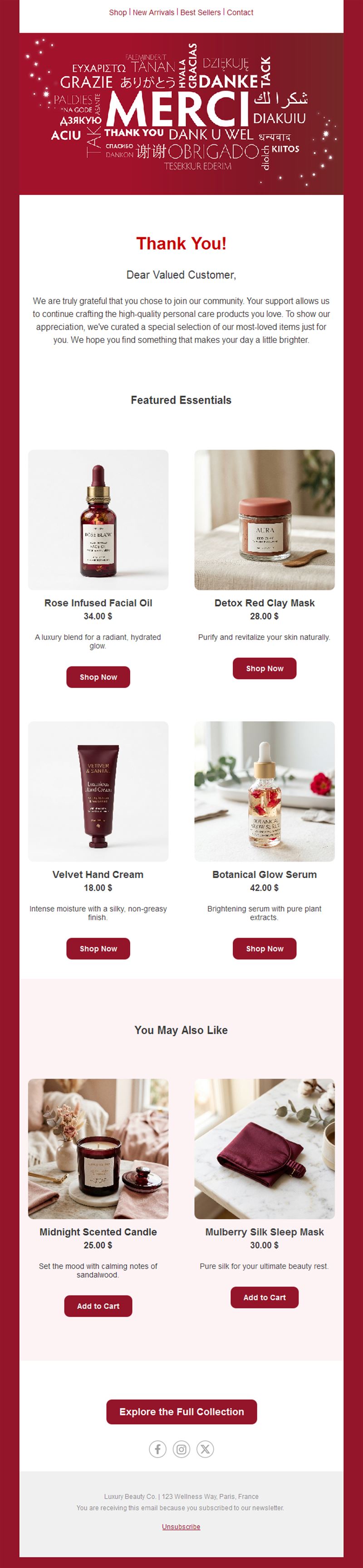
1) After a purchase
Confirm the order, say thanks, and suggest what pairs well with it.
2) After an event
Thank attendees, share slides or photos, and invite them to the next one.
3) Customer milestones
One year together, tenth order, or loyalty anniversaries — noticed and celebrated.
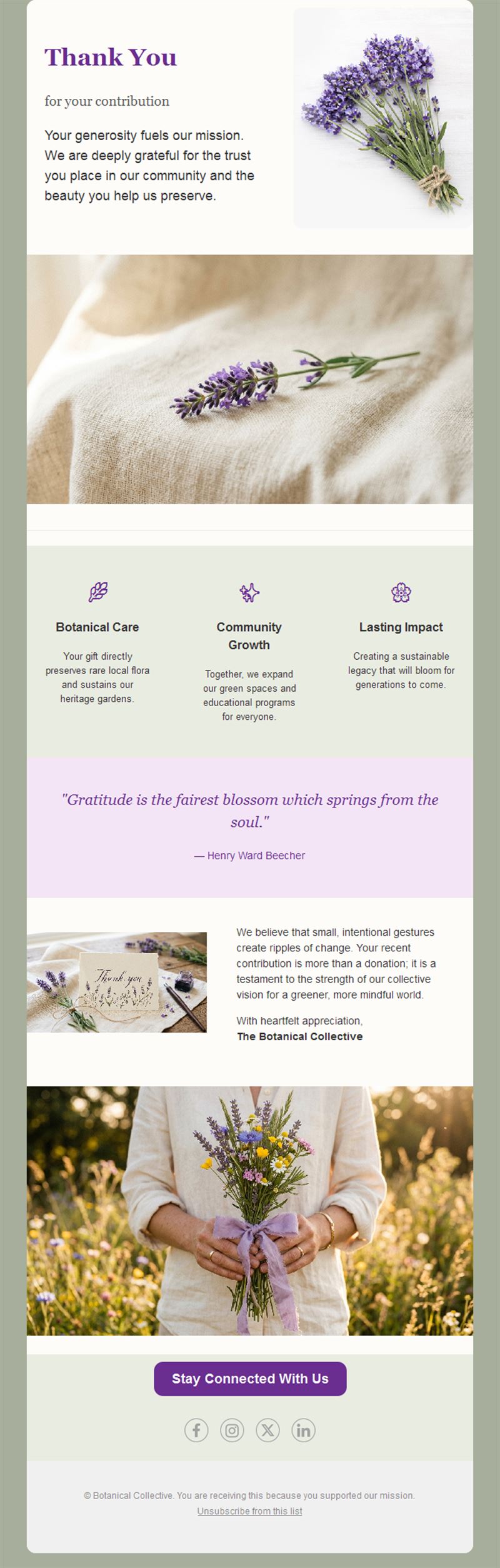
4) After a donation
Show impact and appreciation — the foundation of the next gift.
5) To your whole list
A holiday-season or anniversary thanks to everyone who supports you.
What's inside each template?
- Warm hero section with the thank-you message.
- Personalization fields for name and order details.
- Optional reward block for a loyalty coupon.
- Gentle next-step CTA section.
- Social links and an easy unsubscribe footer.
How to customize your Thank You email in Mailpro™
- Pick a template: Open Templates and choose a Thank You design.
- Edit copy & images: Personalize the message and add a photo of your team — human beats corporate.
- Add a countdown (optional): If the thank-you includes a reward, give it a friendly expiry. See how the countdown works.
- Segment your audience: First-time buyers, regulars, and VIPs each deserve a different thank-you. Learn segmentation.
- Schedule the send: Immediately after the action — gratitude has a short shelf life. Schedule email campaigns.
- Track results: Monitor opens, clicks, and conversions. View email statistics.
- Automate follow-ups: Trigger automatically after purchases, signups, or donations. Set up autoresponders.
Subject line & CTA ideas
Subject lines
- Thank you — it means more than you know
- Your order’s in. You’re the best. 🙏
- One year together — here’s to you
- A little something to say thanks
- You made our event — thank you!
CTA ideas
- Enjoy Your Reward
- See What’s Next
- Share Your Experience
- Visit Us Again
Best practices for Thank You campaigns
- Send immediately: a same-moment thanks feels genuine; a week later feels like marketing.
- Make it about them: “you made this possible” beats “we appreciate your business”.
- Add value, softly: a small reward or useful tip — not a hard sell.
- Personalize: name and specific action make gratitude believable.
- Automate it: consistency is what turns thanks into loyalty.
FAQ: Thank You email templates
Are these thank-you email templates free?
Yes. All 13 thank-you templates are free with a Mailpro account, including the free plan.
What should a thank-you email include?
A genuine message, the specific action you’re thanking them for, and at most one gentle next step — keep selling out of it.
Can thank-you emails drive sales?
Indirectly, yes: they have the highest open rates of any email type, and a small included reward converts remarkably well.
Should I automate them?
Yes — trigger them after purchases, registrations, or donations with Mailpro autoresponders so no one is missed.
How personal should they be?
Use the recipient’s name and reference their specific action; a real signature and team photo add warmth.
More: what is a gratitude email? · Thanksgiving email templates · welcome email templates.
Get started
Never let a “thanks” go unsaid: pick a thank you email template and make gratitude automatic.