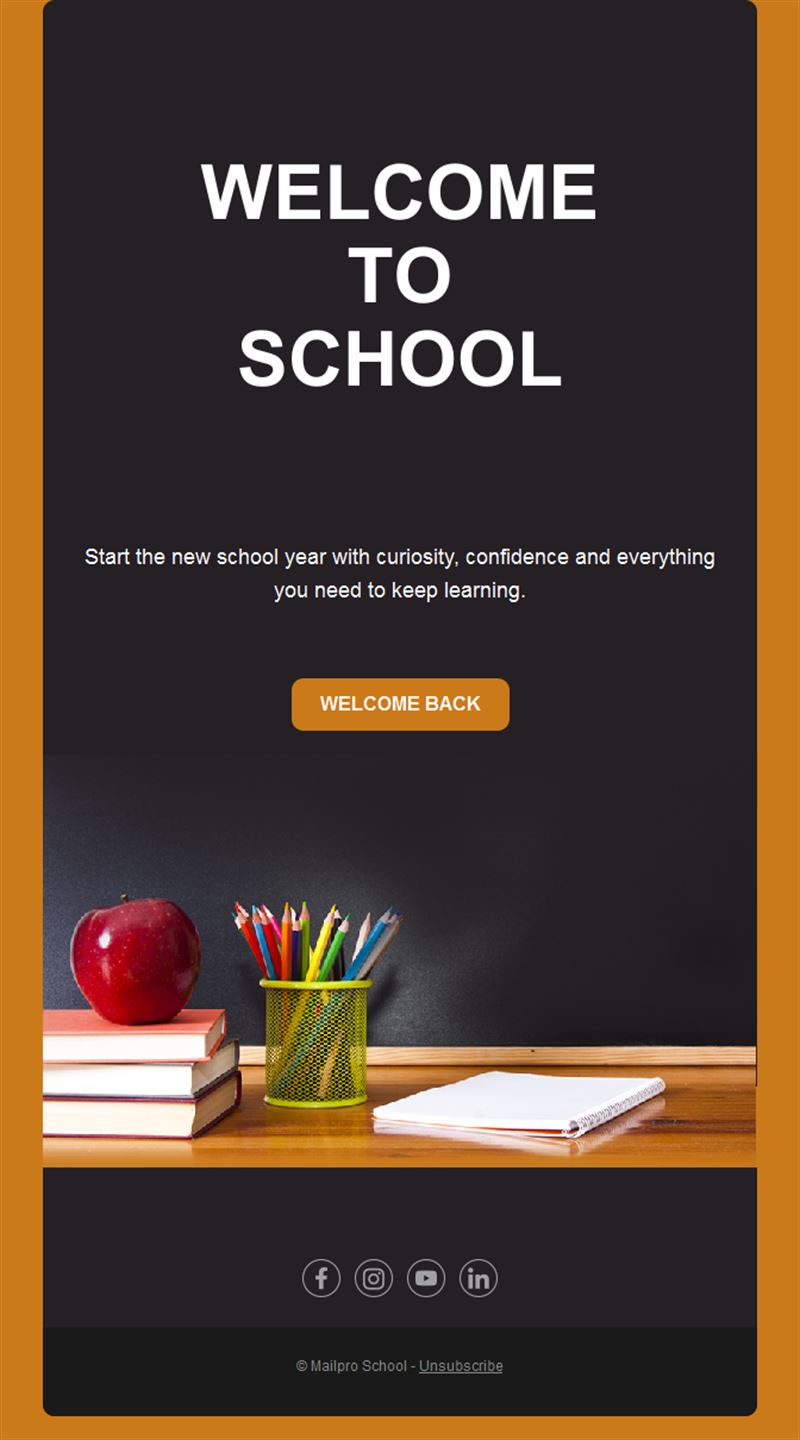
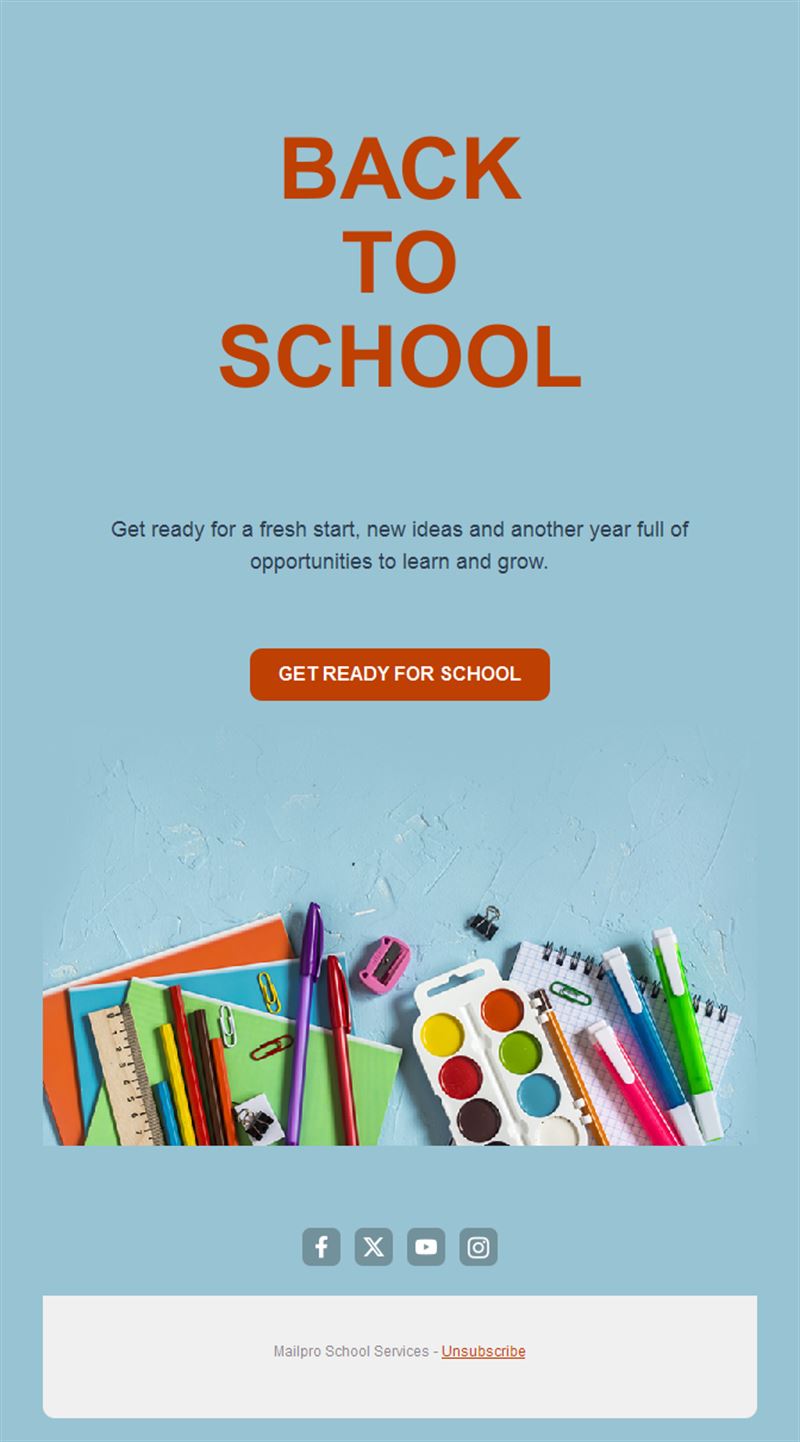
School Email Templates
Adapt for Unlimited Possibilities
School
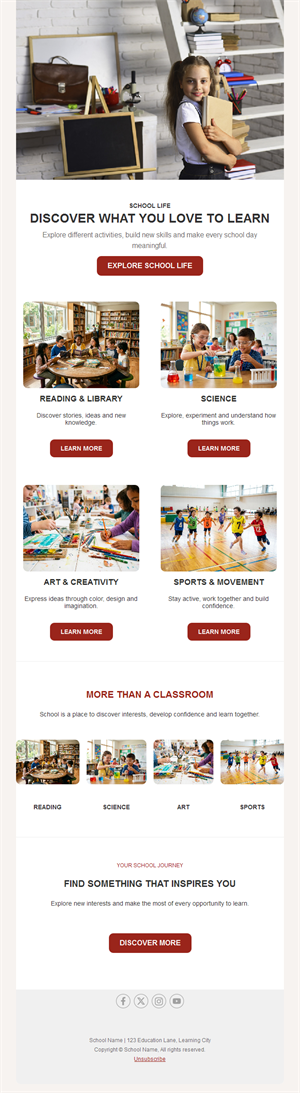
School
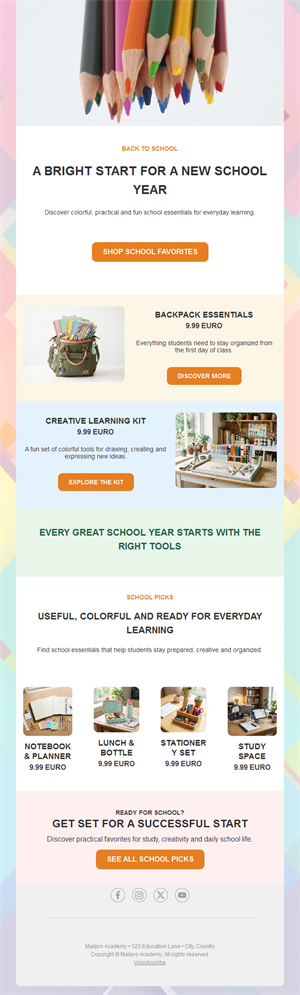
School
School
School
School
School
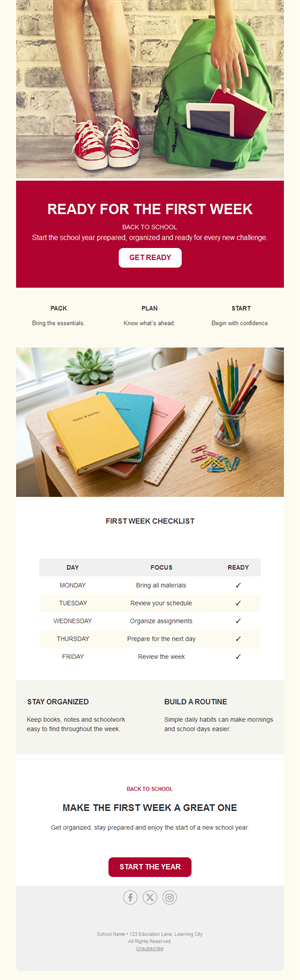
School
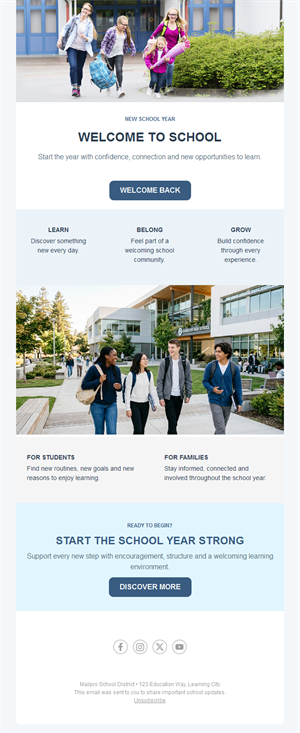
School
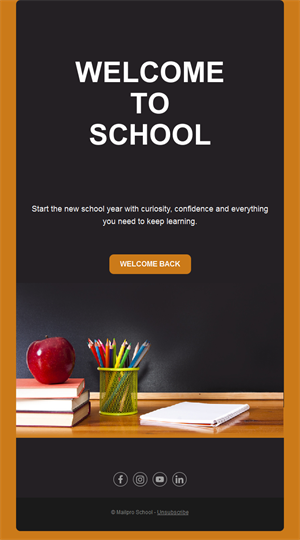
School
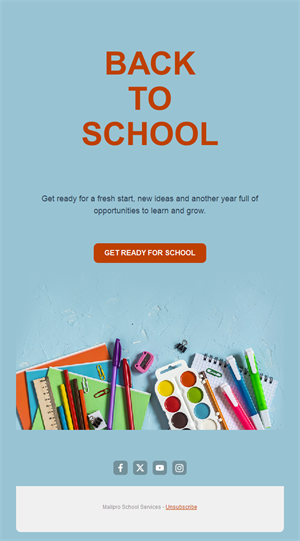
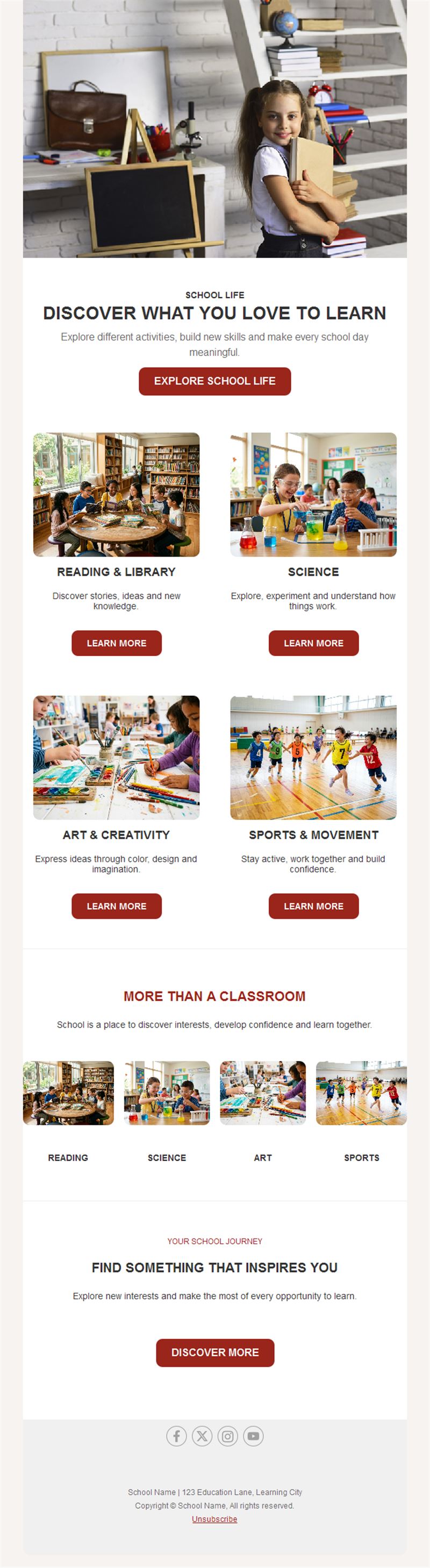
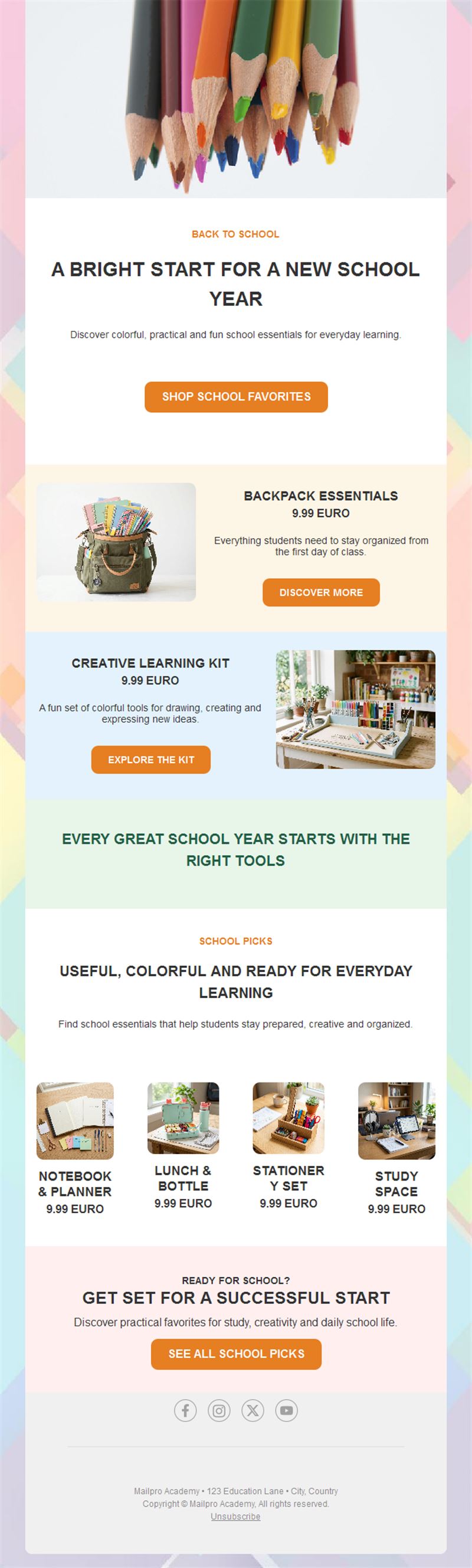
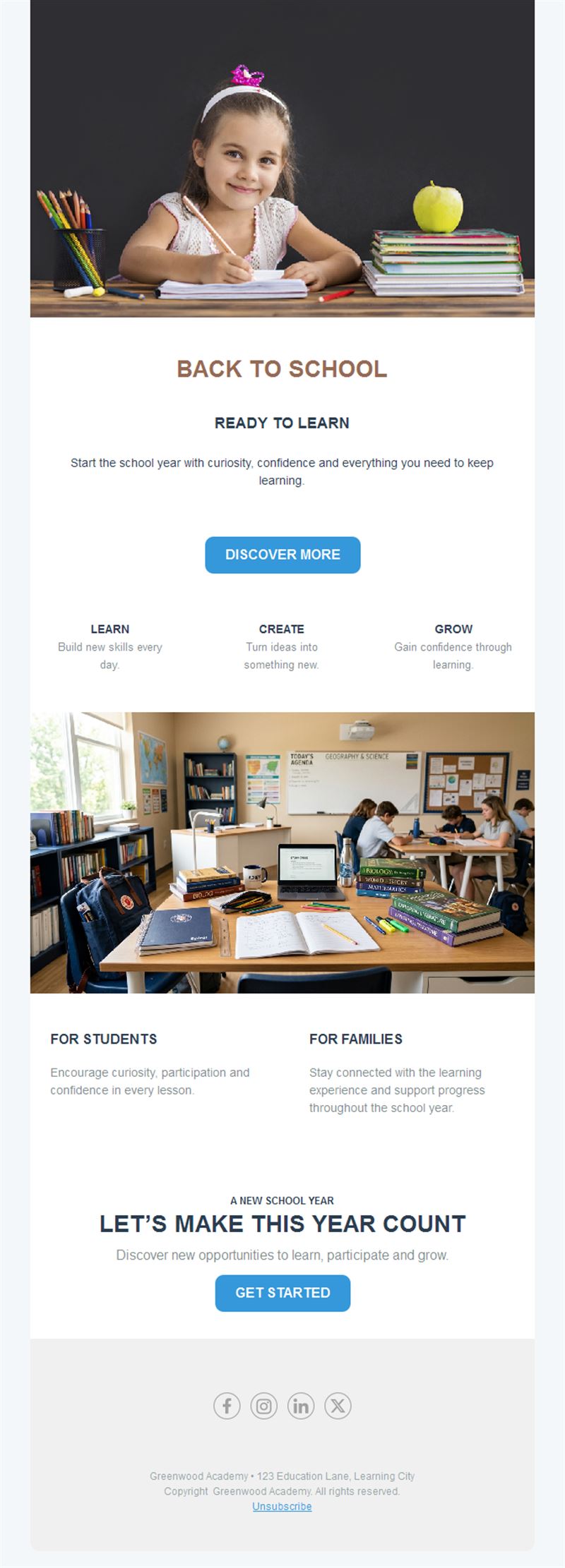
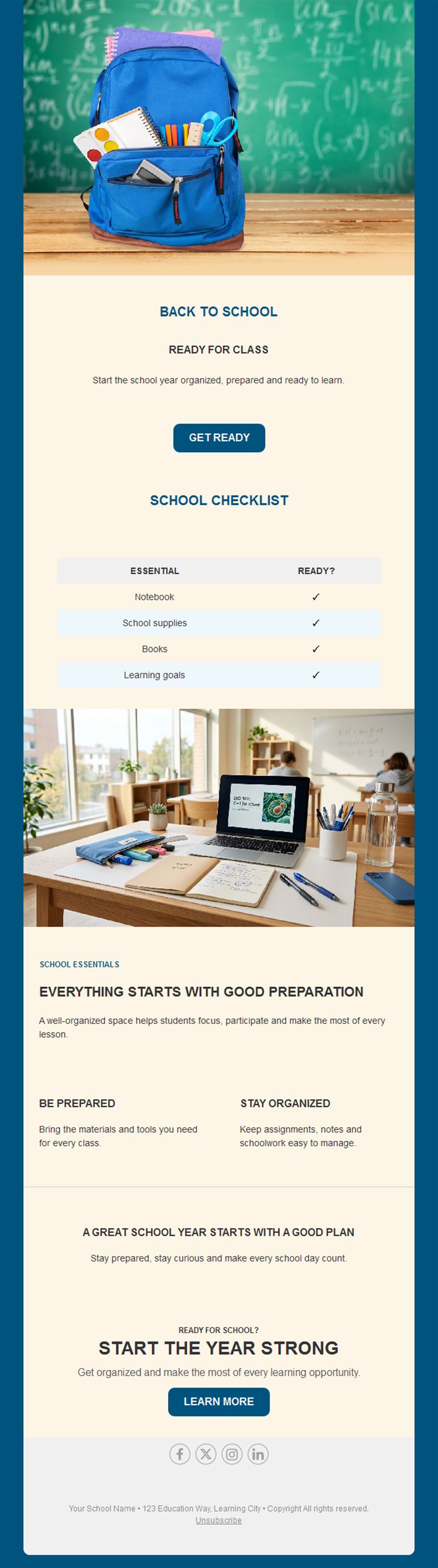
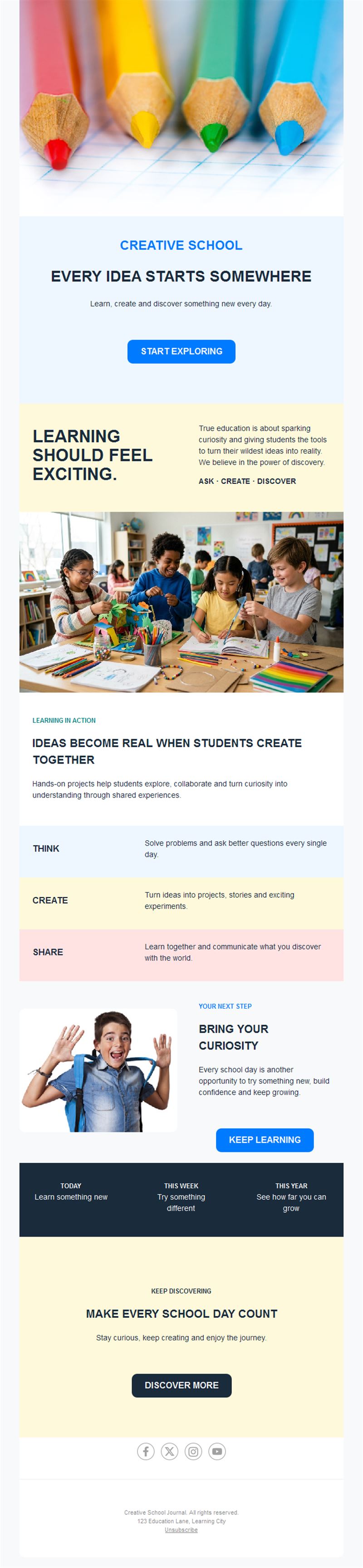
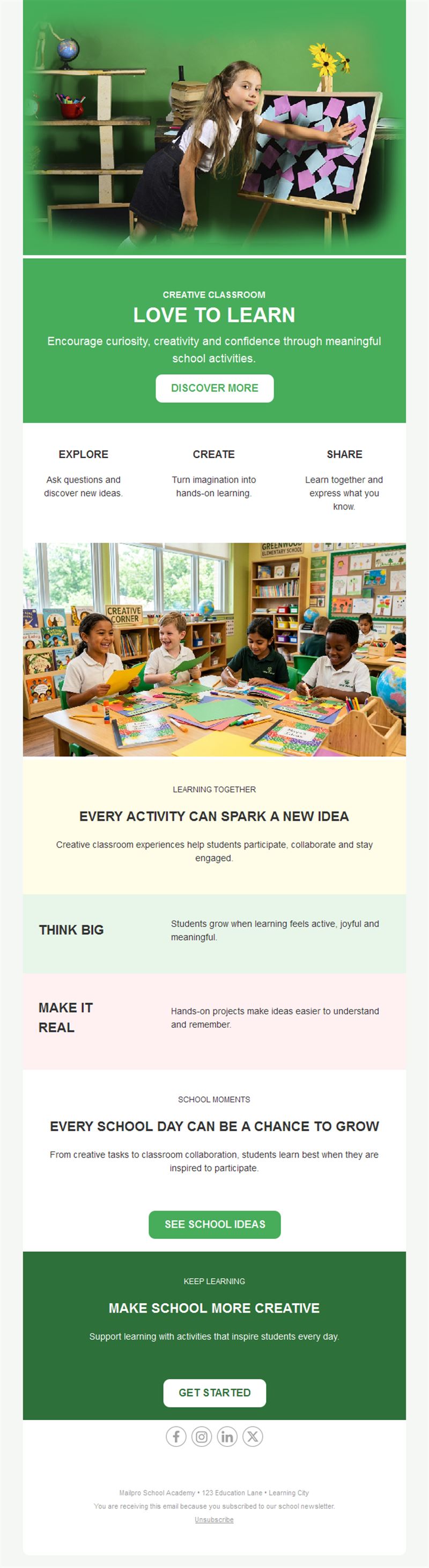
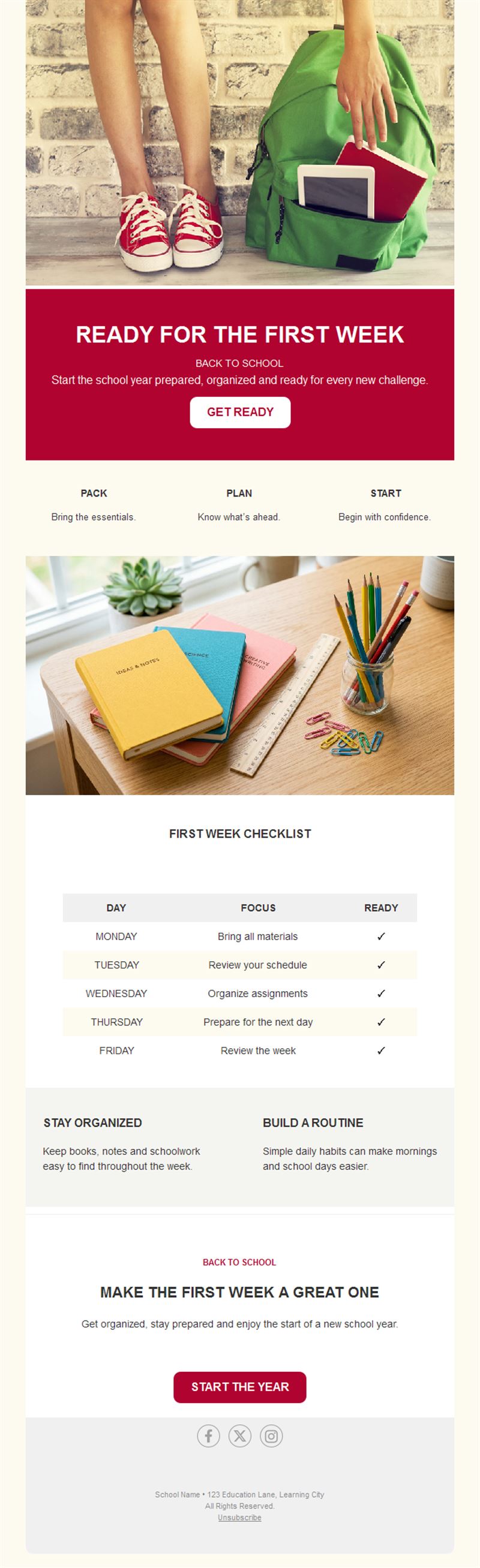
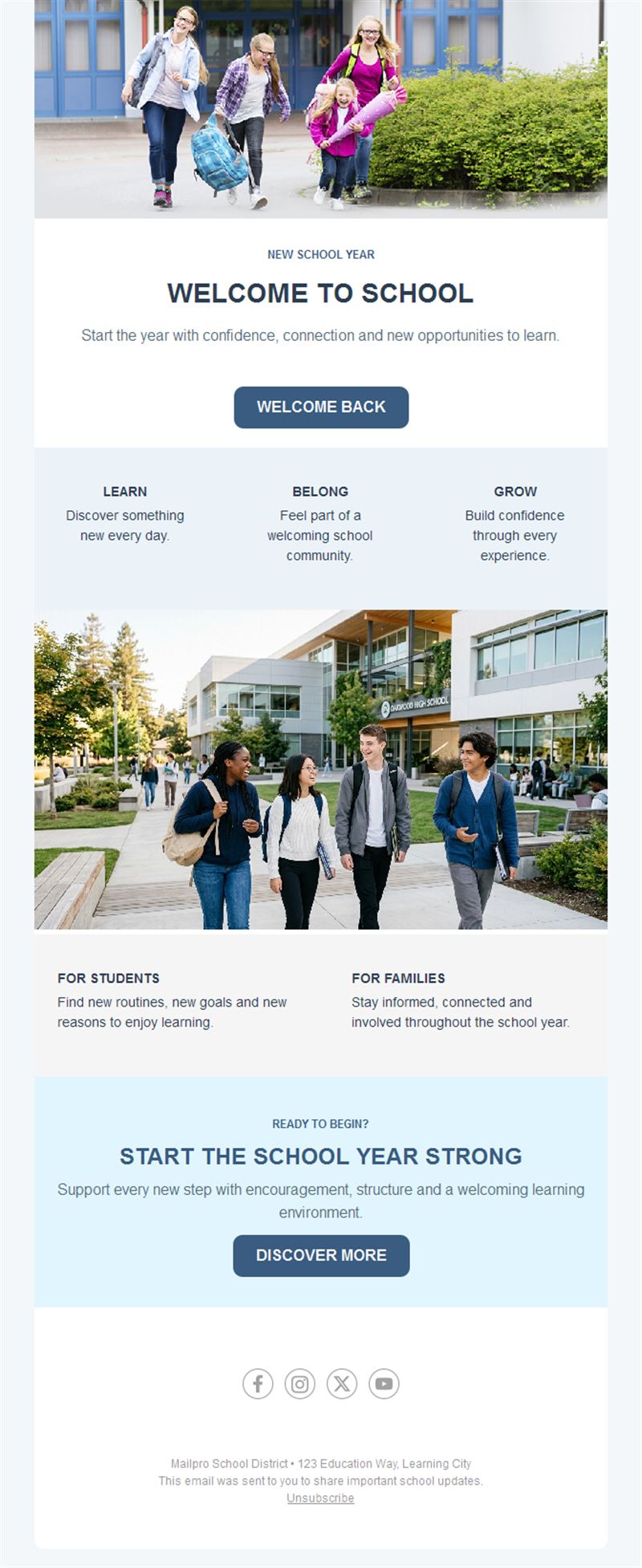
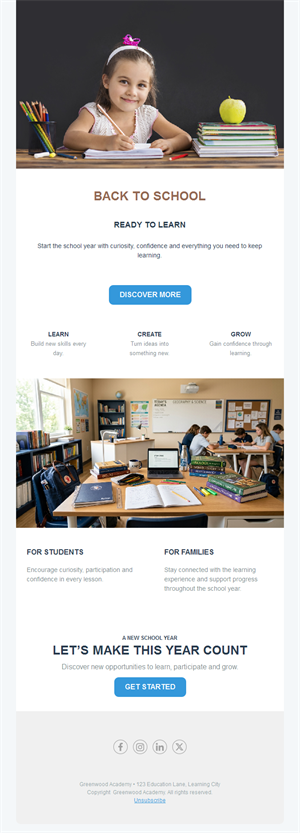
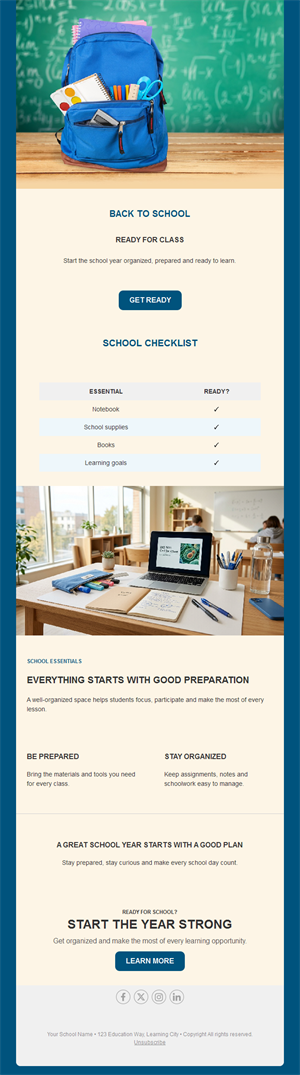
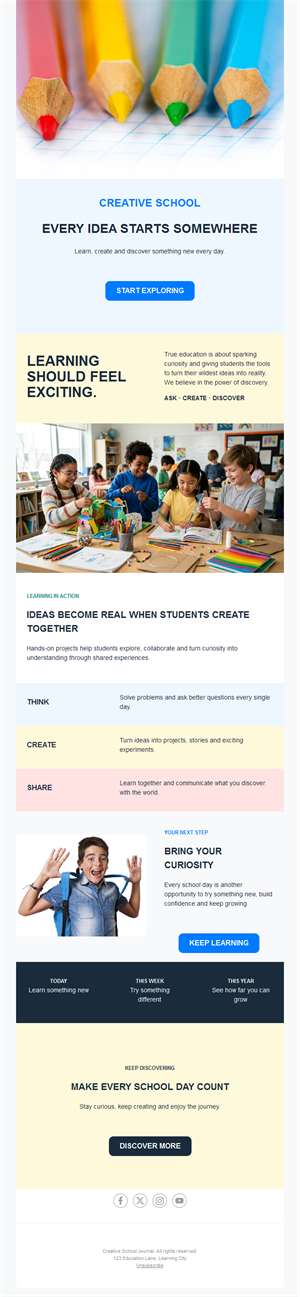
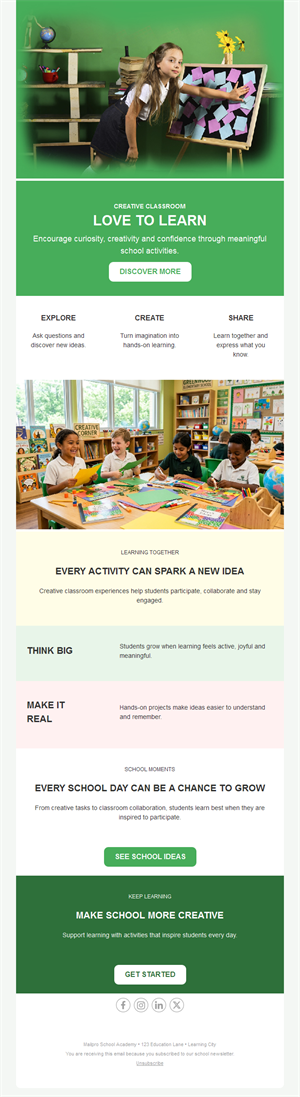
Strong schools run on strong communication. Pick a ready-made school email template, customize it in minutes, and send with Mailpro™.
Why use School email templates?
Parents juggle dozens of dates and notices — email that is clear, consistent, and scannable is how schools stay heard. From enrollment campaigns to weekly bulletins, these templates keep the school-home line open.
- Parents actually read it: clean layouts beat crumpled backpack notes.
- Enrollment engine: open-day invitations and application reminders that convert.
- One format, all year: a weekly bulletin structure you just refill.
- Every school fits: kindergartens, schools, universities, and training centers.
What can schools send?
1) Weekly bulletins
Dates, reminders, and celebrations in one predictable, scannable format.
2) Event announcements
Open days, performances, sports days, and parent evenings with RSVP.
3) Enrollment campaigns
Application deadlines, campus tours, and program highlights for prospective families.
4) Emergency & schedule notices
Closures and changes delivered fast to every family.
5) Alumni & community news
Fundraisers, achievements, and reunions that keep the community close.
What's inside each template?
- Header with school branding and bulletin title.
- Date-list block for the week ahead.
- Event section with details and RSVP.
- News section for achievements and photos.
- Contact links and an easy unsubscribe footer.
How to customize your School email in Mailpro™
- Pick a template: Open Templates and choose a School design.
- Edit copy & images: Lead with dates and actions; photos of school life bring warmth.
- Add a countdown (optional): Count down to enrollment deadlines and event dates. See how the countdown works.
- Segment your audience: Per class, per grade, or prospective vs. current families. Learn segmentation.
- Schedule the send: Same day weekly for bulletins — parents build the habit. Schedule email campaigns.
- Track results: Monitor opens, clicks, and conversions. View email statistics.
- Automate follow-ups: Automate enrollment-inquiry follow-ups and welcome packets. Set up autoresponders.
Subject line & CTA ideas
Subject lines
- This week at [School]: dates to know
- Open Day March 15 — reserve your tour
- Enrollment closes Friday: last places
- Snow closure: important update
- Celebrating our science-fair champions
CTA ideas
- See This Week’s Dates
- Book a Campus Tour
- Complete Enrollment
- RSVP to the Event
Best practices for School campaigns
- Same slot every week: predictability is everything for busy parents.
- Dates first: the calendar block goes on top, always.
- Short and scannable: headlines and bullets, not essays.
- Segment by grade: relevance keeps parents subscribed and reading.
- Photos with consent: celebrate students within your privacy policy.
FAQ: School email templates
How often should schools email parents?
A weekly bulletin in a consistent slot, plus immediate notices for urgent changes — predictability builds readership.
What drives enrollment inquiries?
Open-day invitations with easy tour booking and deadline reminders — track conversions in Mailpro statistics.
Can we message just one class or grade?
Yes — segment lists by class, grade, or family status so every send is relevant.
Are school emails privacy-safe?
Mailpro stores data securely in Switzerland; combine that with photo-consent practices for full peace of mind.
Get started
Make every notice count: pick a school email template and keep your community in the loop.