Non-Profit Email Templates
Adapt for Unlimited Possibilities
Non-profit
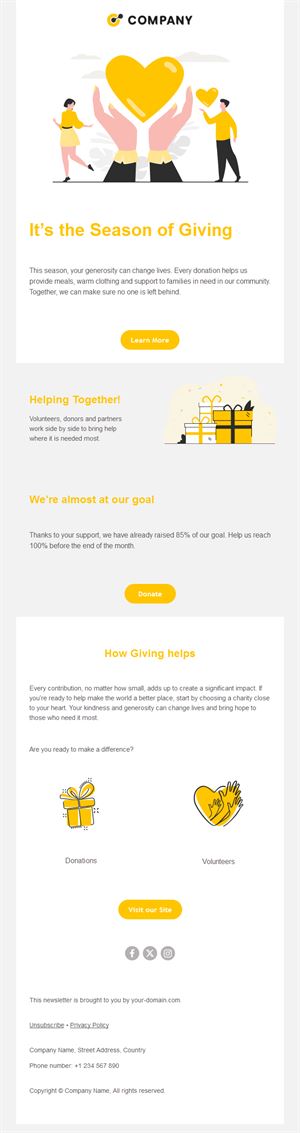
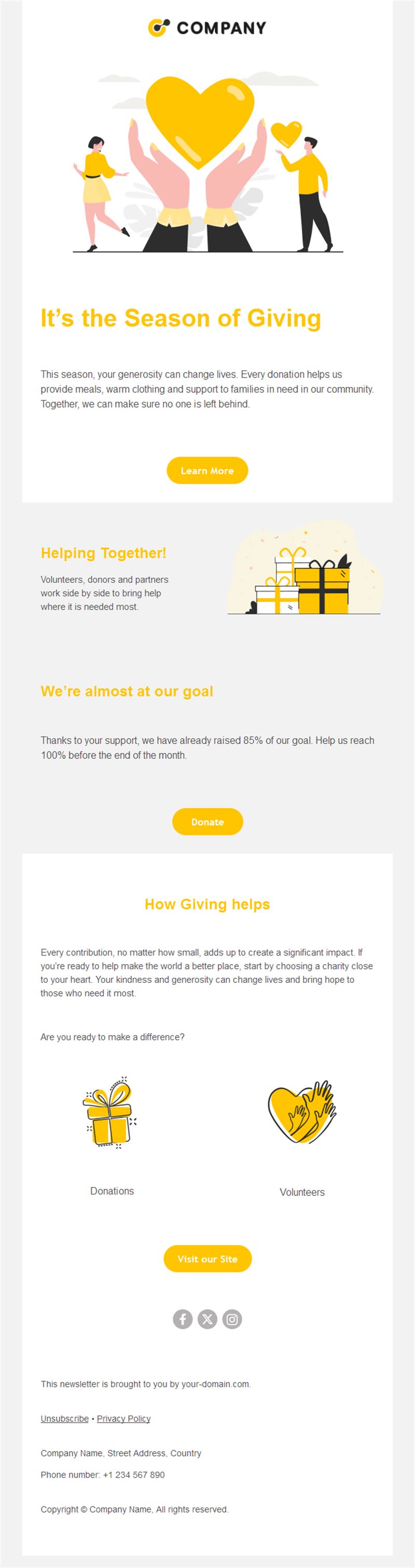
Your mission moves when your message does. Pick a ready-made non-profit email template, customize it in minutes, and send with Mailpro™.
Why use Non-profit email templates?
For non-profits, email is the highest-ROI channel there is: it raises funds, fills volunteer rosters, and shows supporters the impact they made possible. These templates carry your cause with the professionalism donors trust.
- Donation-optimized: appeal layouts with clear giving buttons and suggested amounts.
- Impact storytelling: show outcomes — the fuel of repeat giving.
- Volunteer mobilization: calls-to-action that fill shifts and events.
- Trust by design: clean, transparent layouts that respect every donated cent.
What can your organization send?
1) Donation appeals
Campaign asks with a story, a goal, and one-click giving levels.
2) Impact reports
“Here’s what your gift did” updates that turn one-time donors into monthly ones.
3) Volunteer recruitment
Shift signups, skills-based asks, and thank-yous that retain helpers.
4) Event invitations
Galas, runs, and community days with registration buttons.
5) Emergency appeals
Rapid-response asks when crises demand immediate support.
What's inside each template?
- Hero with mission imagery and campaign headline.
- Story block for one beneficiary’s journey.
- Donation section with amount buttons.
- Volunteer/event block with signup links.
- Social links and an easy unsubscribe footer.
How to customize your Non-profit email in Mailpro™
- Pick a template: Open Templates and choose a Non-profit design.
- Edit copy & images: One person’s story moves more than statistics; real photos, real names (with consent).
- Add a countdown (optional): Count down to campaign goals and event dates. See how the countdown works.
- Segment your audience: Donors, volunteers, and members respond to different asks. Learn segmentation.
- Schedule the send: Impact updates monthly; appeals at giving seasons like year-end. Schedule email campaigns.
- Track results: Monitor opens, clicks, and conversions. View email statistics.
- Automate follow-ups: Automate donation thank-yous and welcome series for new supporters. Set up autoresponders.
Subject line & CTA ideas
Subject lines
- Maria has clean water — because of you
- We’re 80% to goal: help us finish
- Volunteers needed Saturday: 12 spots left
- Your 2026 impact, in one picture
- Emergency appeal: families need shelter tonight
CTA ideas
- Donate Now
- See Your Impact
- Sign Up to Volunteer
- Join the Event
Best practices for Non-profit campaigns
- Story first, ask second: emotion drives generosity; data confirms it.
- Thank before you ask again: gratitude is the best retention program.
- Suggested amounts help: concrete levels tied to outcomes lift gifts.
- Year-end matters: plan November–December appeals early.
- Show the money’s path: transparency converts skeptics into monthly donors.
FAQ: Non-profit email templates
What email raises the most donations?
A single beneficiary’s story with a clear goal and one-click giving levels — sent to a warmed, thanked list.
How often should non-profits email?
Monthly impact updates plus seasonal appeals; supporters who see outcomes give again.
Can small organizations afford this?
Email is the cheapest channel per dollar raised, and Mailpro scales with list size.
How do we grow the supporter list?
Event signups, petition forms, and social campaigns feeding one list — then a welcome series that shares your mission.
Get started
Move hearts, then mountains: pick a non-profit email template and let your mission speak.