Bike & Cycling Email Templates
Adapt for Unlimited Possibilities
Bike / Cycling
Bike / Cycling
Bike / Cycling
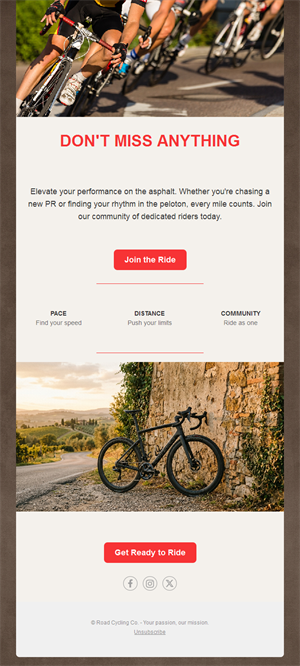
Bike / Cycling
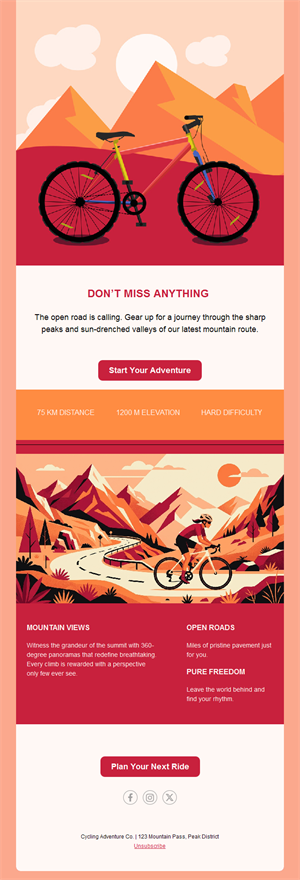
Bike / Cycling
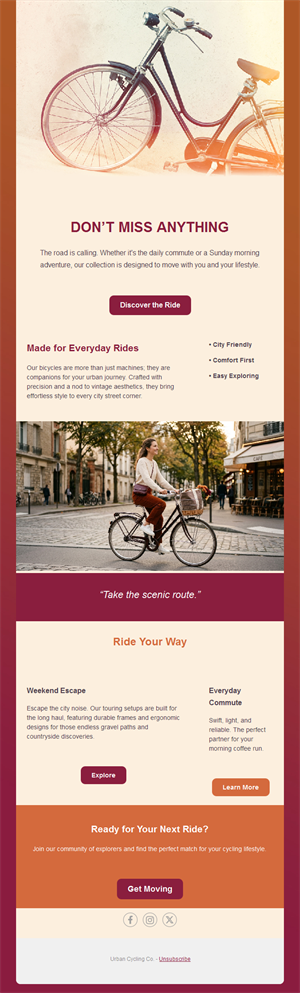
Bike / Cycling
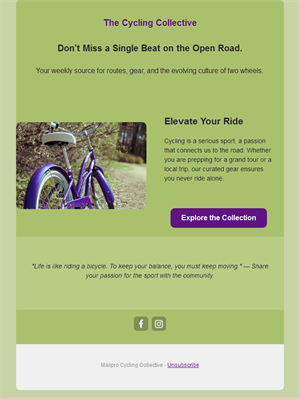
Bike / Cycling
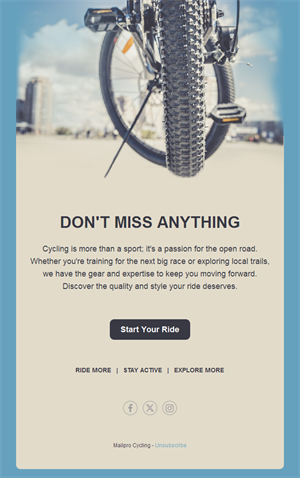
Bike / Cycling
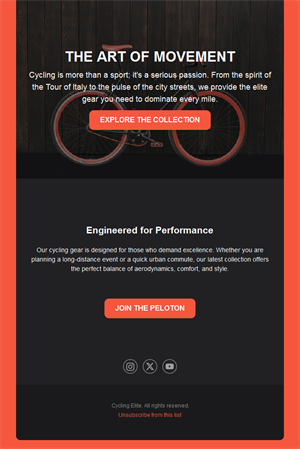
Bike / Cycling
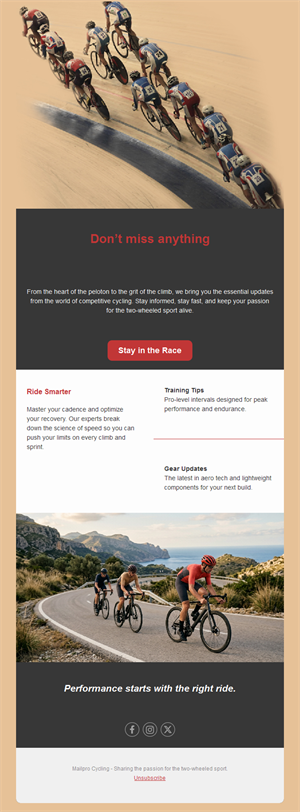
Bike / Cycling
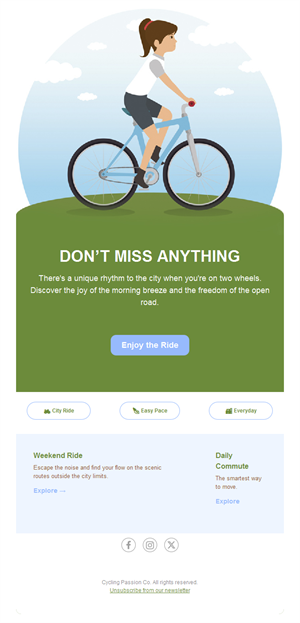
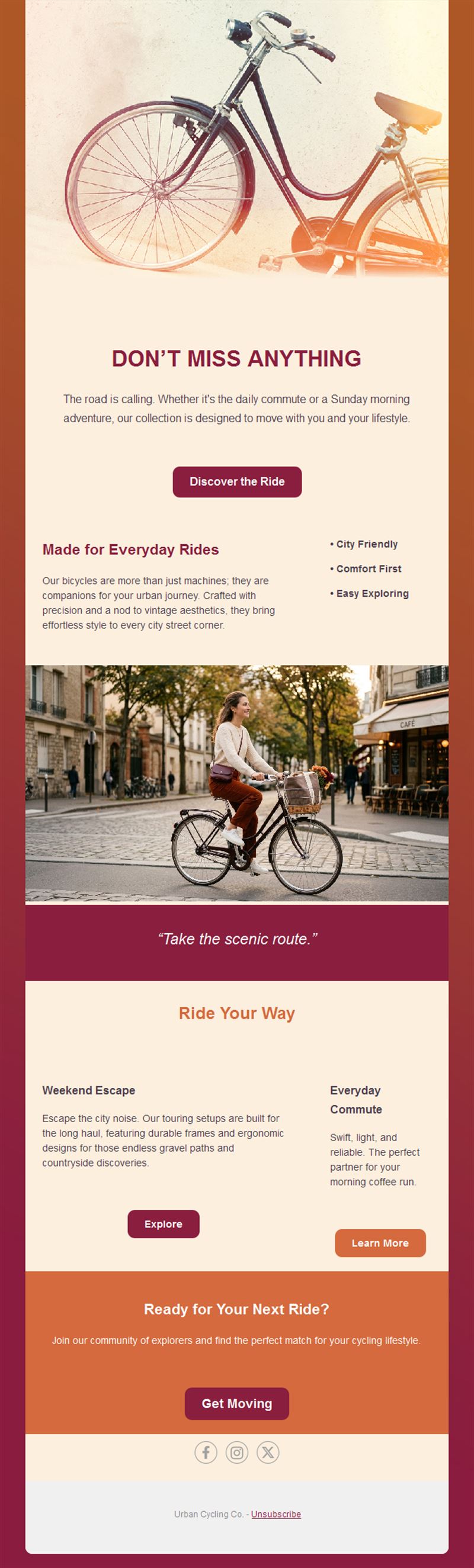
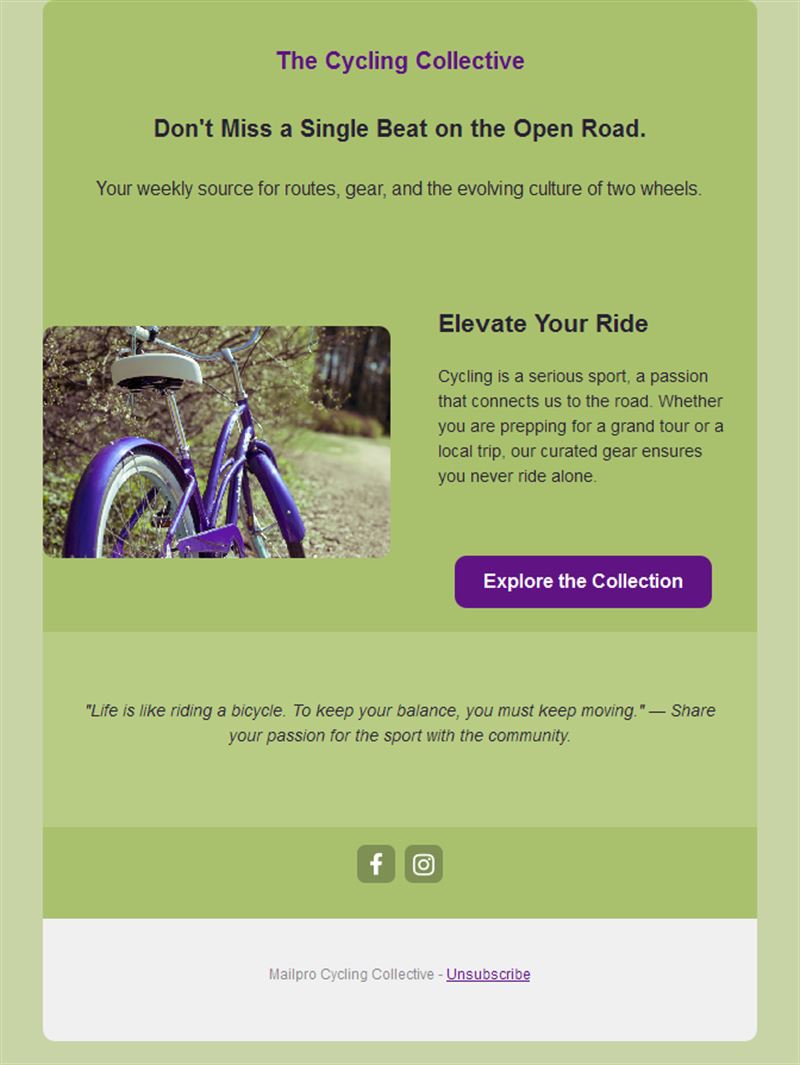
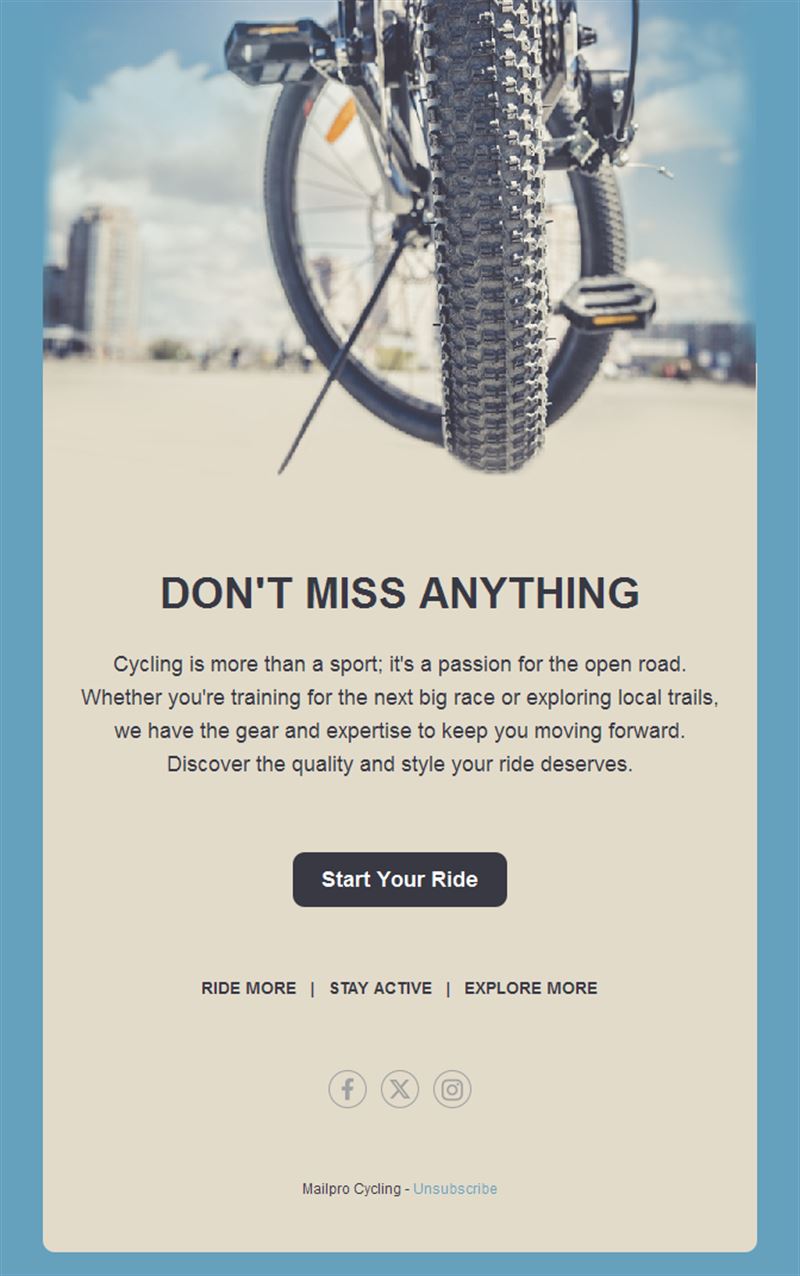
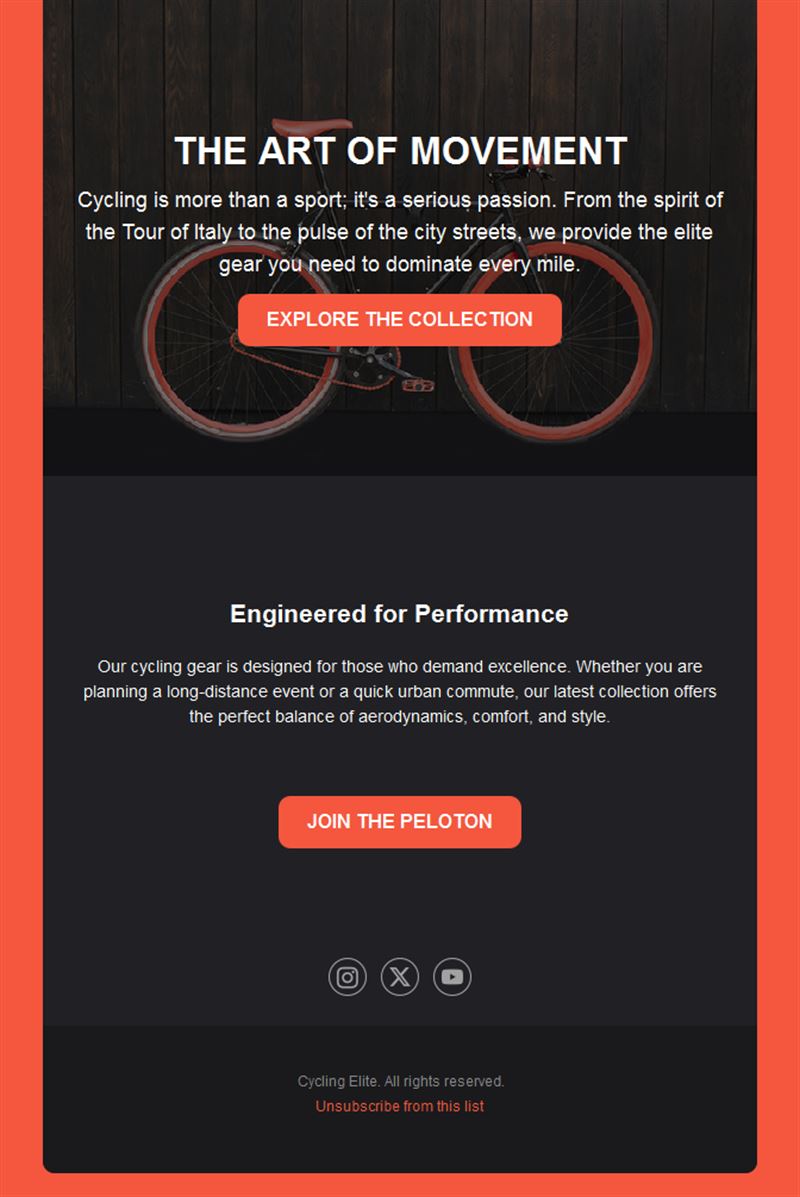
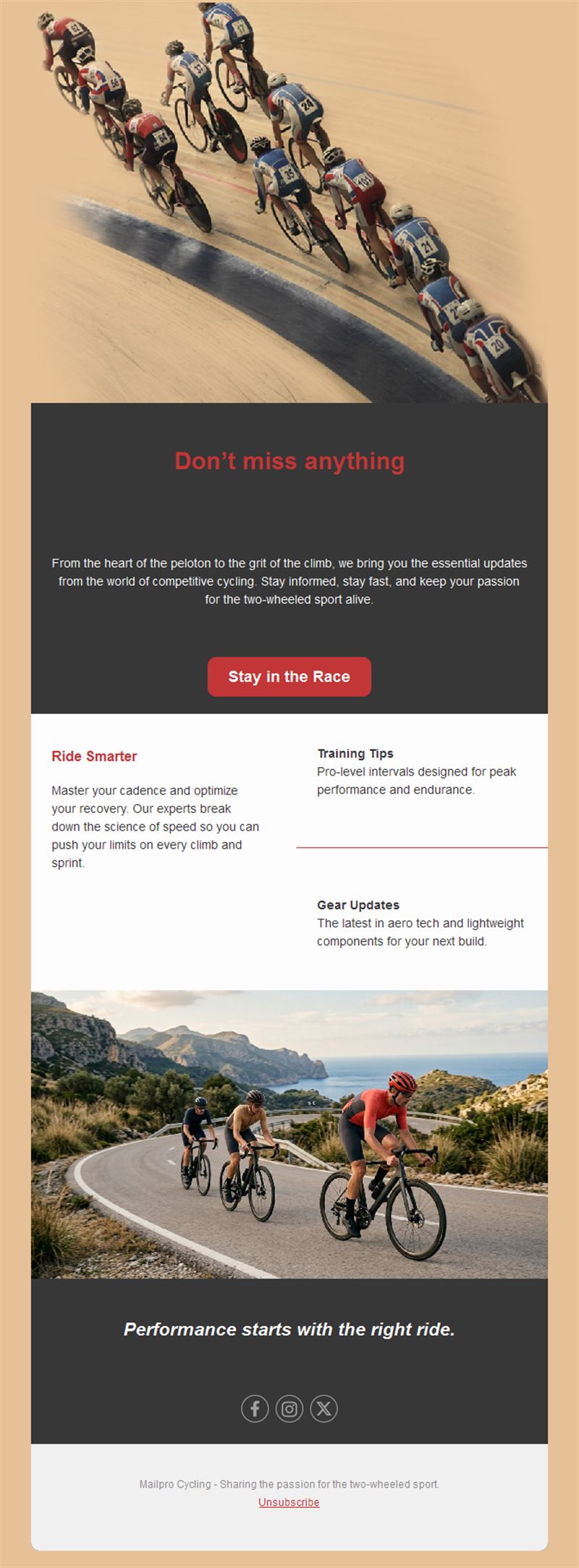
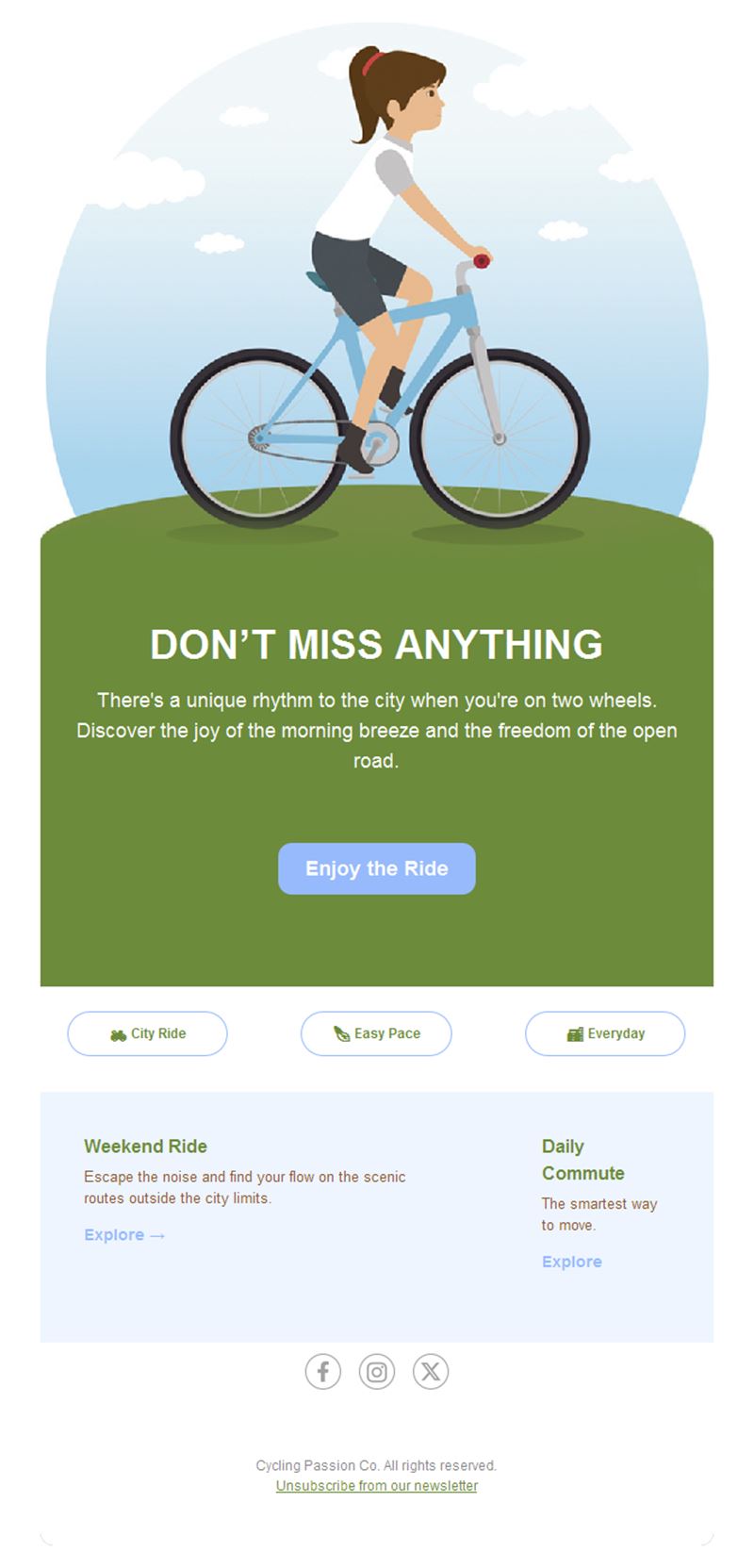
Life is better on two wheels — and better organized by email. Pick a ready-made cycling email template, customize it in minutes, and send with Mailpro™.
Why use Cycling email templates?
Group rides, sportives, service season, new gear: cycling communities and bike businesses have a packed calendar. A weekly email keeps riders rolling together and workshops booked solid.
- Ride coordination: routes, meeting points, and weather calls in one send.
- Event registrations: sportives and races filled with deadline pushes.
- Shop & service revenue: tune-up seasons and gear launches to riders who need them.
- Ride-worthy design: road, gravel, and MTB imagery at full width.
What can cycling organizations send?
1) Group rides
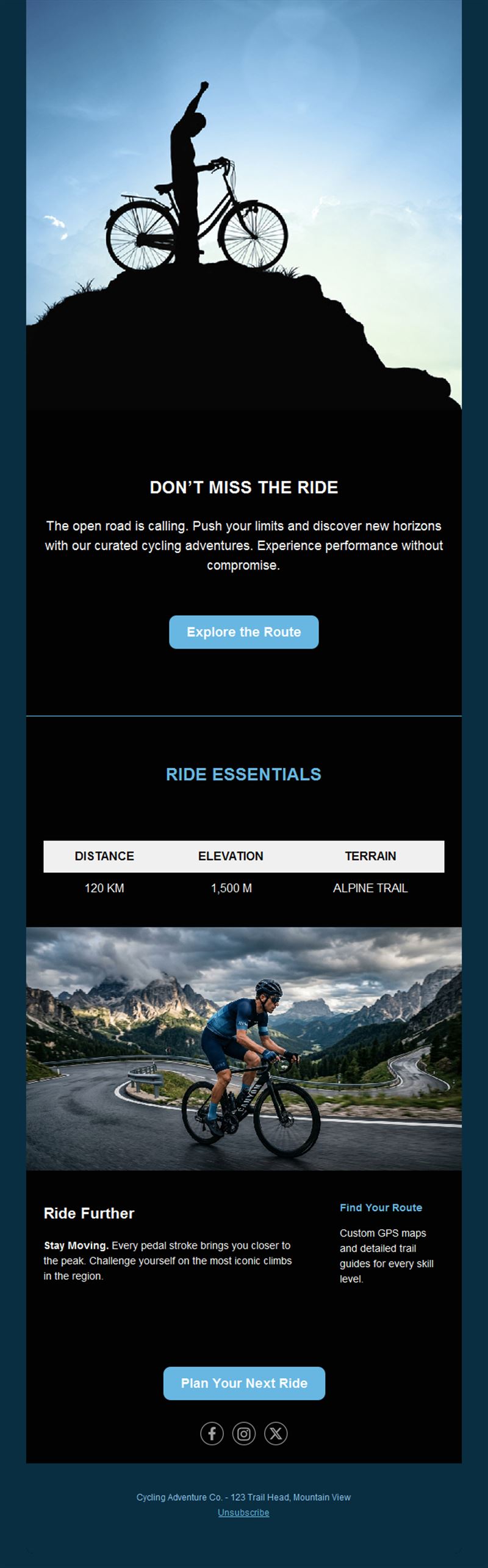
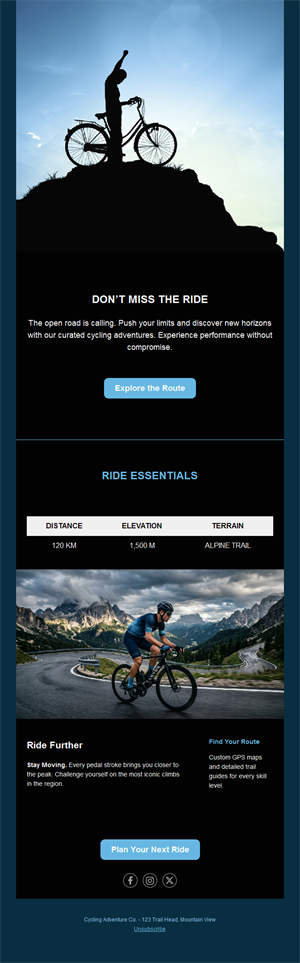
Weekly routes with distance, pace groups, and coffee stops.
2) Races & sportives
Registration launches, route reveals, and rider guides.
3) Service campaigns
Spring tune-ups and winter overhauls with booking buttons.
4) Gear & new arrivals
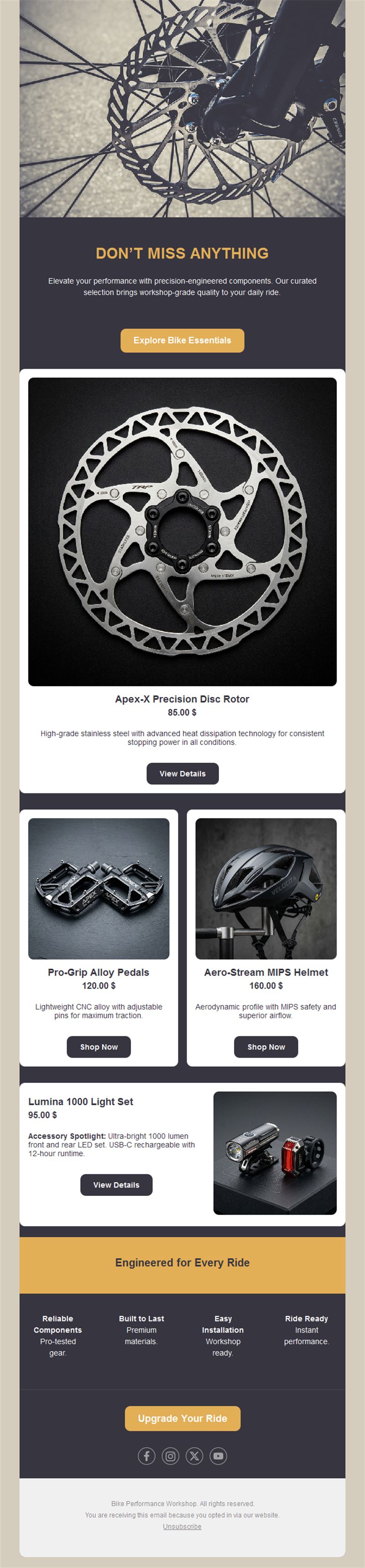
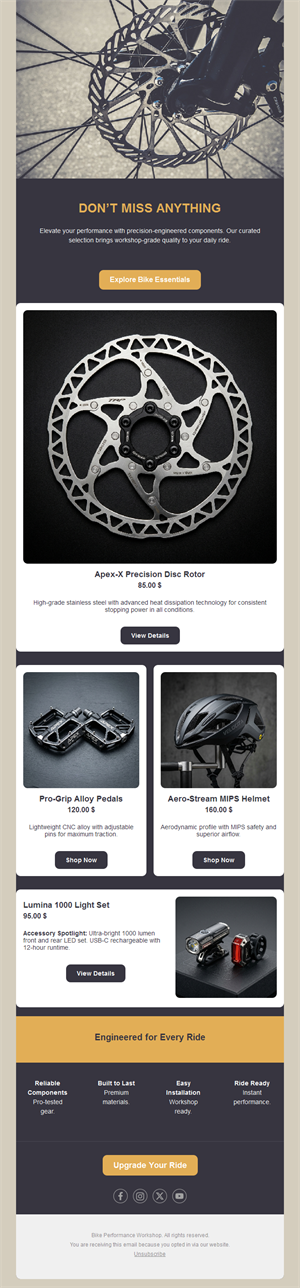
Bikes, components, and kit drops for upgrade season.
5) Club news
Kit orders, membership renewals, and advocacy updates.
What's inside each template?
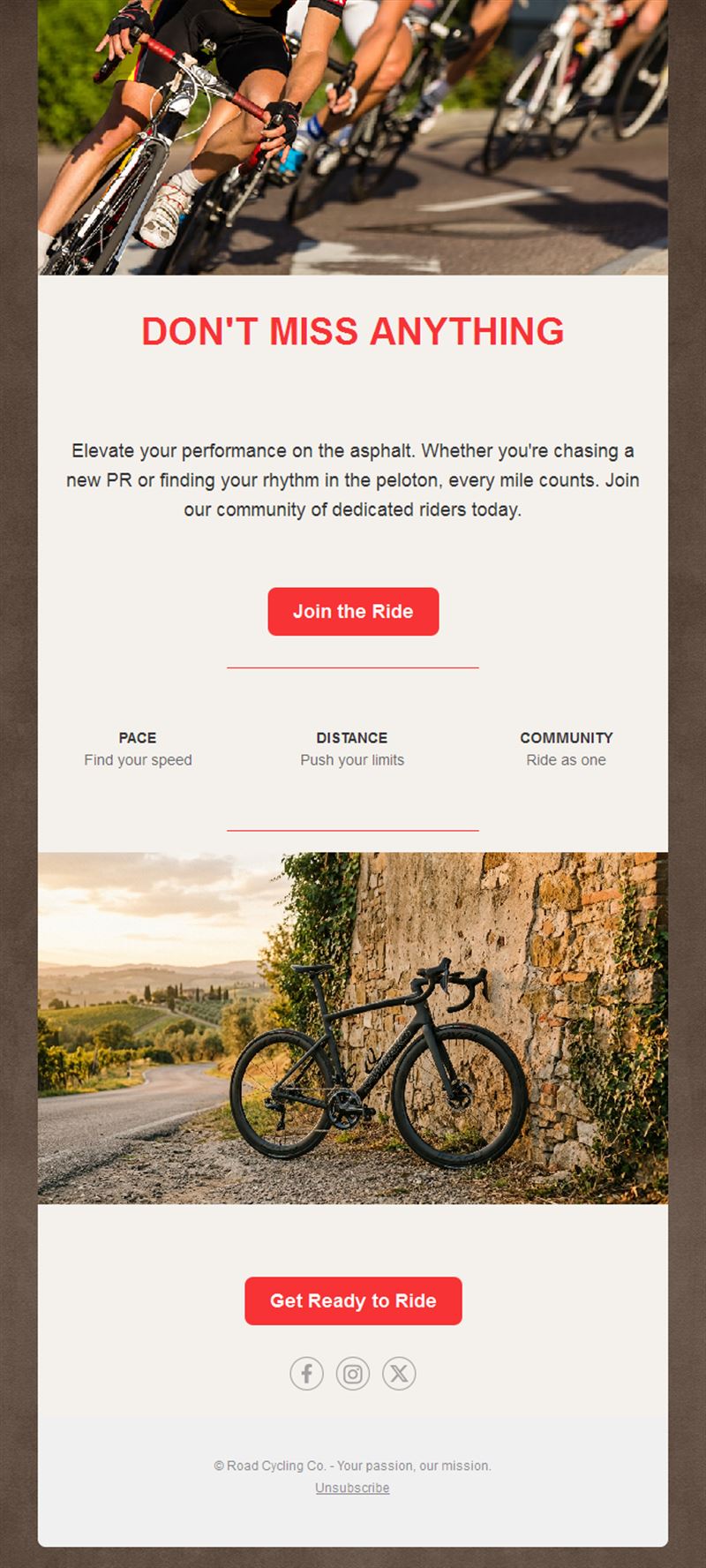
- Hero with ride photography.
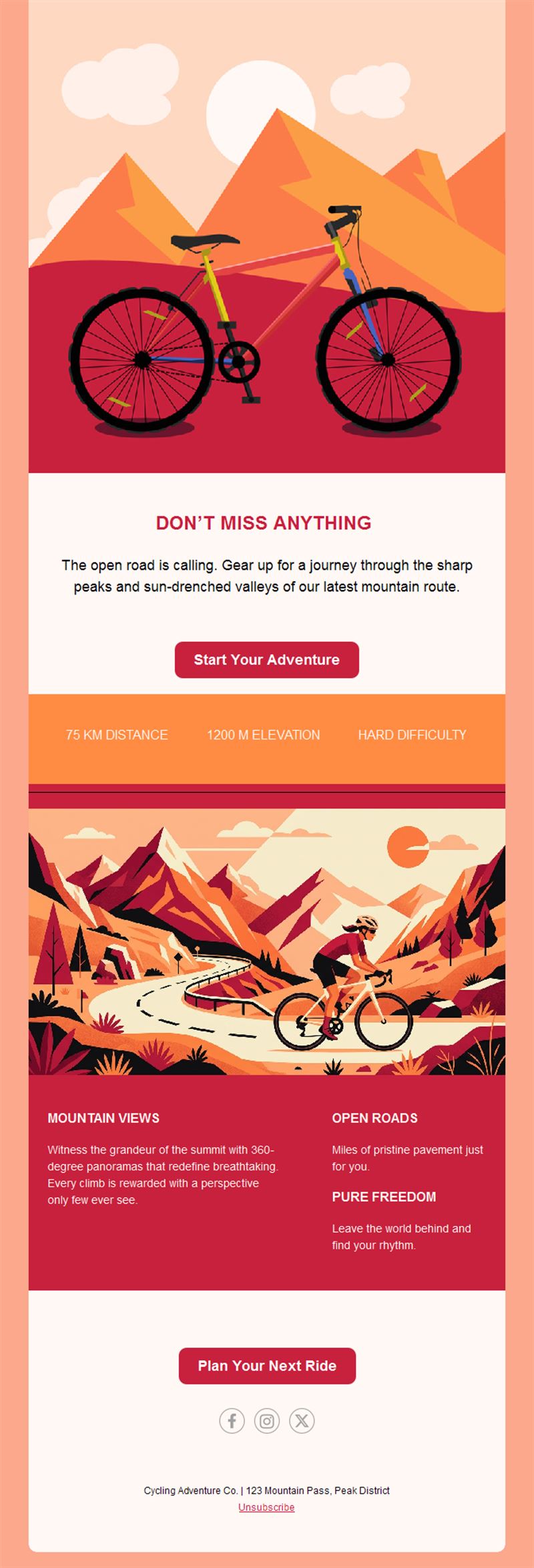
- Ride block with route and meeting details.
- Event registration section.
- Shop offer block.
- Social links and an easy unsubscribe footer.
How to customize your Cycling email in Mailpro™
- Pick a template: Open Templates and choose a Cycling design.
- Edit copy & images: Real rides and real roads; route links riders can save.
- Add a countdown (optional): Count down to registration deadlines and event days. See how the countdown works.
- Segment your audience: Road, MTB, and casual riders want different content. Learn segmentation.
- Schedule the send: Ride announcements midweek; service pushes at season turns. Schedule email campaigns.
- Track results: Monitor opens, clicks, and conversions. View email statistics.
- Automate follow-ups: Automate service reminders by last-visit date. Set up autoresponders.
Subject line & CTA ideas
Subject lines
- Sunday ride: 60km with a café finish 🚴
- Registration open: the Autumn Sportive
- Spring tune-up slots are filling
- New arrivals: this season’s gravel bikes
- Kit order closes Friday
CTA ideas
- Join the Ride
- Register for the Race
- Book My Service
- See the New Bikes
Best practices for Cycling campaigns
- Midweek ride emails: riders plan weekends by Thursday.
- Season service pushes: spring and autumn tune-up campaigns fill workshops.
- Route links included: GPX downloads make joining effortless.
- Pace-group clarity: no-drop promises grow beginner turnout.
- Weather-call fast: same-morning ride updates respect riders’ time.
FAQ: Cycling email templates
How do shops fill service season?
Tune-up campaigns at season turns plus automated reminders based on last service date.
What fills sportives?
A launch email, early-bird deadline, and route-reveal tease — with one-click registration throughout.
What makes ride emails work?
Route, distance, pace groups, meeting point, and coffee plan — everything a rider needs to commit.
Can we segment rider types?
Yes — road, gravel, MTB, and beginner segments keep every send relevant.
Get started
Shift your communication into the big ring: pick a cycling email template and lead the ride.