Father's Day Email Templates
Adapt for Unlimited Possibilities
Father's Day
Father's Day
Father's Day
Father's Day
Father's Day
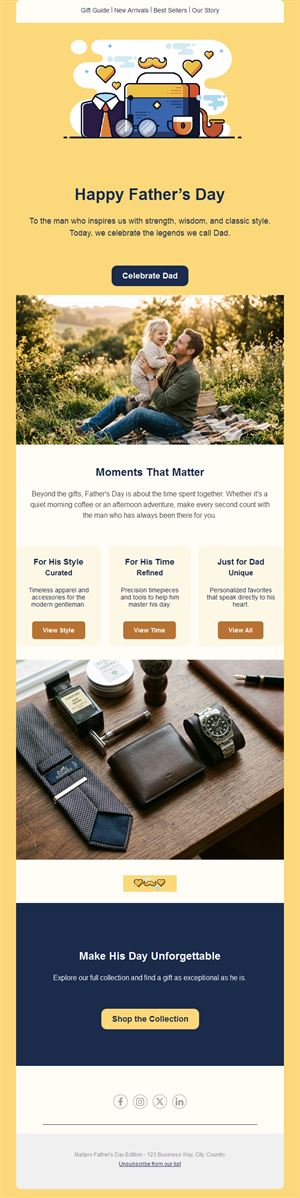
Father's Day
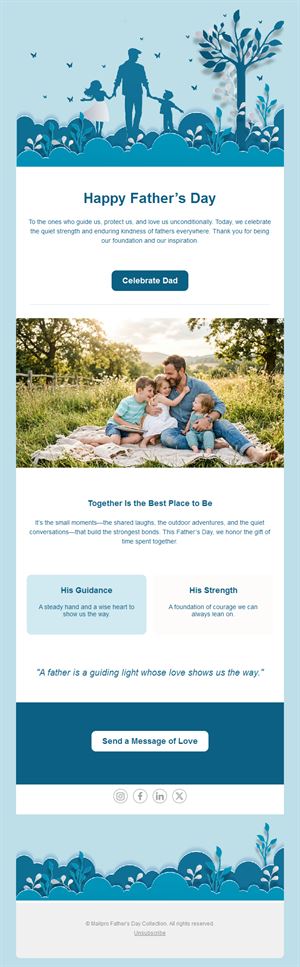
Father's Day
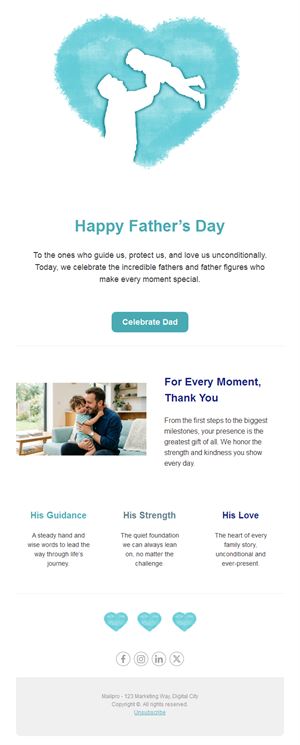
Father's Day
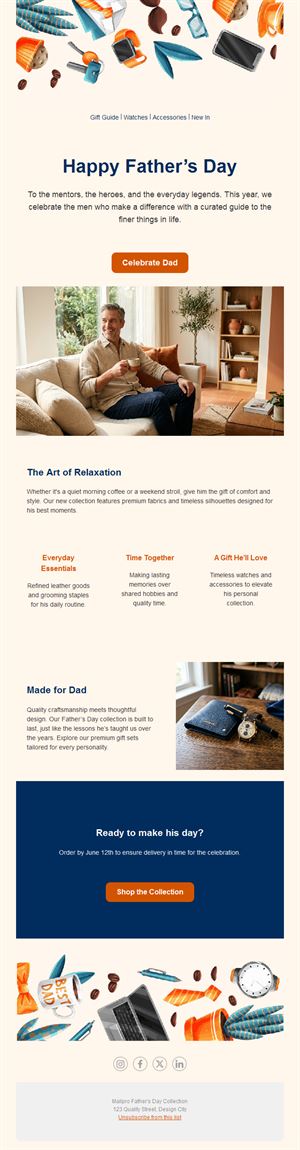
Father's Day
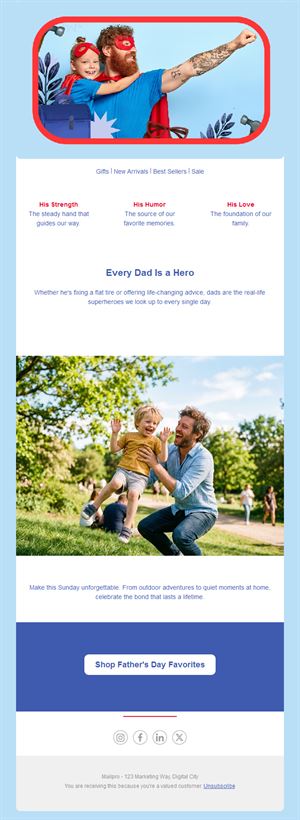
Father's Day
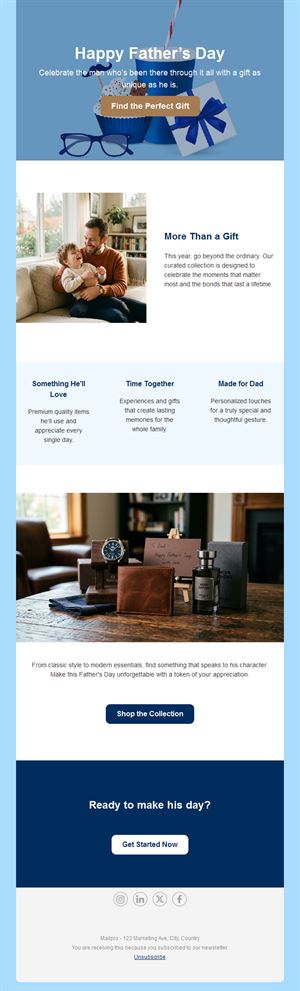
Father's Day
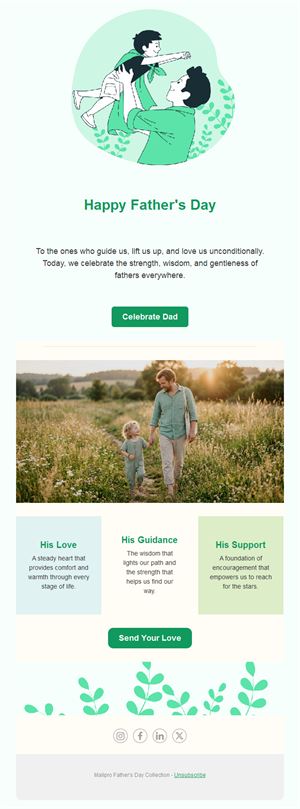
Father's Day
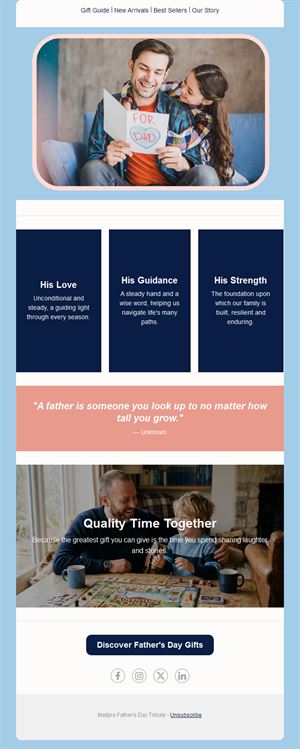
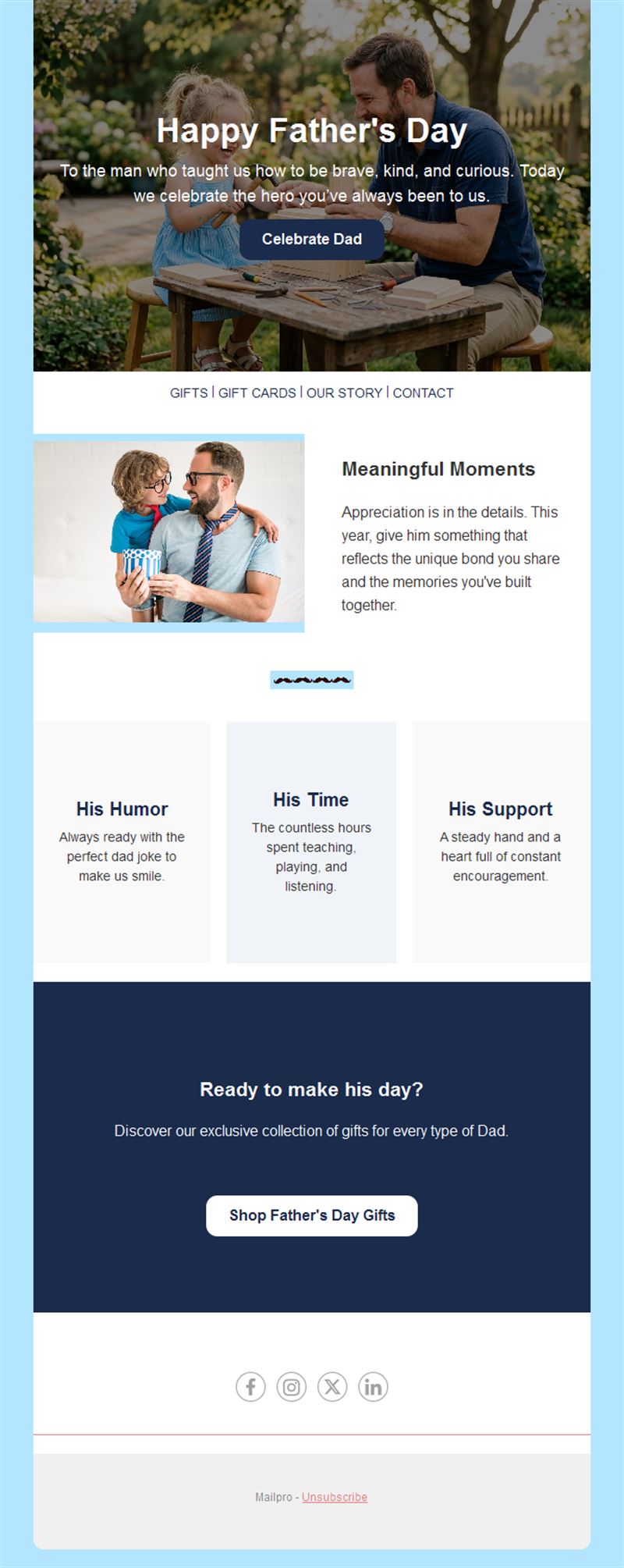
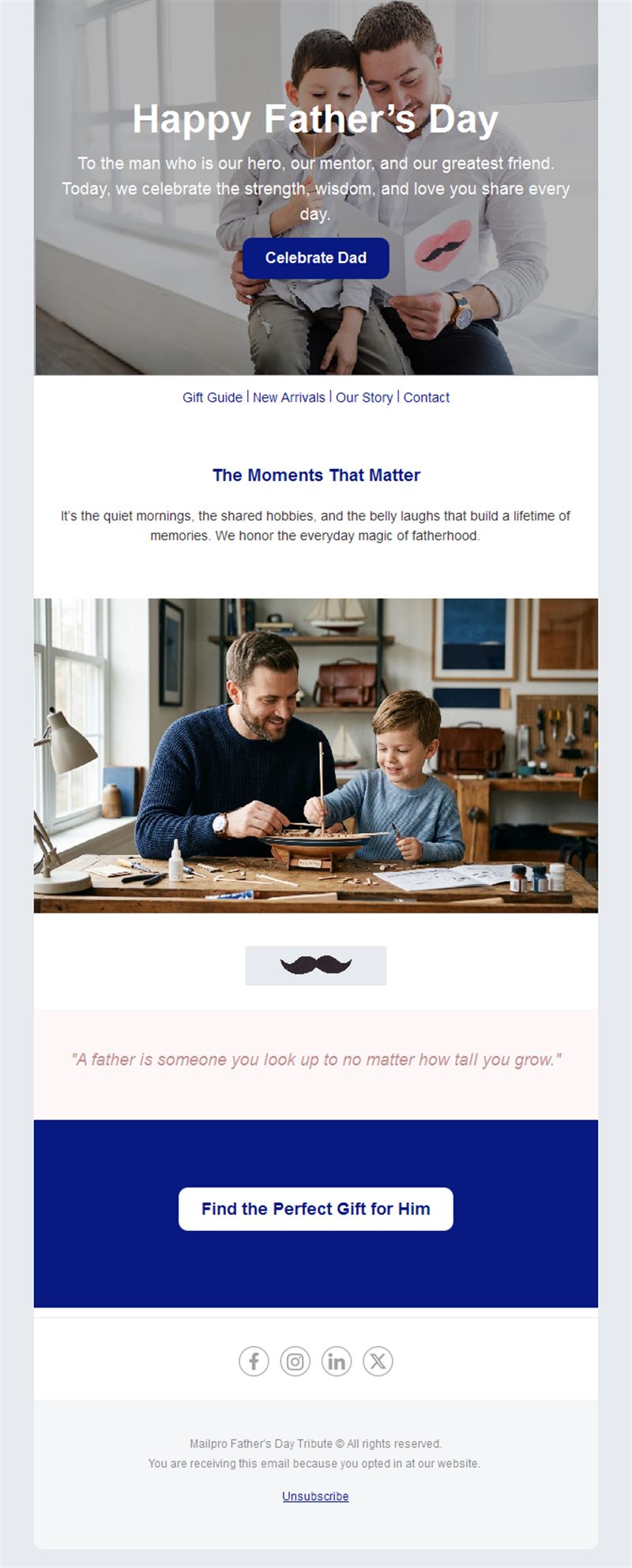
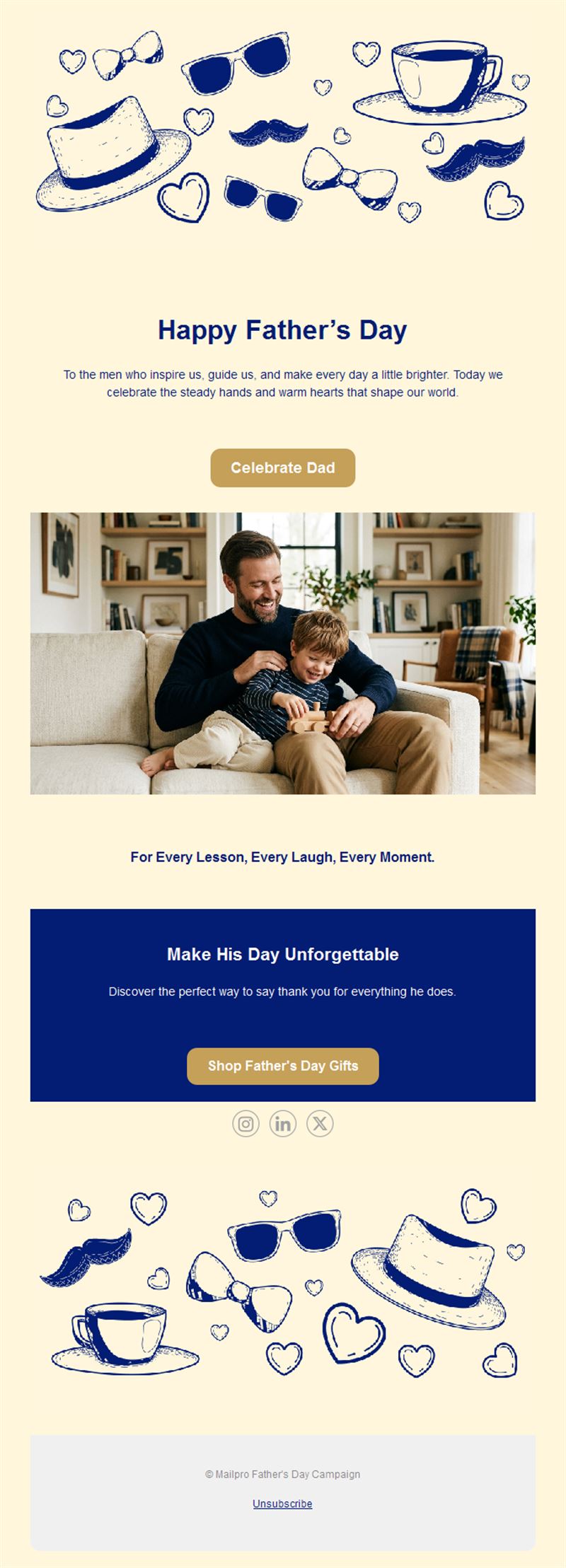
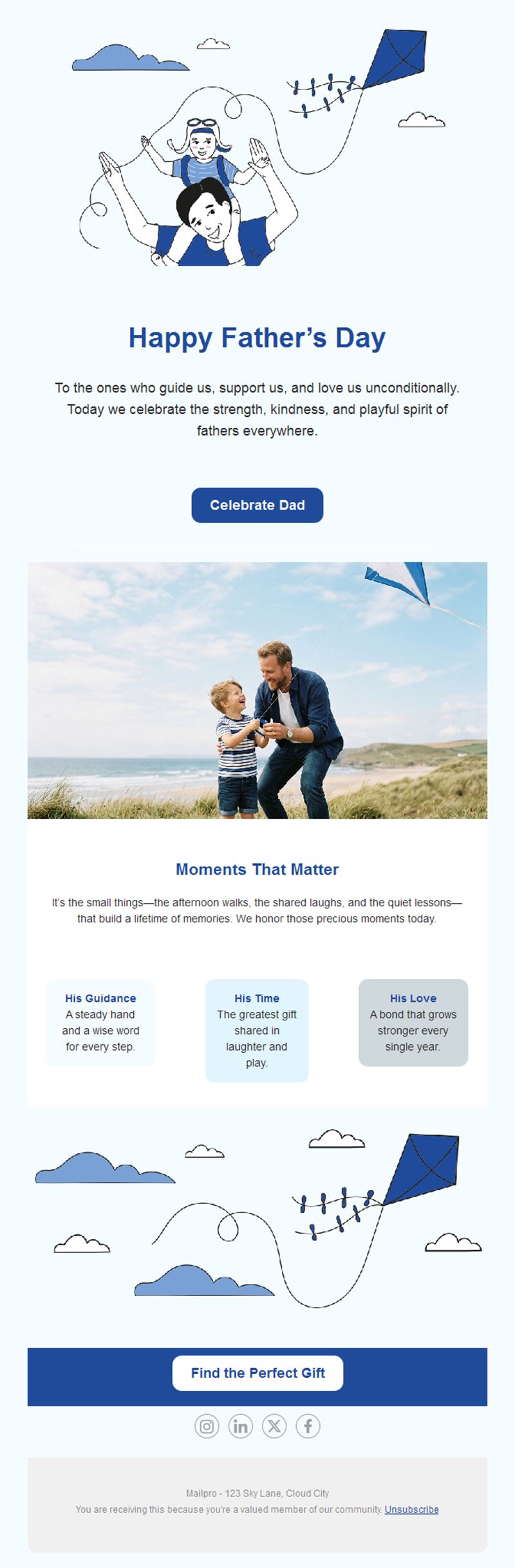
Help your subscribers find the perfect way to celebrate dad. Pick a ready-made Father's Day email template, customize it in minutes, and send with Mailpro™.
Why use Father's Day email templates?
Father's Day shoppers are famously last-minute — and that's exactly why email wins. A well-timed gift guide or offer lands right when people are searching for ideas, and a warm greeting keeps your brand close to the family moment.
- Last-minute magic: most Father’s Day purchases happen in the final week — email reaches buyers exactly then.
- Gift-guide format: curated picks by budget or personality make deciding easy.
- Any industry fits: tools, fashion, restaurants, experiences, subscriptions — every dad is different.
- Ready in minutes: swap products and prices into a proven layout.
What can you send for Father's Day?
1) Gift guides
“Gifts for every kind of dad” — grillmasters, tinkerers, sports fans — sorted by budget with direct buy buttons.
2) Special offers
A themed discount or free gift-wrapping with a clear order-by date for delivery before the big day.
3) Restaurant & brunch bookings
Father’s Day lunch menus and family table reservations.
4) Experience gifts
Workshops, tastings, sports events, and gift cards for the dad who has everything.
5) Warm greetings
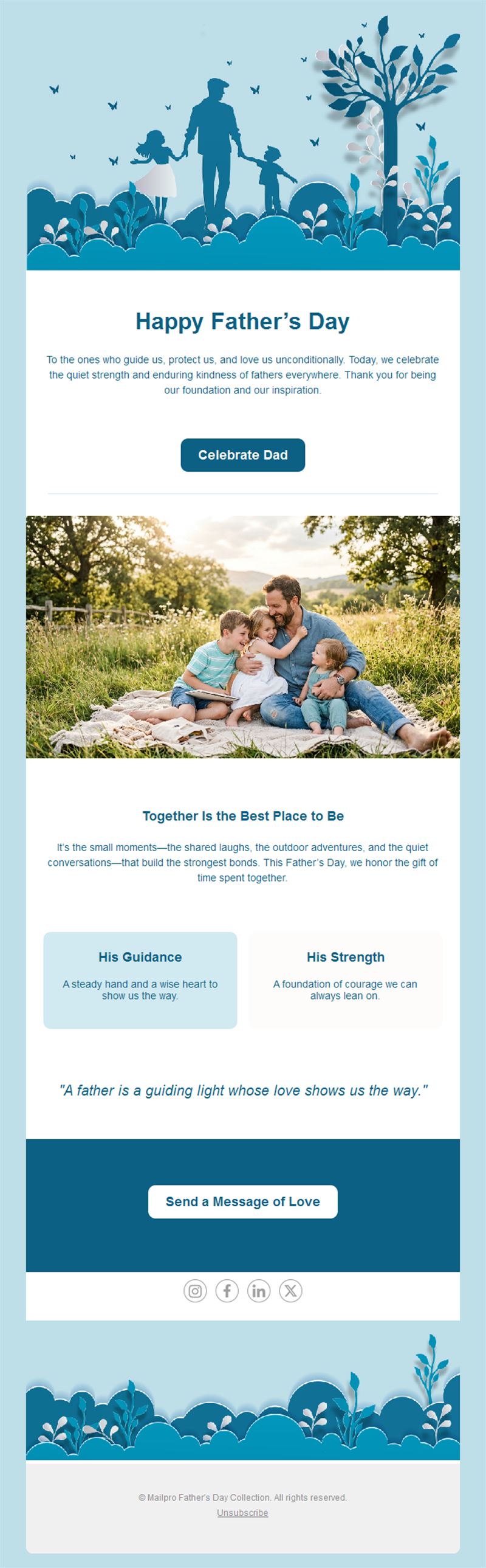
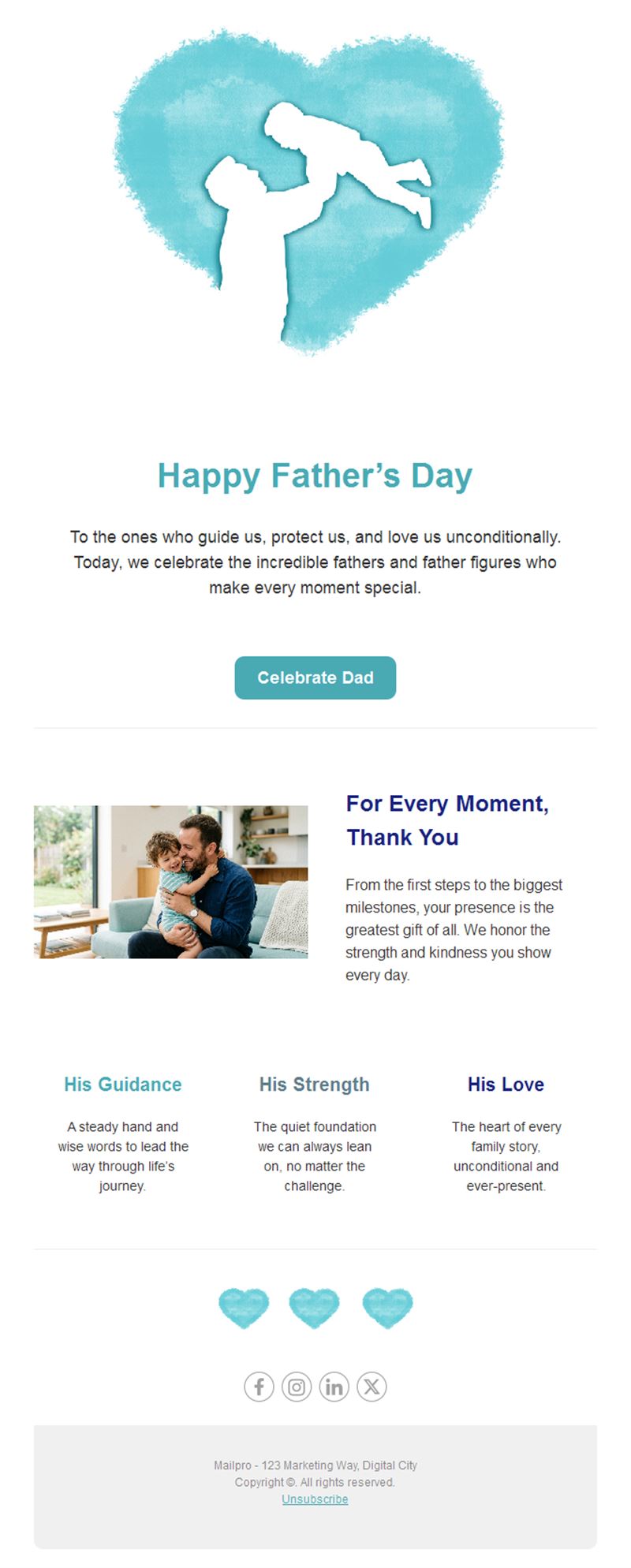
A simple “Happy Father’s Day” message — goodwill that costs nothing and gets remembered.
What's inside each template?
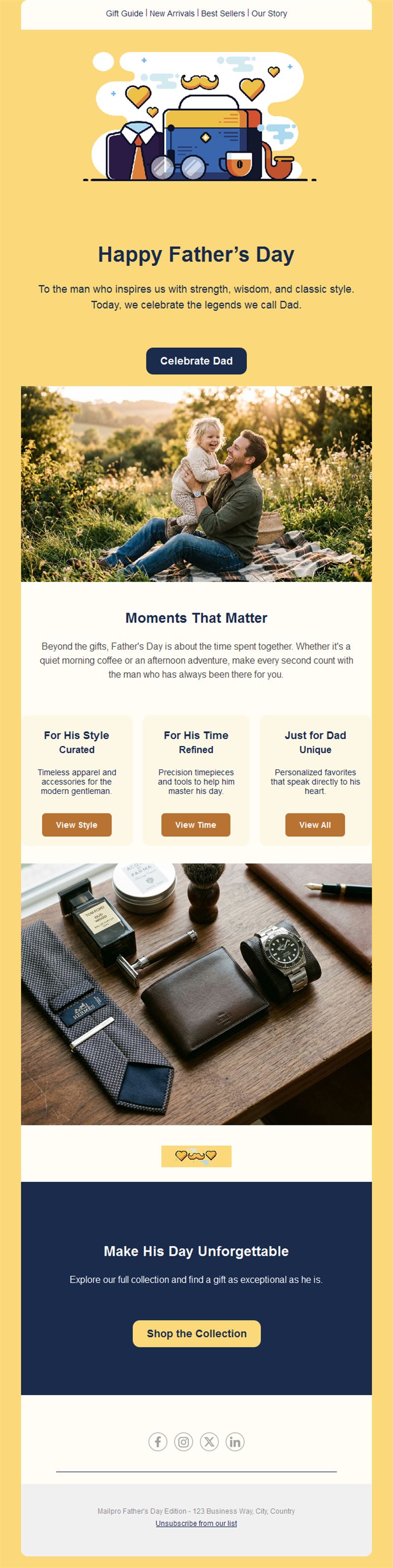
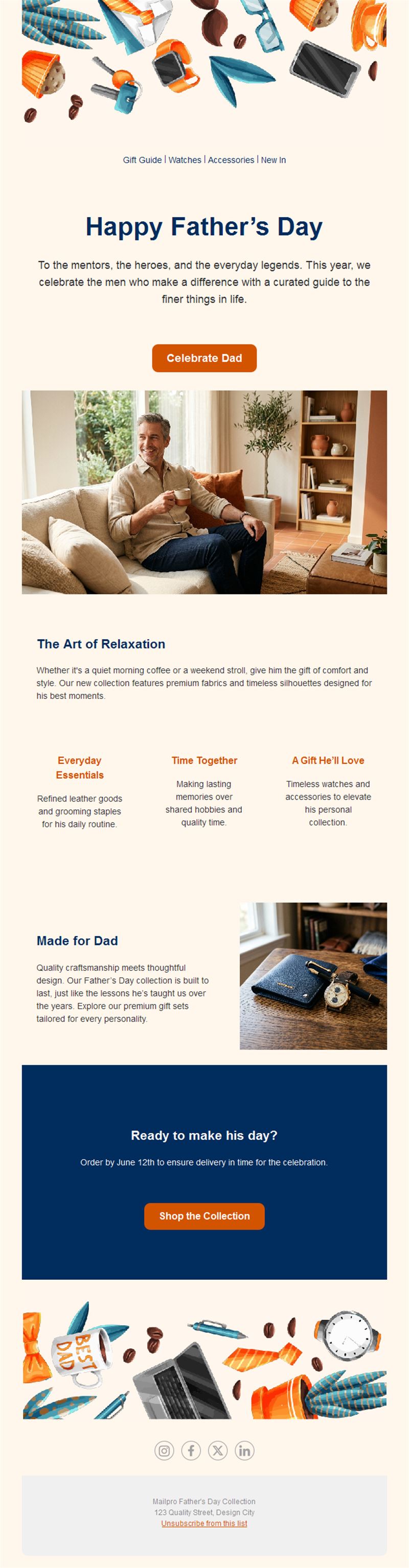
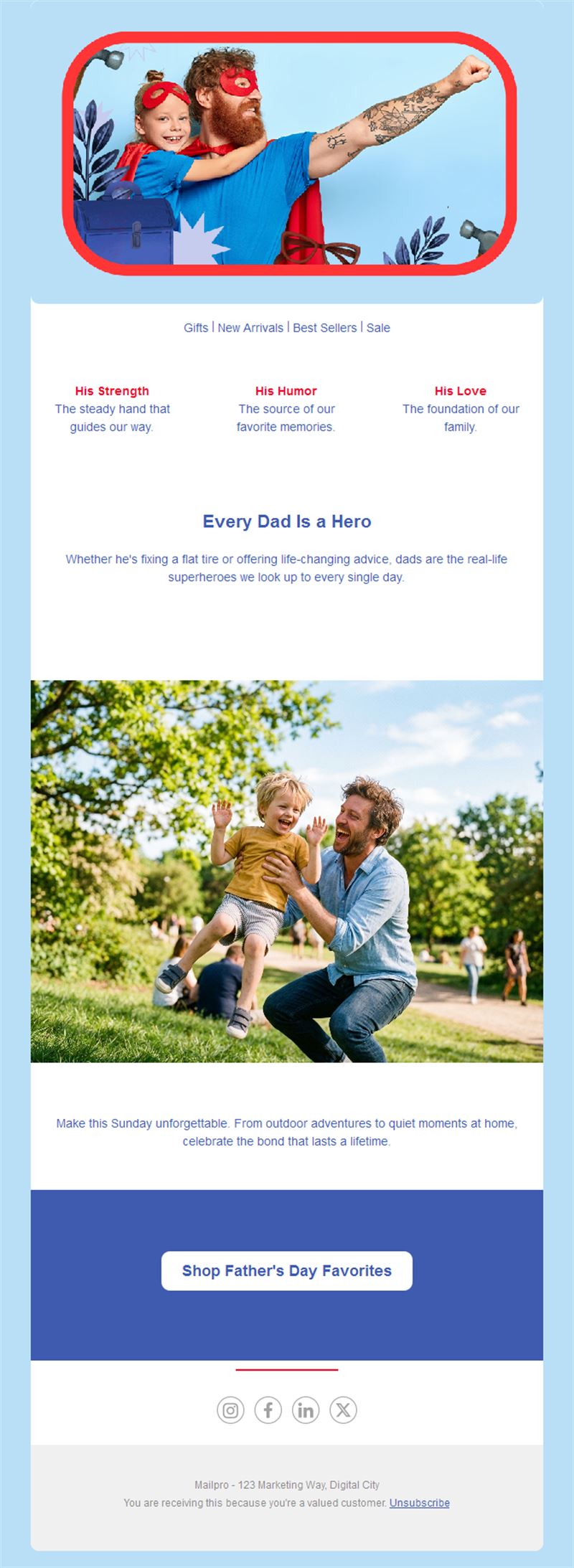
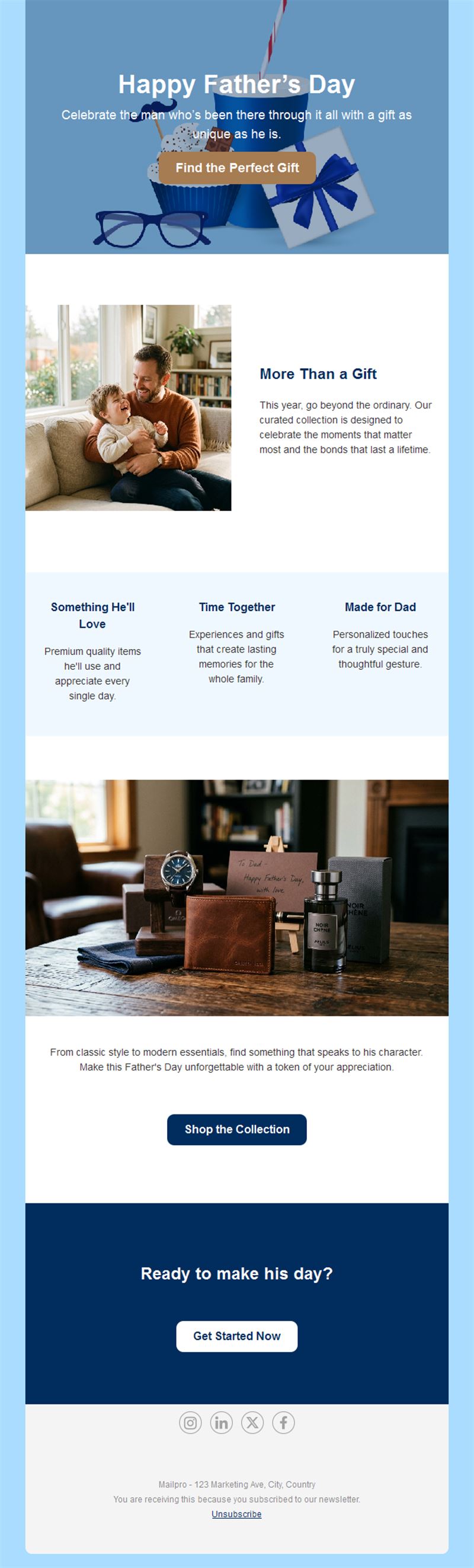
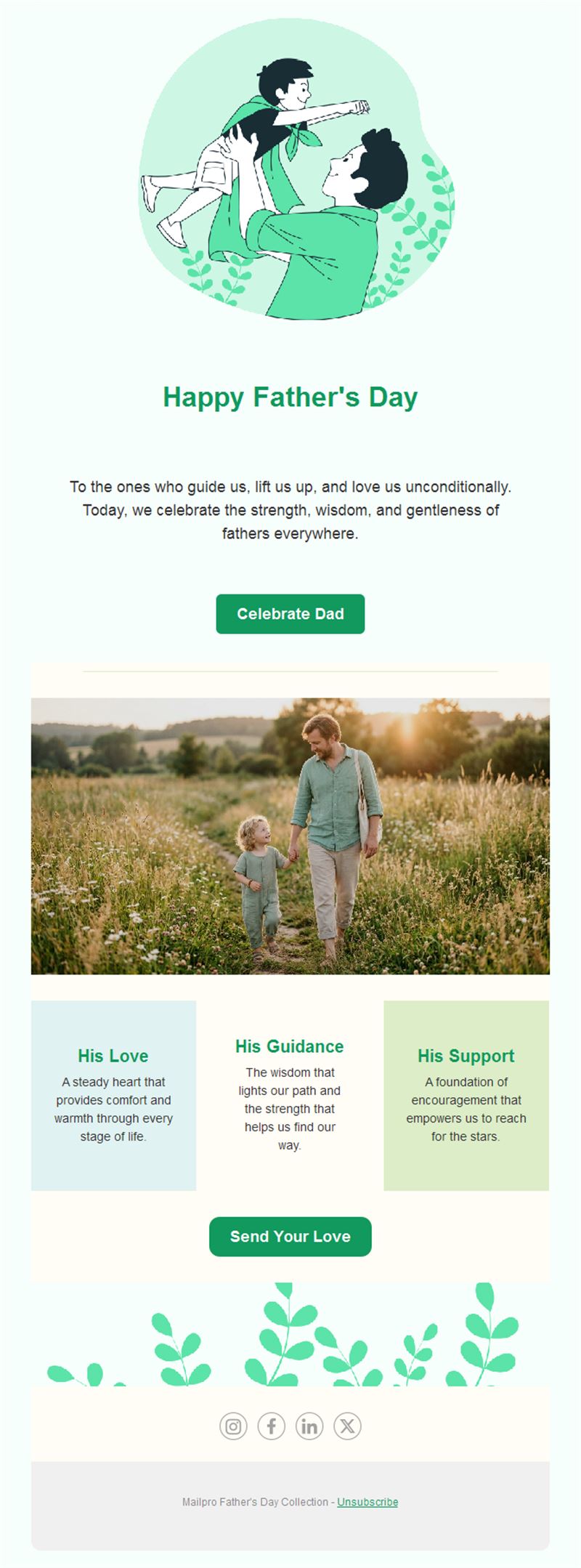
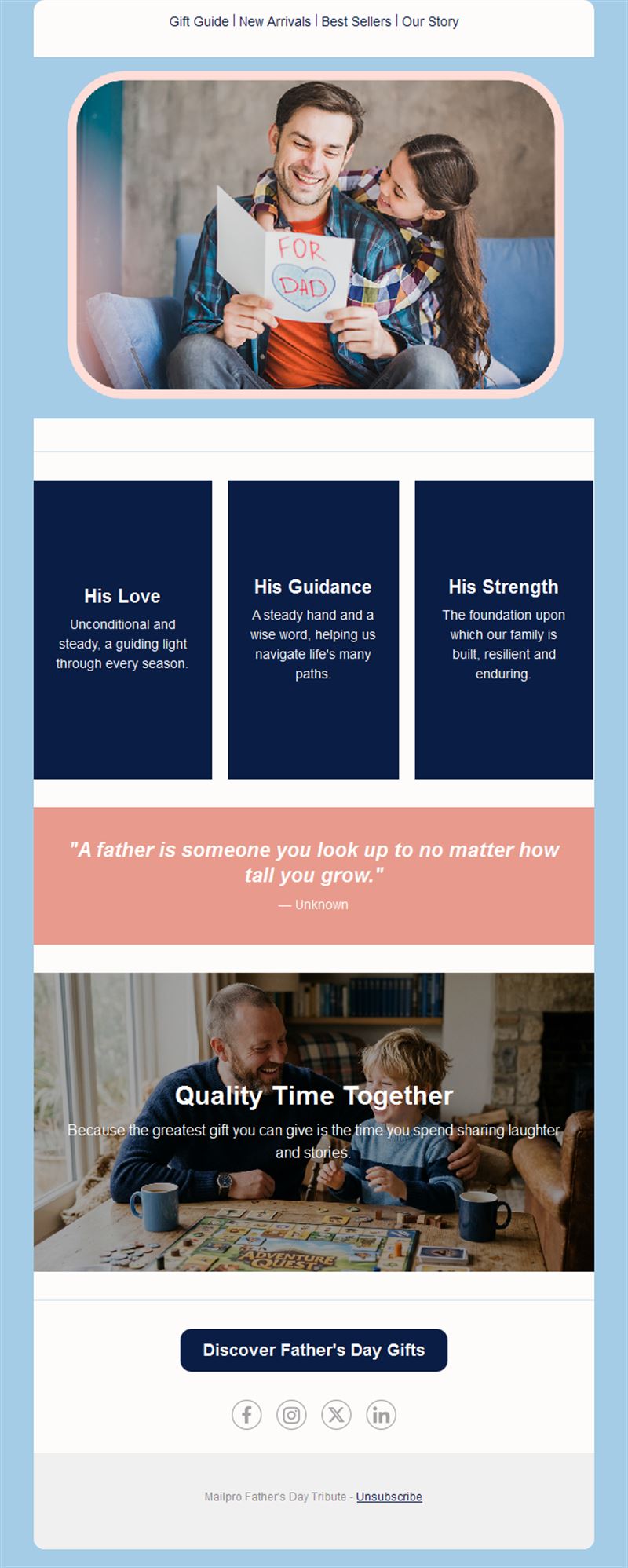
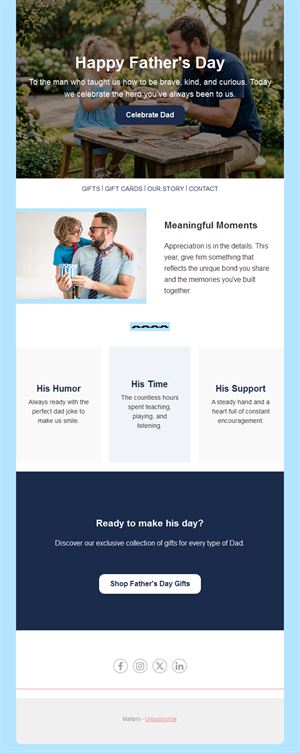
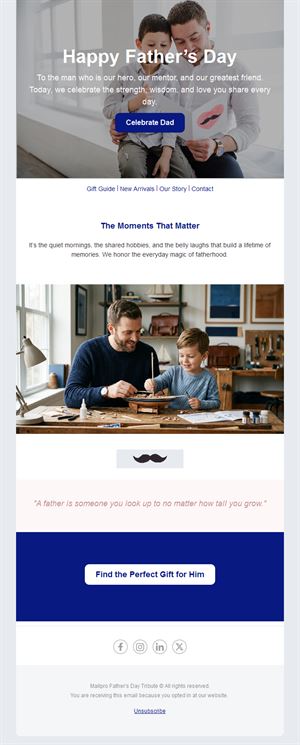
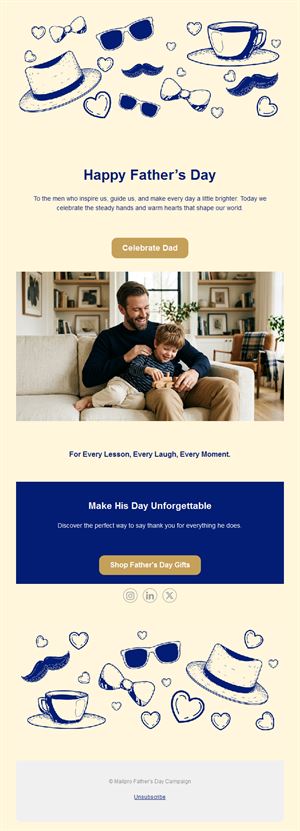
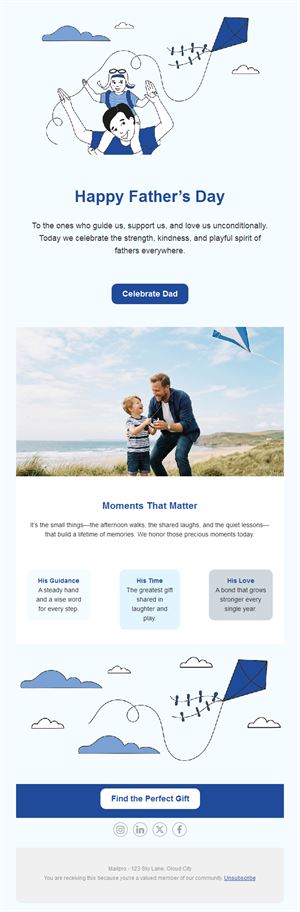
- Hero section with a warm visual and headline.
- Gift-guide grid with products, prices, and buy buttons.
- Offer block with order-by deadline.
- Optional countdown to Father’s Day.
- Social links and an easy unsubscribe footer.
How to customize your Father's Day email in Mailpro™
- Pick a template: Open Templates and choose a Father's Day design.
- Edit copy & images: Drop in your gift picks with prices; use alt text like “leather wallet gift box”.
- Add a countdown (optional): Count down to the order-by deadline for guaranteed delivery. See how the countdown works.
- Segment your audience: Past gift buyers get the guide; local subscribers get the brunch invitation. Learn segmentation.
- Schedule the send: Two weeks out for the guide, final days for last-minute and gift cards. Schedule email campaigns.
- Track results: Monitor opens, clicks, and conversions. View email statistics.
- Automate follow-ups: An automatic last-call for non-openers 3 days before. Set up autoresponders.
Subject line & CTA ideas
Subject lines
- The Father’s Day gift guide is here 🎁
- Dad-approved gifts, sorted by budget
- Order by Thursday — delivered for Dad’s day
- Brunch with Dad? Book your table
- Forgot a gift? Instant gift cards inside
CTA ideas
- Shop the Gift Guide
- Book the Family Table
- Send a Gift Card
- Find Dad’s Gift
Best practices for Father's Day campaigns
- Two-wave send: gift guide ~2 weeks ahead, last-minute reminder in the final days.
- Sort by persona or budget: “under $30 / $50 / $100” makes choices fast.
- State the shipping deadline: the order-by date is your strongest urgency lever.
- Offer gift cards: the ultimate last-minute save — feature them in the final send.
- Keep it warm: a human tone outperforms a pure discount push on family occasions.
FAQ: Father's Day email templates
When should I send Father's Day emails?
Send the gift guide about two weeks before, a shipping-deadline reminder a few days out, and a gift-card email in the final 48 hours.
What converts best?
Curated gift guides sorted by budget, with clear order-by dates. Gift cards capture the last-minute wave.
Can I personalize the templates?
Yes — all images, texts, prices, colors, and links are editable in Mailpro’s drag-and-drop builder.
How do I measure success?
Track opens, clicks, and revenue per send in Mailpro statistics; compare the guide vs. the last-minute reminder.
Get started
Make dad's day — and your sales month: pick a Father's Day email template and start sending.