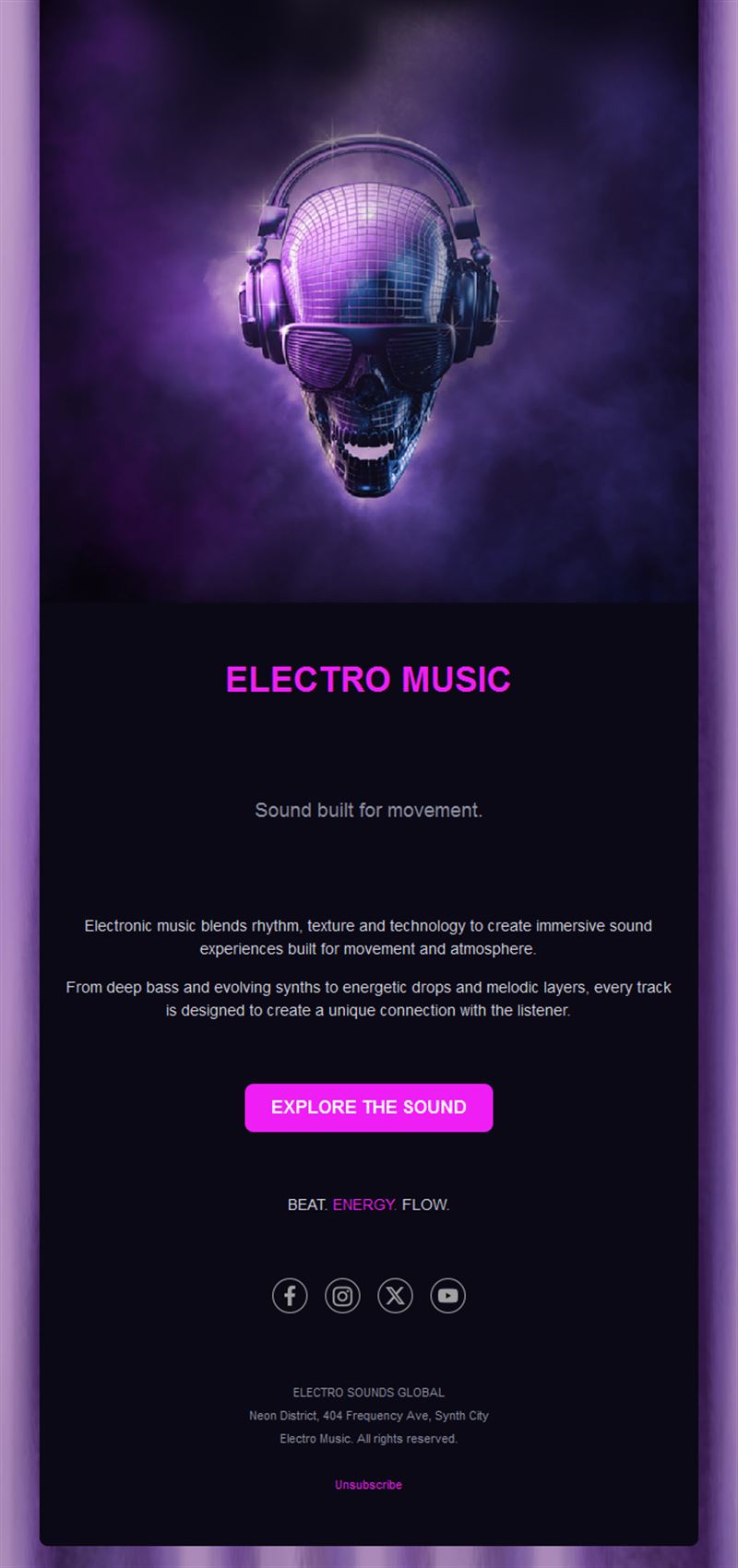
Music Email Templates
Adapt for Unlimited Possibilities
Music
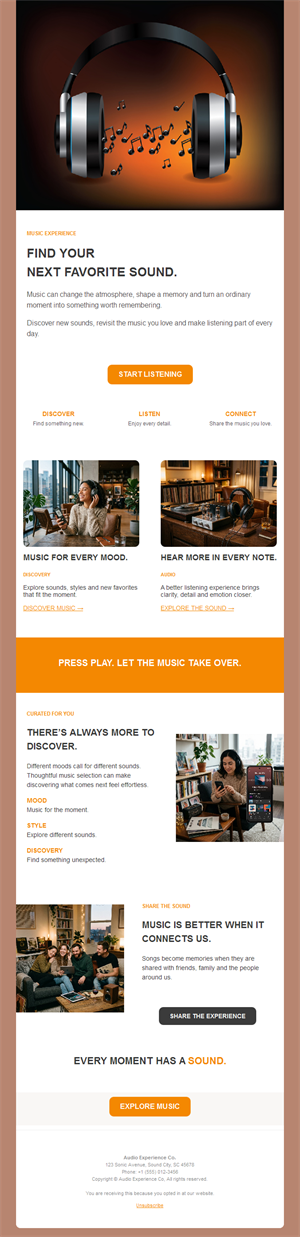
Music

Music
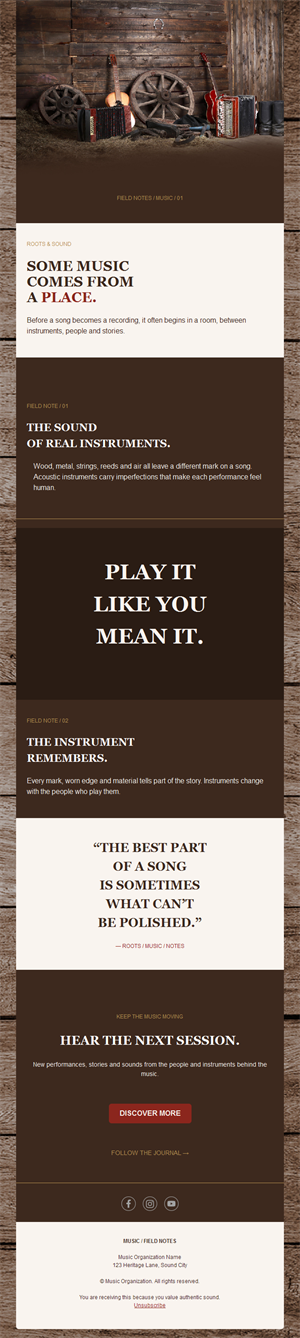
Music
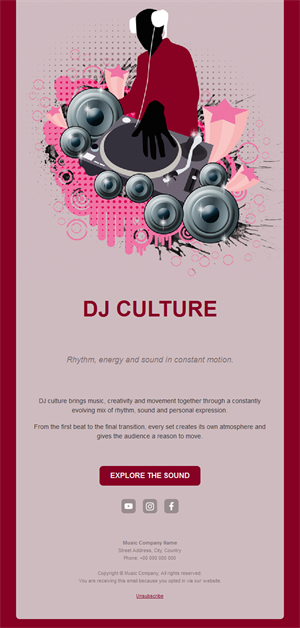
Music
Music
Music
Music
Music
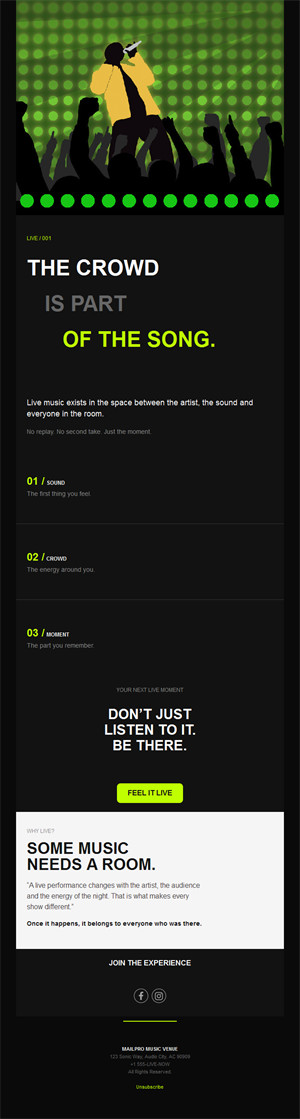
Music
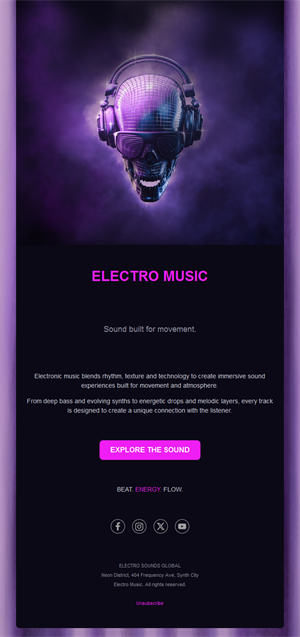
Your fans want to hear from you — literally. Pick a ready-made music email template, customize it in minutes, and send with Mailpro™.
Why use Music email templates?
Algorithms hide posts; email lands. For artists, venues, labels, and music schools, a fan newsletter is the one channel you own — where a release, a tour date, or a class announcement reaches everyone who said yes.
- Own your audience: no algorithm between you and the fans.
- Release-day power: streams and sales spike when the list hears first.
- Ticket-selling machine: tour and gig announcements straight to buyers.
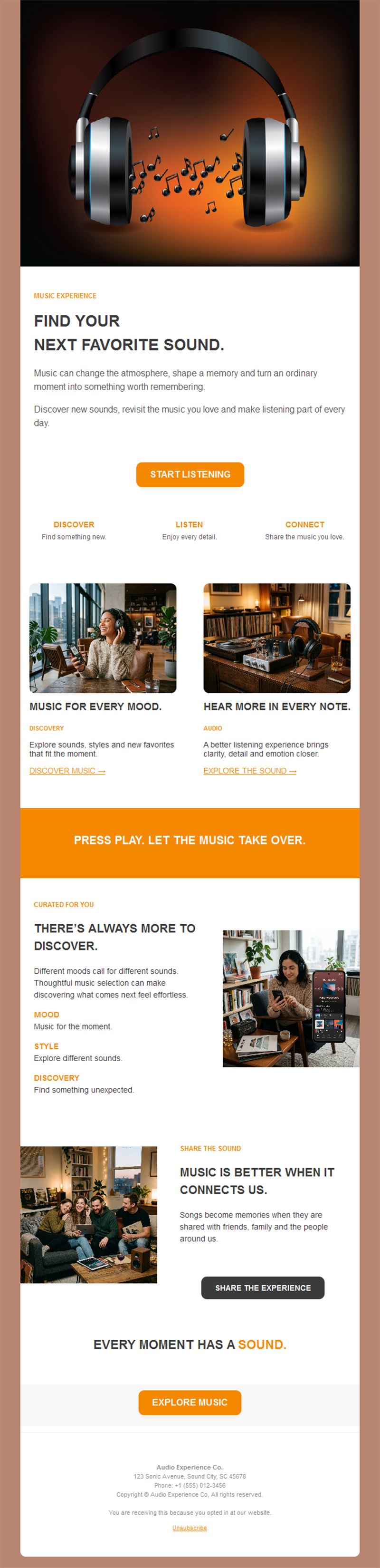
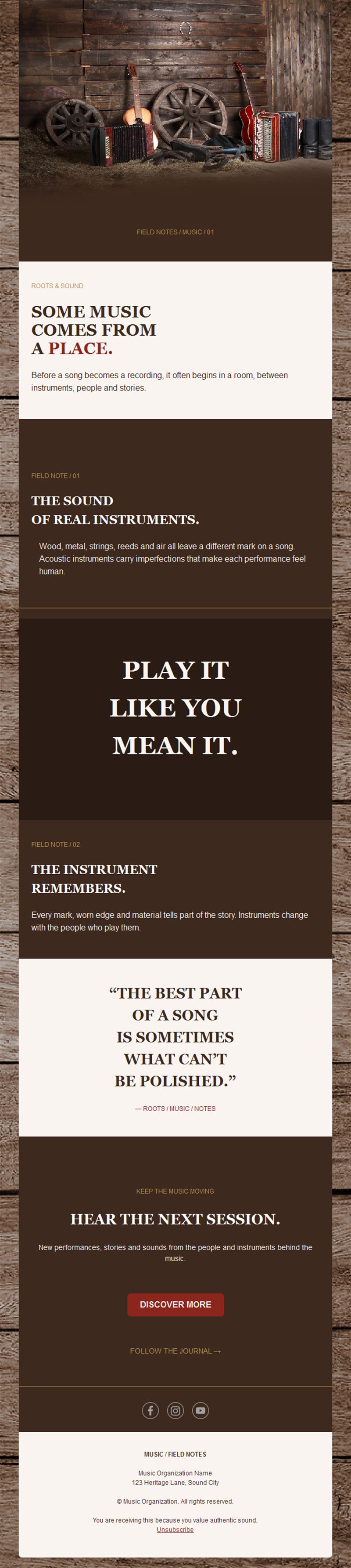
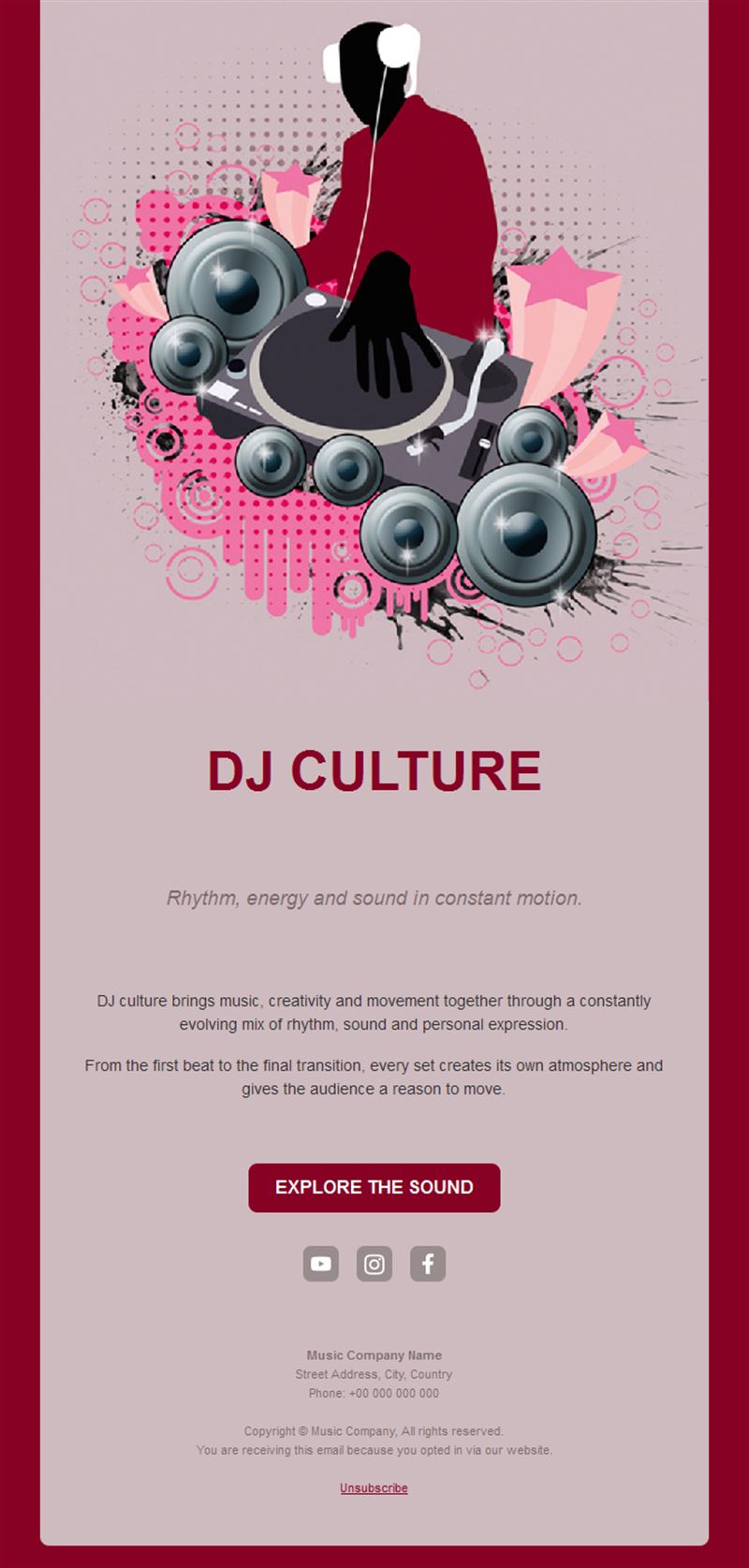
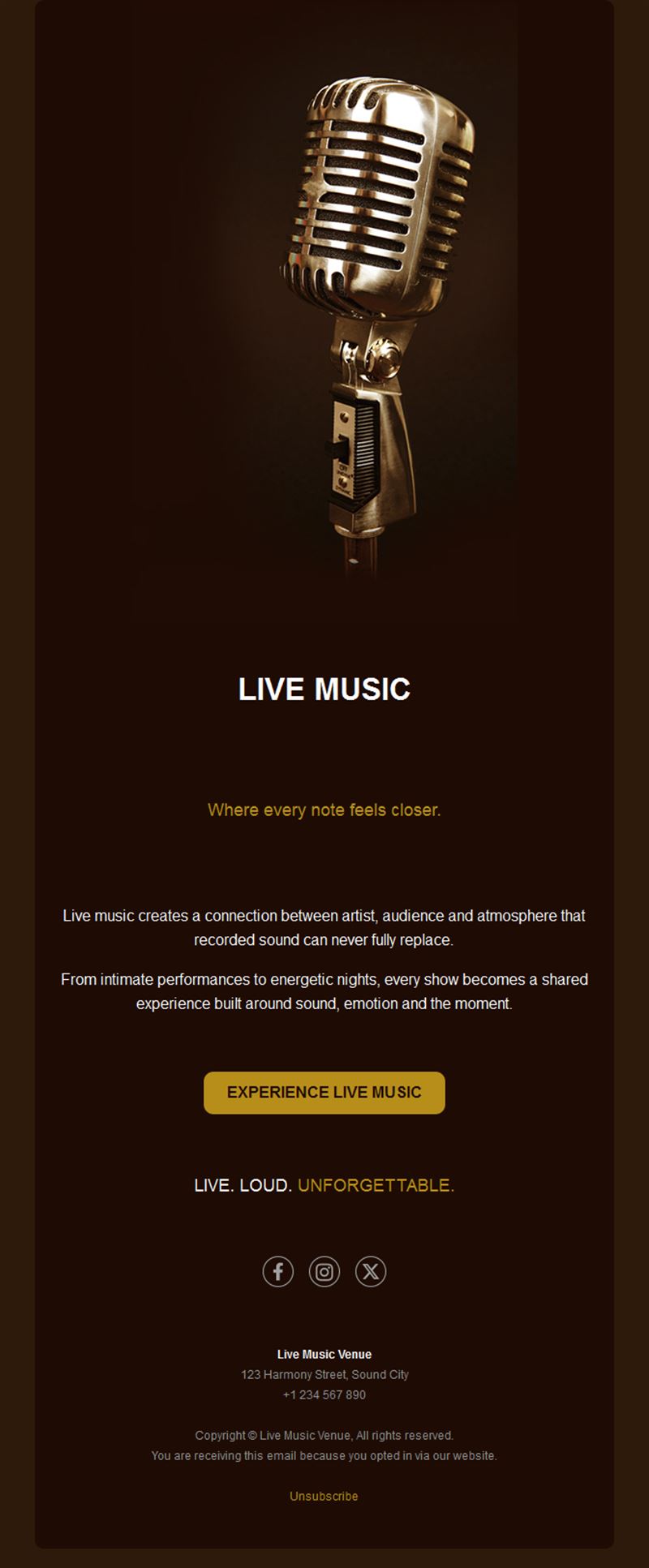
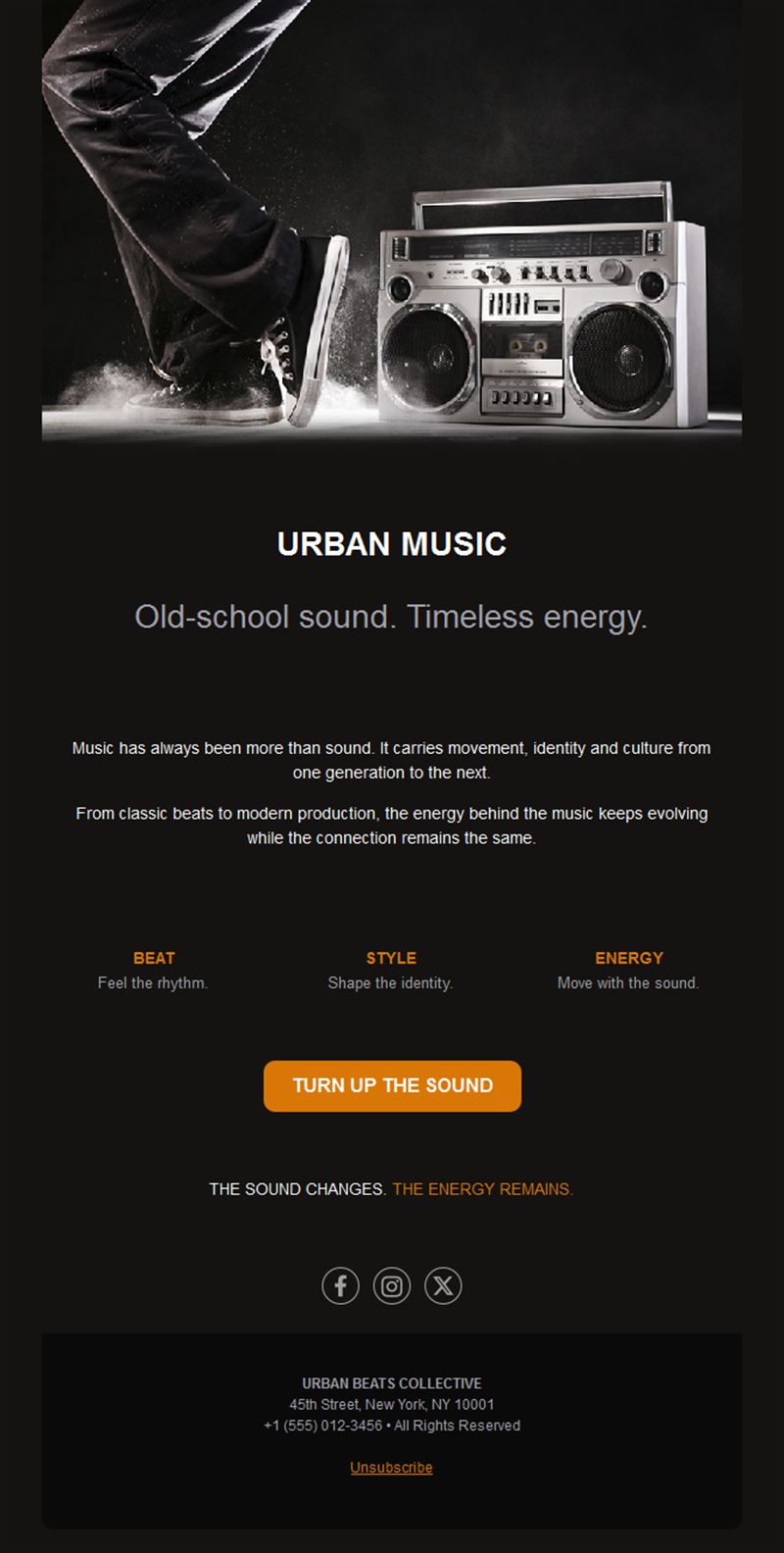
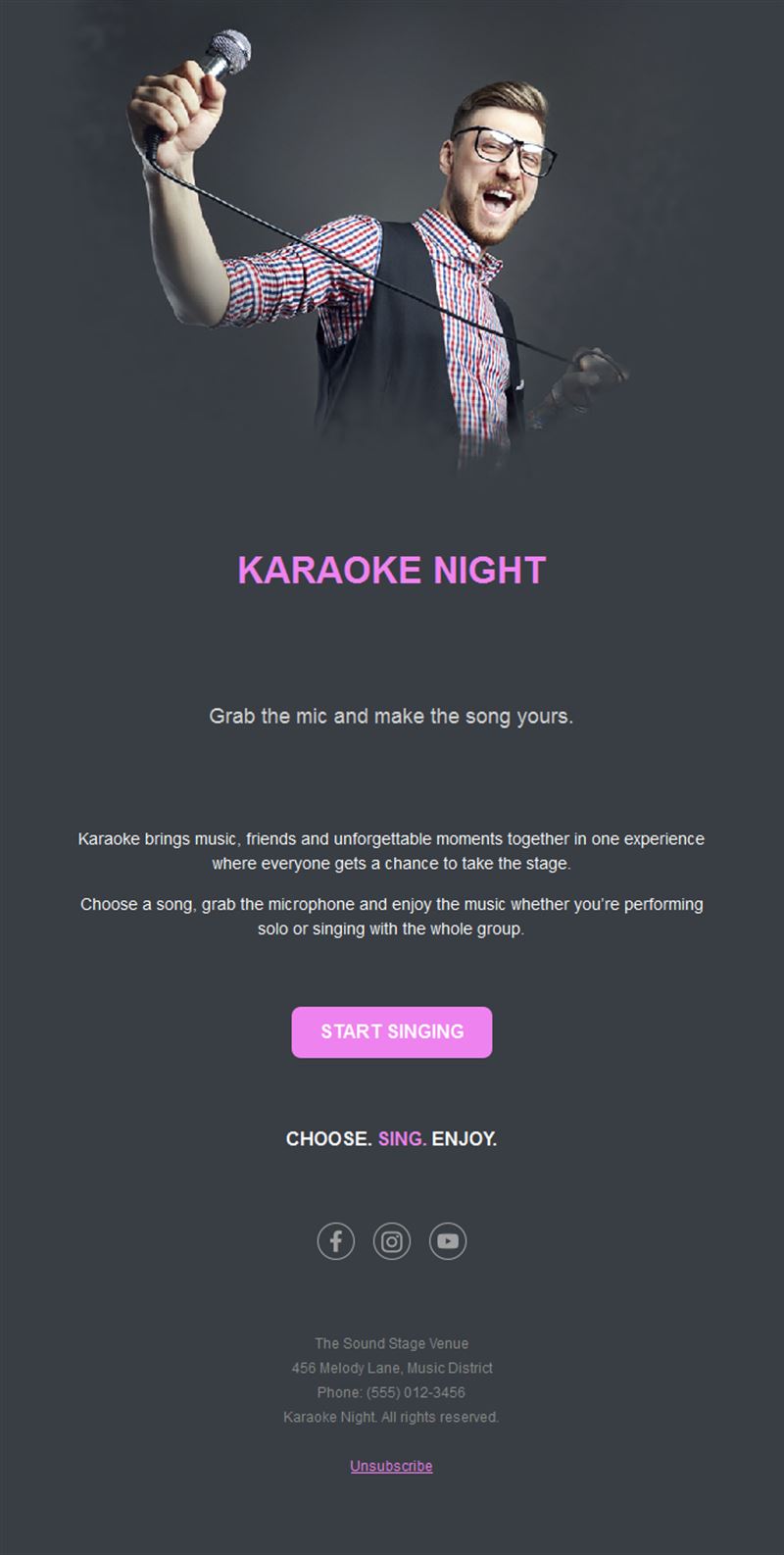
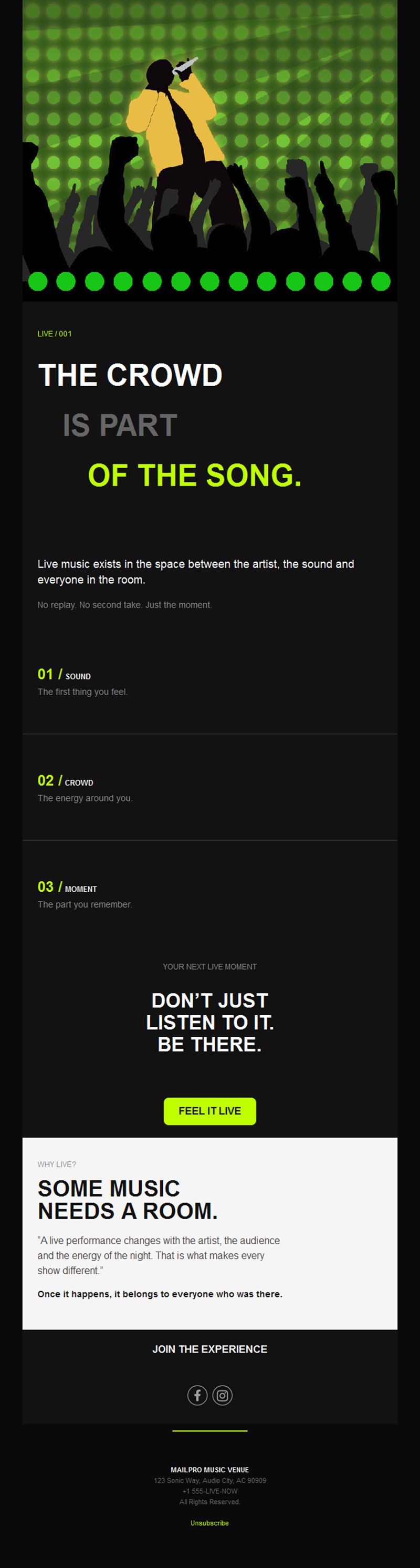
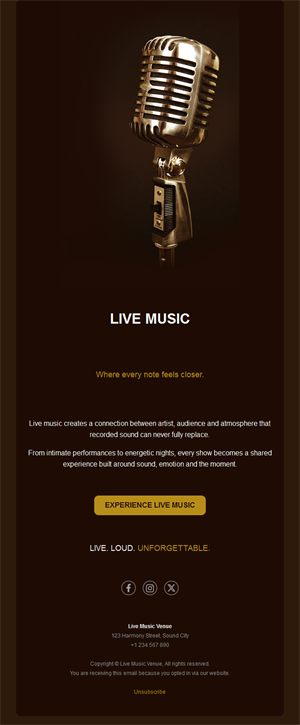
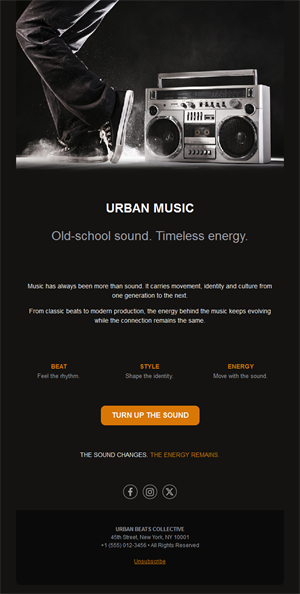
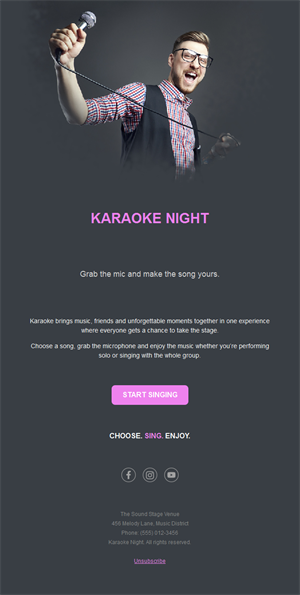
- Bold, visual layouts: cover art and stage shots at full impact.
Who rocks these templates?
1) Bands & artists
Release drops, tour dates, merch, and behind-the-scenes for superfans.
2) Venues & promoters
Weekly program highlights and presale access that fills rooms.
3) Labels
Roster news, playlists, and coordinated release campaigns.
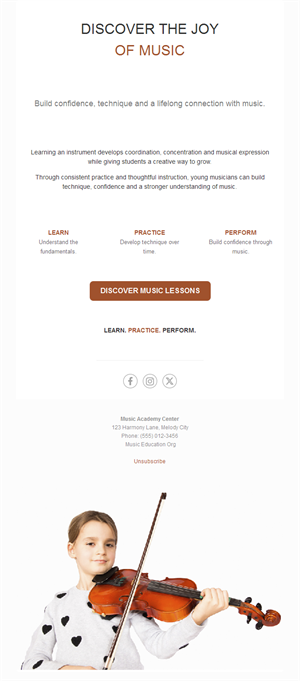
4) Music schools
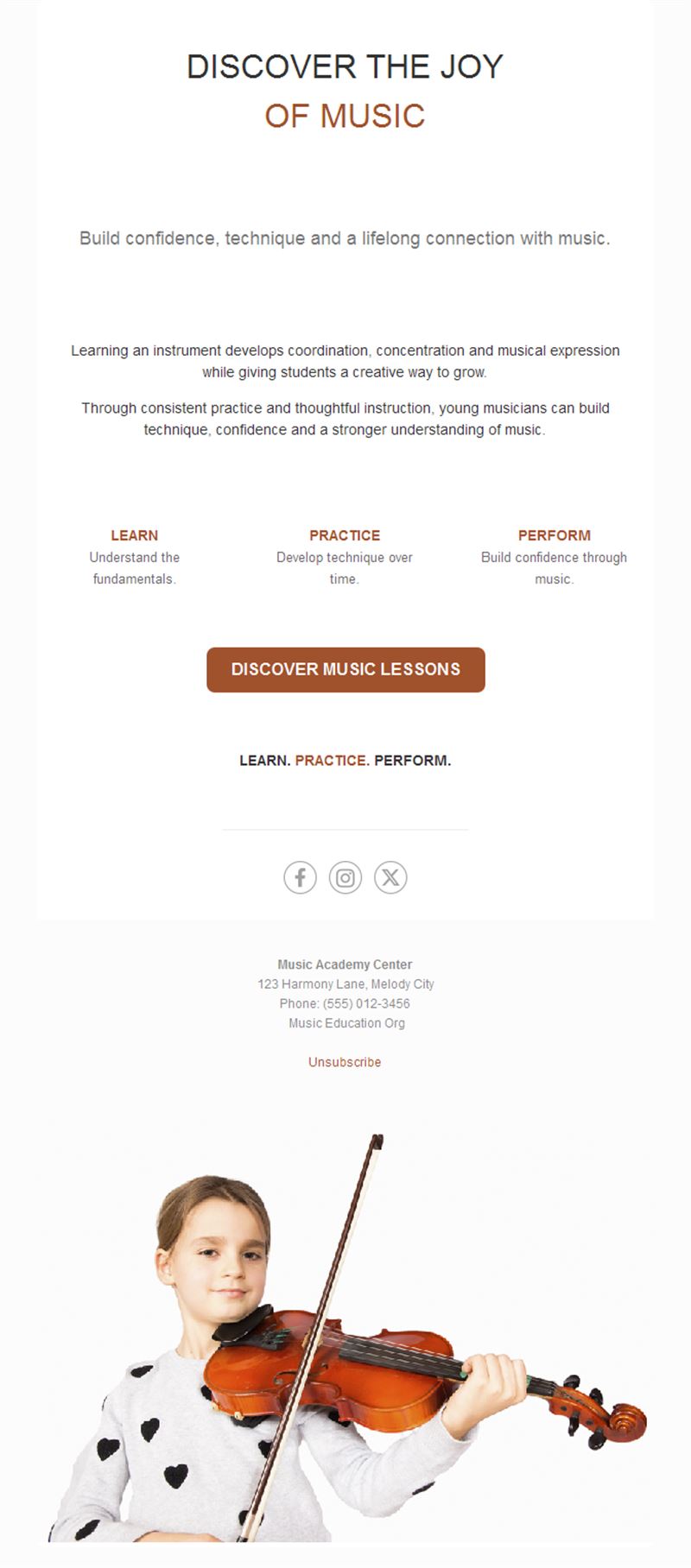
Course enrollment, recitals, and open days for students and parents.
5) Festivals
Lineup reveals, ticket tiers, and countdown campaigns.
What's inside each template?
- Hero with cover art or stage photography.
- Release block with listen-now buttons.
- Tour-date list with ticket links.
- Merch or course section.
- Social links and an easy unsubscribe footer.
How to customize your Music email in Mailpro™
- Pick a template: Open Templates and choose a Music design.
- Edit copy & images: Cover art leads; short copy in the artist’s voice.
- Add a countdown (optional): Count down to release day or ticket on-sale. See how the countdown works.
- Segment your audience: By city for tours — fans only want dates they can attend. Learn segmentation.
- Schedule the send: Releases on Friday; gig announcements when presale opens. Schedule email campaigns.
- Track results: Monitor opens, clicks, and conversions. View email statistics.
- Automate follow-ups: Auto-welcome new fans with your essential tracks and story. Set up autoresponders.
Subject line & CTA ideas
Subject lines
- New single out now — press play 🎵
- We’re coming to your city
- Presale for the list: 24 hours early
- The new album, track by track
- Enrollment open: fall guitar courses
CTA ideas
- Listen Now
- Get Tickets
- Shop the Merch
- Enroll Today
Best practices for Music campaigns
- Segment by city: tour emails convert when the date is local.
- List-first presales: early access is why fans subscribe.
- Friday releases: align sends with streaming’s rhythm.
- Voice over polish: fans open the artist, not the marketing.
- One clear action: listen, buy, or book — pick one per send.
FAQ: Music email templates
How do artists grow a mailing list?
Trade value at every touchpoint: presale access, unreleased tracks, and signup links at shows and in bios.
What should a release email contain?
The cover, one listen button, and a line in your own voice — the music does the rest.
How do venues fill weeknights?
A weekly program email with presale perks to segmented local fans — track which genres your list clicks.
Can music schools use these too?
Yes — enrollment campaigns, recital invitations, and parent updates all fit the same layouts.
Get started
Drop your next announcement like a hit: pick a music email template and turn it up.