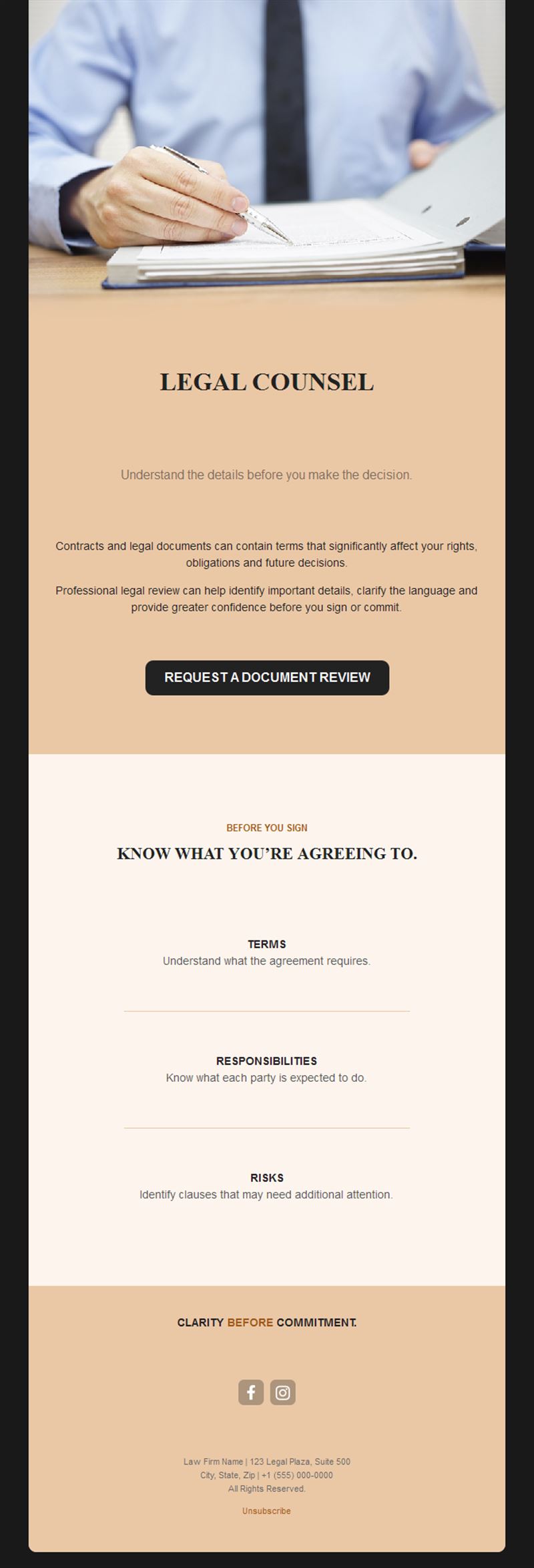
Law Firm Email Templates
Adapt for Unlimited Possibilities
Law Firm
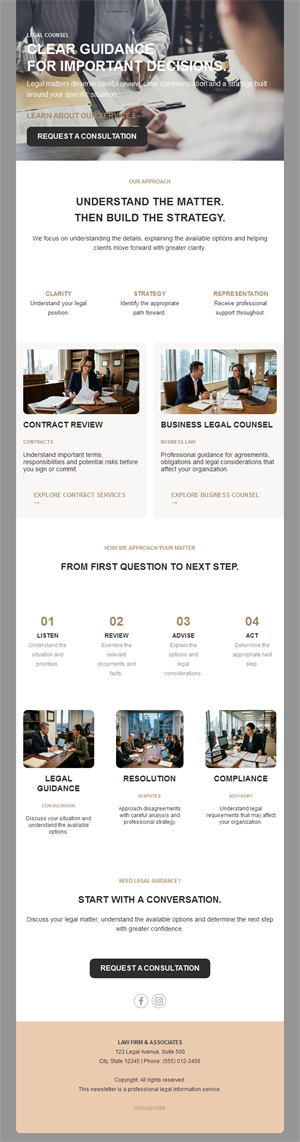
Law Firm
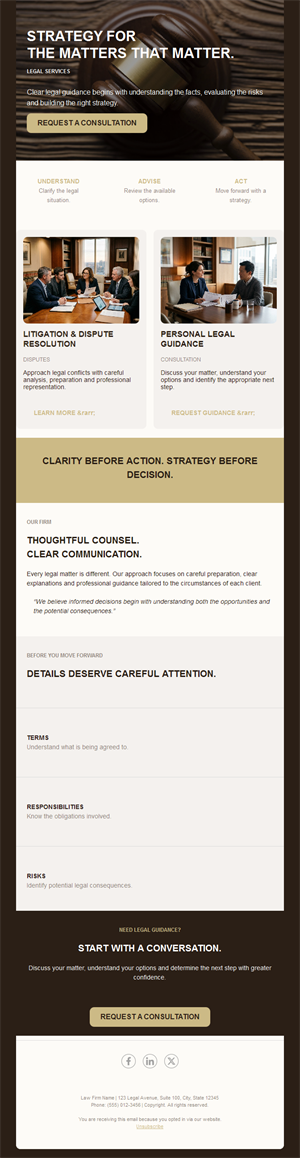
Law Firm
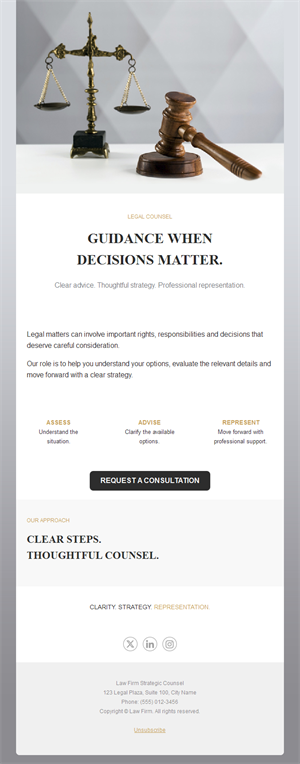
Law Firm
Law Firm
Law Firm

Law Firm
Law Firm
Law Firm
Law Firm
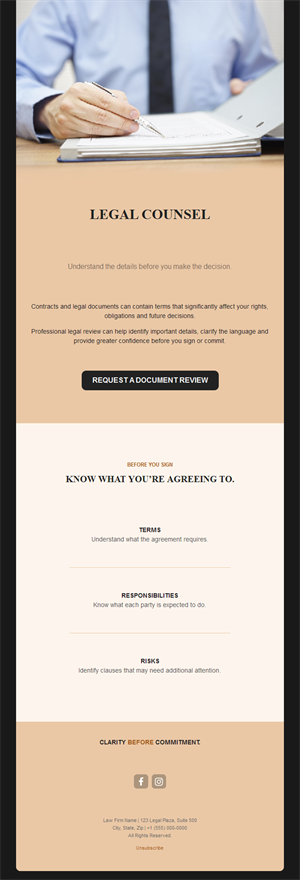
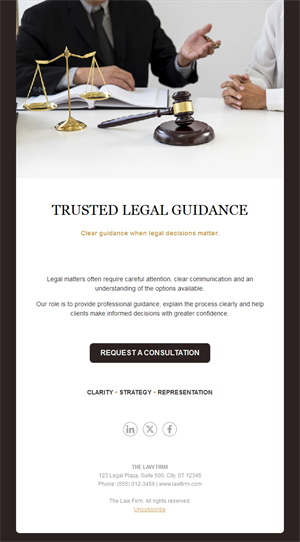
Your expertise deserves to reach clients before they need to search for it. Pick a ready-made law firm email template, customize it in minutes, and send with Mailpro™.
Why use Law Firm email templates?
Clients rarely think about their lawyer until something happens. A steady, authoritative newsletter changes that: legal updates and practical alerts keep your firm the obvious first call when the moment comes.
- Authority on autopilot: regular legal insights position your partners as the experts.
- Client retention: firms that communicate between matters keep their clients.
- Referral fuel: forwarded legal alerts are warm introductions.
- Sober, professional design: layouts that match the seriousness of the work.
What can a law firm send?
1) Legal updates & alerts
New legislation, court decisions, and compliance deadlines explained in plain language.
2) Practice-area newsletters
Targeted insights for employment, tax, family, or corporate clients.
3) Firm announcements
New partners, practice areas, office moves, and recognitions.
4) Client guides
“What to do when…” explainers that demonstrate value before the first call.
5) Event & webinar invitations
Seminars and briefings that put your experts in front of clients.
What's inside each template?
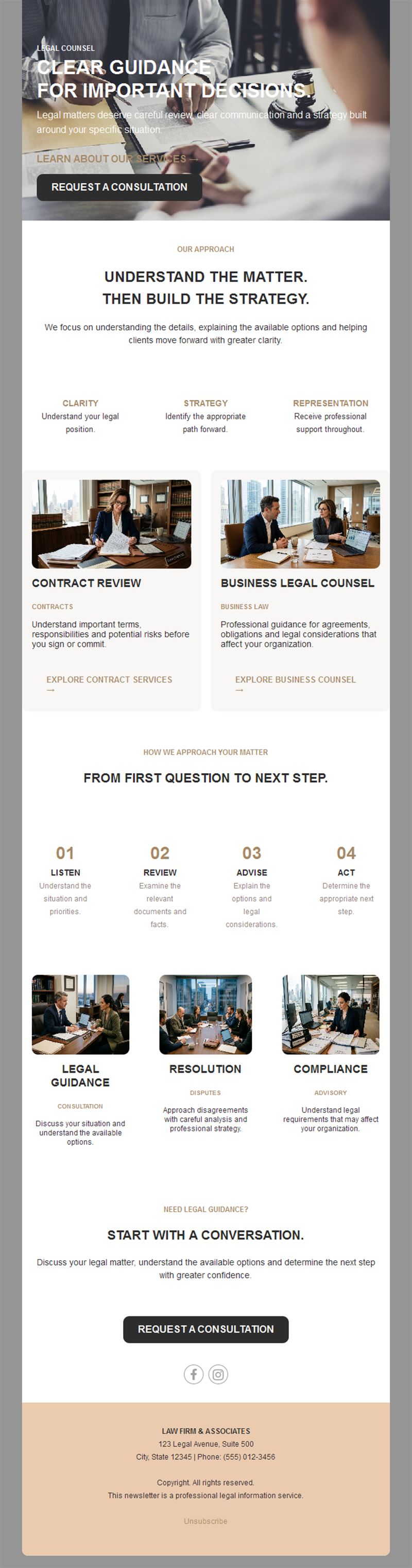
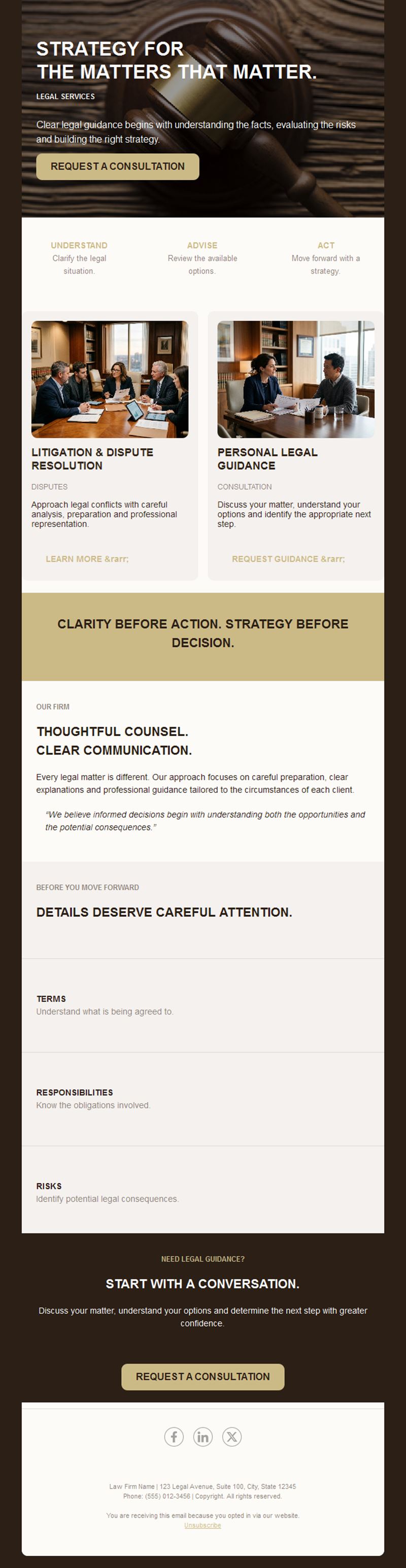
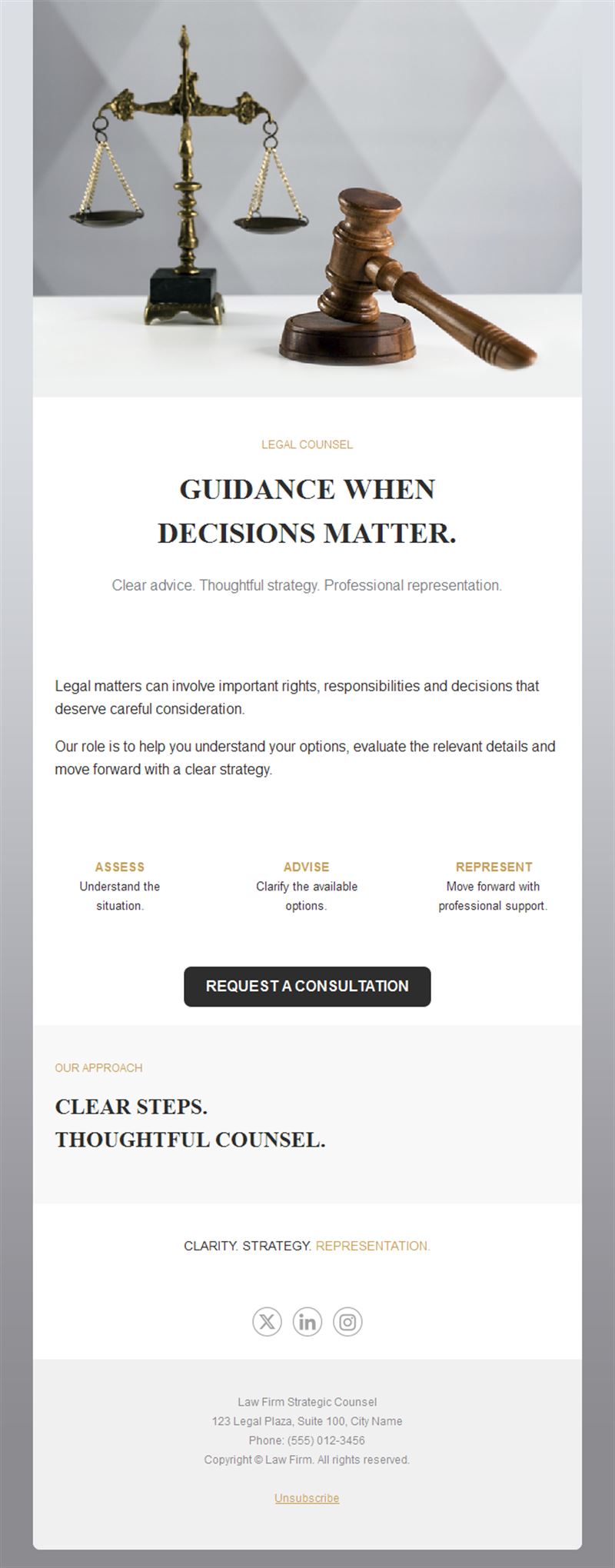
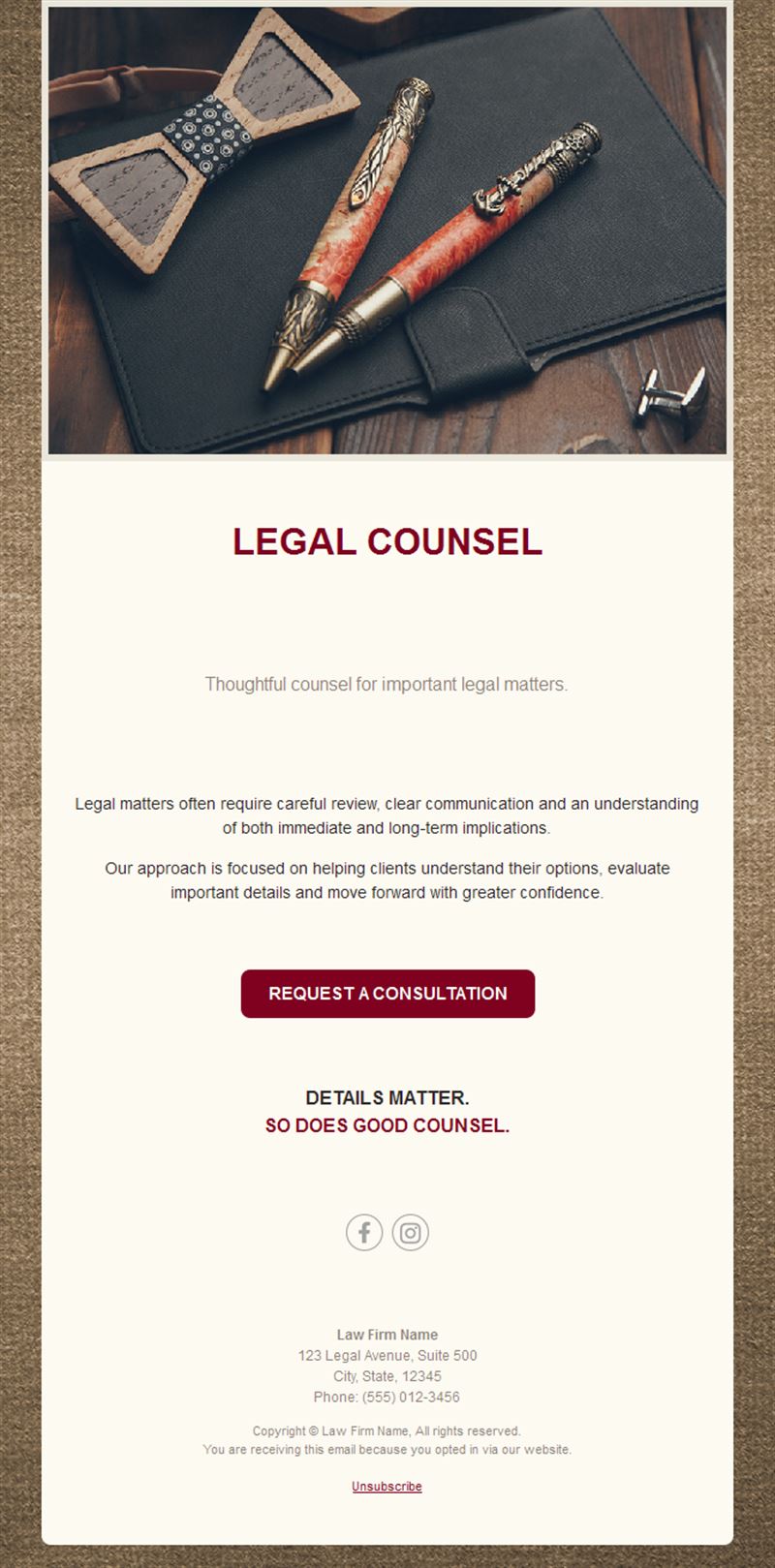
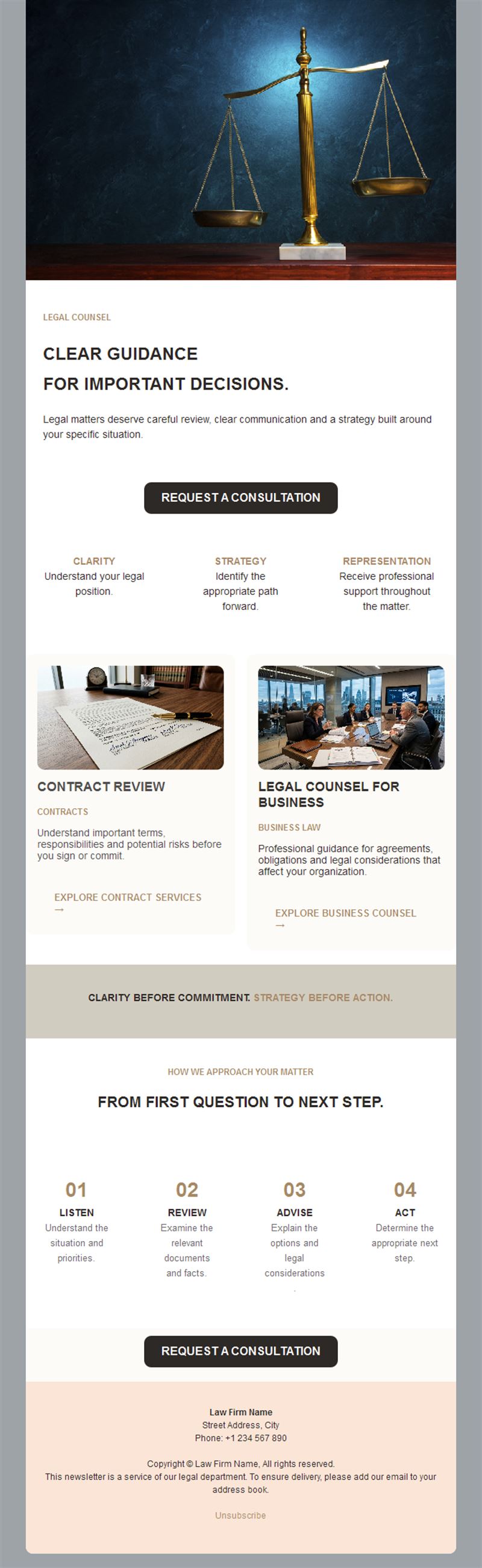
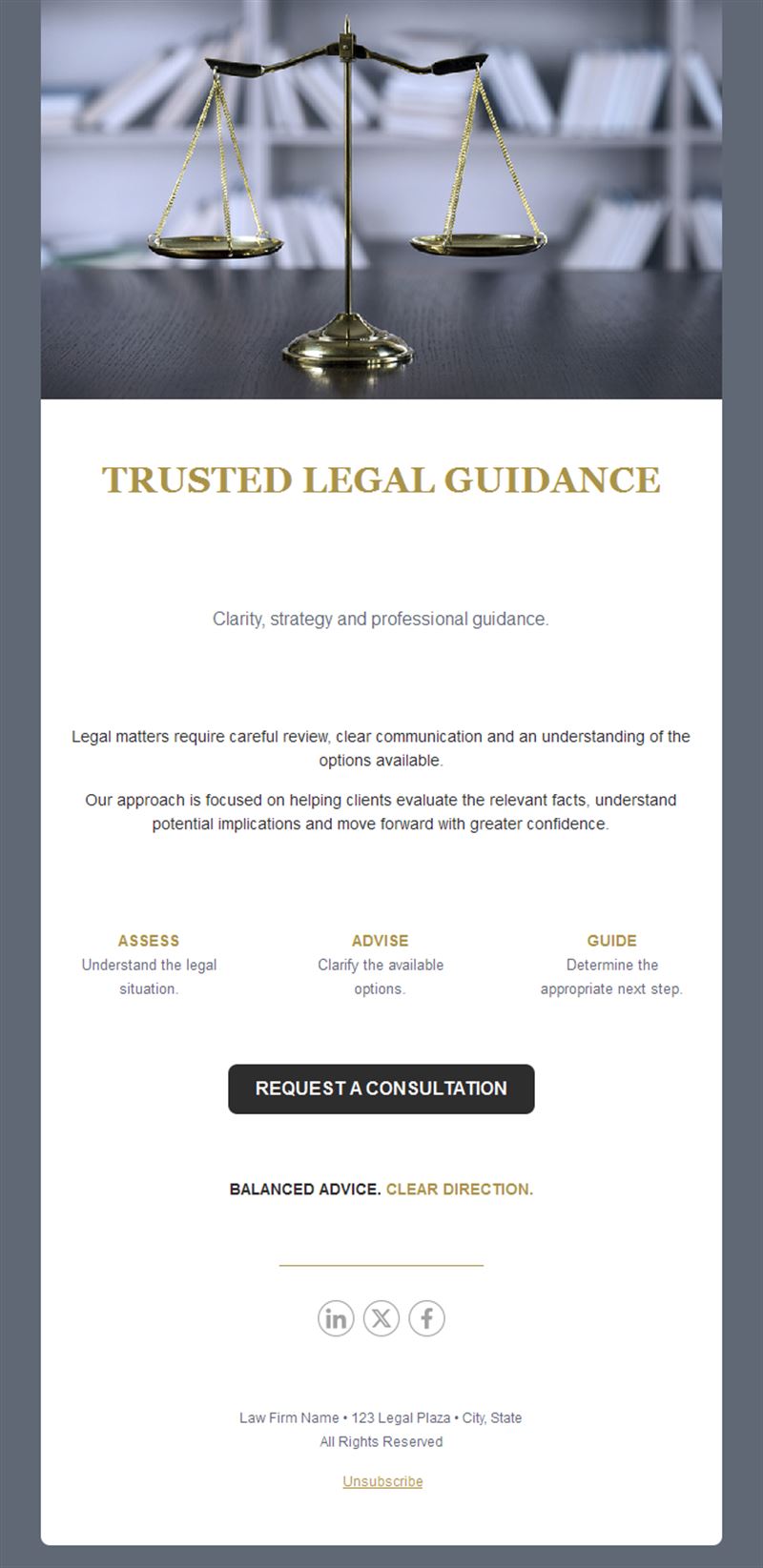
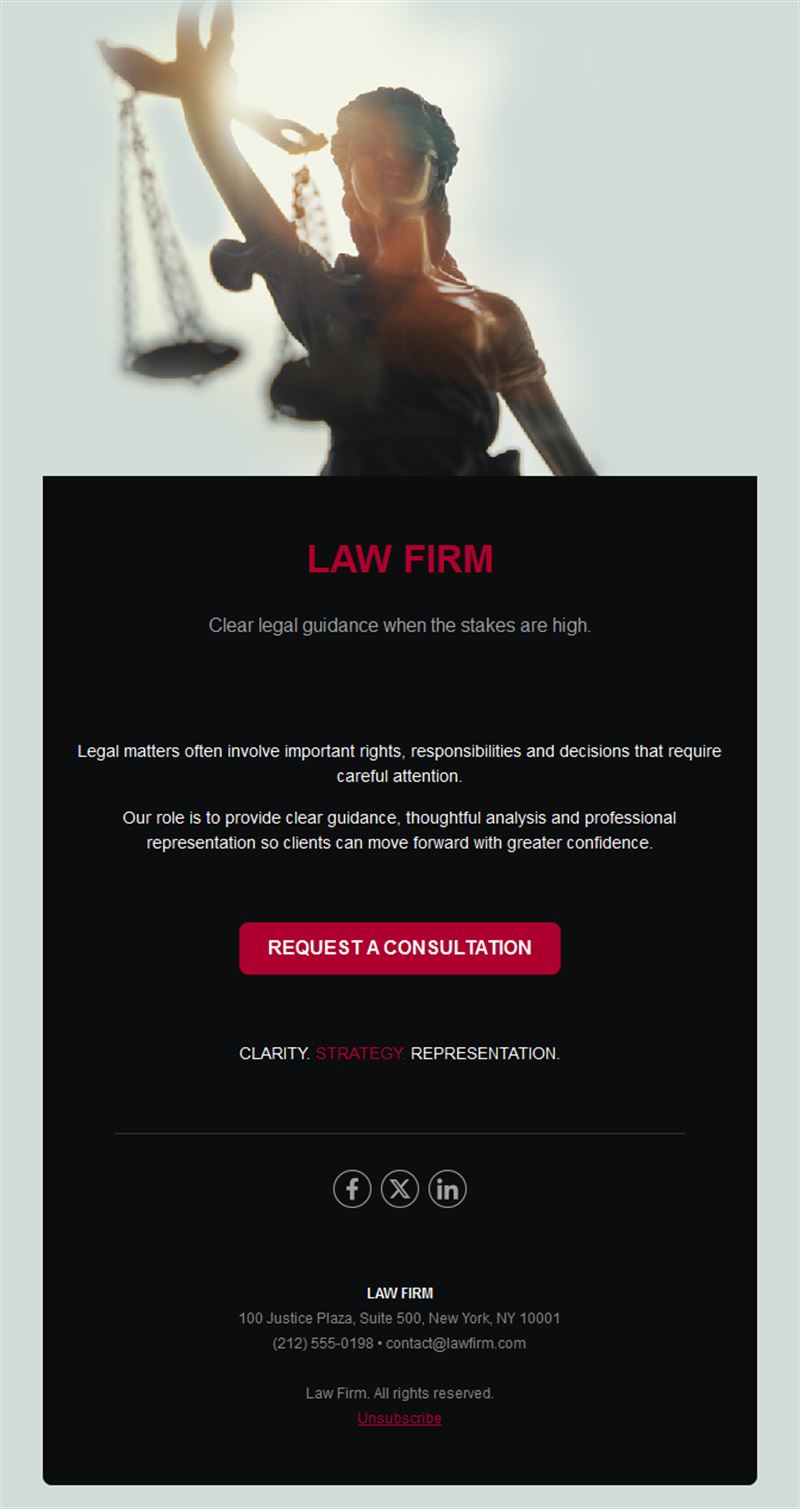
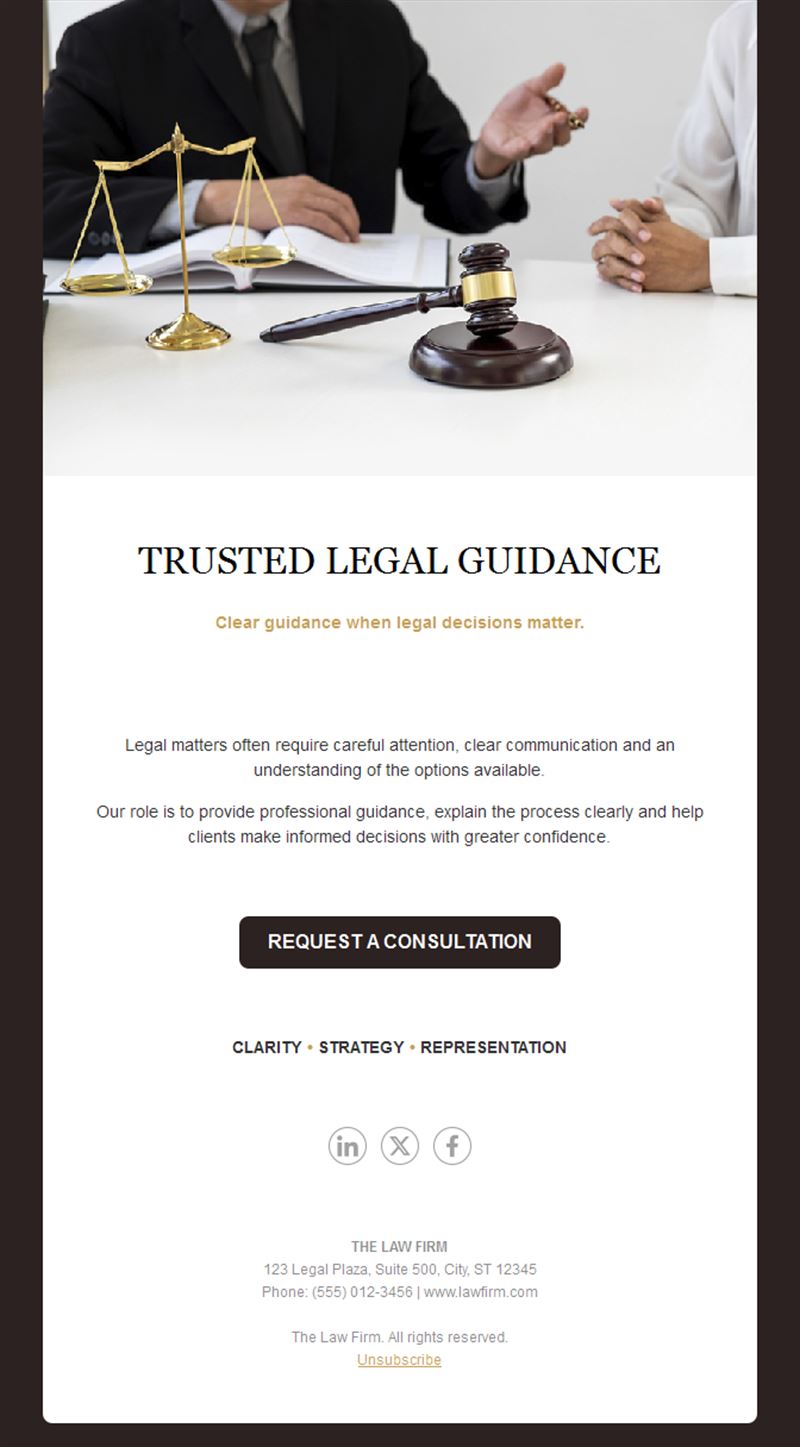
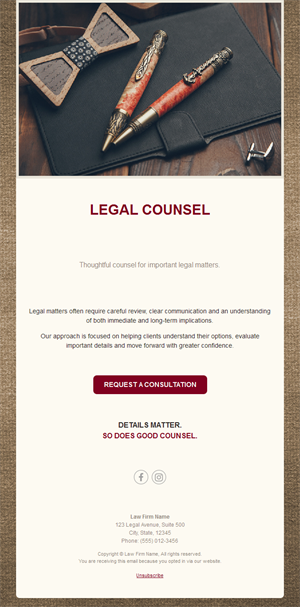
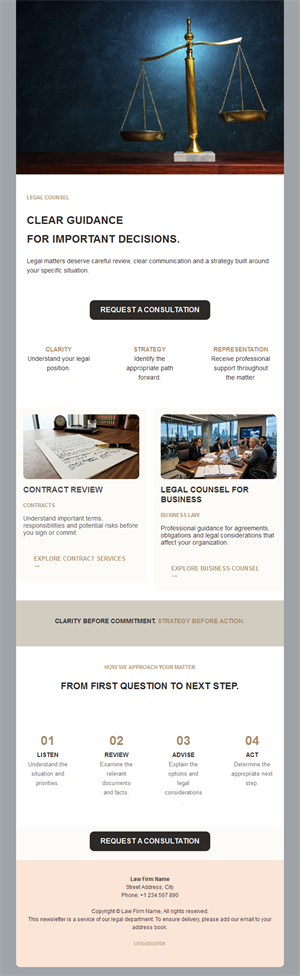
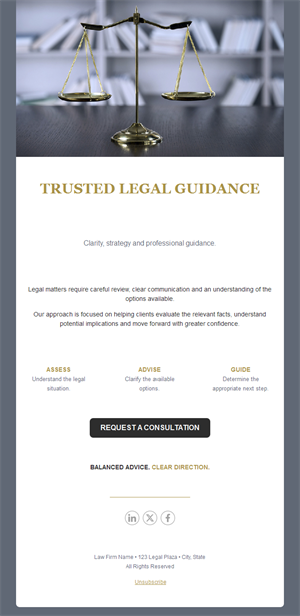
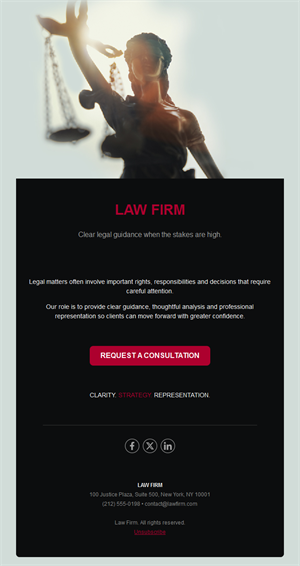
- Professional hero with headline and firm branding.
- Article section for legal analysis with read-more links.
- Announcement block for firm news.
- Consultation CTA with contact details.
- Social links and an easy unsubscribe footer.
How to customize your Law Firm email in Mailpro™
- Pick a template: Open Templates and choose a Law Firm design.
- Edit copy & images: Write headlines a non-lawyer understands; save the Latin for the footnotes.
- Add a countdown (optional): Useful for compliance deadlines and event registrations. See how the countdown works.
- Segment your audience: Corporate clients and individuals need different updates — segment by practice area. Learn segmentation.
- Schedule the send: A monthly or quarterly rhythm; urgent alerts when the law changes. Schedule email campaigns.
- Track results: Monitor opens, clicks, and conversions. View email statistics.
- Automate follow-ups: Welcome sequences for new clients and event follow-ups. Set up autoresponders.
Subject line & CTA ideas
Subject lines
- New employment law: what changes for you
- Deadline: compliance filings due March 31
- [Firm] welcomes a new partner
- Your questions on the new tax rules, answered
- Invitation: breakfast briefing on data privacy
CTA ideas
- Read the Full Analysis
- Register for the Briefing
- Schedule a Consultation
- Contact Your Advisor
Best practices for Law Firm campaigns
- Plain language wins: clients forward what they understand.
- Be timely: an alert the week the law changes is worth ten later.
- Segment by practice area: relevance is what keeps professionals subscribed.
- Show the lawyers: bylines and photos build the personal trust legal work depends on.
- Mind confidentiality: never reference client matters in marketing.
FAQ: Law Firm email templates
What should a law firm newsletter contain?
Timely legal updates in plain language, practical implications for clients, and a clear way to reach the right lawyer.
How often should a firm send?
Monthly or quarterly for the main newsletter, plus immediate alerts when significant legal changes affect your clients.
Does email marketing suit professional services?
It’s one of the strongest channels — legal clients value expertise, and consistent insights are how firms demonstrate it between matters.
Can we track engagement?
Yes — Mailpro statistics show which topics and practice areas your clients actually read, sharpening future sends.
Get started
Be the firm they think of first: pick a law firm email template and put your expertise in the inbox.