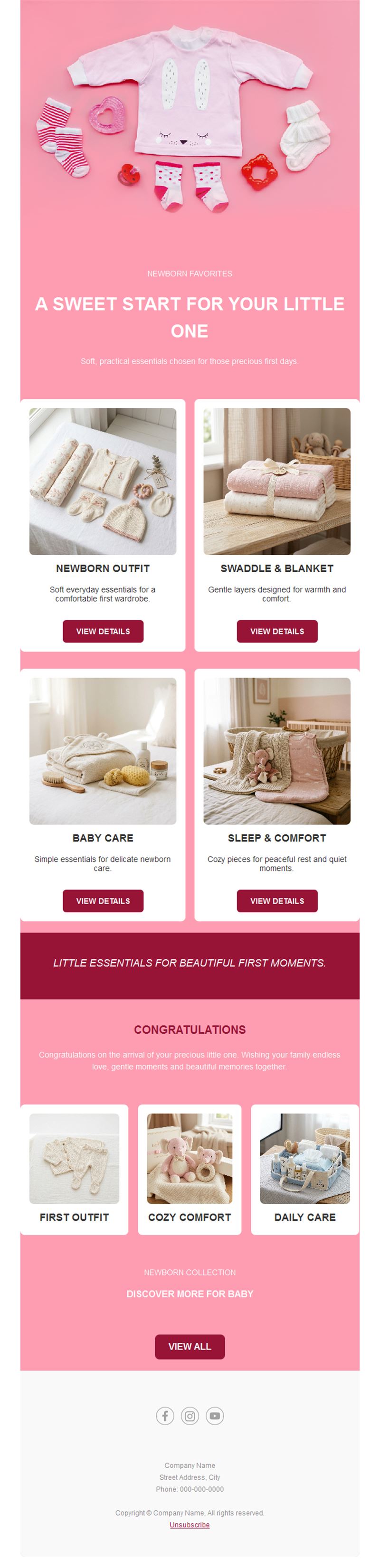
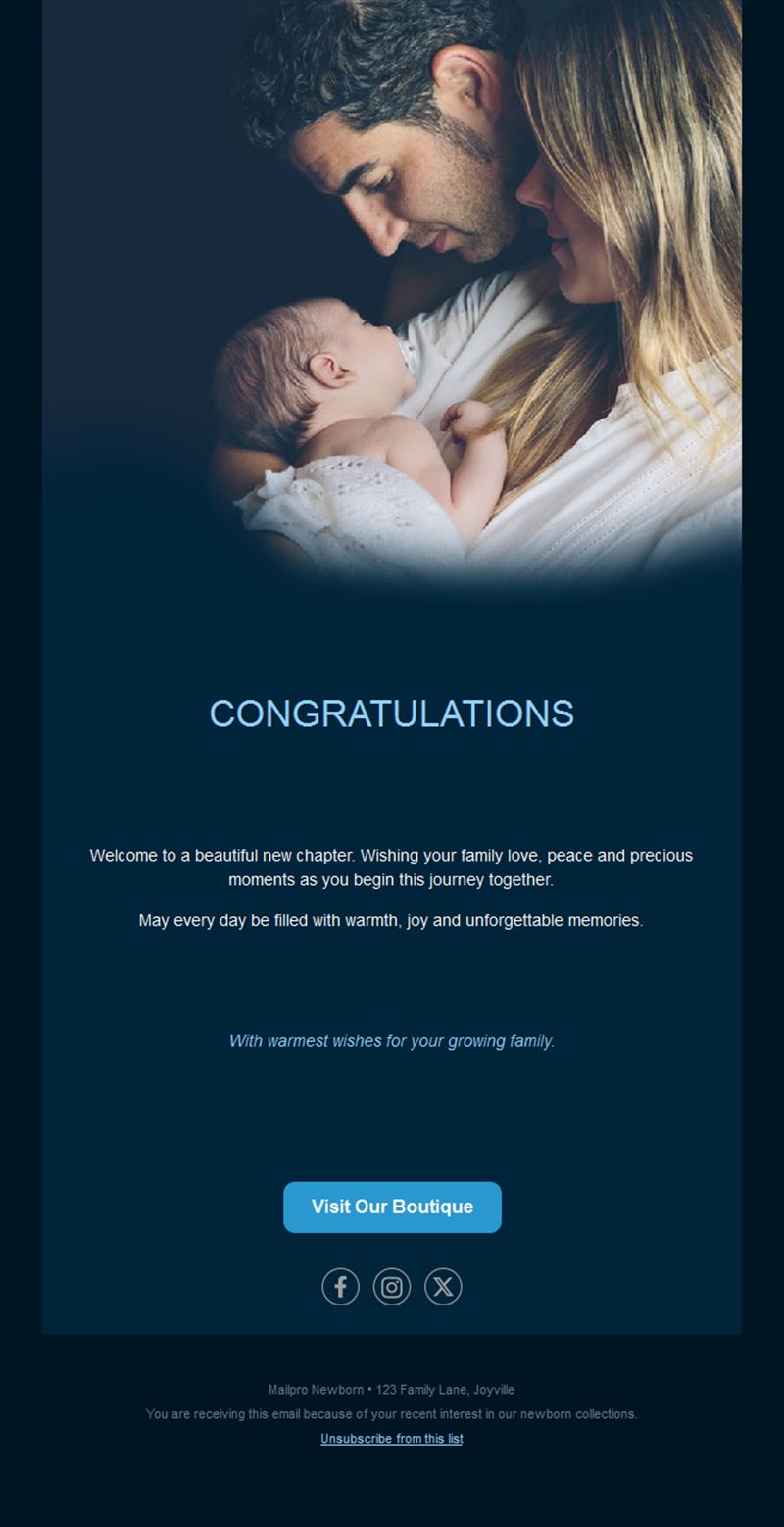
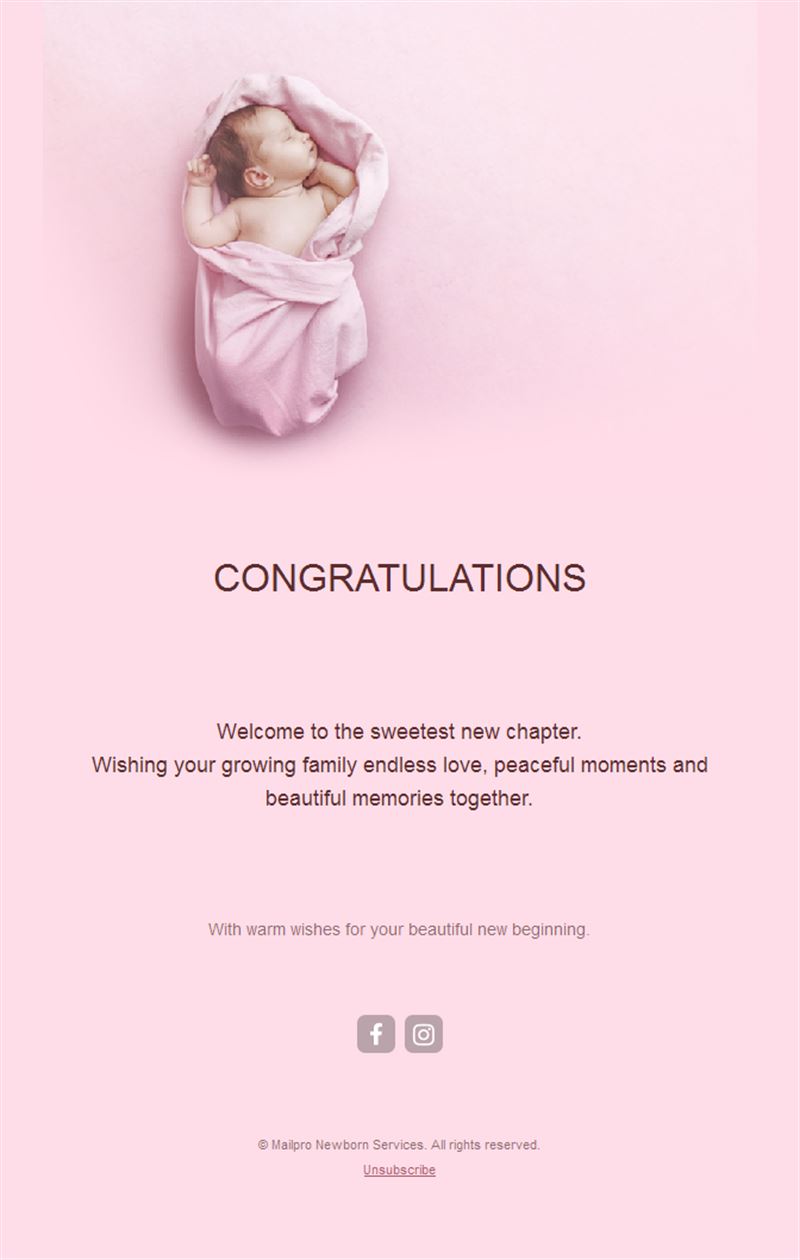
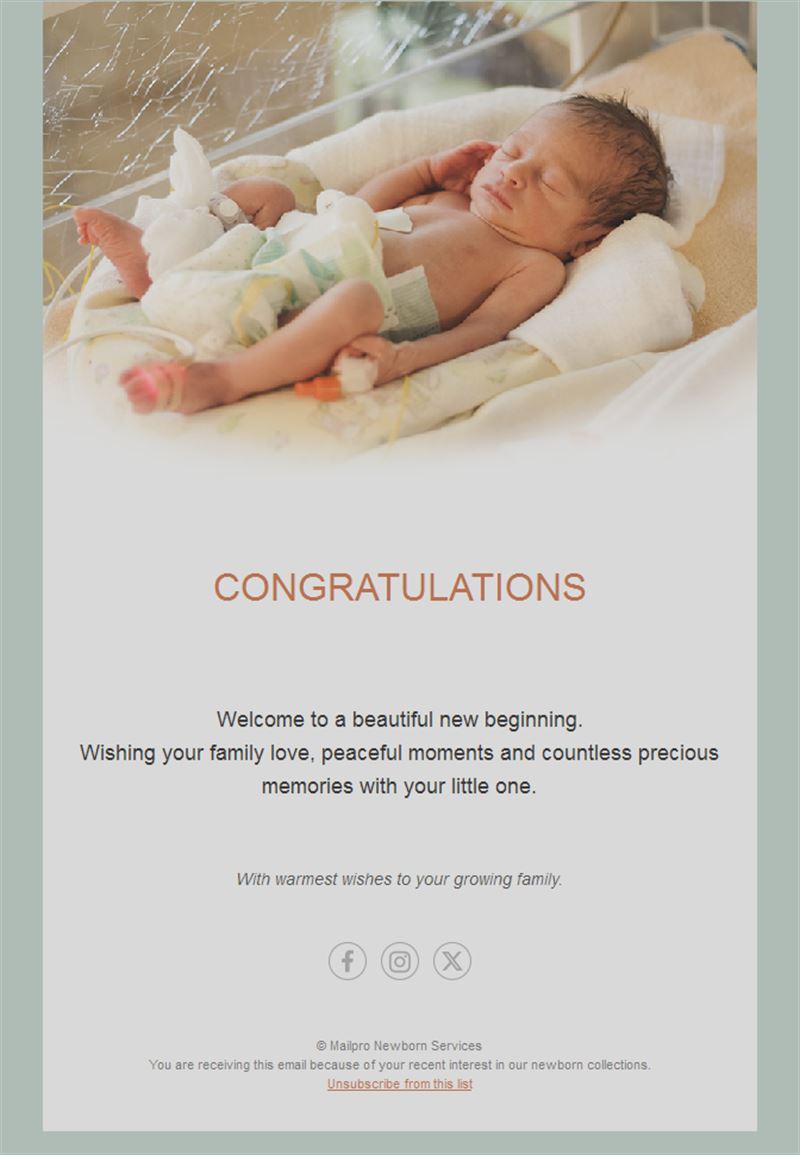
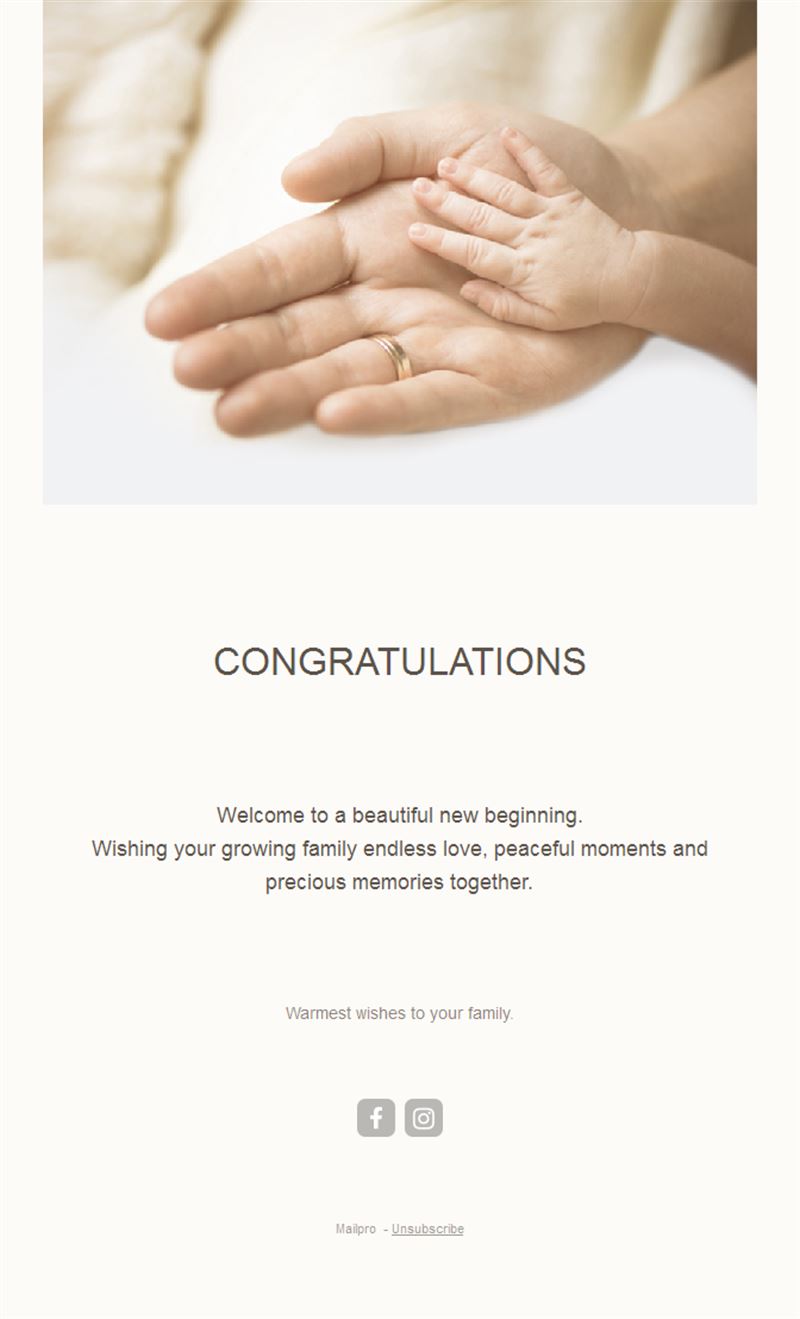
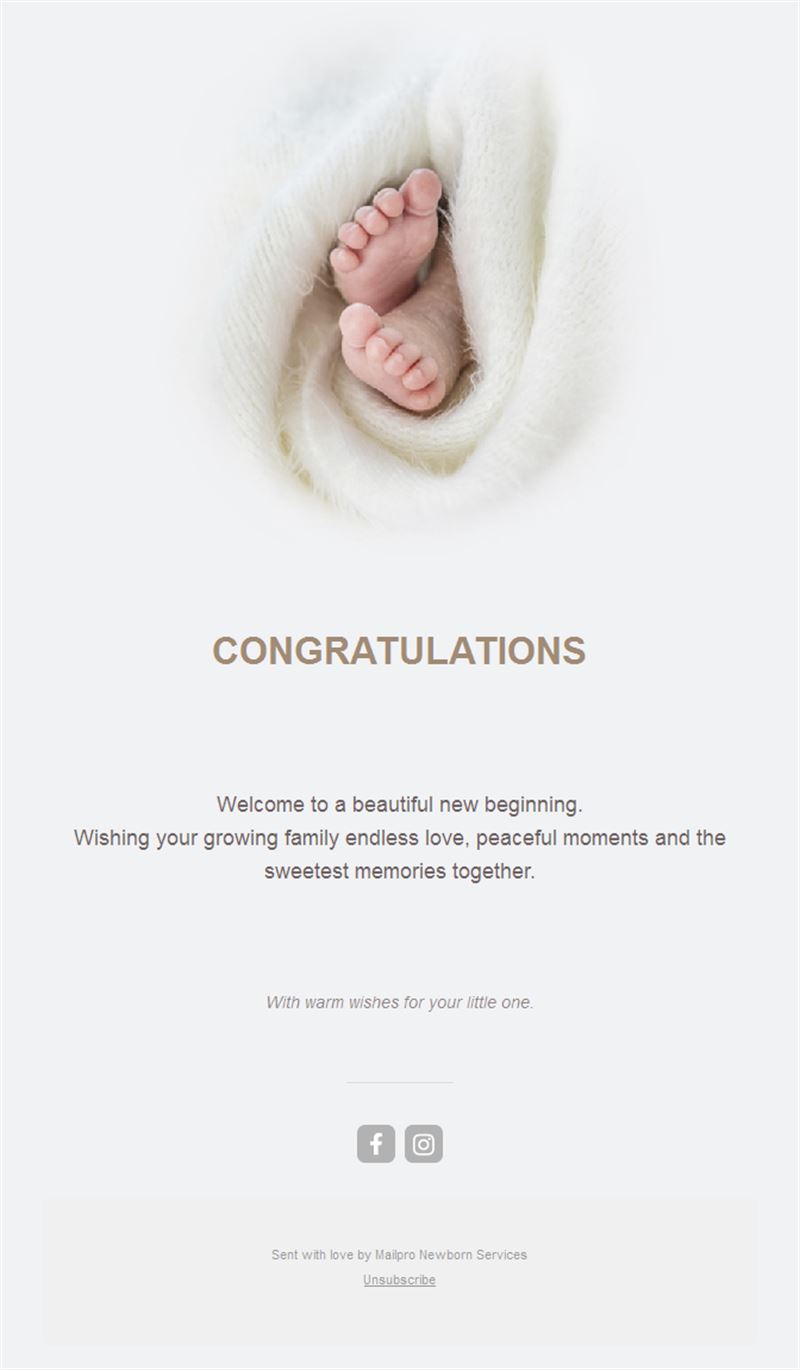
Newborn & Baby Announcement Email Templates
Adapt for Unlimited Possibilities
Newborn
Newborn
Newborn
Newborn
Newborn
Newborn
Newborn
Newborn
Newborn
Newborn
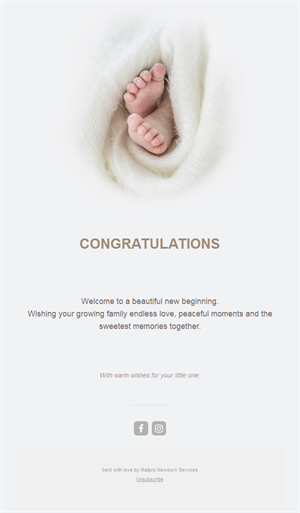
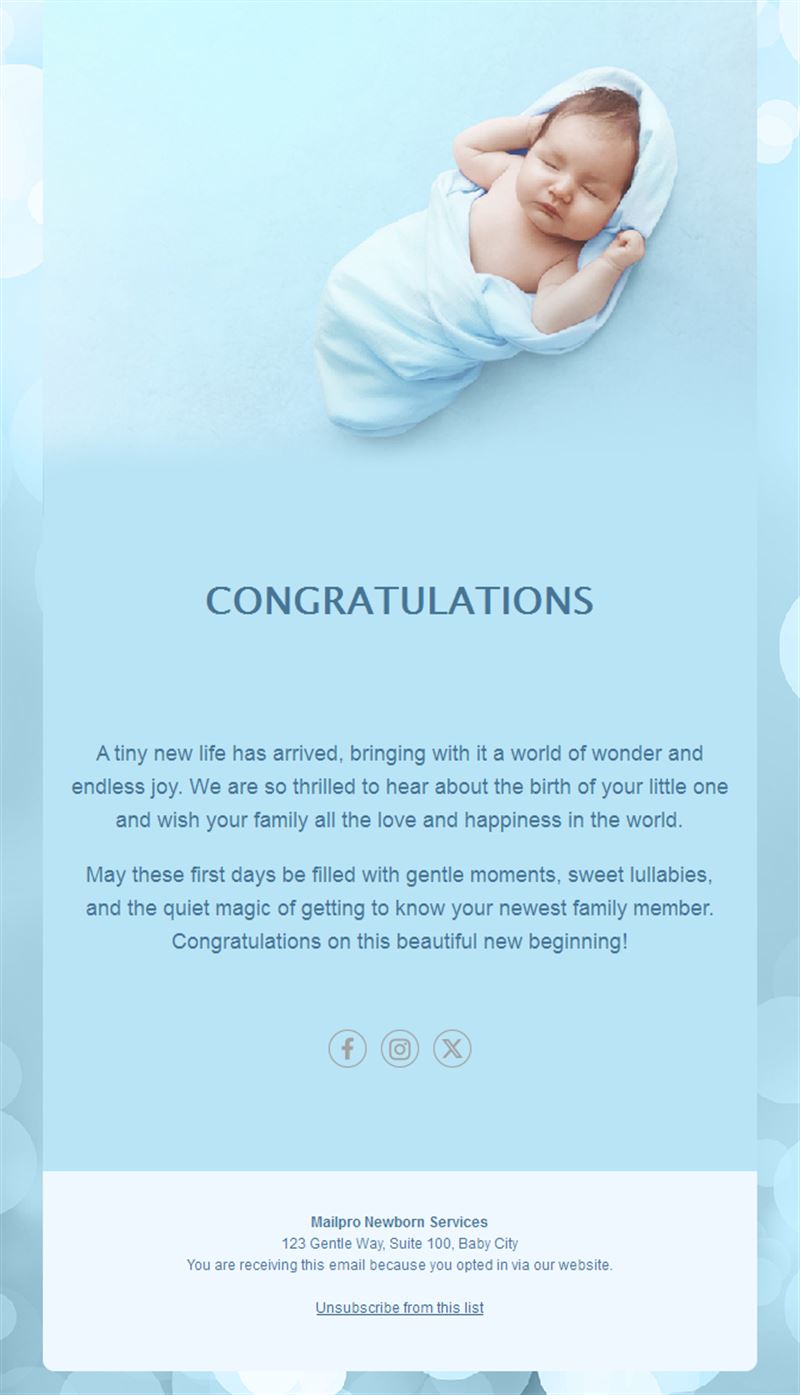
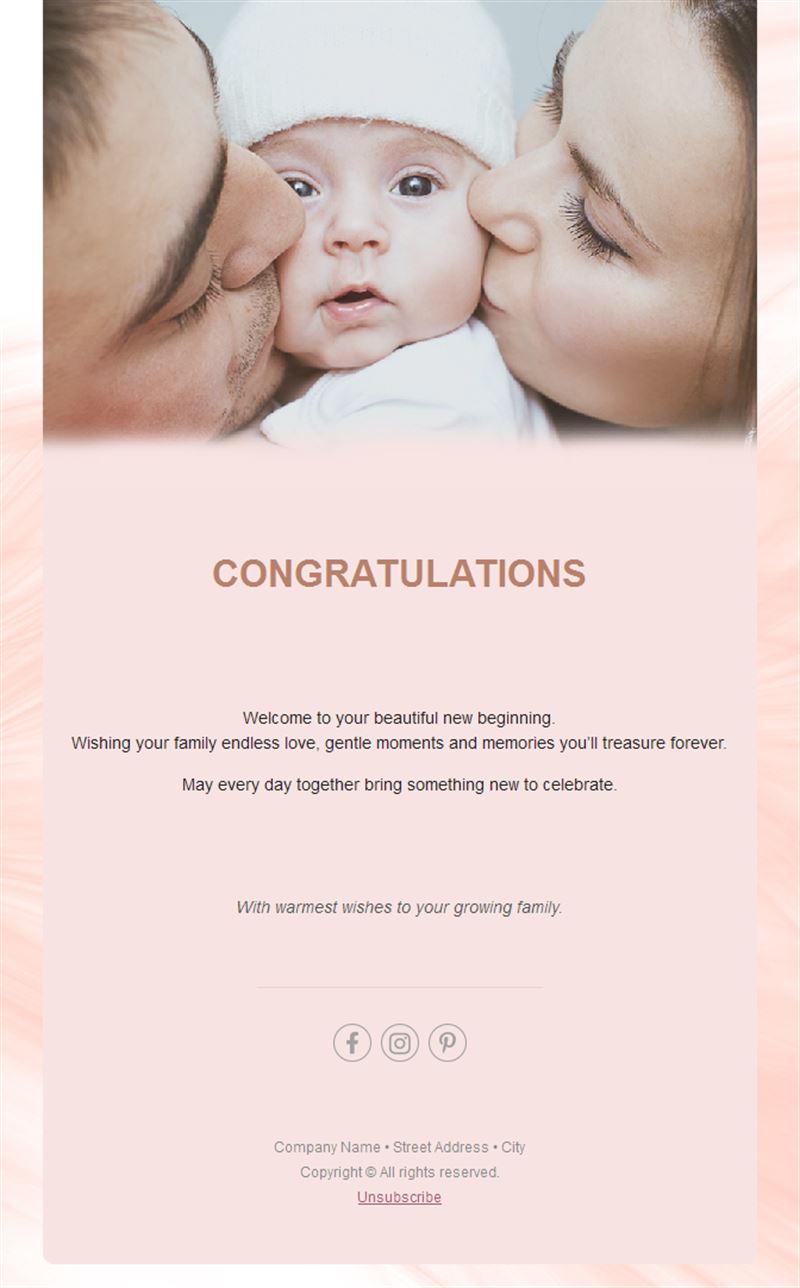
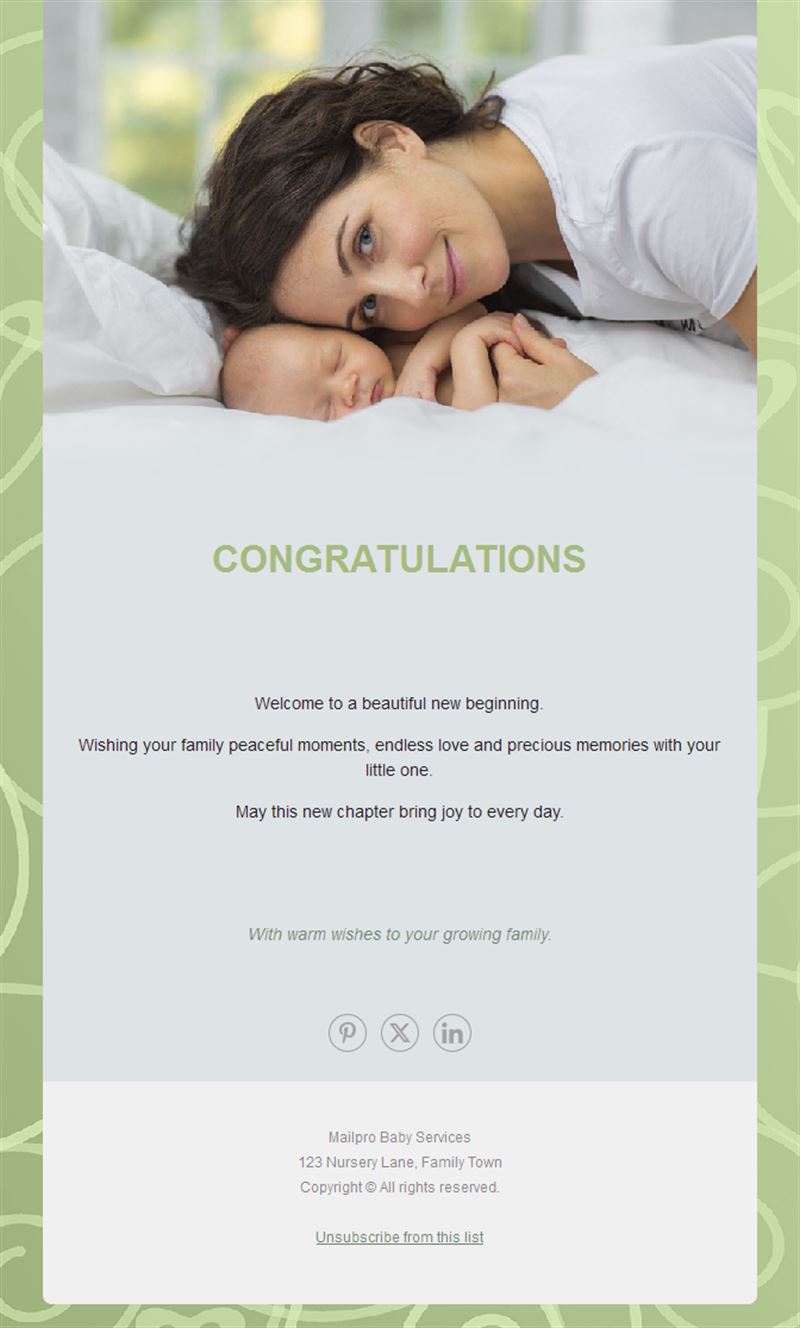
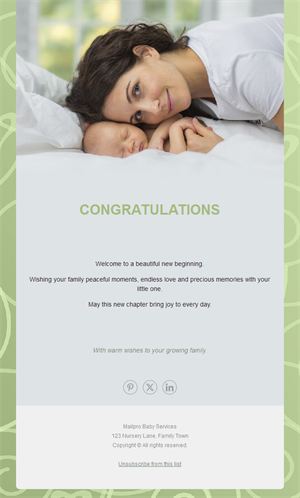
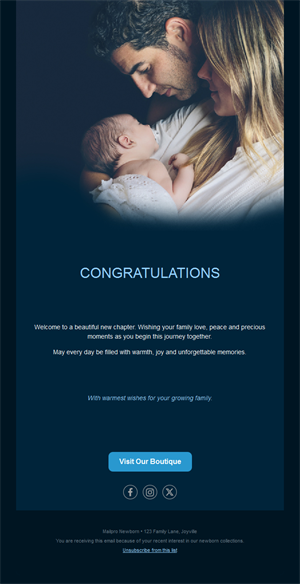
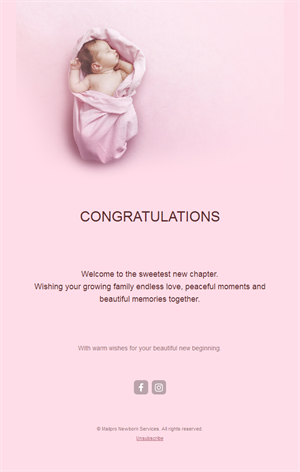
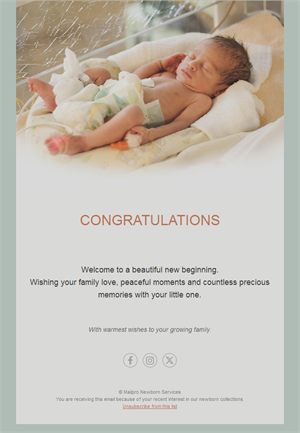
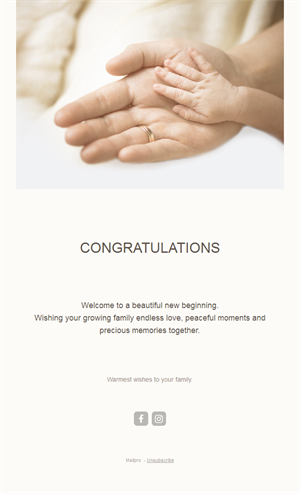
Some news is too good for a text message. Pick a ready-made newborn announcement email template, customize it in minutes, and send with Mailpro™.
Why use Newborn email templates?
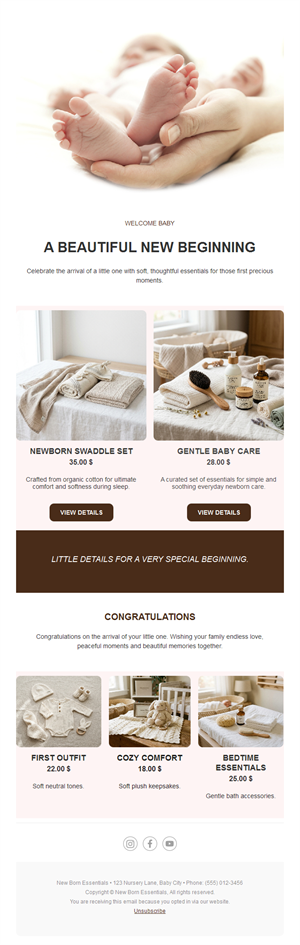
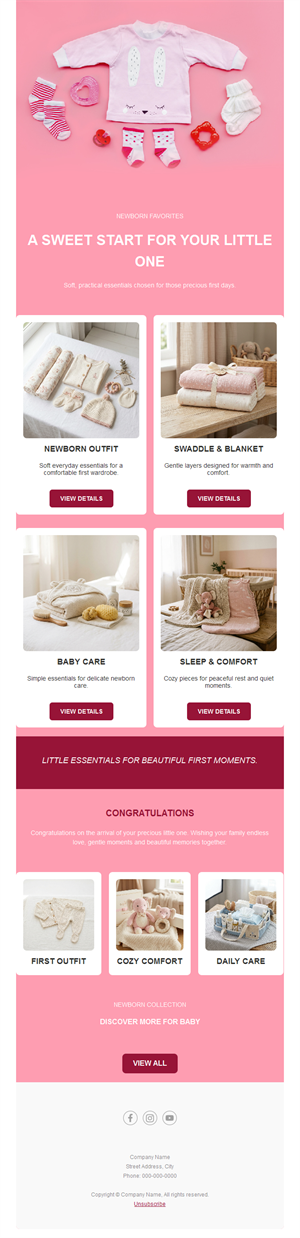
A birth announcement reaches everyone at once with a design worthy of the moment — and for baby brands, maternity services, and photographers, these templates turn the sweetest niche into beautiful campaigns.
- One send, everyone informed: family, friends, and colleagues all get the news at the same moment.
- Adorable by design: soft palettes and layouts made for baby photos.
- For families and brands: announcements, shower invites, and baby-product campaigns.
- Effortless: new parents have no time — this takes minutes.
What can you send with these templates?
1) Birth announcements
Name, date, weight, and the first photo — the classic, done beautifully.
2) Baby shower invitations
Date, venue, RSVP button, and registry link in one charming email.
3) Baby-brand campaigns
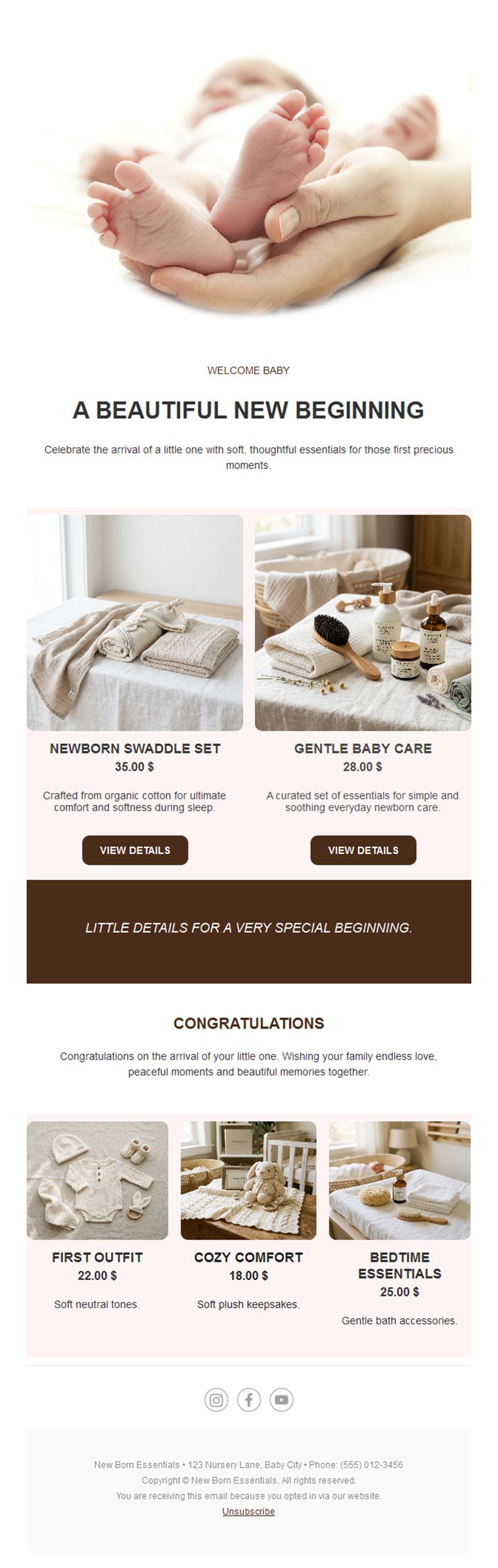
Shops and brands promoting newborn essentials, gift sets, and seasonal offers.
4) Maternity services
Midwives, photographers, and clinics announcing services and available slots.
5) Milestone updates
First birthday, christening, or welcome-home moments for the inner circle.
What's inside each template?
- Hero section with the baby photo and announcement.
- Details block for name, date, and stats.
- RSVP or registry button.
- Photo gallery section.
- Social links and an easy unsubscribe footer.
How to customize your Newborn email in Mailpro™
- Pick a template: Open Templates and choose a Newborn design.
- Edit copy & images: Add the photo and details; soft alt text like “sleeping newborn with knit hat”.
- Add a countdown (optional): Count down to the shower date or an offer’s end. See how the countdown works.
- Segment your audience: Close family gets the personal version; the wider circle gets the announcement. Learn segmentation.
- Schedule the send: Announcements when you’re ready; shower invites 3–4 weeks ahead. Schedule email campaigns.
- Track results: Monitor opens, clicks, and conversions. View email statistics.
- Automate follow-ups: Auto-remind shower guests who haven’t RSVP’d. Set up autoresponders.
Subject line & CTA ideas
Subject lines
- She’s here! Meet Baby Emma 👶
- Our family just got bigger
- You’re invited: baby shower for Sarah
- Everything for the new arrival — 20% off
- One year already: Emma turns 1!
CTA ideas
- See the First Photos
- RSVP to the Shower
- View the Registry
- Shop Newborn Essentials
Best practices for Newborn campaigns
- Photo first: the picture is the message — everything else supports it.
- Keep details scannable: name, date, weight in a clean block.
- Registry made easy: one clear link saves guests guessing.
- Respect the moment: brands should keep baby campaigns soft and warm, not pushy.
- Send when ready: there’s no deadline on happy news — rest first.
FAQ: Newborn email templates
When should we send the birth announcement?
Whenever you feel ready — most families send within the first two weeks, but the news stays wonderful.
When do baby shower invites go out?
Three to four weeks before the date, with an RSVP deadline about a week ahead.
Can baby brands use these templates?
Yes — the same soft designs work beautifully for newborn products, gift sets, and maternity services.
Can I add a gift registry?
Absolutely — link any registry from a clear button in the email.
Get started
Share the joy: pick a newborn email template, add the photo, and let everyone celebrate with you.