Hotel Email Templates
Adapt for Unlimited Possibilities
Hotel
Hotel
Hotel
Hotel
Hotel
Hotel
Hotel
Hotel
Hotel
Hotel
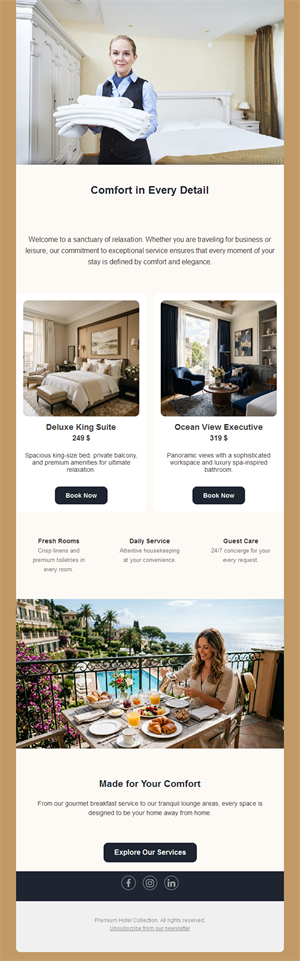
Hotel
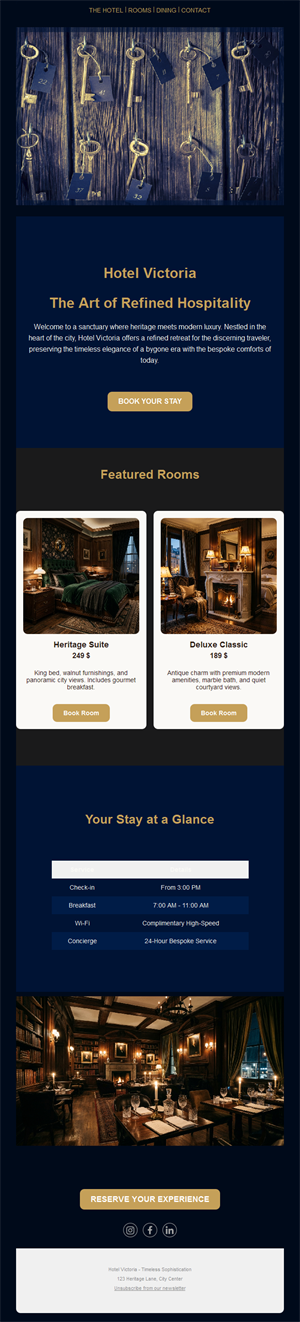
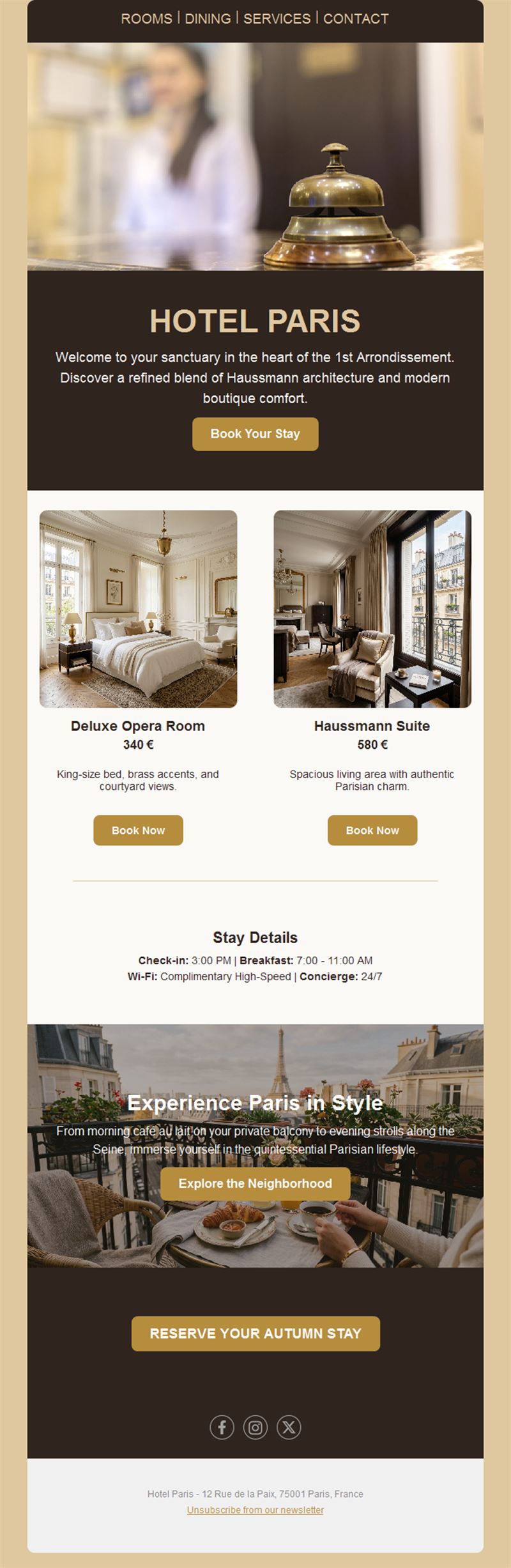
Every empty room is an email you didn’t send. Pick a ready-made hotel email template, customize it in minutes, and send with Mailpro™.
Why use Hotel email templates?
Direct bookings are a hotel’s best margin — and email is the direct channel. Seasonal offers, event packages, and warm pre-arrival messages turn past guests into returning ones, without the commission.
- Commission-free bookings: your list books direct, not through platforms.
- Fill the low season: targeted offers smooth the occupancy curve.
- Guest-journey ready: pre-arrival, in-stay, and win-back layouts.
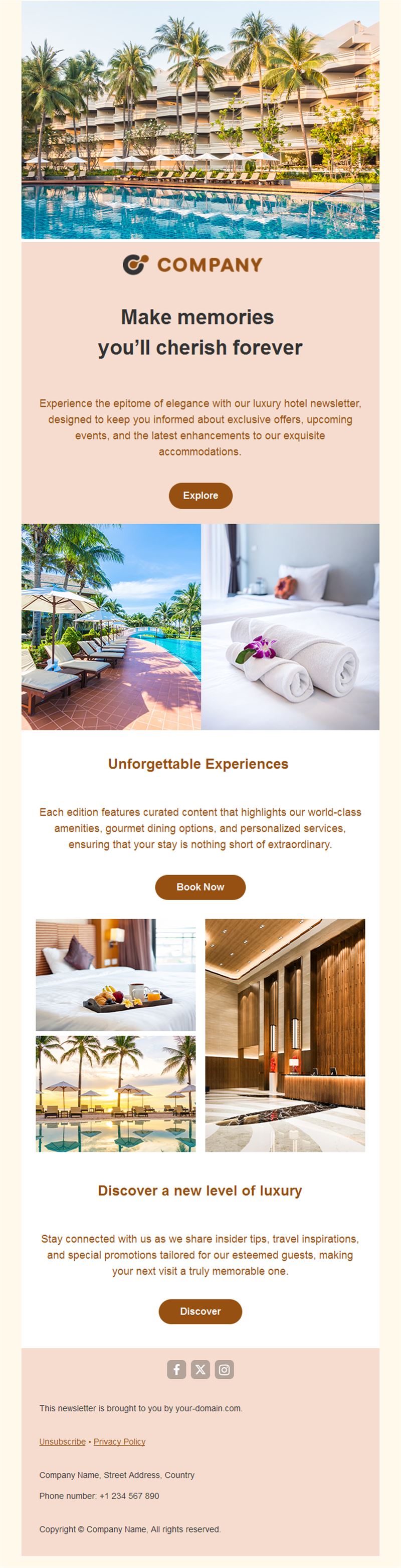
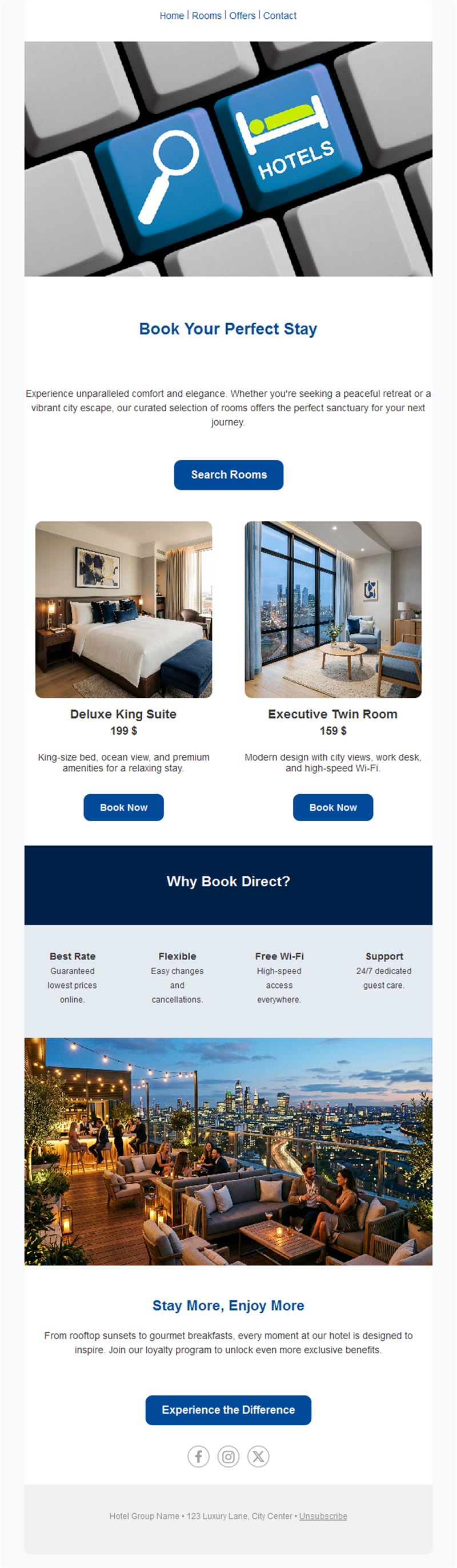
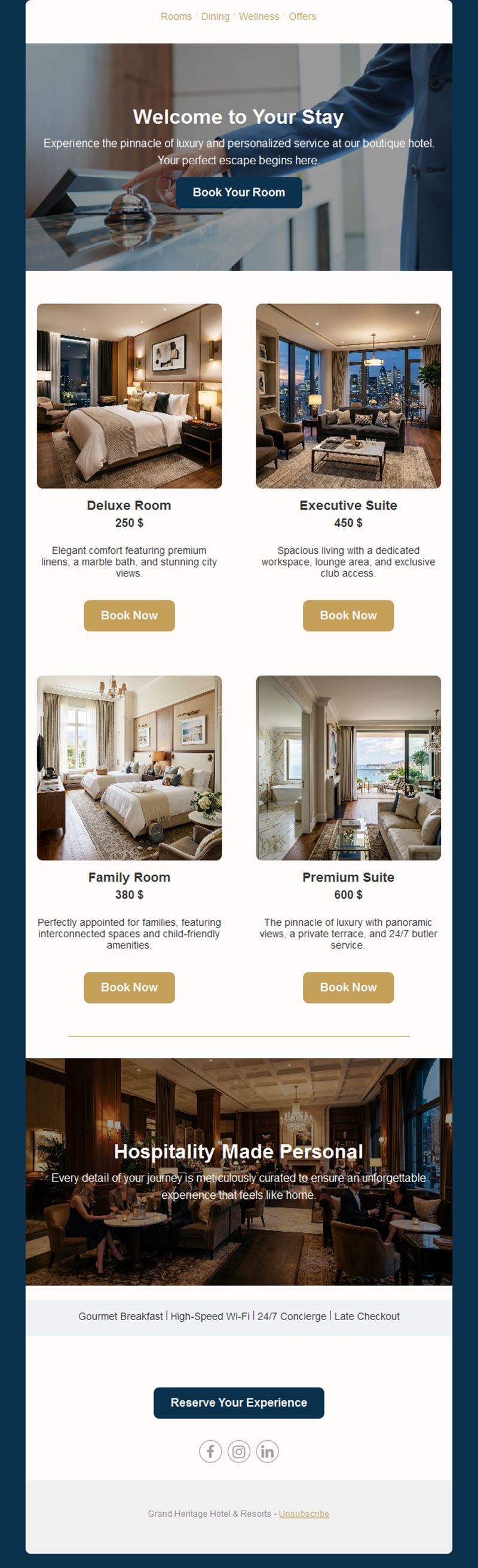
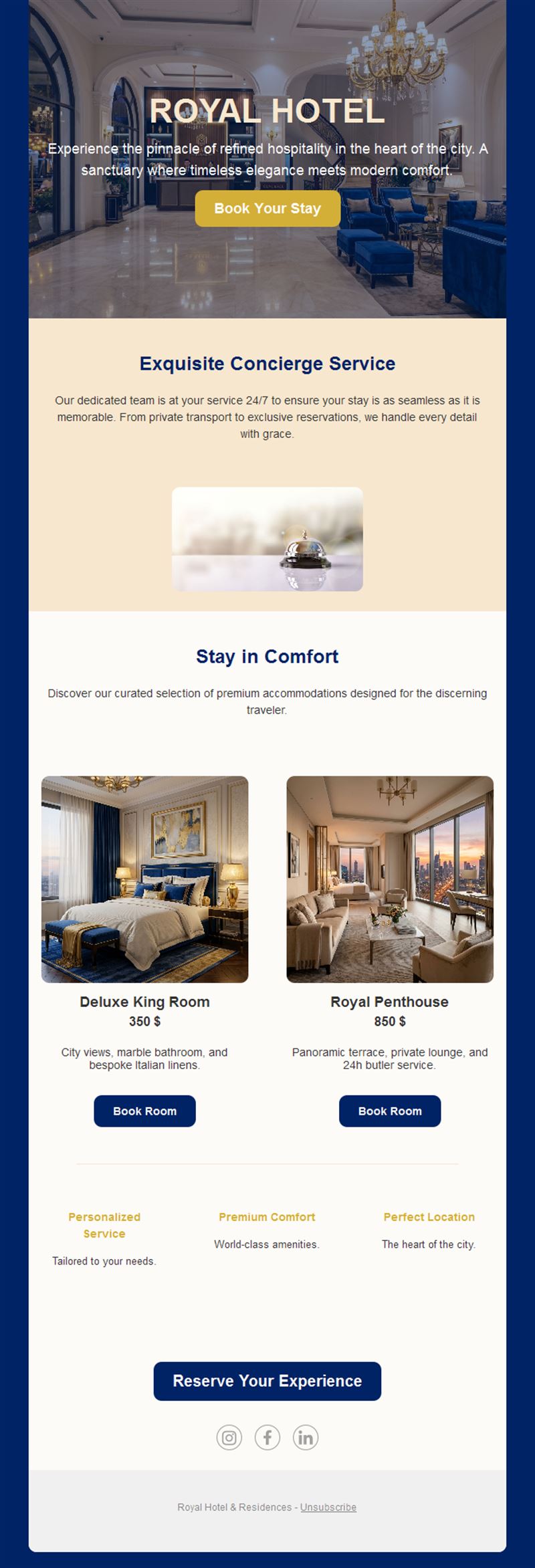
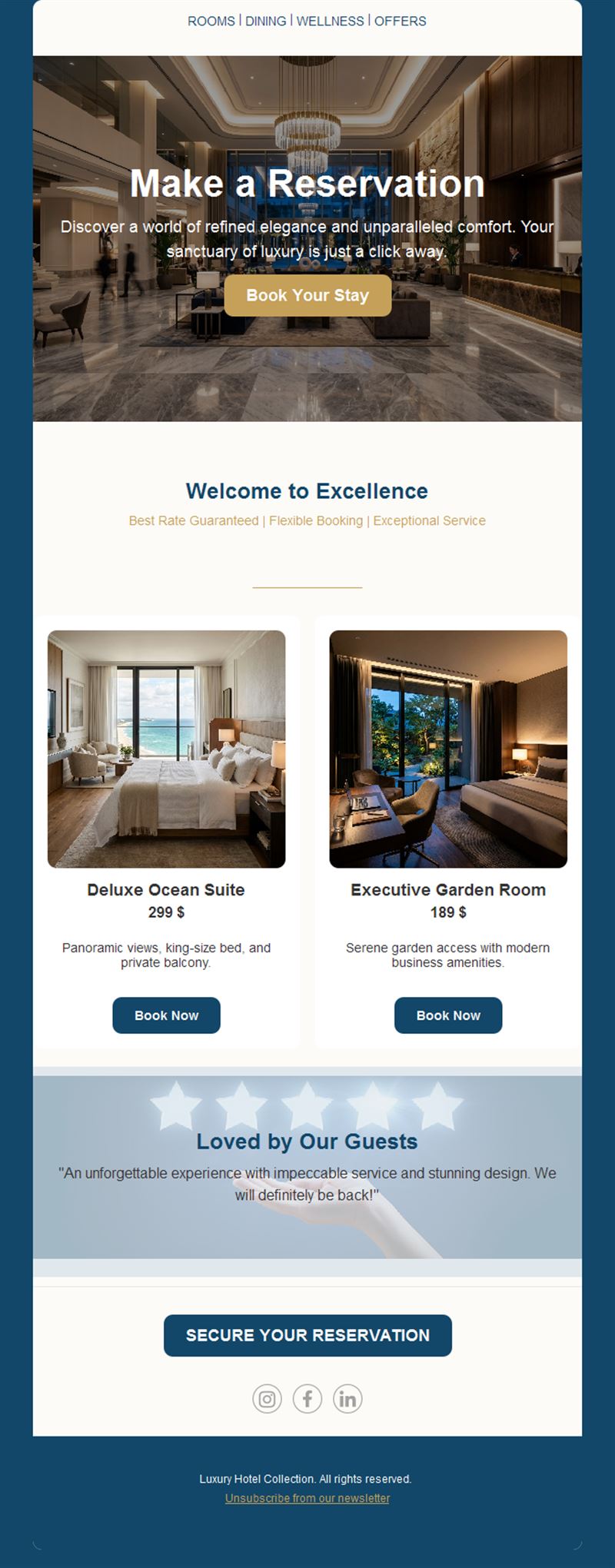
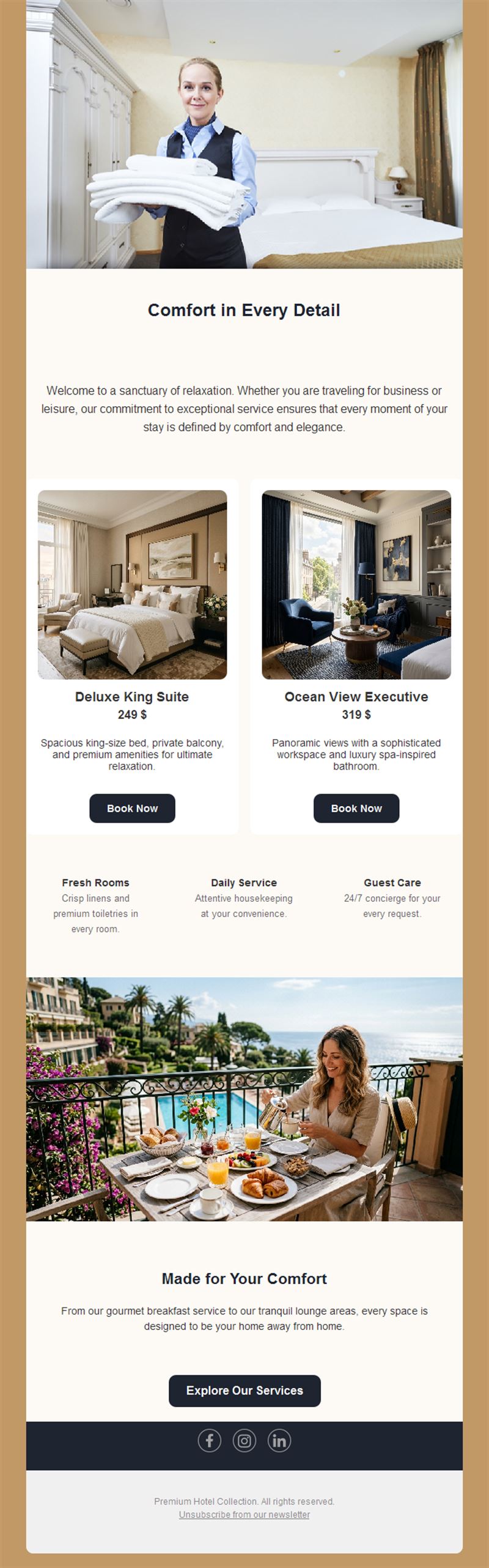
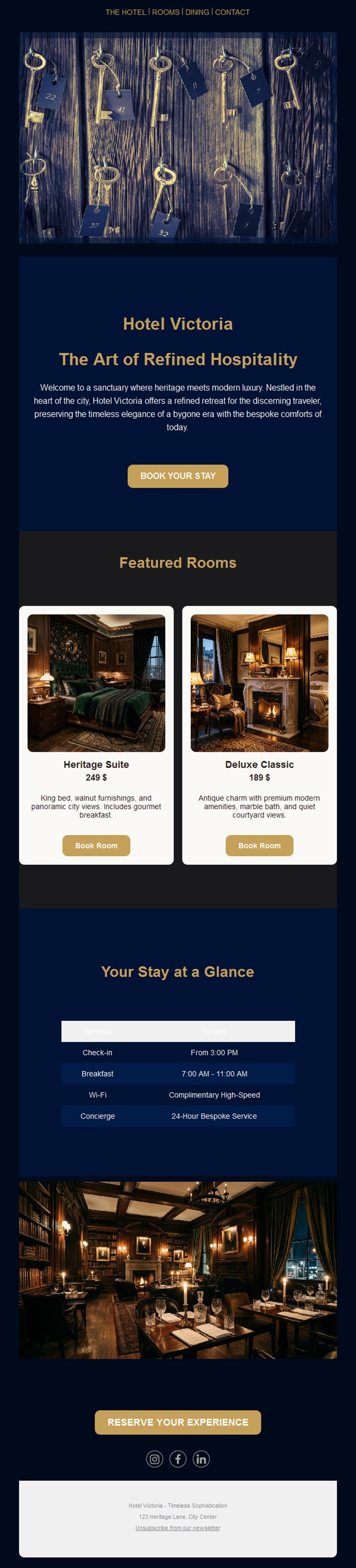
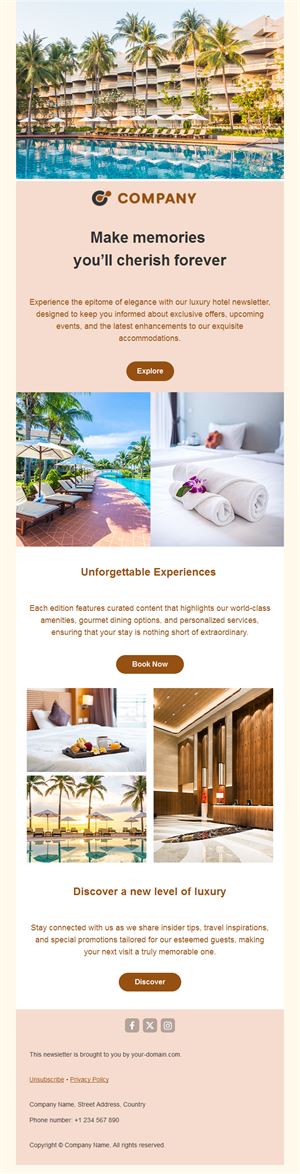
- Showcase the property: photo-forward designs that sell the experience.
What can your hotel send?
1) Seasonal offers
Early-bird summer rates, winter escapes, and long-weekend packages with clear dates.
2) Event packages
Local festivals, conferences, and holidays paired with room-plus-extras bundles.
3) Pre-arrival emails
Practical details plus upsells: upgrades, spa slots, and dinner reservations.
4) Win-back campaigns
“We miss you” offers to past guests — the cheapest booking you’ll ever get.
5) Hotel news
Renovations, new restaurant menus, and awards that keep the property dream alive.
What's inside each template?
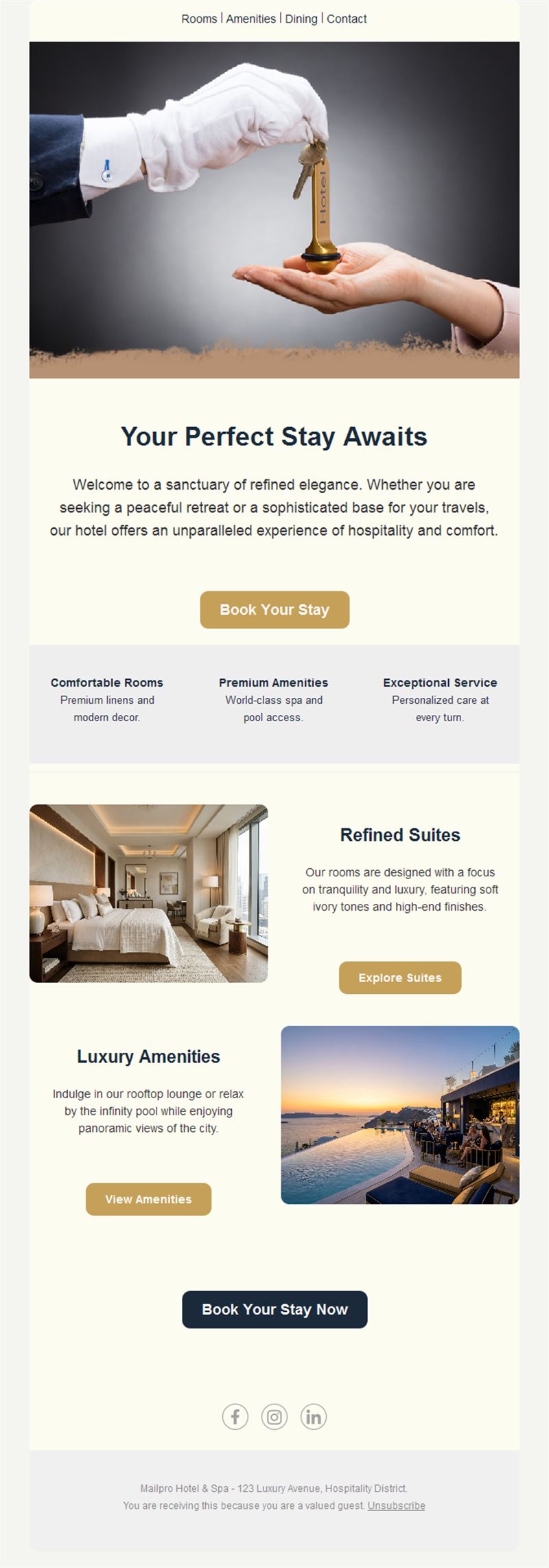
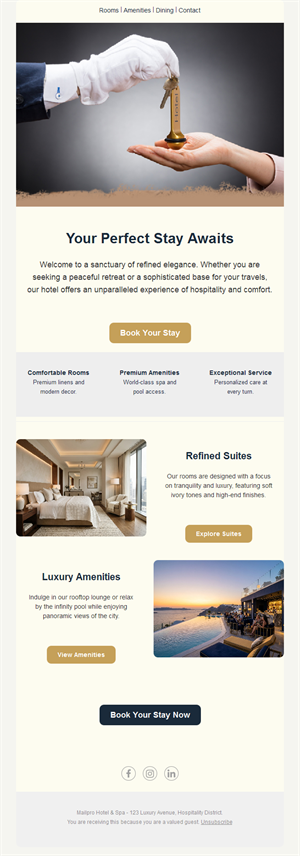
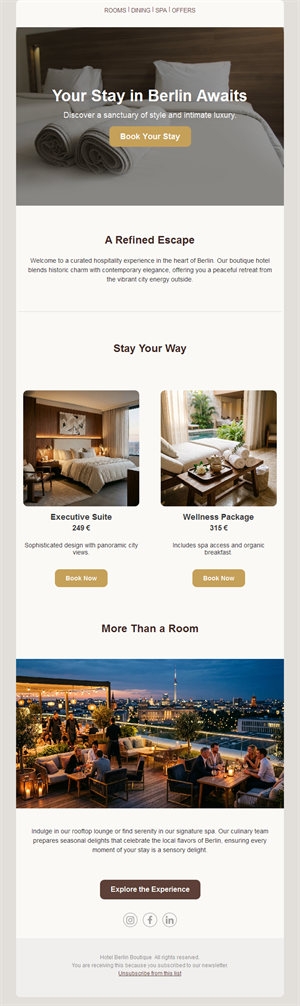
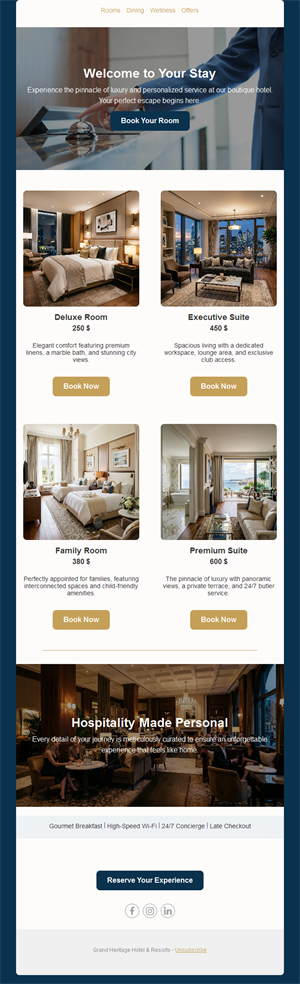
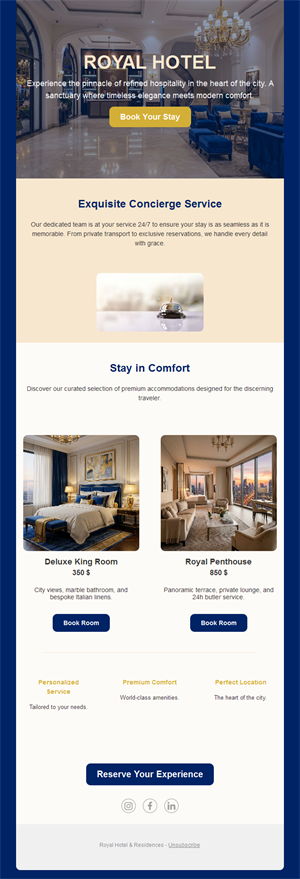
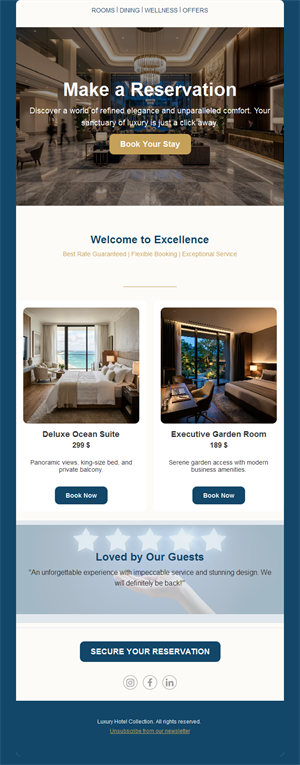
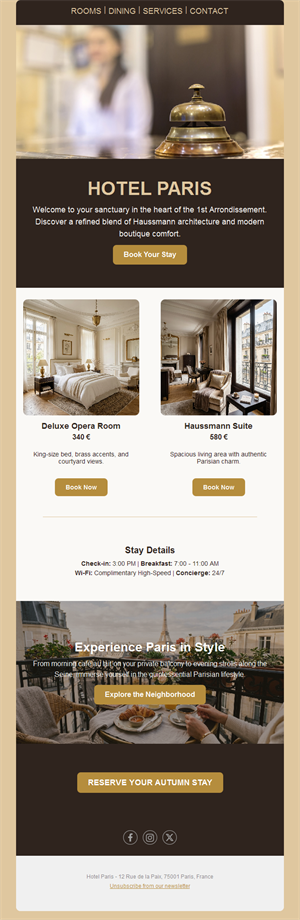
- Full-width hero with your best property shot.
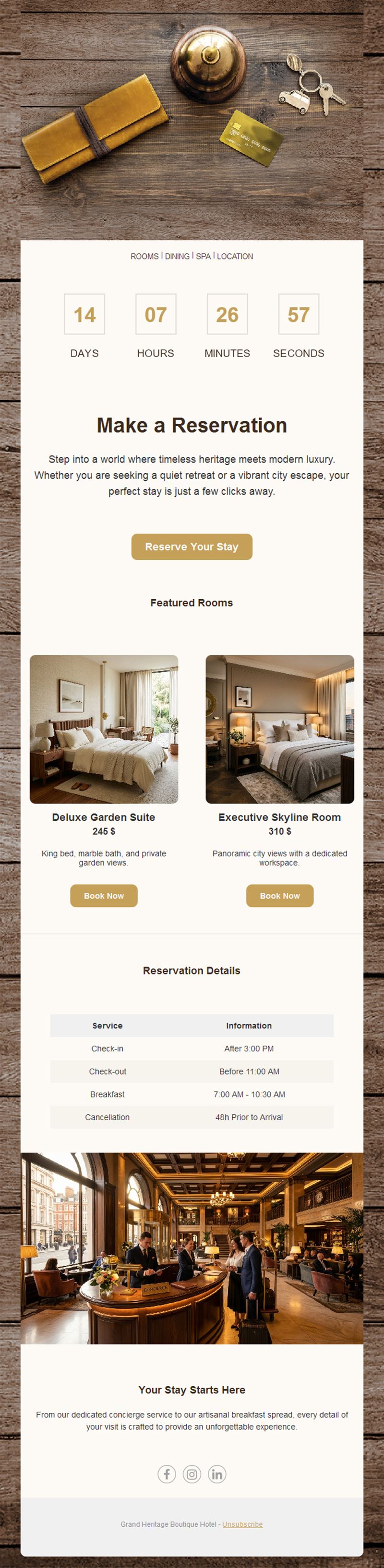
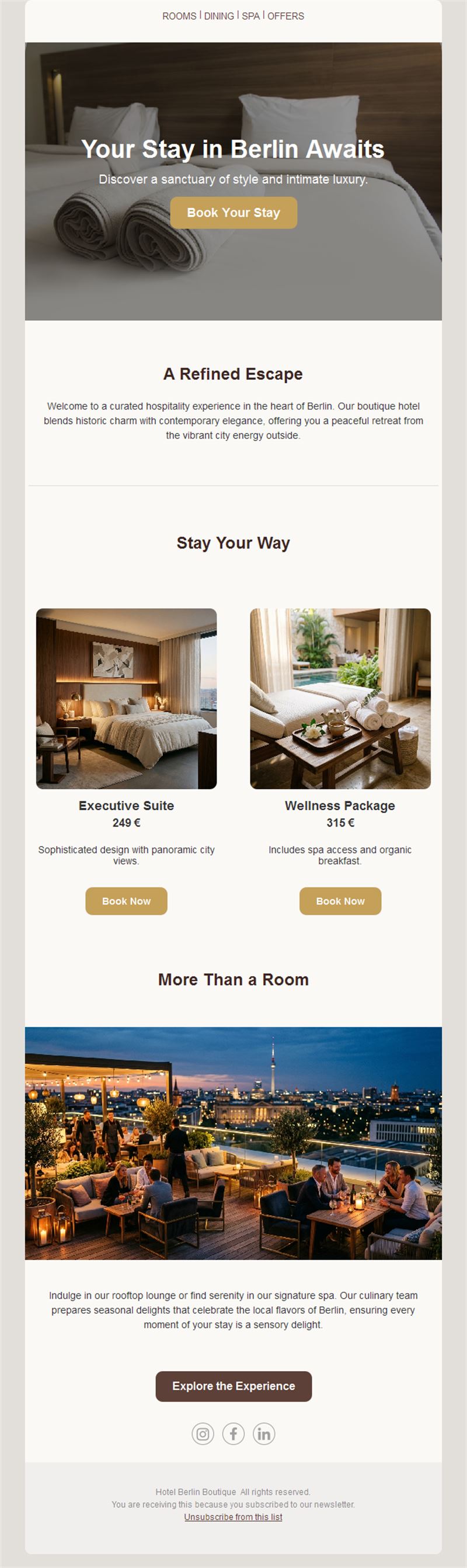
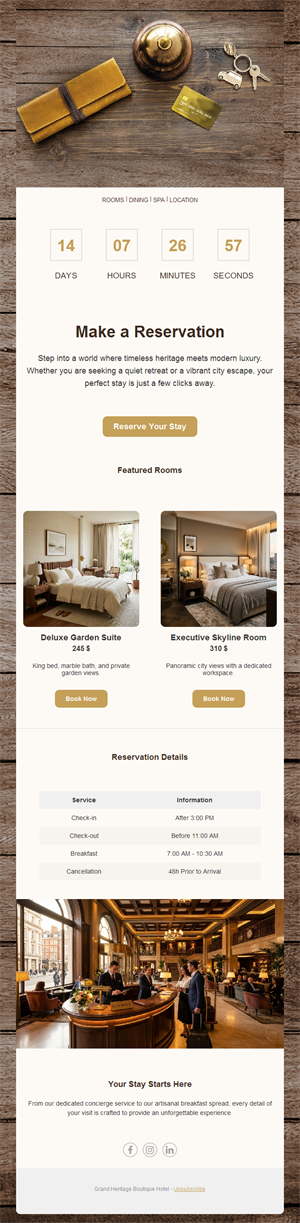
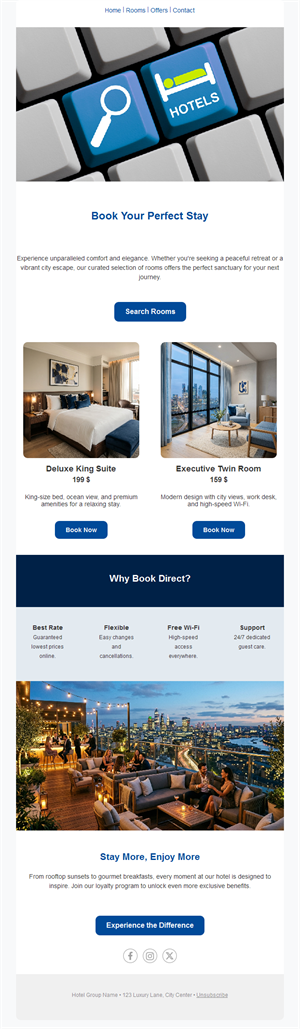
- Offer block with rates, dates, and book-now button.
- Amenity showcase for spa, dining, and rooms.
- Local-events section for reasons to visit.
- Social links and an easy unsubscribe footer.
How to customize your Hotel email in Mailpro™
- Pick a template: Open Templates and choose a Hotel design.
- Edit copy & images: Use your best photography — the view sells the room.
- Add a countdown (optional): Count down to early-bird deadlines and event dates. See how the countdown works.
- Segment your audience: Families, couples, and business travelers book different stays. Learn segmentation.
- Schedule the send: Offers 6–8 weeks before the season; pre-arrival 3 days before check-in. Schedule email campaigns.
- Track results: Monitor opens, clicks, and conversions. View email statistics.
- Automate follow-ups: Automate pre-arrival emails and post-stay thank-yous with review requests. Set up autoresponders.
Subject line & CTA ideas
Subject lines
- Summer early-bird: 20% off direct bookings
- Your escape this winter, planned
- 3 days until check-in — everything you need
- We miss you — here’s 15% off your return
- New: rooftop dining with a view
CTA ideas
- Book Direct & Save
- See the Offer
- Plan My Stay
- Upgrade My Room
Best practices for Hotel campaigns
- Push direct value: best-rate guarantees and perks beat platform prices.
- Sell the destination: local events and seasons give reasons to book now.
- Automate the journey: pre-arrival upsells and post-stay reviews run themselves.
- Photo quality is rate quality: invest in imagery; it justifies pricing.
- Win back past guests: they already love you — remind them.
FAQ: Hotel email templates
How do hotels increase direct bookings with email?
Offer list-only perks — better rates, free upgrades, late checkout — and make the book-direct button the hero of every send.
When should seasonal offers go out?
Six to eight weeks before the season, with an early-bird deadline; follow with a last-rooms reminder.
What should a pre-arrival email include?
Check-in details, directions, and one or two well-chosen upsells like spa bookings or dinner reservations.
How do we measure campaign success?
Track bookings per send in Mailpro statistics and compare direct-channel growth season over season.
Get started
Turn lookers into bookers: pick a hotel email template and fill the calendar direct.