
A well-managed list is where results begin.
Segmented campaigns see much higher open rates than one-size-fits-all sends. Managing your contact list well doesn't just lift ROI — it improves customer satisfaction and your understanding of your audience. Mailpro makes it simple.
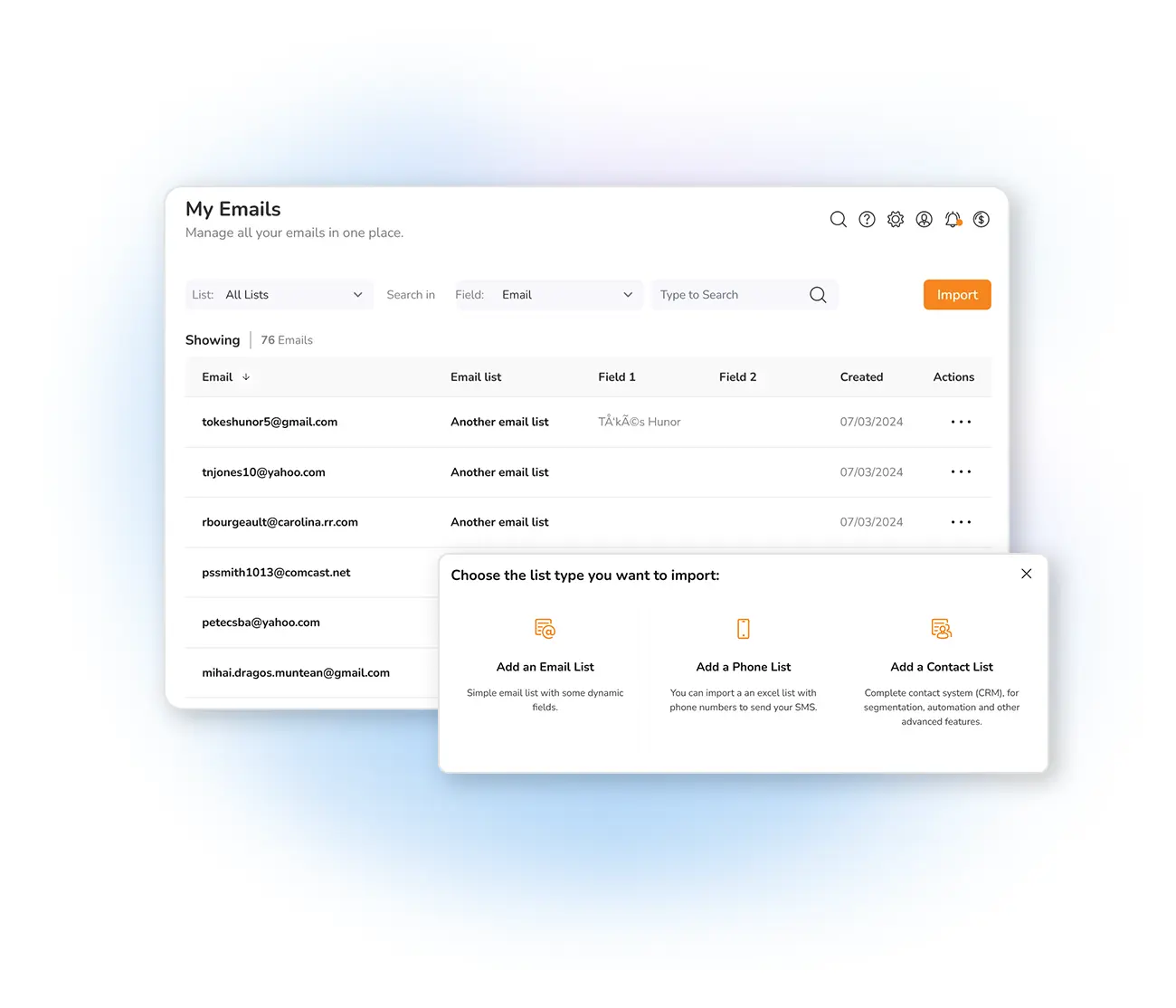
Communicate efficiently with your audience
Whether it's segmentation or effective communication, keeping contacts organized is the key to email marketing success. In Mailpro you manage contacts individually inside your list: each time you import or sync an app, you choose which list a contact joins — and you can remove them from one list without touching the others.
That's ideal for different lists and segments. A subscriber might not want updates from your boutique but does want news from your wine shop — no problem. Add data on the Contact Fields (up to 50 fields) to personalize your newsletters, and tag contacts — new subscribers, frequent customers, specific interests — to build segments and send to exactly the right group.
Four ways to keep your lists sharp
Frequently asked questions
Can a contact belong to more than one list?
How does list management improve results?
Keep your lists clean and effective
Start free and manage your contact lists for higher engagement and better ROI.