Security Company Email Templates
Adapt for Unlimited Possibilities
Security Companies
Security Companies

Security Companies
Security Companies

Security Companies
Security Companies

Security Companies

Security Companies
Security Companies
Security Companies
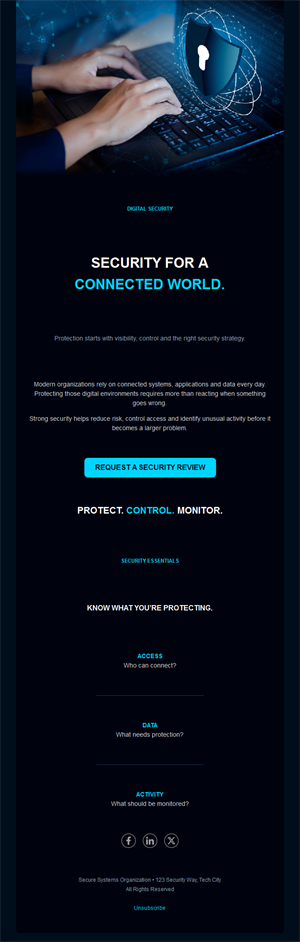
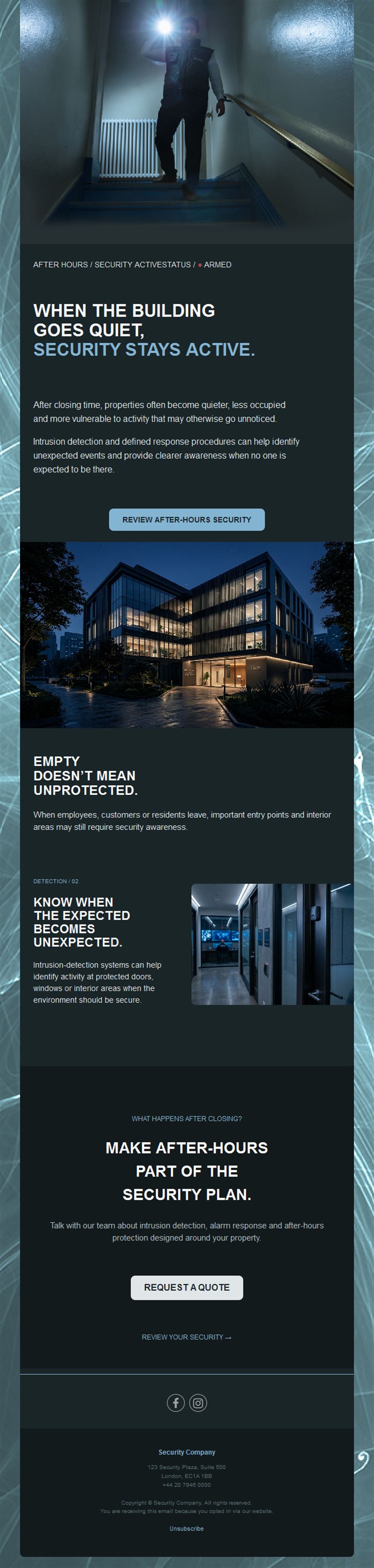
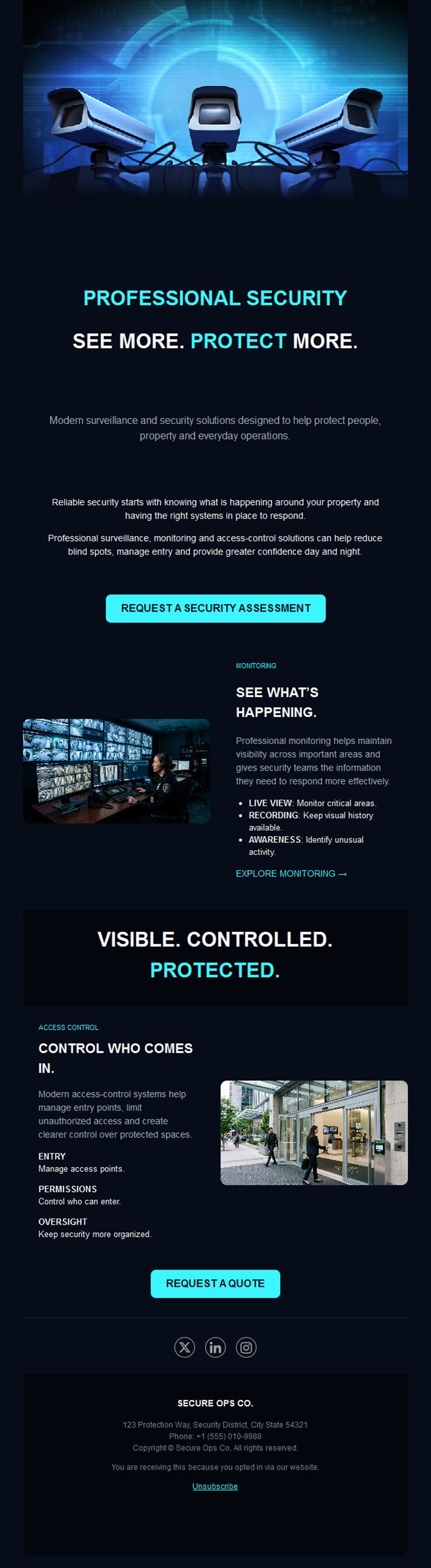
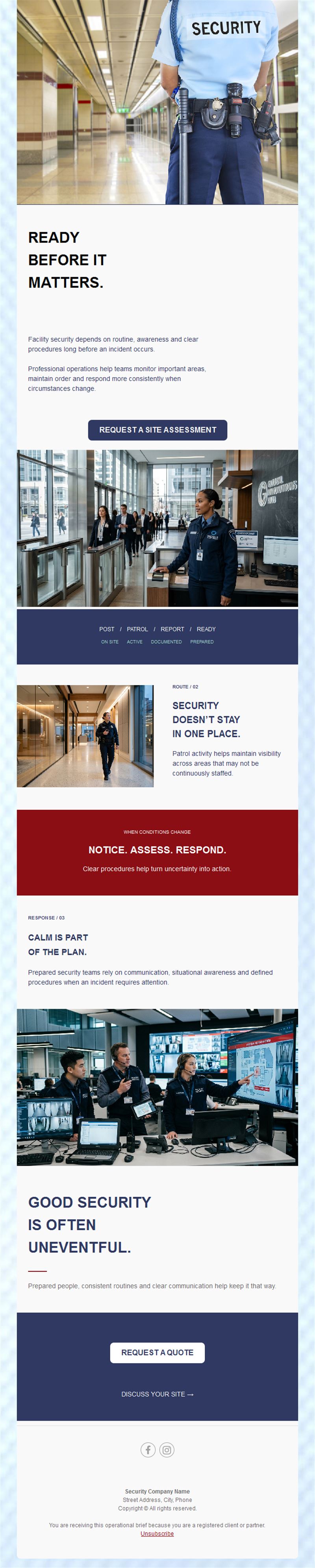
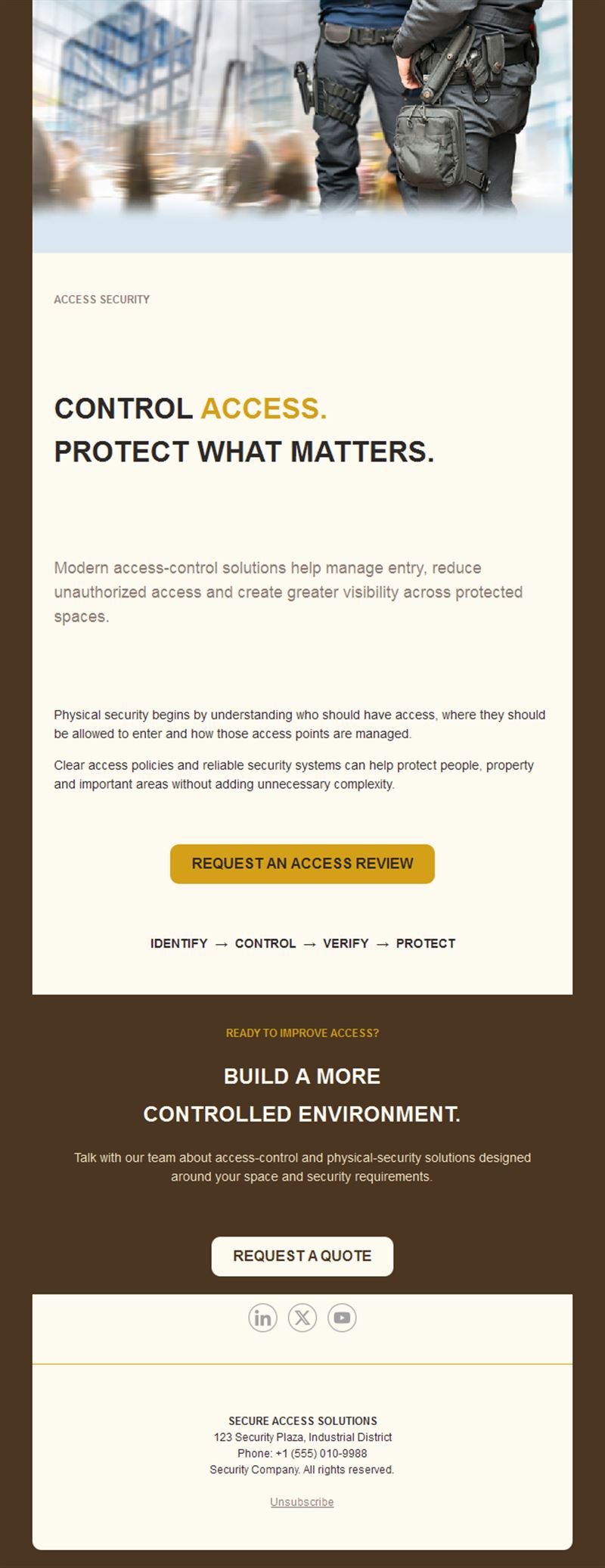
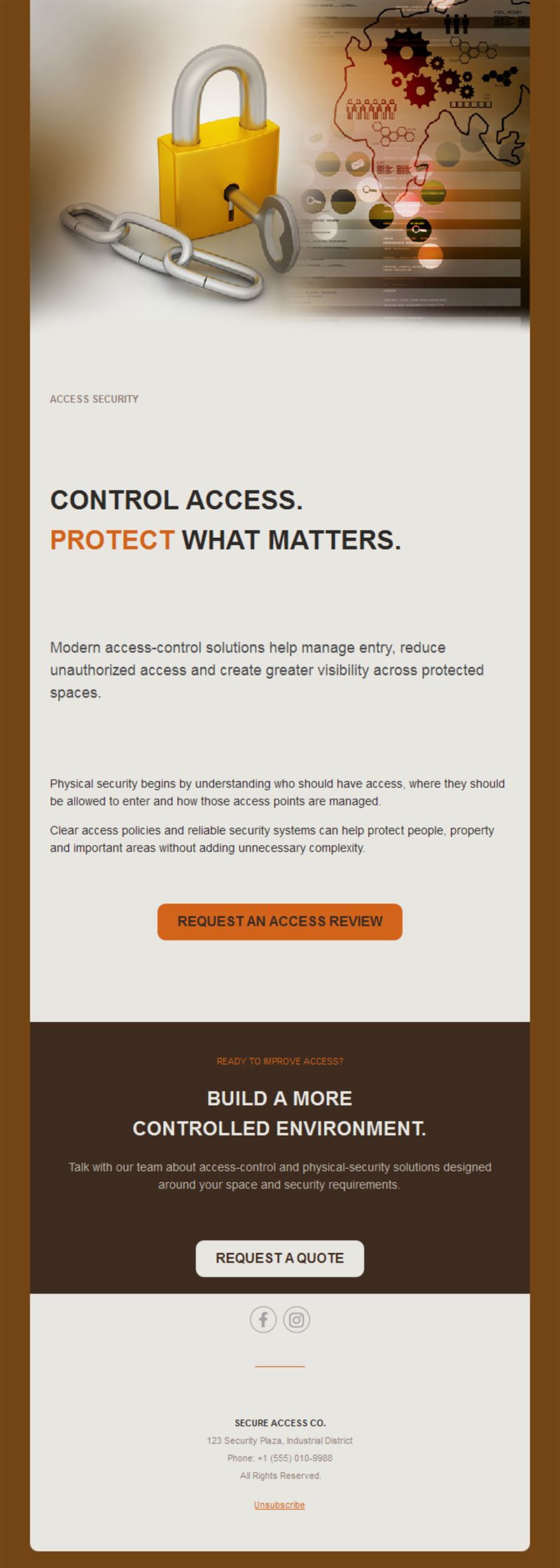
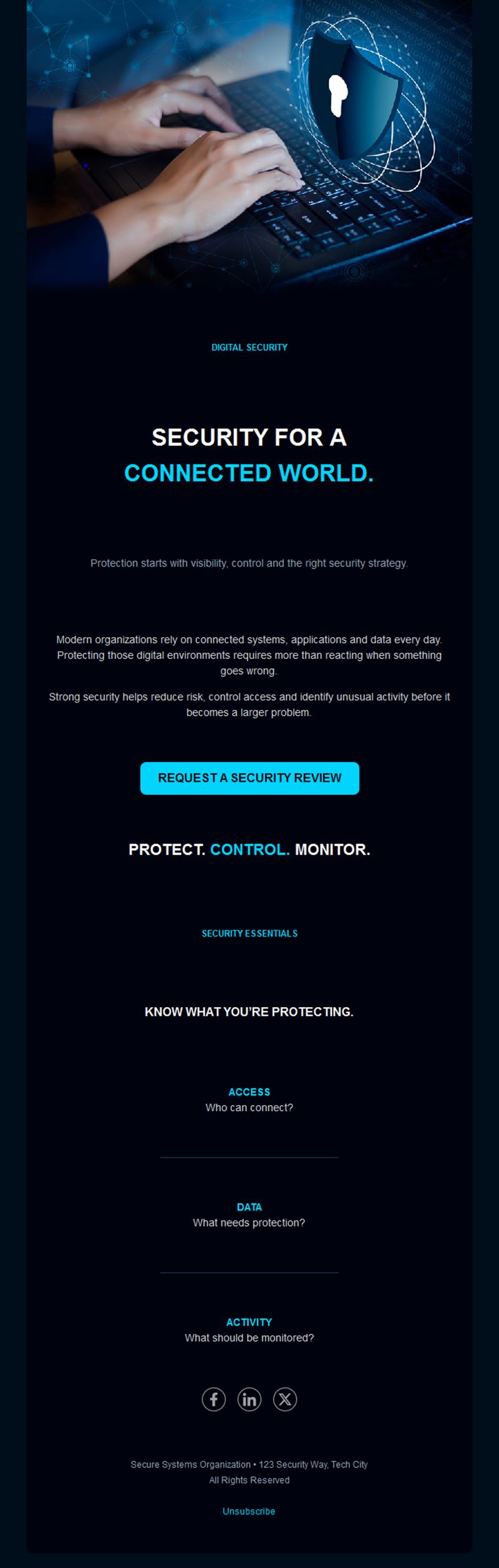
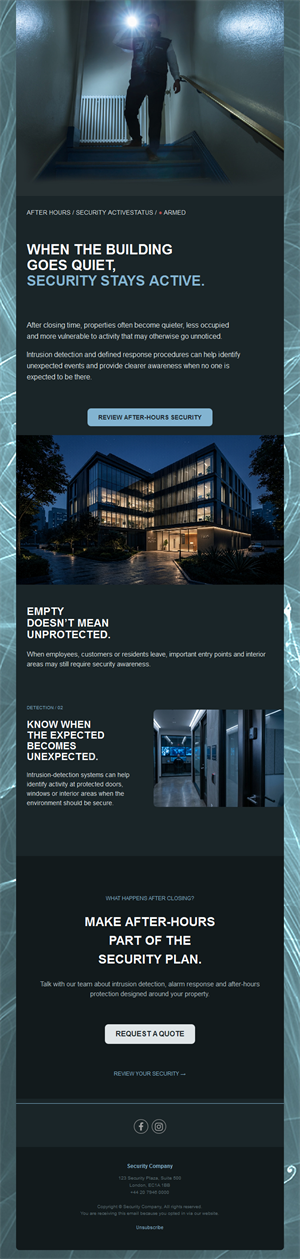
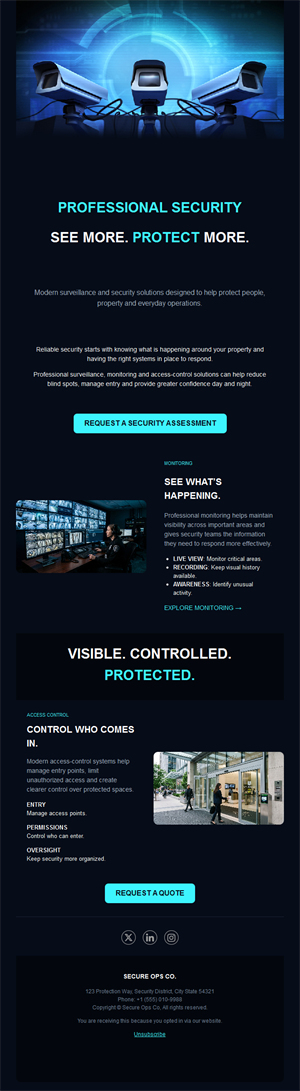
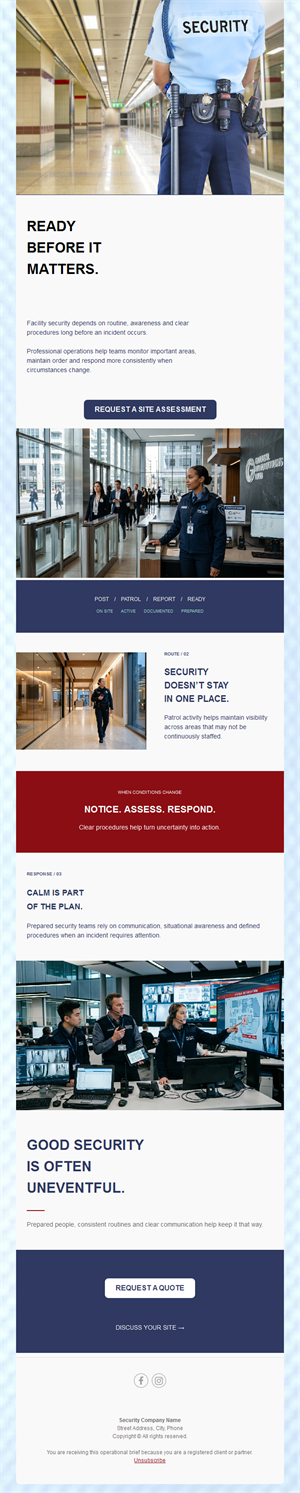
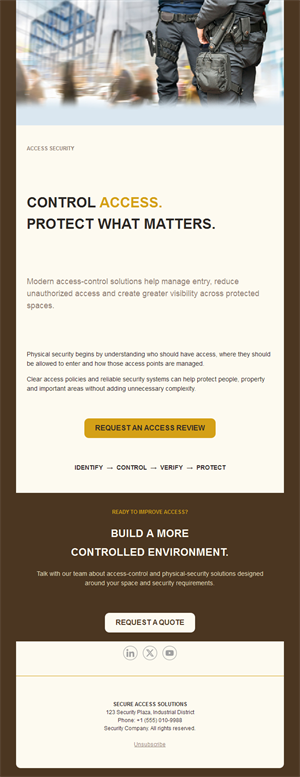
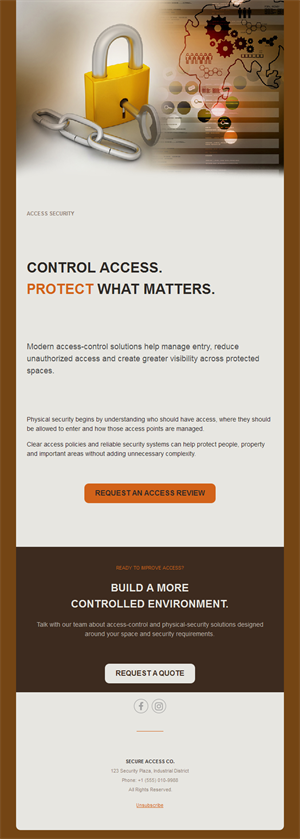
Security is sold on trust — and trust is built through communication. Pick a ready-made security company email template, customize it in minutes, and send with Mailpro™.
Why use Security Company email templates?
Businesses and homeowners choose security providers they feel they know. Regular, professional updates — safety tips, service news, seasonal advisories — make your company the credible choice long before the contract renewal.
- Trust-building rhythm: consistent professional contact reassures clients year-round.
- Advisory positioning: safety tips make you the expert, not just the vendor.
- Contract retention: clients who hear from you renew with you.
- Lead nurturing: prospects warm up through useful content before the sales call.
What can a security company send?
1) Safety advisories
Seasonal risks — holiday burglaries, summer absences — with practical prevention tips.
2) Service announcements
New monitoring tech, patrol coverage, or alarm-system upgrades.
3) Client updates
Maintenance schedules, protocol changes, and emergency contacts.
4) Case studies
Anonymized incidents that show your response quality and speed.
5) Contract & offer campaigns
Renewal reminders and bundled-service promotions for homes and businesses.
What's inside each template?
- Strong hero section with headline and service visual.
- Advisory block for safety tips.
- Service showcase with features and coverage.
- Quote-request CTA with contact details.
- Social links and an easy unsubscribe footer.
How to customize your Security Company email in Mailpro™
- Pick a template: Open Templates and choose a Security Company design.
- Edit copy & images: Use professional imagery — teams, technology, control rooms; avoid fear-mongering.
- Add a countdown (optional): Useful for limited offers on installations or upgrades. See how the countdown works.
- Segment your audience: Homeowners and business clients face different risks — split the list. Learn segmentation.
- Schedule the send: Advisories ahead of risk seasons; service news as it happens. Schedule email campaigns.
- Track results: Monitor opens, clicks, and conversions. View email statistics.
- Automate follow-ups: Automate welcome sequences and contract-renewal reminders. Set up autoresponders.
Subject line & CTA ideas
Subject lines
- Holiday season: 5 ways to protect your premises
- Going away this summer? Read this first
- New: 24/7 video monitoring now available
- Your annual system check is due
- Case study: how we stopped a break-in in 4 minutes
CTA ideas
- Request a Free Quote
- Book a Security Audit
- Upgrade My System
- Talk to an Expert
Best practices for Security Company campaigns
- Advise, don’t alarm: practical tips build trust; fear tactics erode it.
- Season your advisories: holidays and vacation periods are natural send moments.
- Prove response times: concrete numbers sell security better than adjectives.
- Stay professional: sober design and precise language reflect operational discipline.
- Renewal timing: contact clients well before contracts lapse — silence loses renewals.
FAQ: Security Company email templates
What should a security company email about?
Seasonal safety advisories, service updates, and renewal reminders — useful content that positions you as the expert partner.
How often should we send?
Monthly or quarterly newsletters plus event-driven advisories before high-risk periods like holidays.
How do we win new contracts by email?
Nurture prospects with safety content, then convert with audits and quotes — warm leads close faster than cold calls.
Can we track what clients read?
Yes — Mailpro statistics show which advisories and offers get attention, guiding your sales follow-up.
Get started
Be the name they trust before they need you: pick a security company email template and stay on watch in the inbox.