IT Company Email Templates
Adapt for Unlimited Possibilities
IT Companies
IT Companies
IT Companies

IT Companies
IT Companies
IT Companies
IT Companies

IT Companies
IT Companies
IT Companies
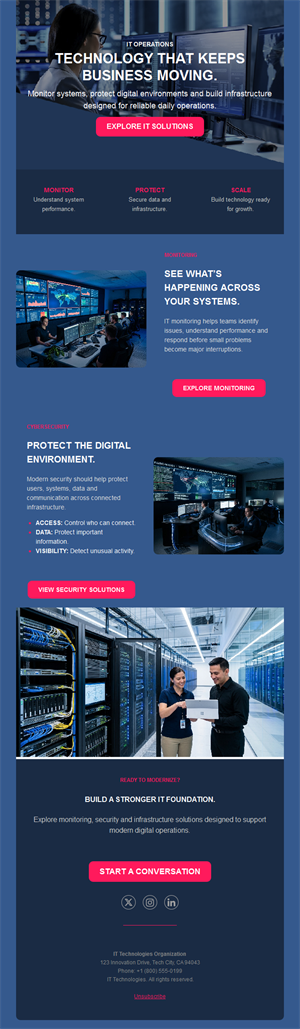
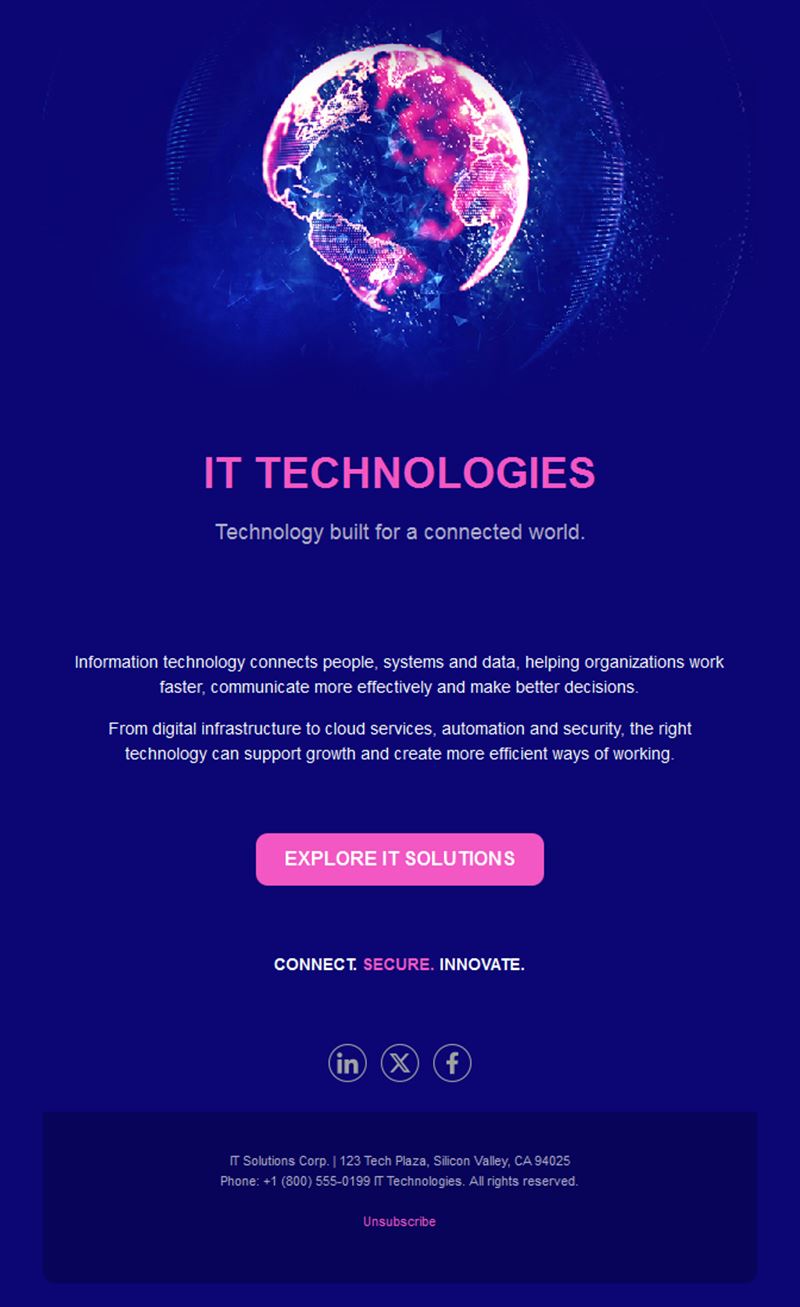
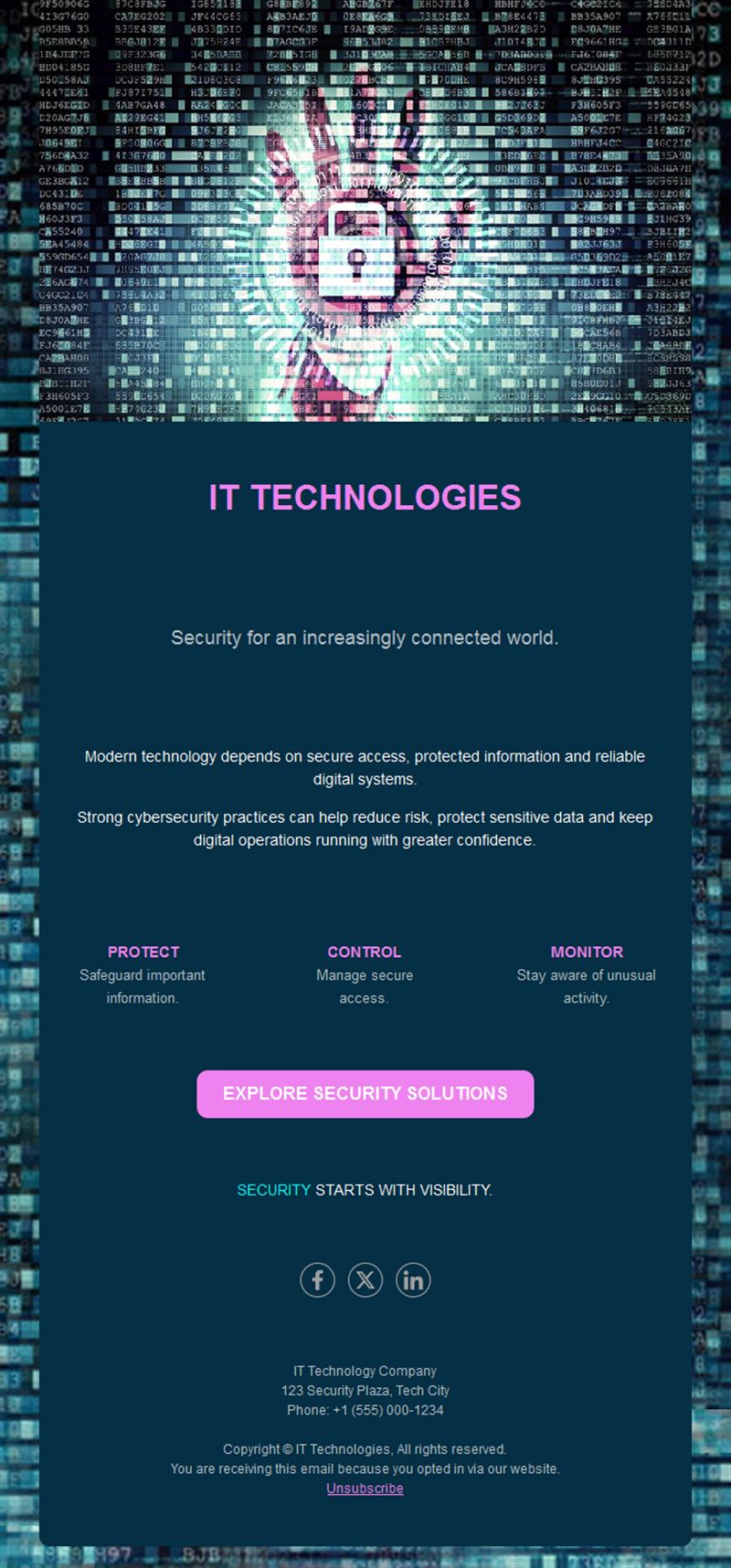
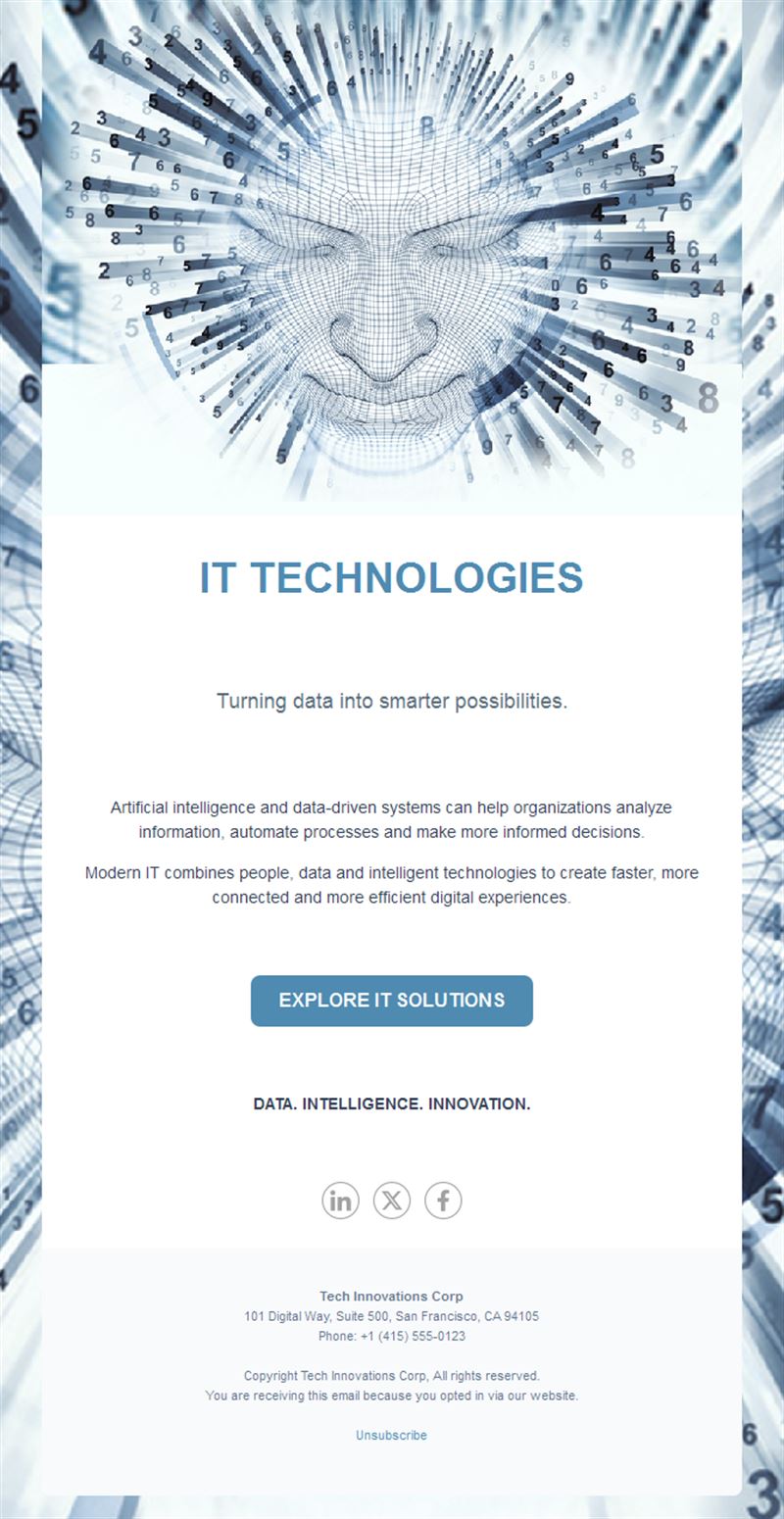
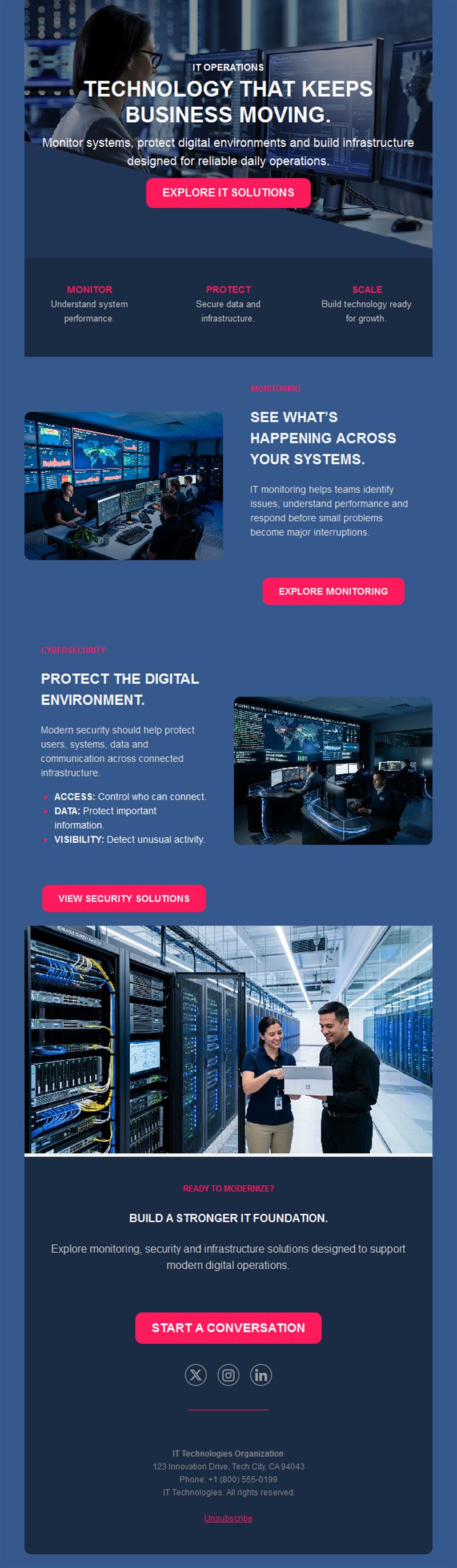
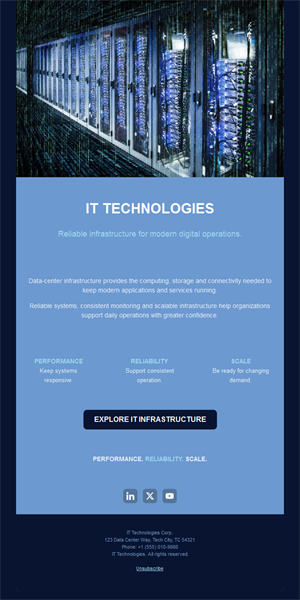
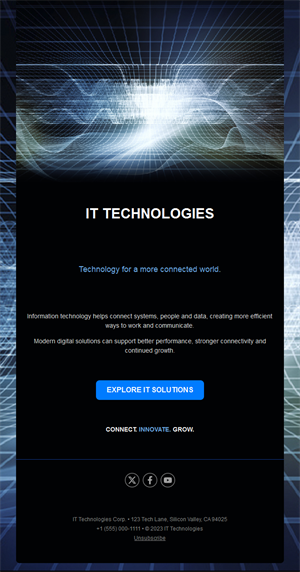
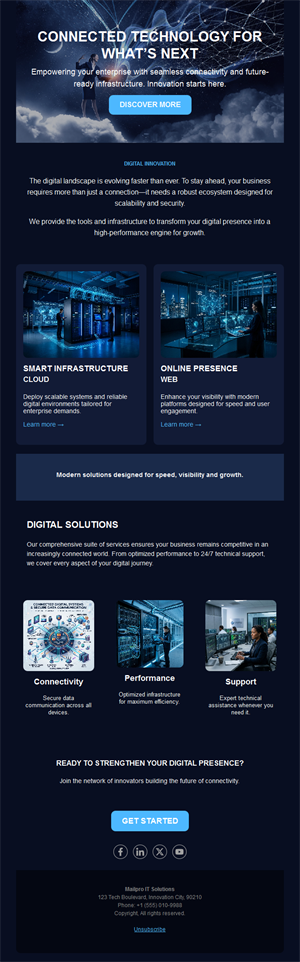
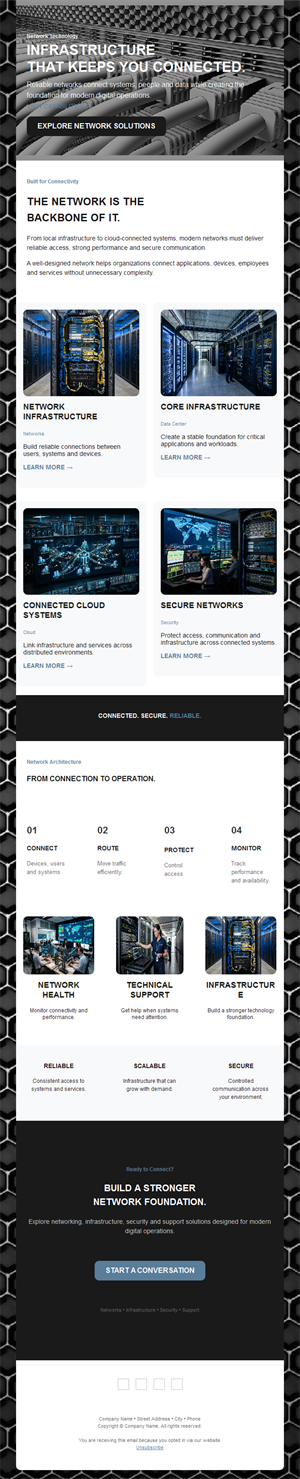
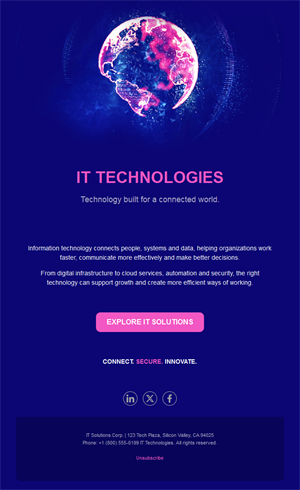
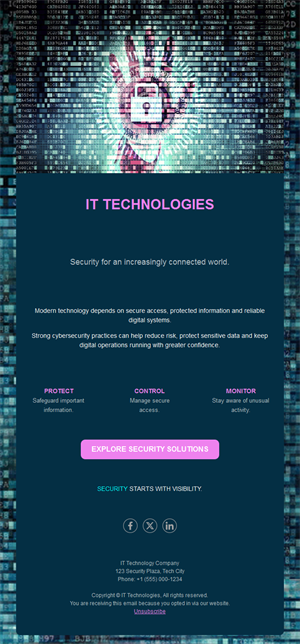
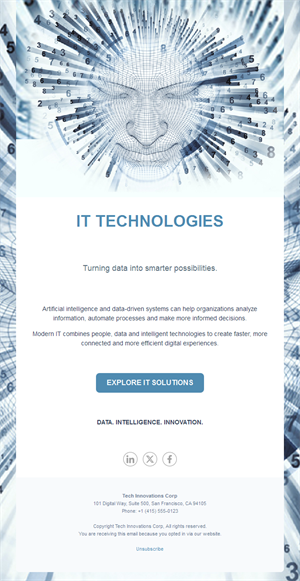
Great tech deserves communication that keeps up with it. Pick a ready-made IT company email template, customize it in minutes, and send with Mailpro™.
Why use IT Company email templates?
Software moves fast — releases, patches, webinars, renewals. A structured newsletter keeps clients informed, drives feature adoption, and nurtures prospects through long B2B sales cycles.
- Drive adoption: users who know about features actually use them — and renew.
- Nurture long cycles: B2B tech decisions take months; steady content keeps you shortlisted.
- Reduce support load: proactive update emails prevent tickets.
- Clean, technical design: layouts that suit product screenshots and changelogs.
What can an IT company send?
1) Release notes & product updates
New features and improvements, framed by the problems they solve.
2) Maintenance & incident notices
Planned downtime and status updates that protect trust.
3) Webinars & demos
Product walkthroughs and expert sessions that generate qualified leads.
4) Educational content
Guides, best practices, and industry insights that build authority.
5) Onboarding sequences
Step-by-step activation emails that turn trials into paying customers.
What's inside each template?
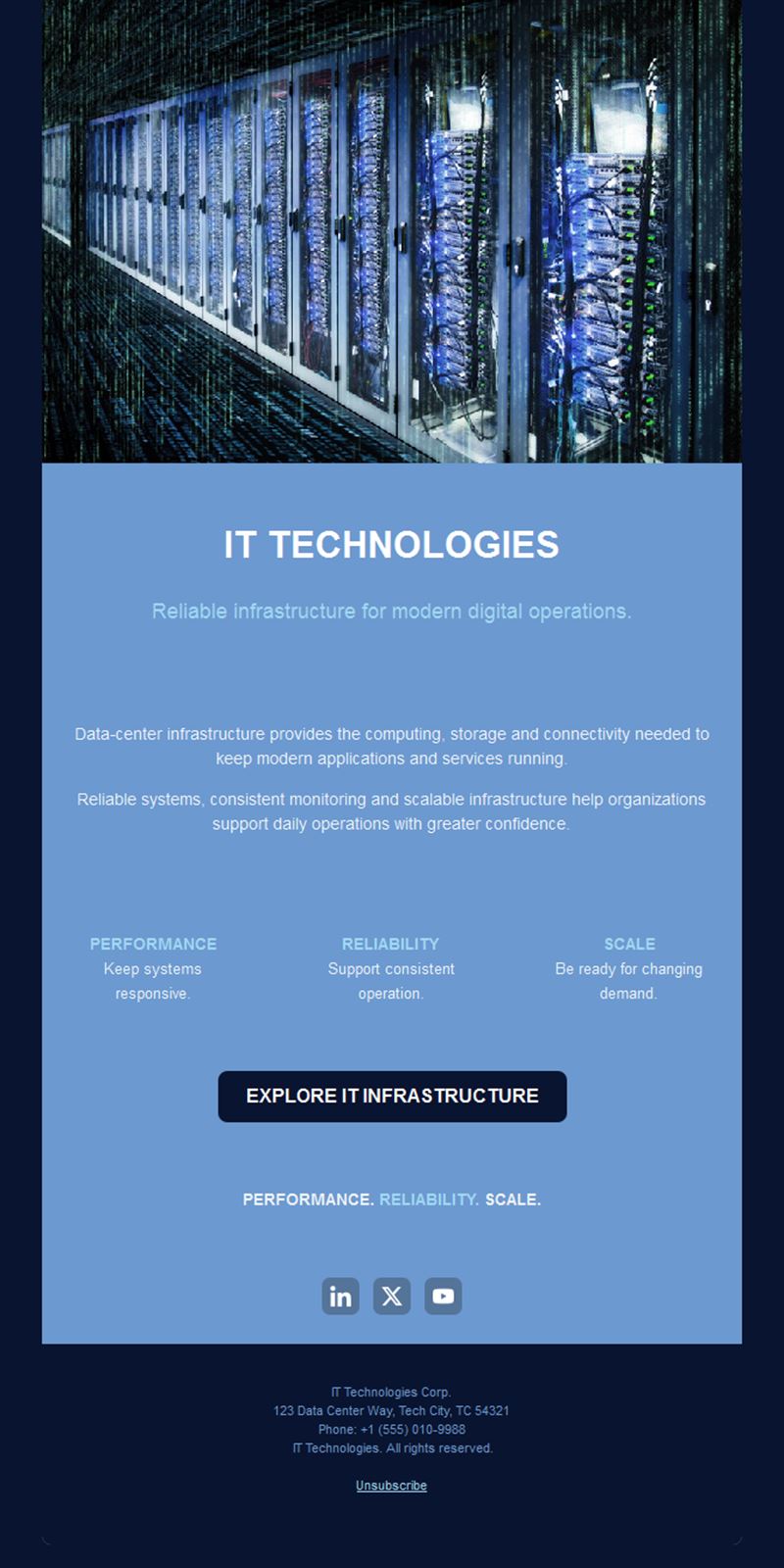
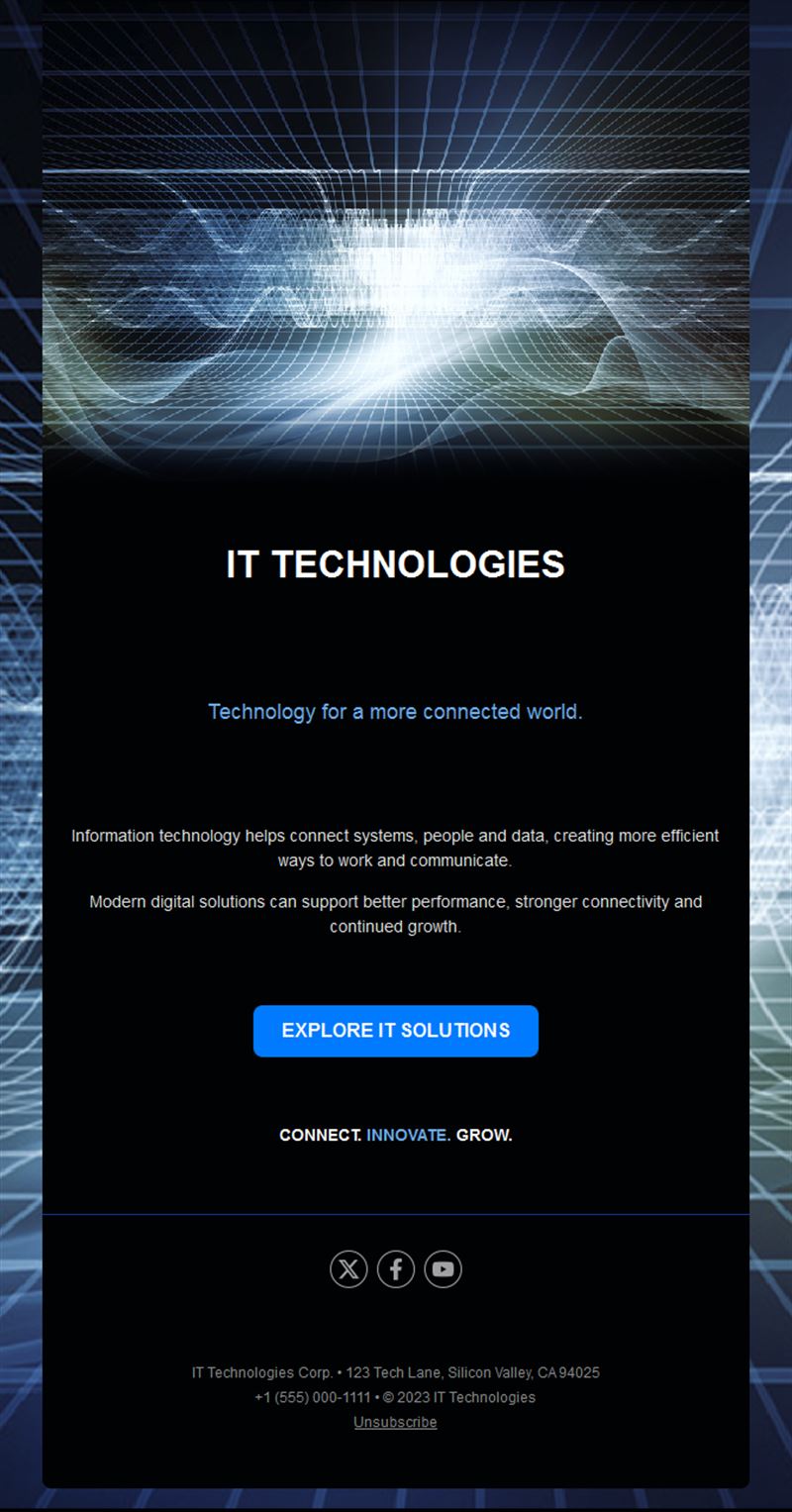
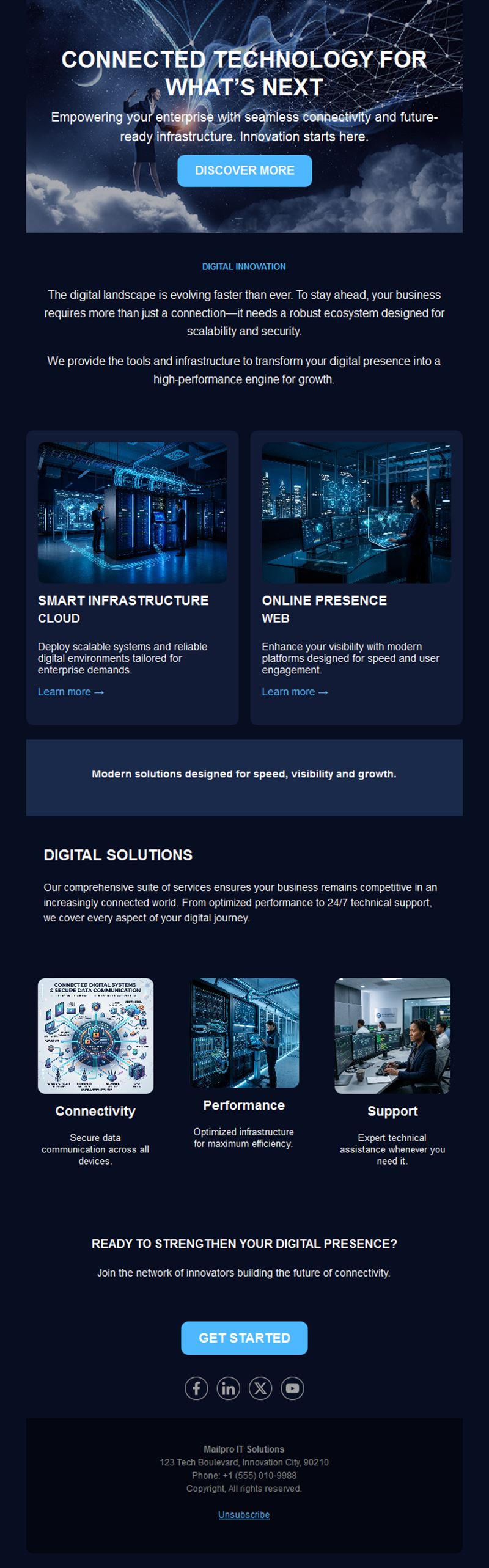
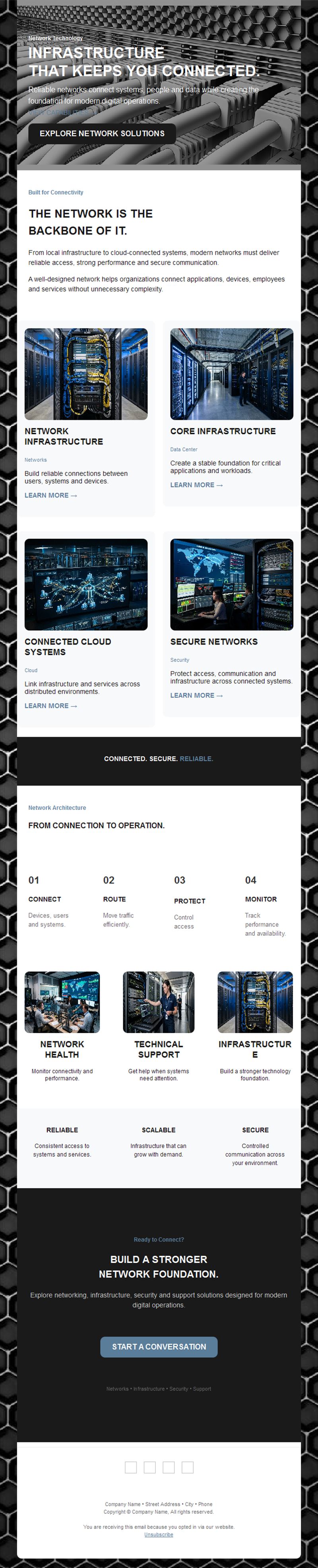
- Hero section with product visual and headline.
- Feature block for updates with screenshots.
- Webinar/event section with registration button.
- Resource links for docs and guides.
- Social links and an easy unsubscribe footer.
How to customize your IT Company email in Mailpro™
- Pick a template: Open Templates and choose a IT Company design.
- Edit copy & images: Lead with the benefit, then the feature; screenshots beat abstractions.
- Add a countdown (optional): Useful for webinar registrations and end-of-trial reminders. See how the countdown works.
- Segment your audience: Prospects, trial users, and customers each need different messages. Learn segmentation.
- Schedule the send: Product updates on a steady cadence; incident notices immediately. Schedule email campaigns.
- Track results: Monitor opens, clicks, and conversions. View email statistics.
- Automate follow-ups: Automate onboarding and trial-conversion sequences. Set up autoresponders.
Subject line & CTA ideas
Subject lines
- New release: 3 features you asked for
- Scheduled maintenance this Saturday
- Webinar: automate your workflow in 30 minutes
- Your trial ends Friday — here’s what you’ll keep
- The integration you’ve been waiting for is live
CTA ideas
- See What’s New
- Register for the Webinar
- Start My Trial
- Book a Demo
Best practices for IT Company campaigns
- Problem before feature: “stop losing tickets” beats “v2.4 changelog”.
- Be honest on incidents: transparent notices build more trust than silence.
- Segment by lifecycle: trial, active, and churn-risk users need different nudges.
- Keep cadence steady: a predictable monthly update trains users to read you.
- Measure adoption: track which features get clicked and double down.
FAQ: IT Company email templates
What should a software company email about?
Release notes framed as benefits, onboarding guidance, webinars, and honest maintenance notices — content that drives adoption and trust.
How do we nurture B2B leads by email?
Educational sequences — guides, webinars, case studies — that keep you present through months-long decision cycles.
How often should we send product updates?
A monthly digest works for most; ship-when-ready notes suit fast-moving products. Consistency matters more than frequency.
Can we automate onboarding?
Yes — Mailpro autoresponders deliver step-by-step activation emails triggered by signup.
Get started
Ship the news like you ship the code: pick an IT company email template and keep your users in the loop.