Wine & Winery Email Templates
Adapt for Unlimited Possibilities
Wine Makers
Wine Makers
Wine Makers
Wine Makers
Wine Makers
Wine Makers
Wine Makers
Wine Makers
Wine Makers
Wine Makers
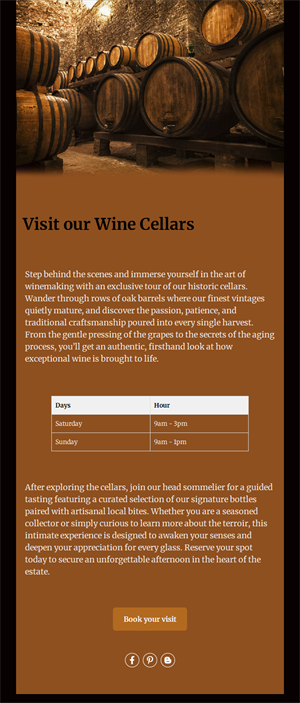
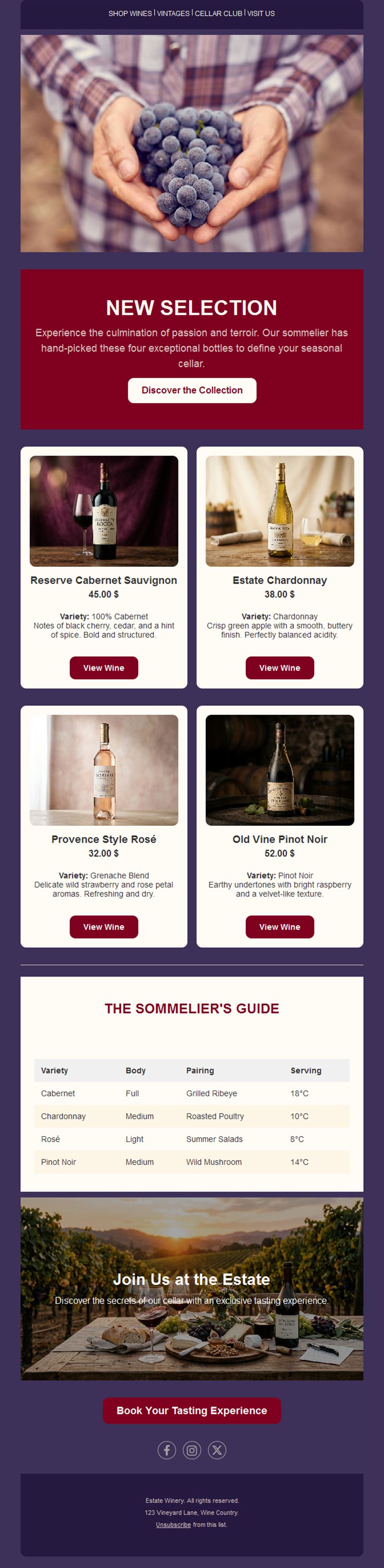
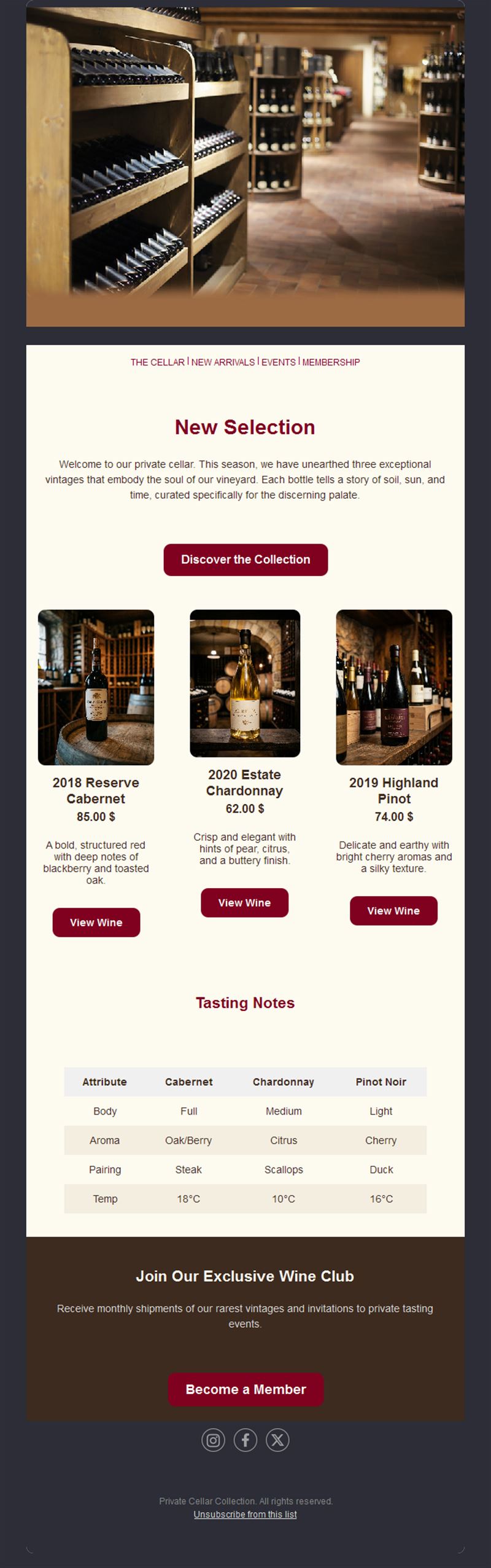
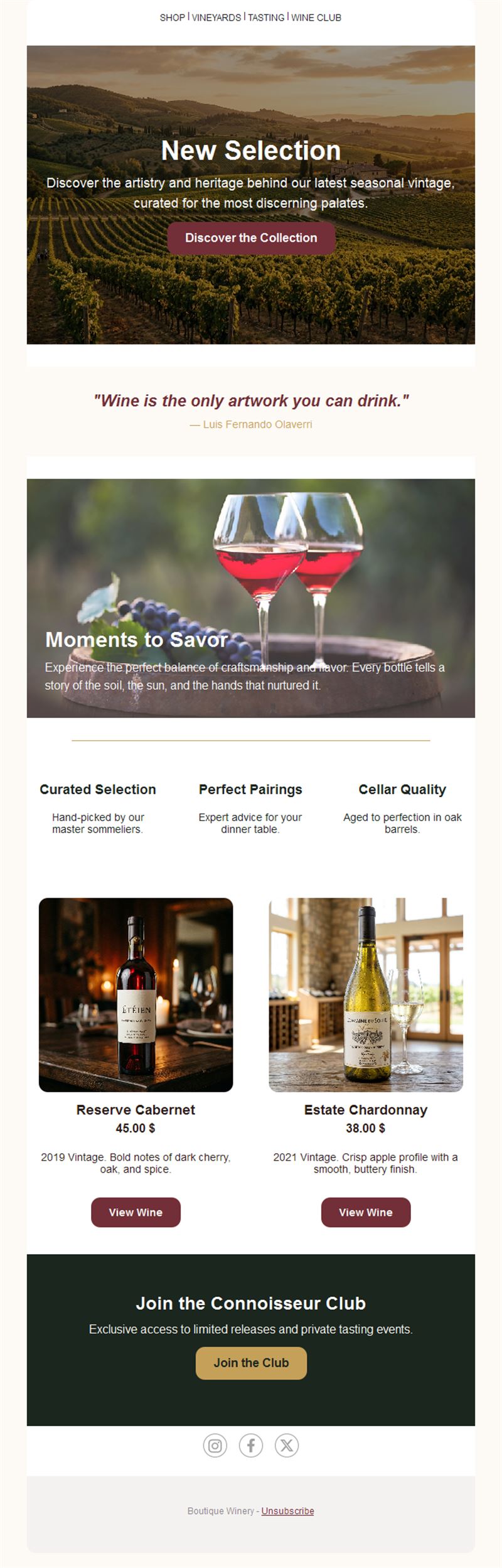
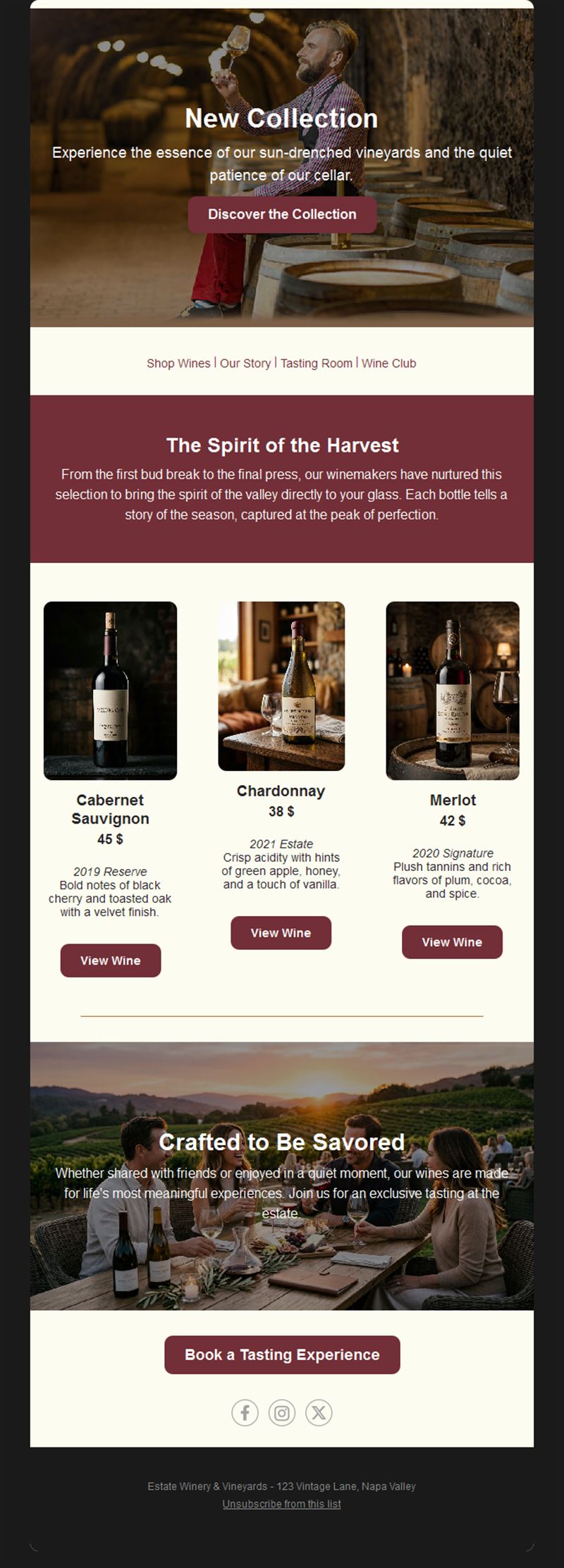
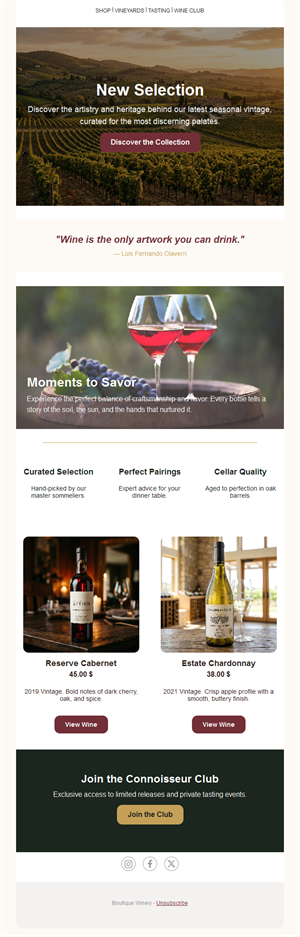
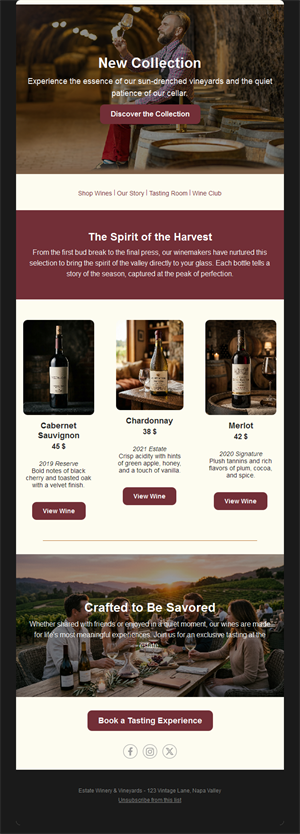
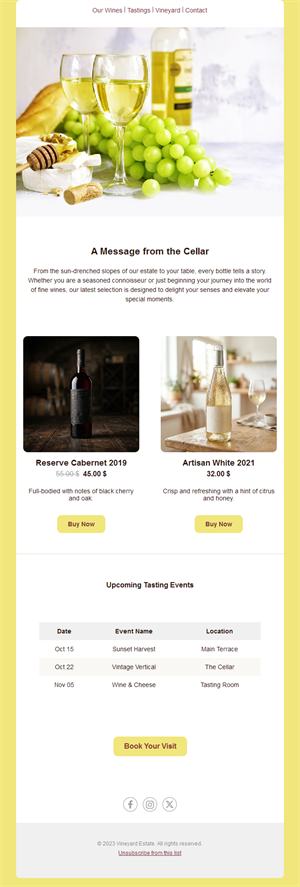
Every bottle has a story — email is where you tell it. Pick a ready-made wine email template, customize it in minutes, and send with Mailpro™.
Why use Wine email templates?
Wine is bought on story, occasion, and trust. Newsletters that share the harvest, announce releases, and invite to tastings turn casual buyers into collectors and club members.
- Storytelling layouts: vintage notes, vineyard photos, and winemaker voices.
- Release-day engine: allocations and new vintages sell out to a warm list.
- Event fillers: tastings and cellar tours book up when announced well.
- Club retention: members who hear from you stay members.
What can wine businesses send?
1) New releases & allocations
Vintage notes, scores, and buy-now buttons — list-first access sells out fast.
2) Tasting events & tours
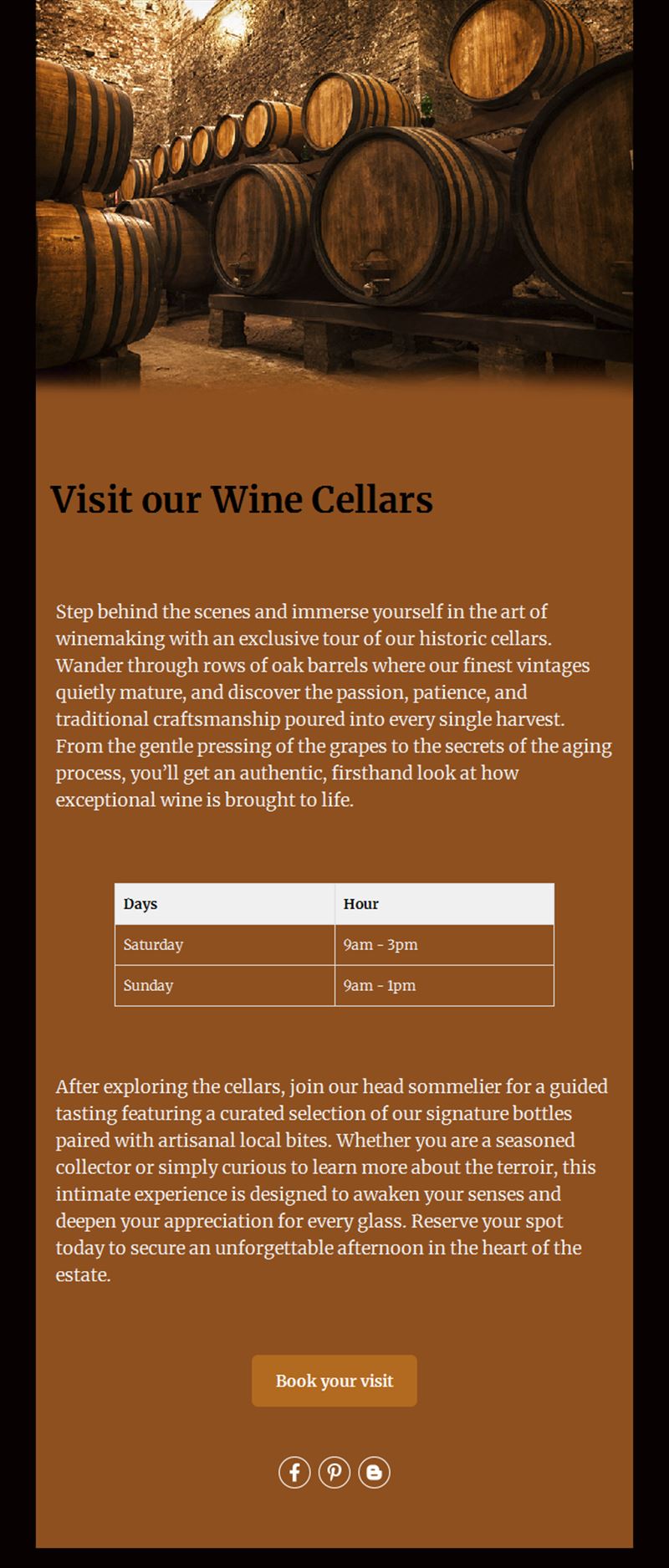
Cellar-door evenings, vertical tastings, and food pairings with RSVP.
3) Harvest & vineyard stories
Season updates that build the connection collectors pay for.
4) Wine club news
Member shipments, exclusive lots, and renewal perks.
5) Pairing & seasonal picks
What to drink with what — holiday cases and summer selections.
What's inside each template?
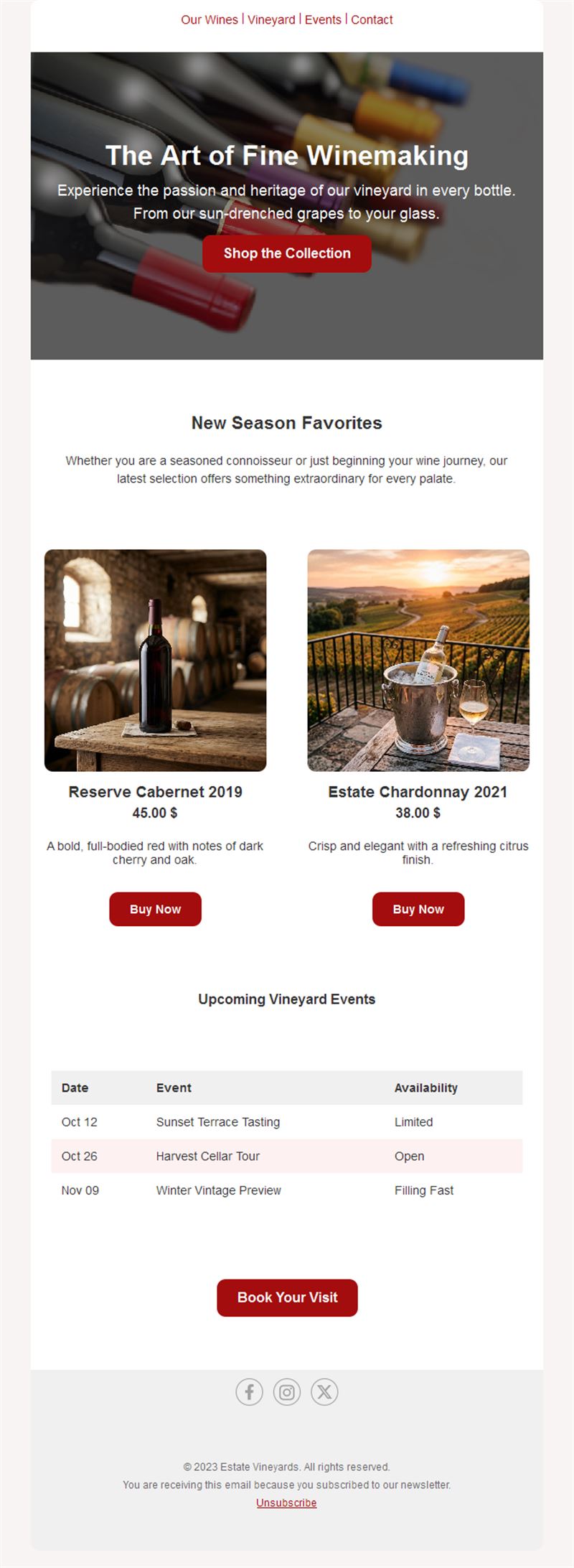
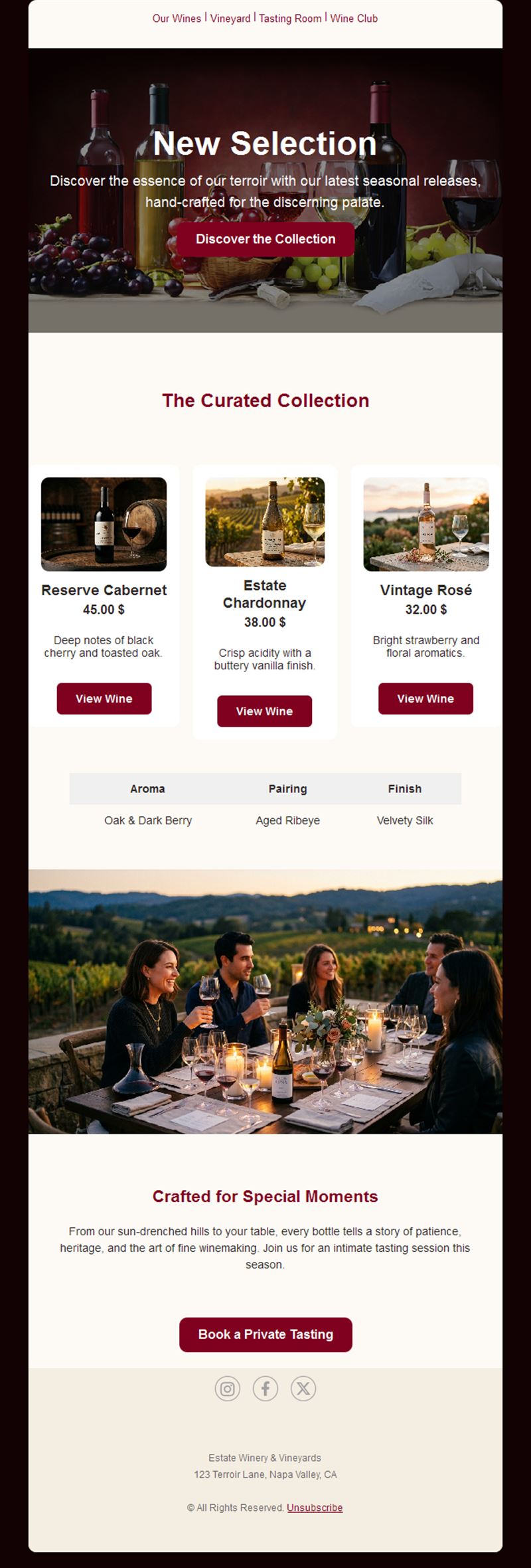
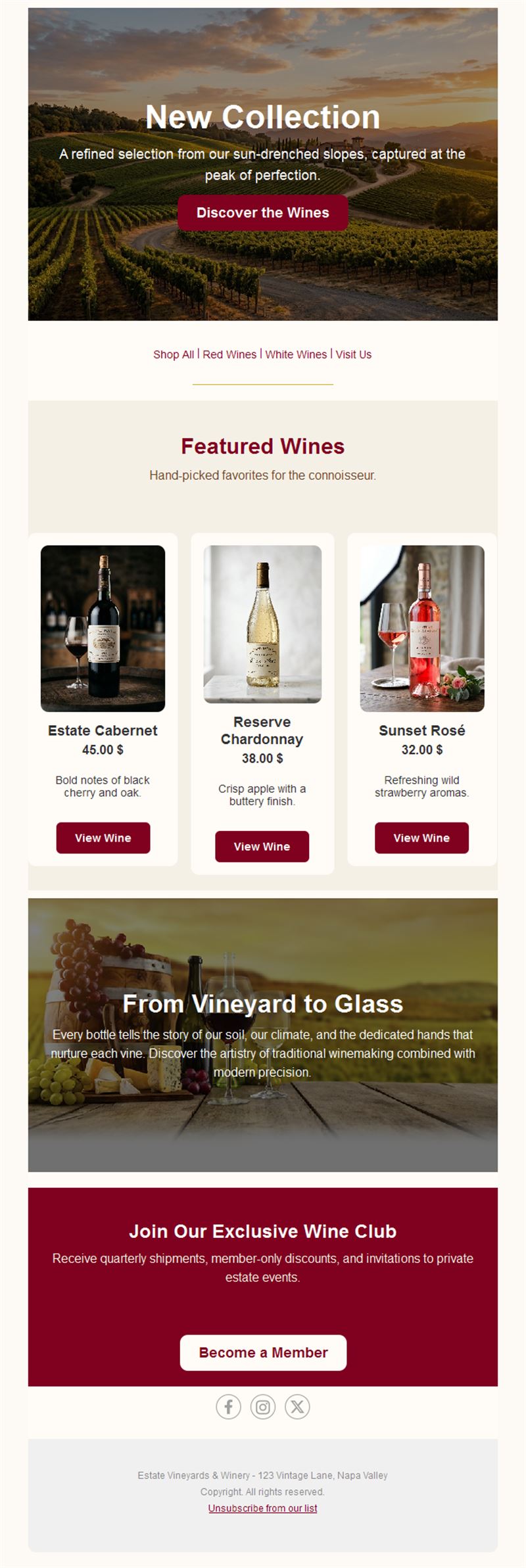
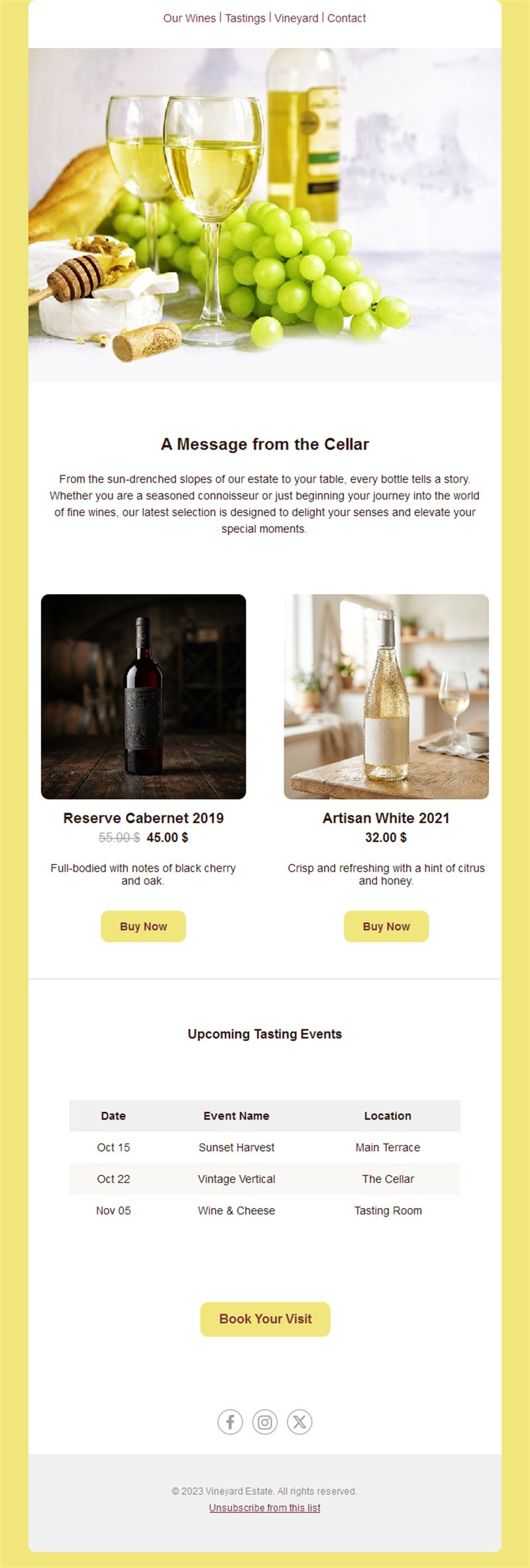
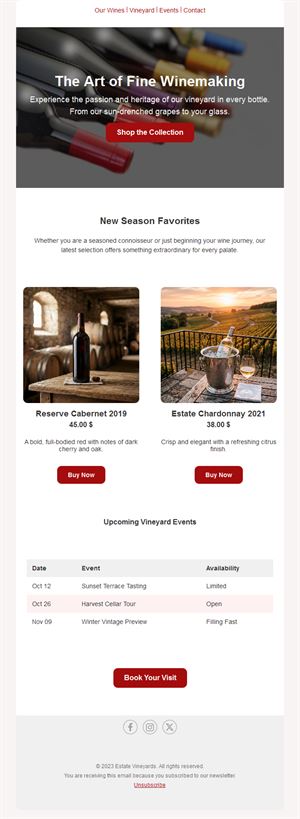
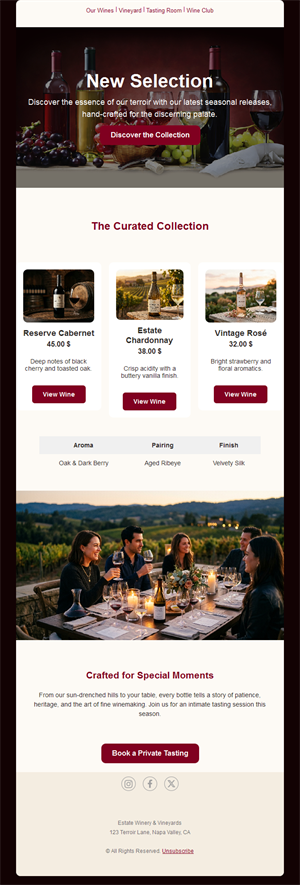
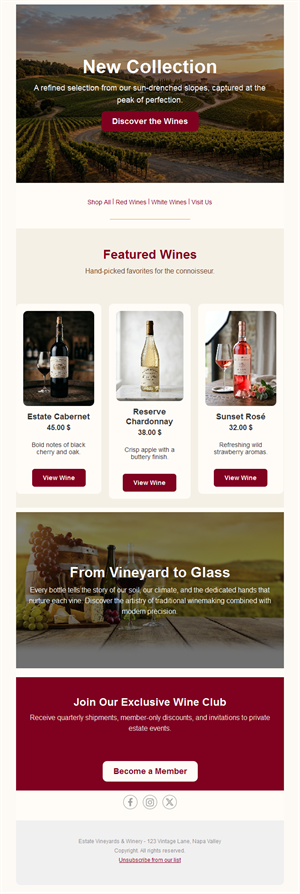
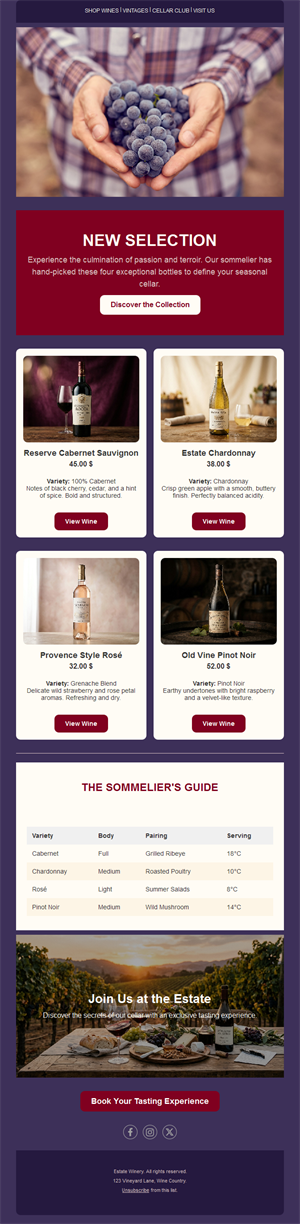
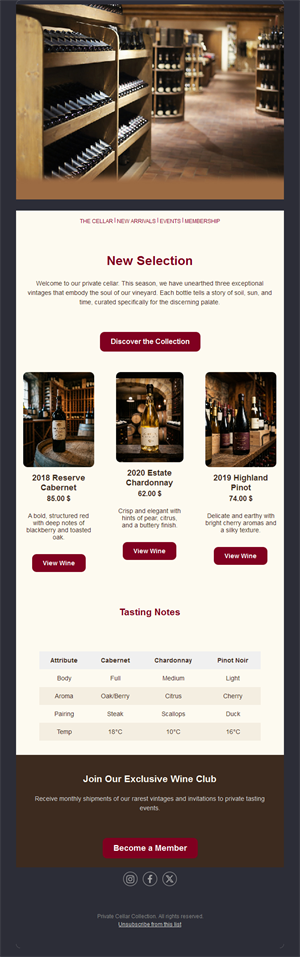
- Hero with bottle or vineyard photography.
- Release block with tasting notes and price.
- Event section with dates and RSVP.
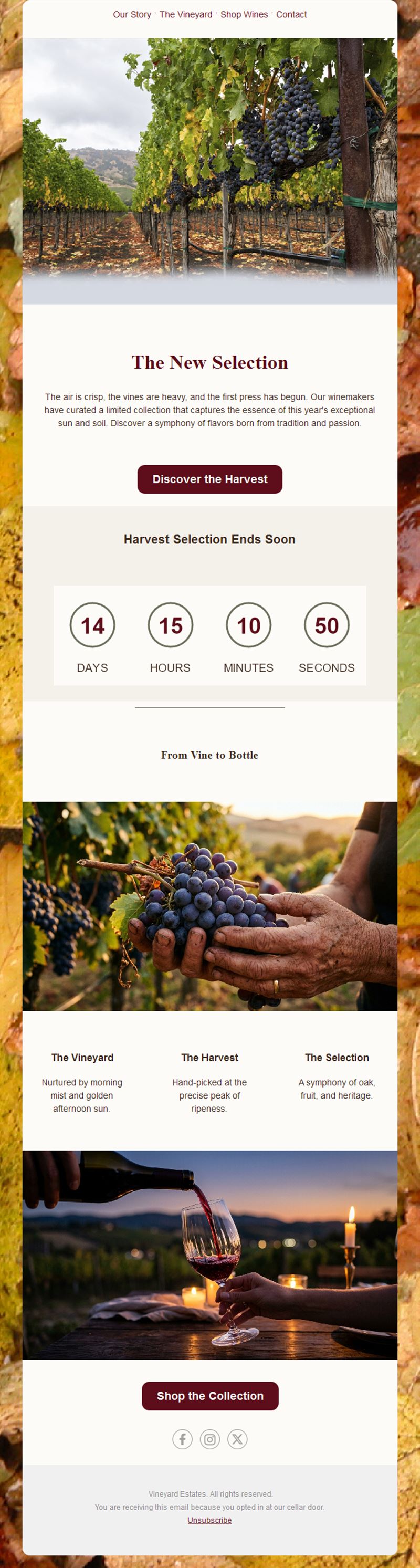
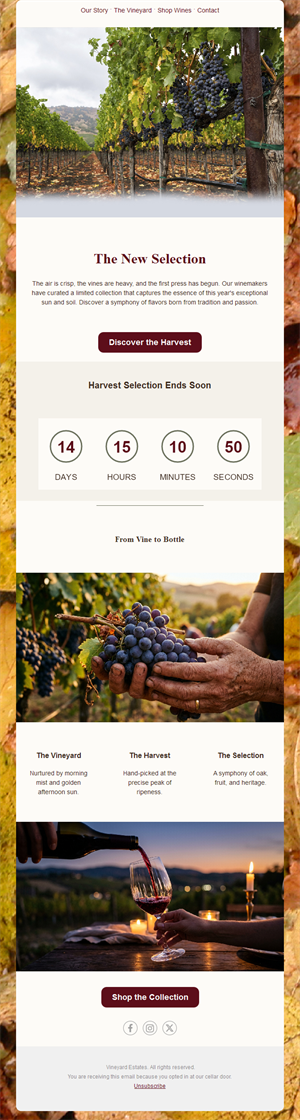
- Story section for harvest and cellar news.
- Social links and an easy unsubscribe footer.
How to customize your Wine email in Mailpro™
- Pick a template: Open Templates and choose a Wine design.
- Edit copy & images: Bottle shots and vineyard light; tasting notes short and evocative.
- Add a countdown (optional): Count down to release day or tasting-event seats. See how the countdown works.
- Segment your audience: Club members, collectors, and casual buyers deserve different offers. Learn segmentation.
- Schedule the send: Releases mid-week; event invitations two to three weeks ahead. Schedule email campaigns.
- Track results: Monitor opens, clicks, and conversions. View email statistics.
- Automate follow-ups: Automate club welcome sequences and shipment notifications. Set up autoresponders.
Subject line & CTA ideas
Subject lines
- Release day: the 2024 Reserve is here
- Members first: your allocation is open
- An evening in the cellar — join us
- What we bottled this harvest
- The case to drink this holiday season
CTA ideas
- Reserve My Bottles
- Book the Tasting
- Join the Wine Club
- See the Vintage Notes
Best practices for Wine campaigns
- Members first, always: early access is the club’s core promise.
- Story sells the price: harvest and craft notes justify premium bottles.
- Scarcity is real: honest allocation counts drive release-day action.
- Season the calendar: harvest, release, holidays — wine has natural rhythm.
- Mind drinking-age rules: keep list practices compliant in your market.
FAQ: Wine email templates
What should a winery newsletter contain?
One release or story per send: vintage notes, a vineyard moment, and a clear buy or RSVP button.
How do wine clubs reduce churn?
Consistent member-first communication — early allocations, exclusive lots, and shipment previews keep membership feeling valuable.
When should we announce a release?
Tease a week ahead, open to members first, then general release — scarcity does the rest.
Can we track which wines interest whom?
Yes — Mailpro statistics show clicks per wine, guiding allocations and future offers.
Get started
Uncork your list’s potential: pick a wine email template and pour your next release into inboxes.