Cooking Email Templates
Adapt for Unlimited Possibilities
Cooking
Cooking
Cooking
Cooking
Cooking
Cooking
Cooking
Cooking
Cooking
Cooking
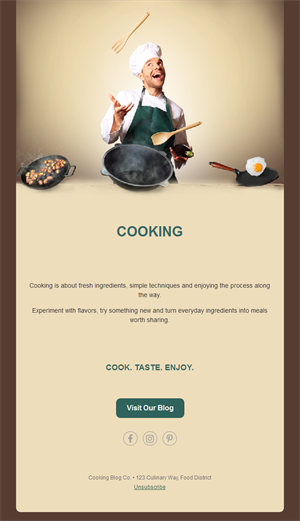
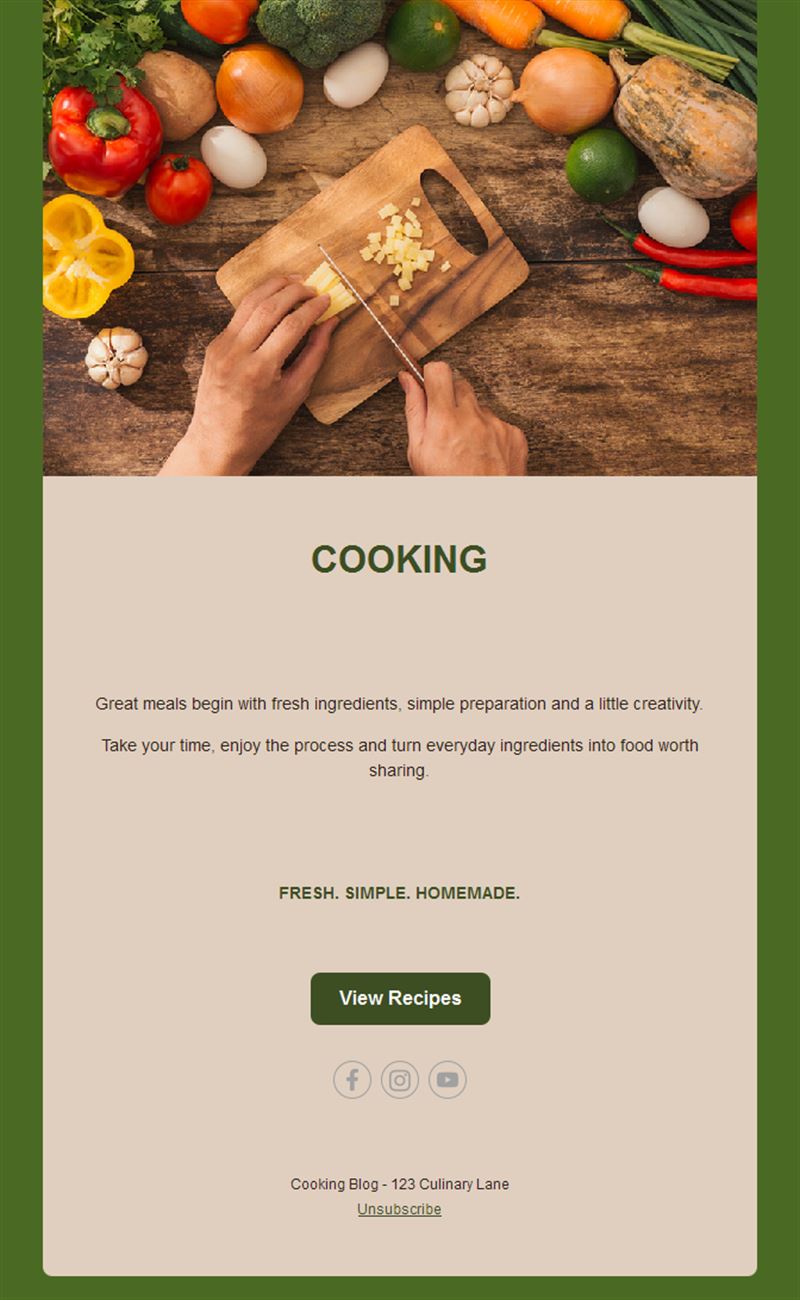
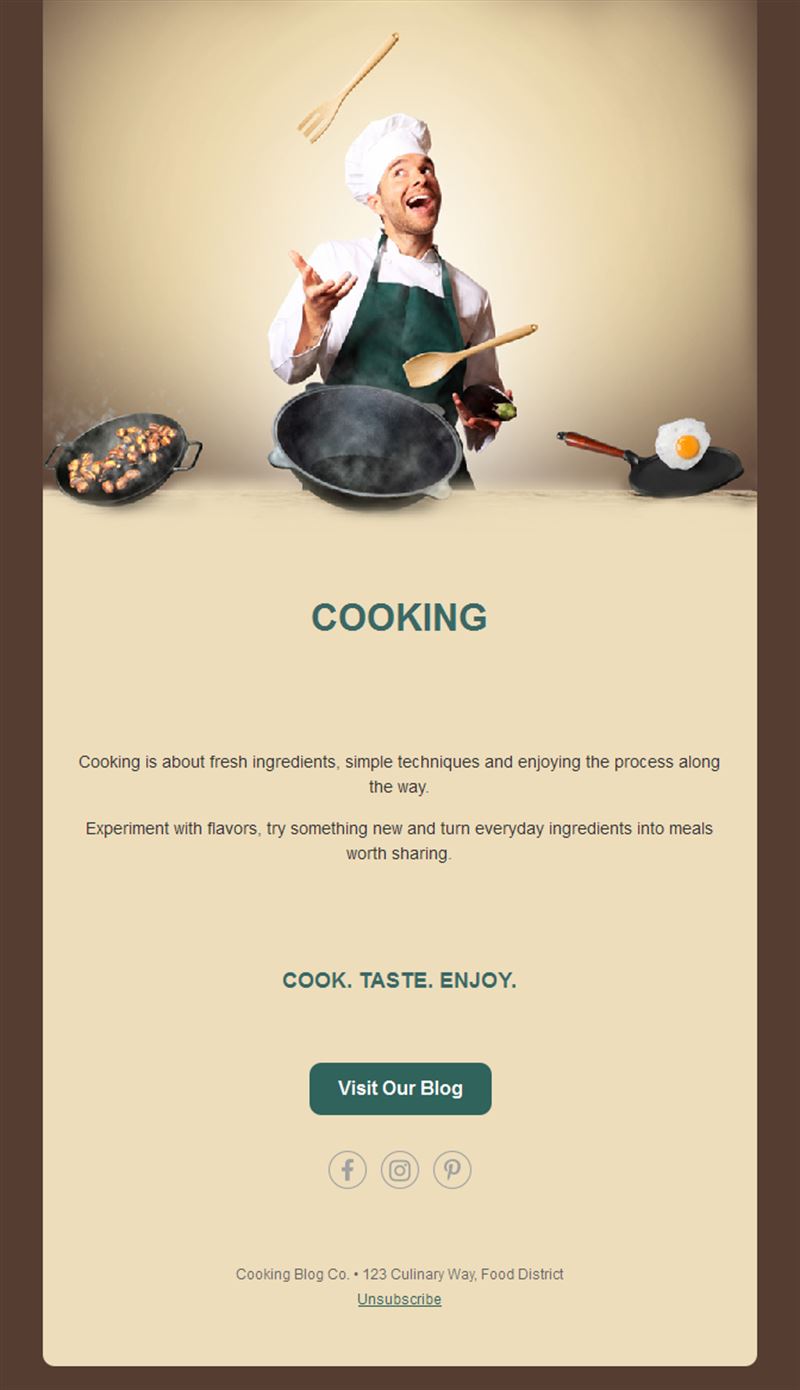
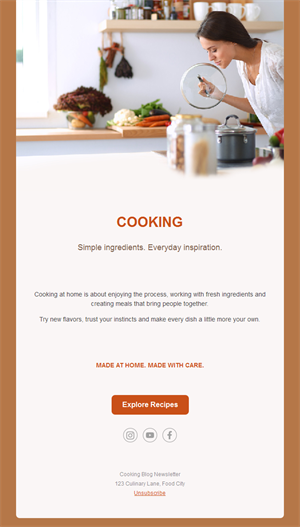
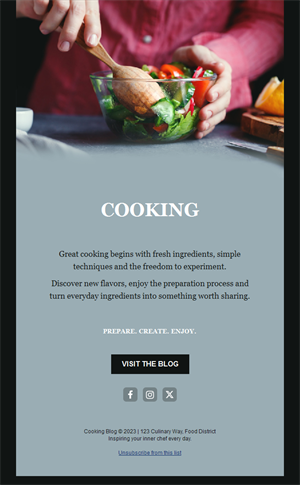
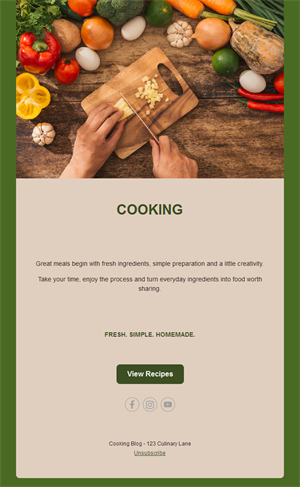
Great food finds its audience one appetizing email at a time. Pick a ready-made cooking email template, customize it in minutes, and send with Mailpro™.
Why use Cooking email templates?
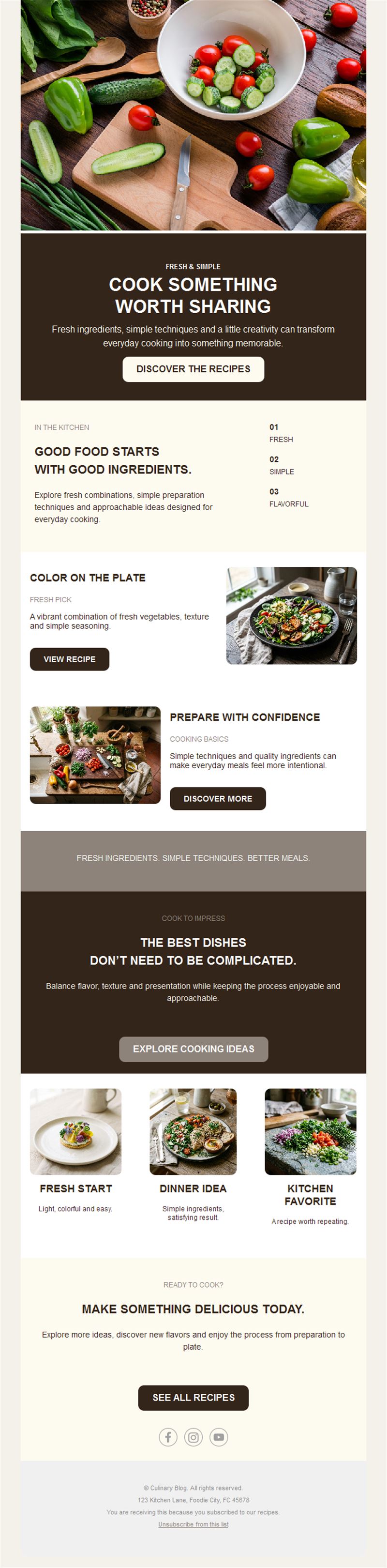
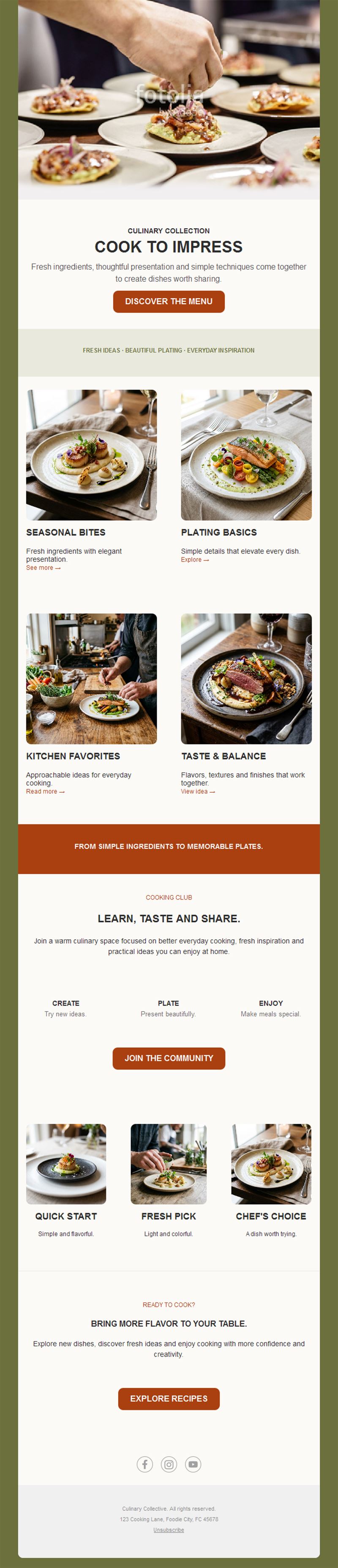
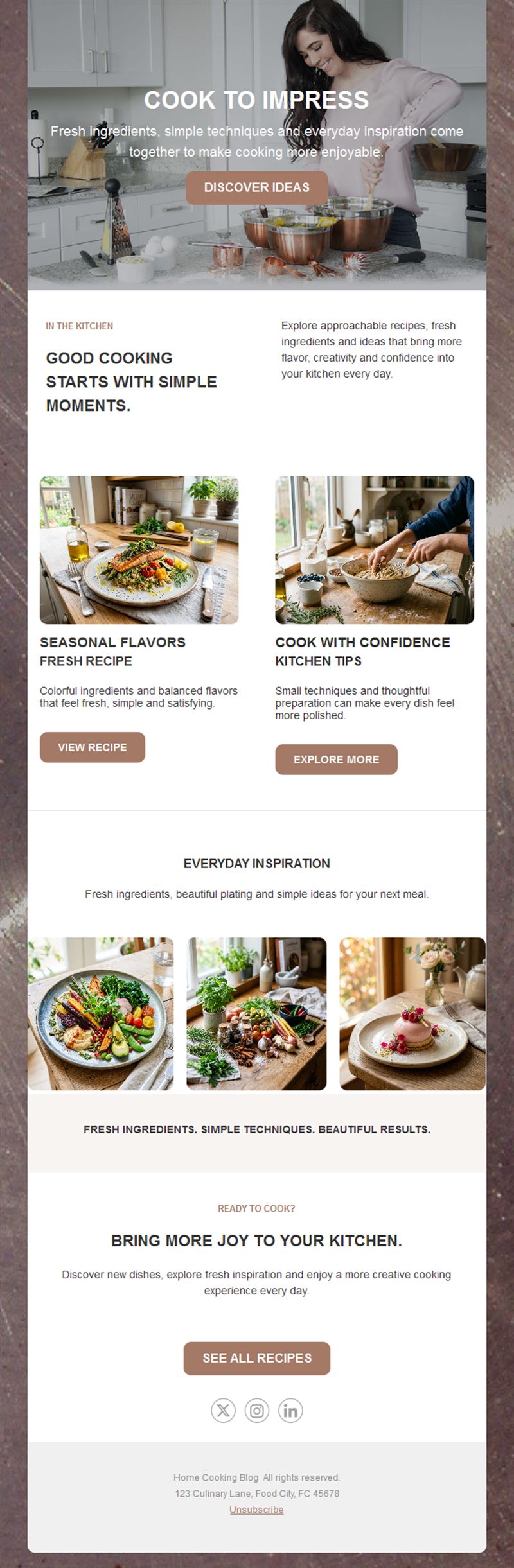
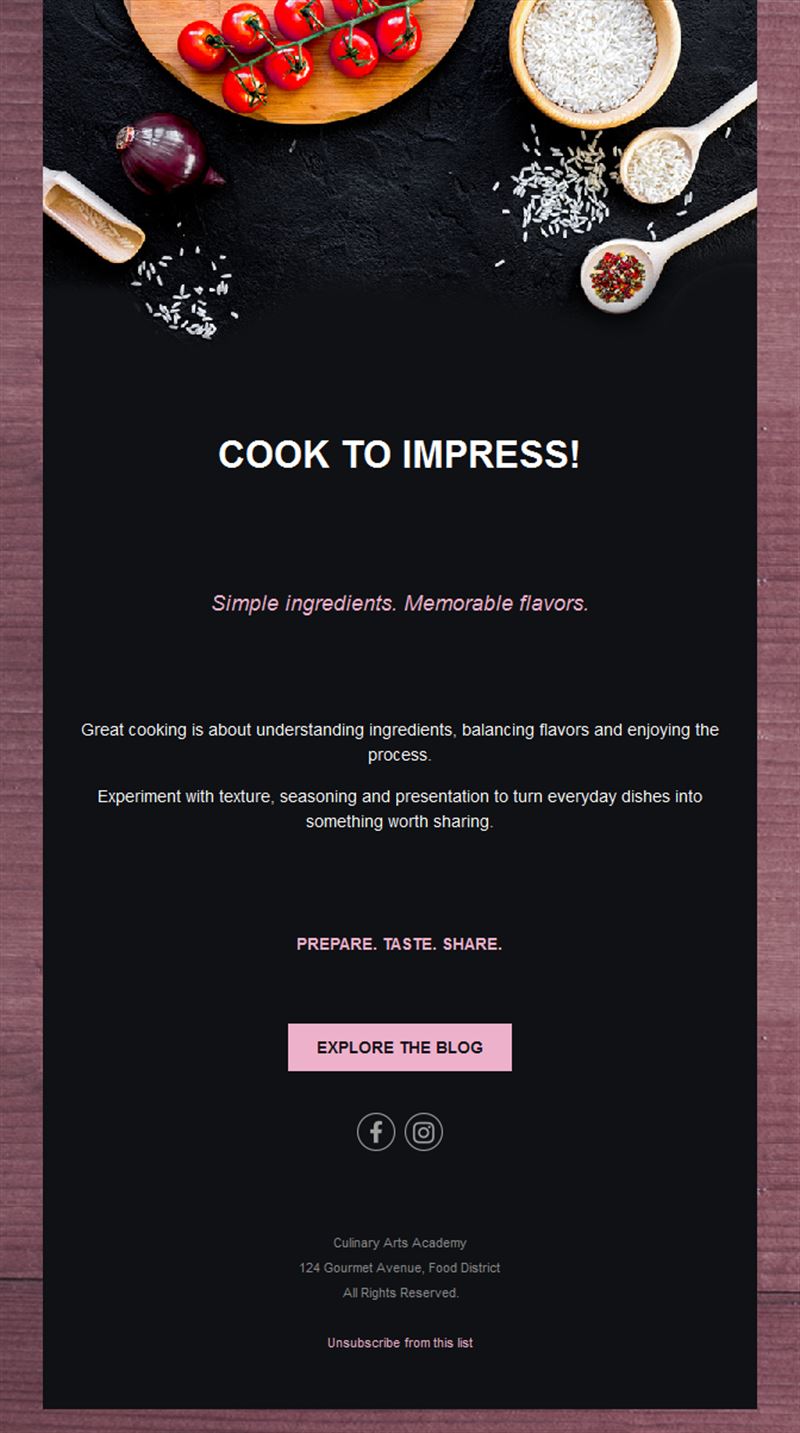
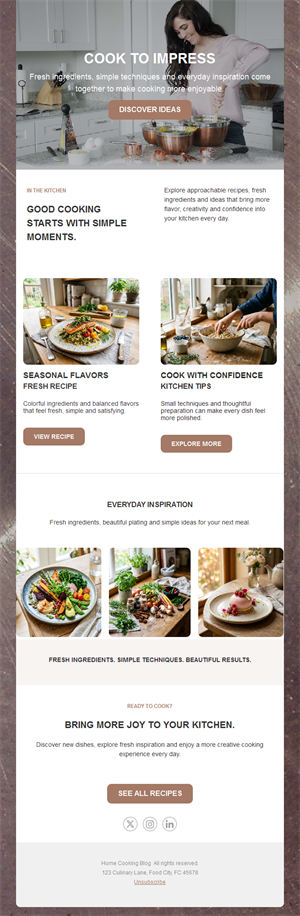
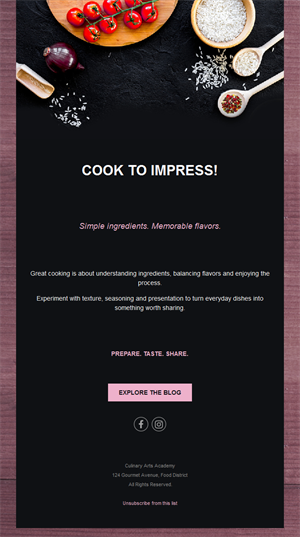
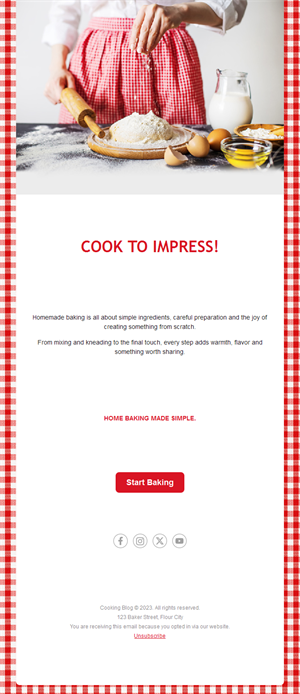
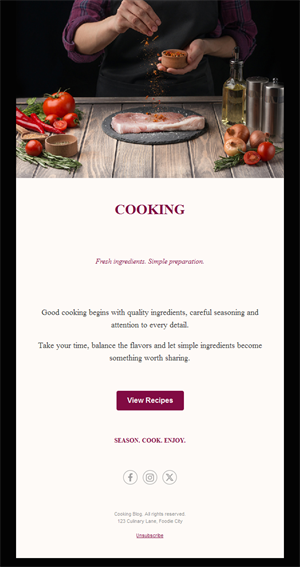
Food content is made for email: a weekly recipe, a class announcement, a seasonal menu. These templates plate your culinary content beautifully — for food bloggers, chefs, cooking schools, and gourmet shops alike.
- Recipe-ready layouts: ingredients, steps, and hero shots in a scannable format.
- Class-filling power: course announcements with one-click registration.
- Seasonal hooks year-round: harvests, holidays, and trends keep content flowing.
- Appetite-first design: image-forward layouts that make subscribers hungry.
Who cooks with these templates?
1) Food bloggers
A weekly recipe digest that grows loyal readers and traffic back to the blog.
2) Cooking schools
Class schedules, new courses, and last-spots-left reminders.
3) Chefs & caterers
Seasonal menus, tasting events, and private-dining offers.
4) Gourmet shops
Product spotlights with recipe ideas that sell ingredients.
5) Meal services
Weekly menus and subscription offers with mouth-watering photography.
What's inside each template?
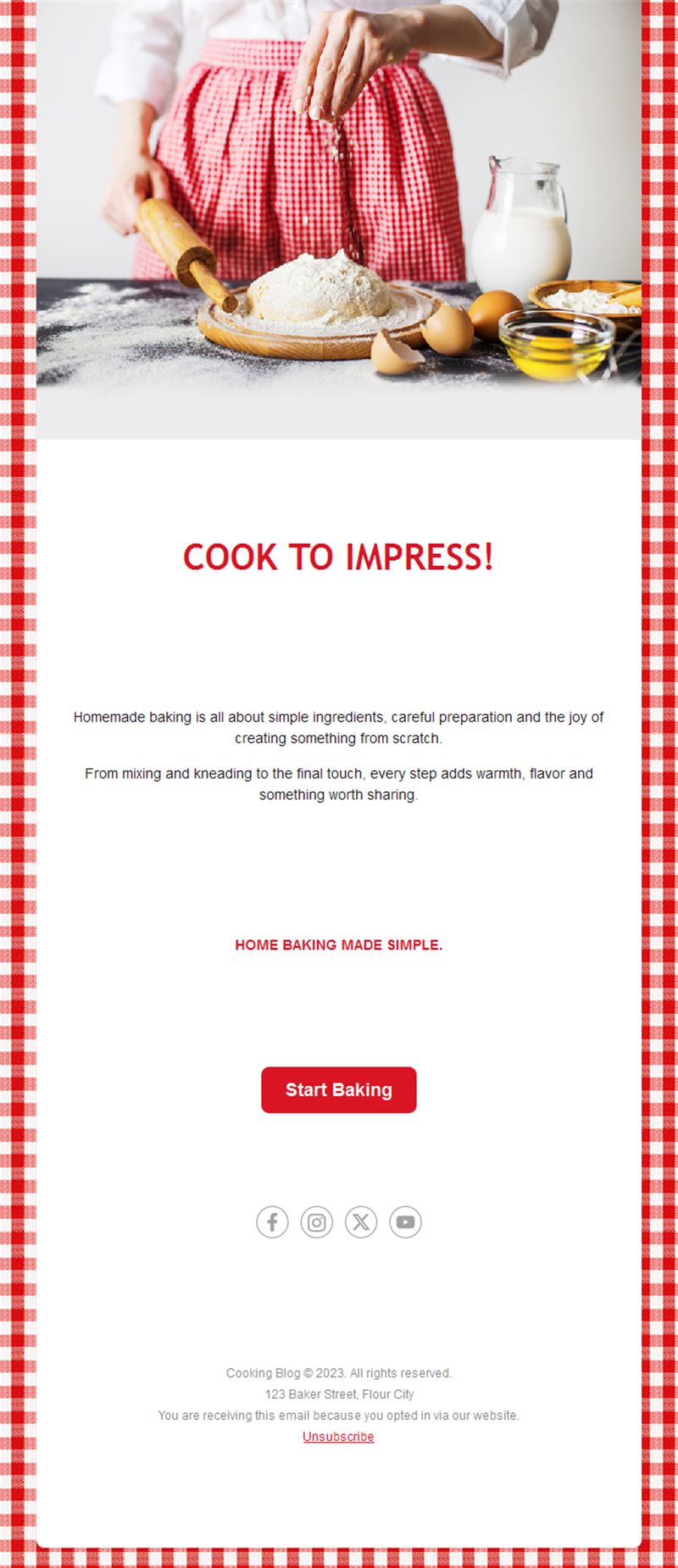
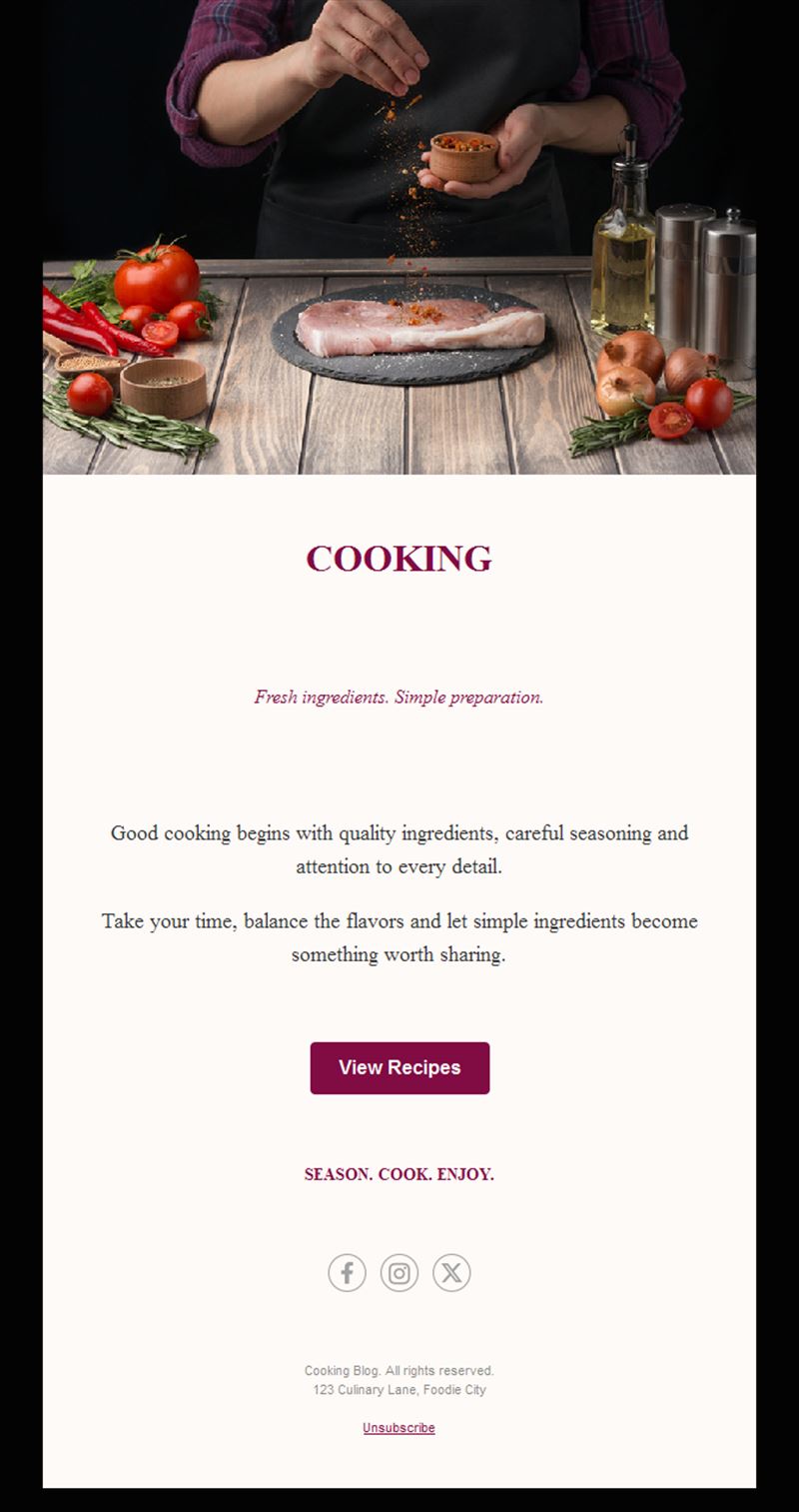
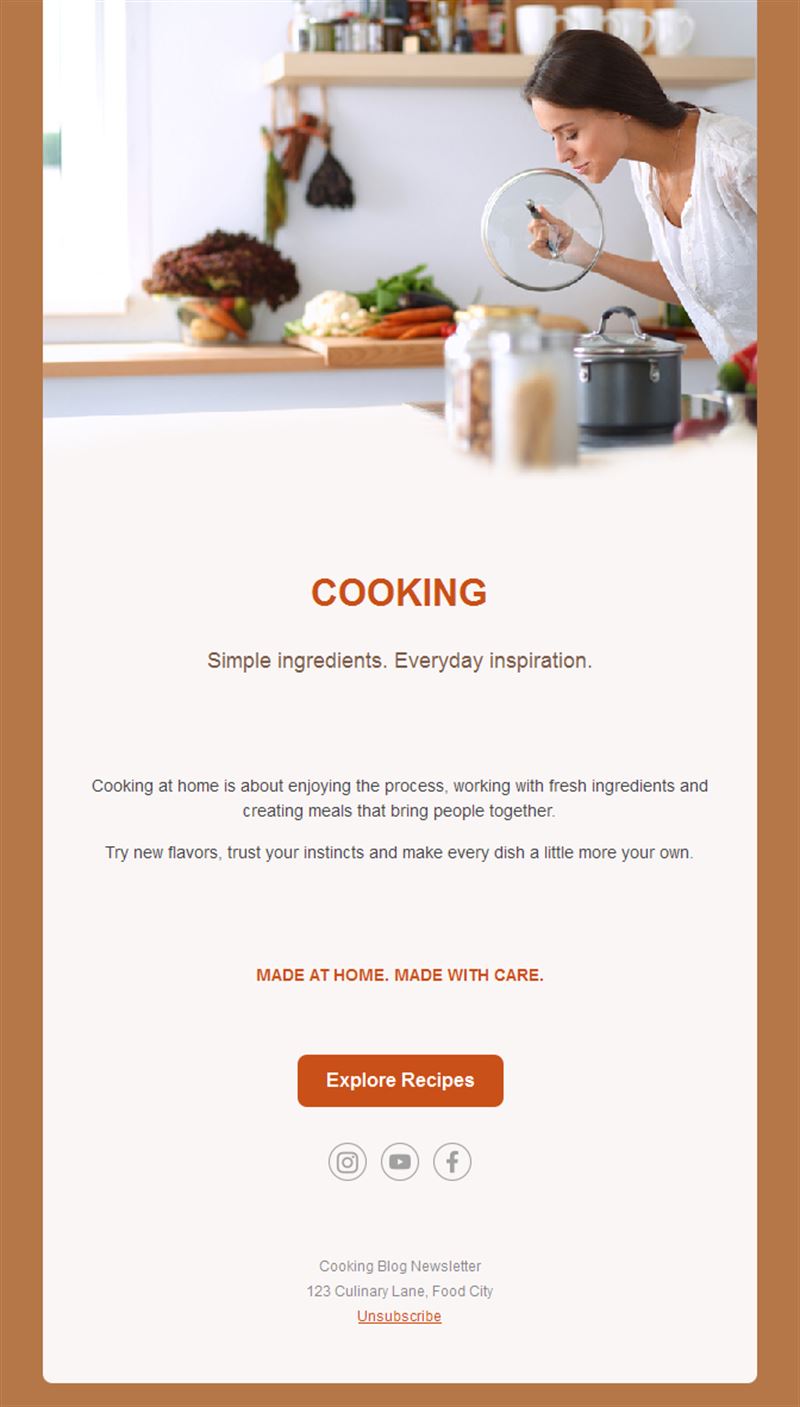
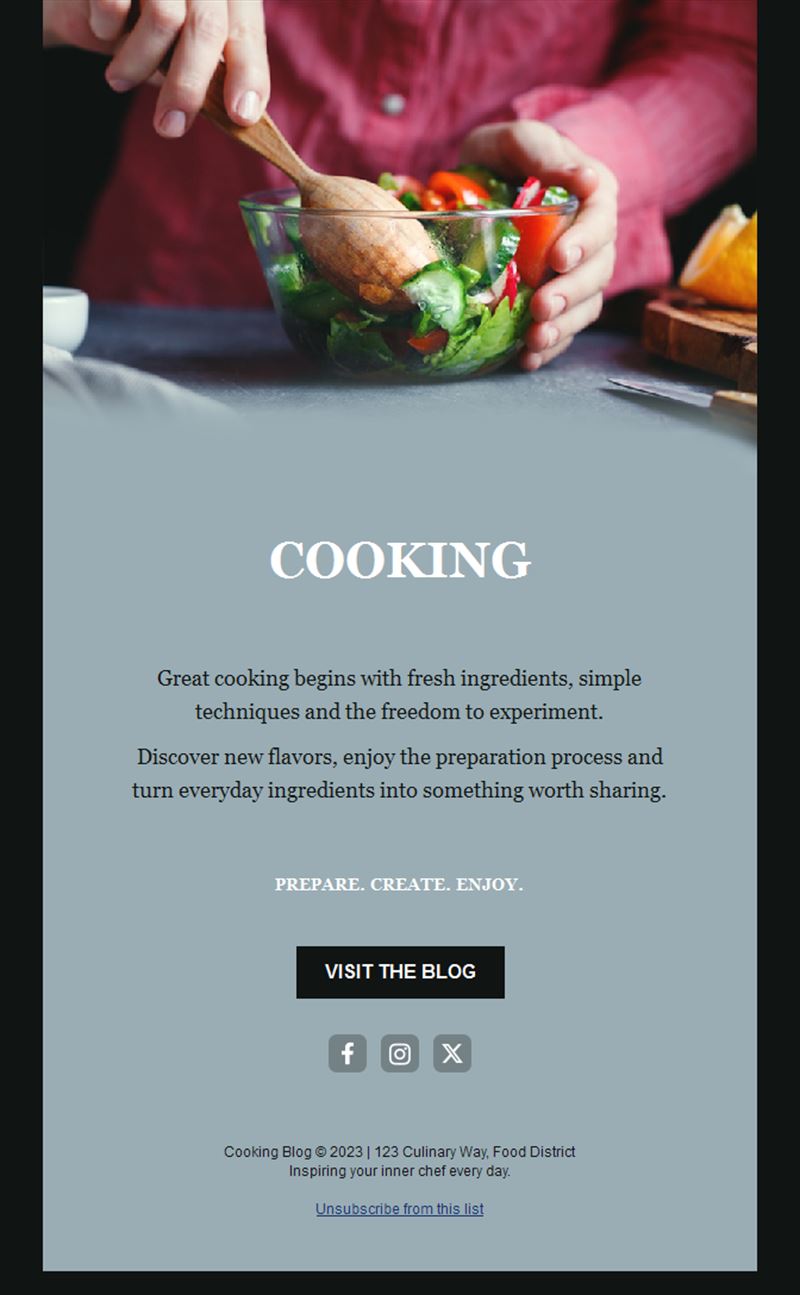
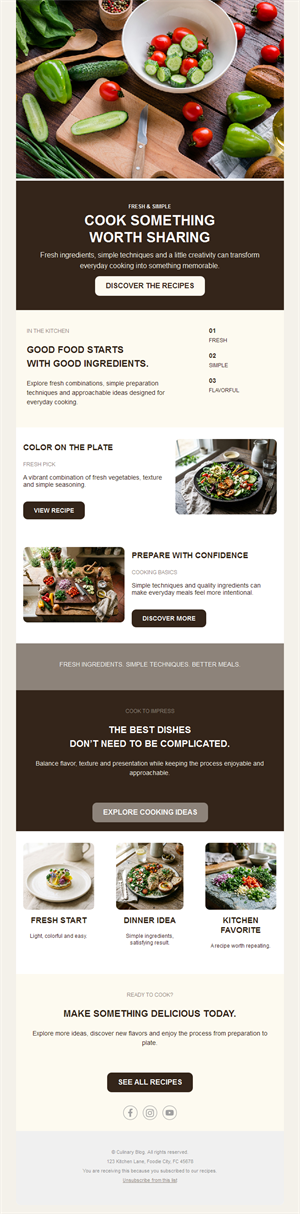
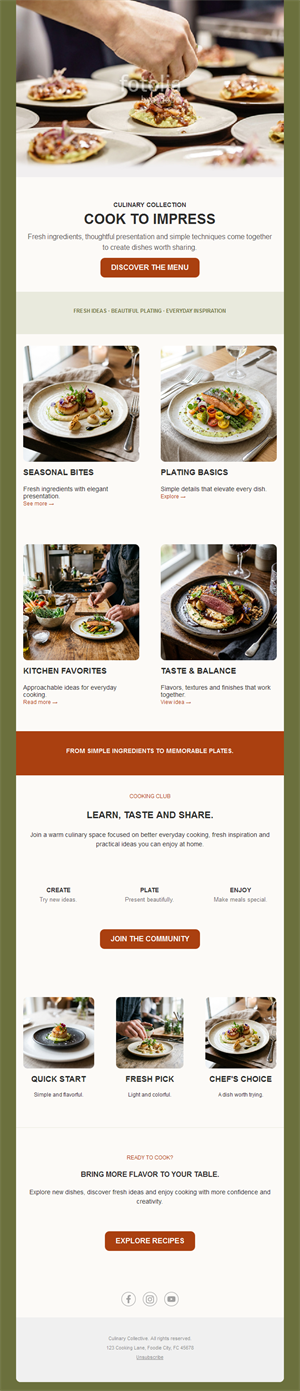
- Hero section with a beautiful dish photo.
- Recipe block with ingredients and steps.
- Class/event section with registration button.
- Product or tip section.
- Social links and an easy unsubscribe footer.
How to customize your Cooking email in Mailpro™
- Pick a template: Open Templates and choose a Cooking design.
- Edit copy & images: Natural-light food photography and short, confident copy.
- Add a countdown (optional): Count down to class registration deadlines. See how the countdown works.
- Segment your audience: Beginners and confident cooks want different recipes. Learn segmentation.
- Schedule the send: Thursday or Friday — when weekend cooking plans are made. Schedule email campaigns.
- Track results: Monitor opens, clicks, and conversions. View email statistics.
- Automate follow-ups: Welcome new subscribers with your five most-loved recipes. Set up autoresponders.
Subject line & CTA ideas
Subject lines
- This weekend: the only pasta recipe you need
- 3 spots left: Thai cooking class Saturday
- What to cook with October’s harvest
- The secret to restaurant-level risotto
- New menu: autumn truffle season opens
CTA ideas
- Get the Recipe
- Book My Spot
- See the Menu
- Shop the Ingredients
Best practices for Cooking campaigns
- One hero dish: a single stunning photo beats a collage.
- Send before the weekend: that’s when subscribers actually cook.
- Write like you talk: warm, confident kitchen voice builds loyal readers.
- Seasonal always works: what’s in the market this month writes your calendar.
- Deadline your classes: “3 spots left” fills workshops.
FAQ: Cooking email templates
How often should a food newsletter go out?
Weekly, before the weekend — that’s when subscribers plan cooking. Consistency builds the habit of opening.
What content works best?
One seasonal hero recipe with a great photo, plus a class or product tie-in. Simple beats encyclopedic.
How do cooking schools fill classes?
Announce early, remind at the deadline, and let “last spots” urgency do the work — all trackable in Mailpro statistics.
Can I automate a welcome series?
Yes — greet new subscribers with your best recipes automatically via Mailpro autoresponders.
Get started
Serve your audience something delicious: pick a cooking email template and send your signature dish.