
Stand out in the inbox with a subject-line emoji.
A well-placed emoticon, smiley or glyph catches the eye in a crowded list of subject lines — and can nudge more subscribers to open. Mailpro lets you add one straight from the subject editor, in a single click.
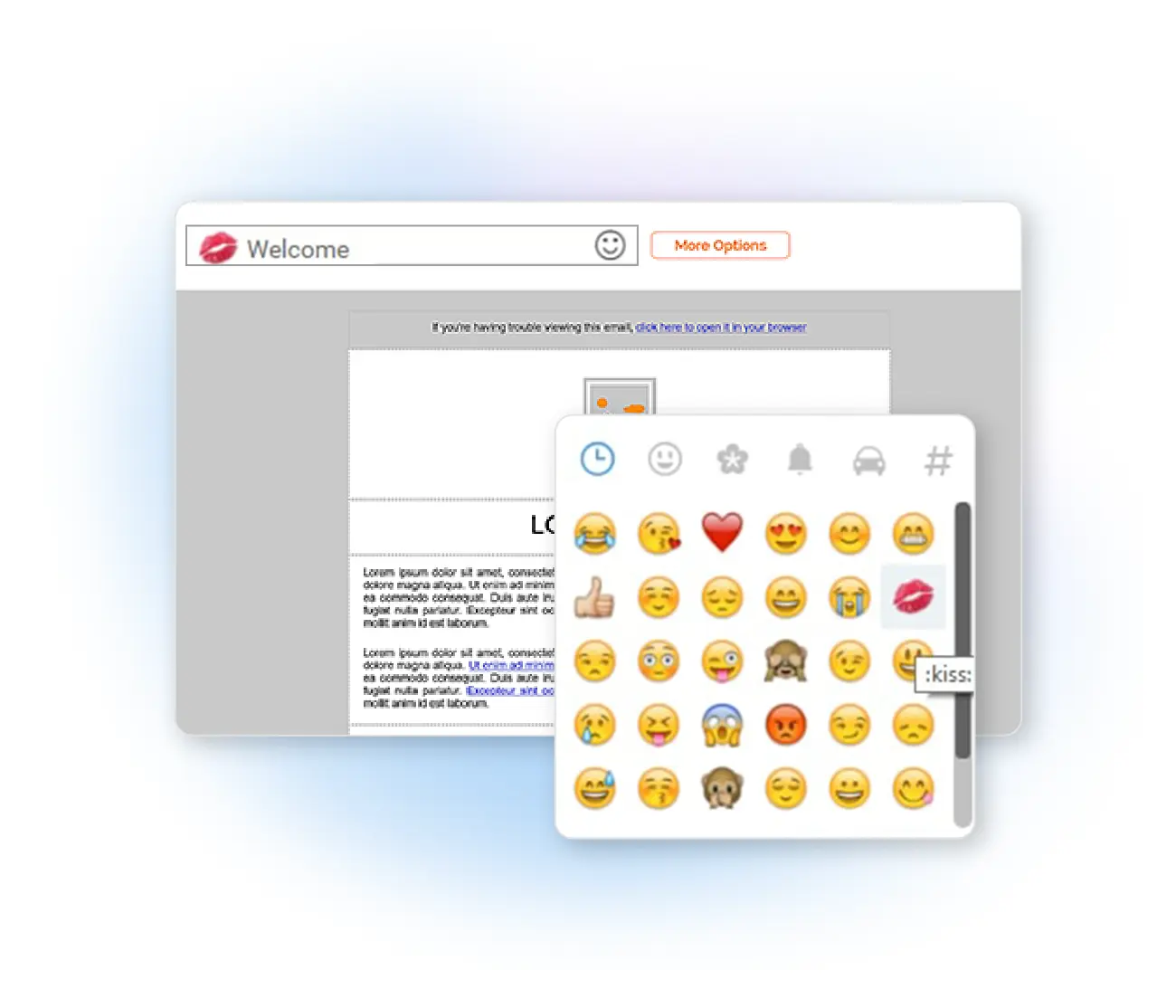
Use emoticons in your subject line
Have you ever received a newsletter with an emoji or smiley in the subject and wondered how to do it? Emoticons grab attention in the inbox and make your message more inviting. We built the feature into Mailpro so you can make your newsletters more eye-catching — pick a smiley or glyph straight from the subject editor and insert it in one click.
Why add an emoji to your subject line
Use them sparingly — overuse can look like spam. Our guide to writing the ideal subject line has more.
Frequently asked questions
Do emojis in subject lines improve open rates?
Will emojis display in every inbox?
Make your subject lines pop
Start free and add an emoji to your next subject line in one click — then watch your open rate.