
CREATION & EDITOR
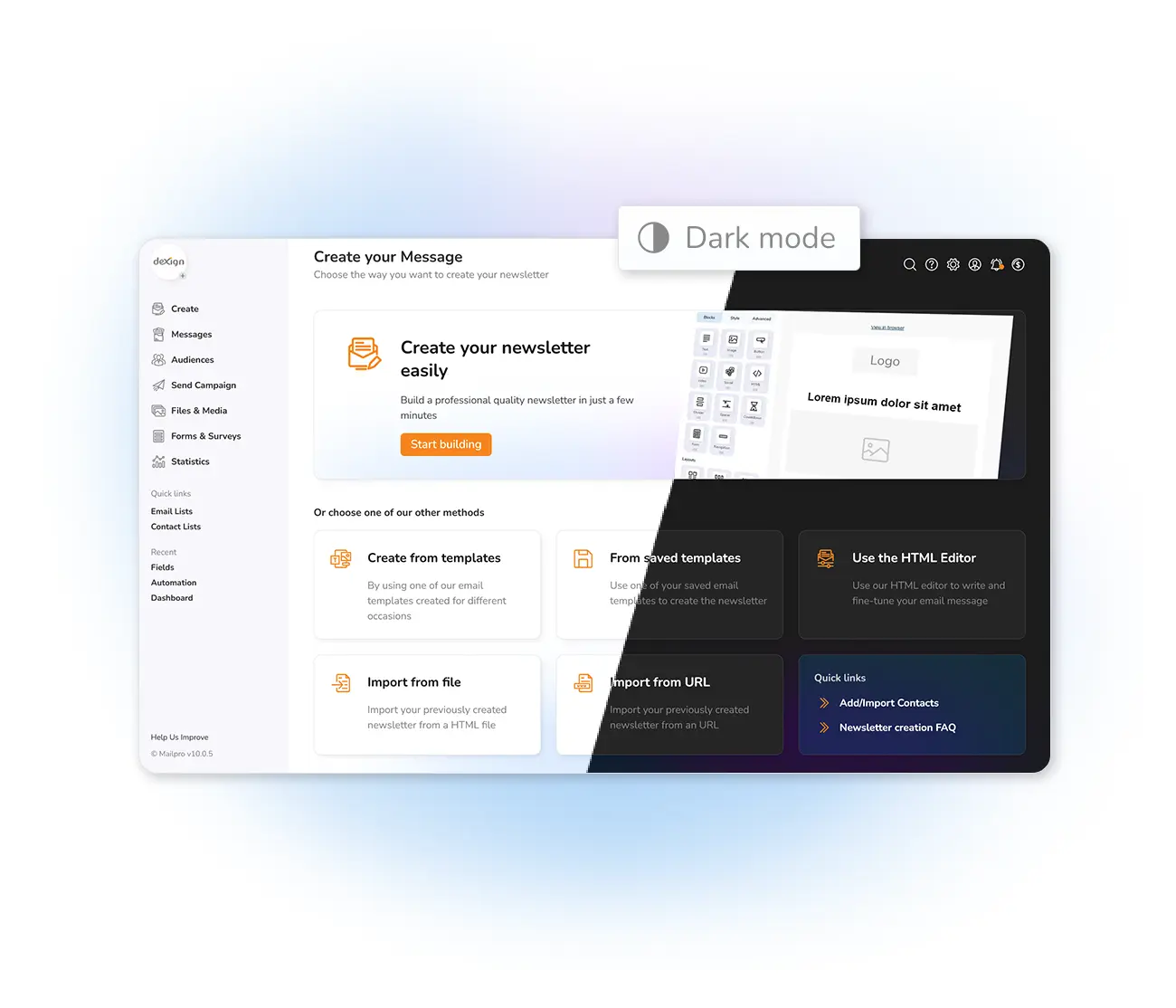
Work comfortably with dark mode.
Spend long sessions building campaigns without tiring your eyes. Mailpro's dark mode reduces the bright blue light from your screen — easier on your eyes at night, and gentler on your device's battery. Switch any time, in one click.
Less eye strain
Saves battery
One-click switch
BENEFITS
Why work in dark mode
Kinder to your eyes
Less bright blue light means less strain during long sessions and at night.
Better battery life
Darker screens consume less power, especially on OLED displays.
Switch any time
Toggle between normal and dark mode directly inside the application.
Work longer, comfortably
Read and build campaigns at night without tiring your eyes.
Enjoy the rest of Mailpro too — the easy newsletter builder, automatic emails, segmentation, personalized newsletters, a countdown timer, and even SMS campaigns.
QUESTIONS
Frequently asked questions
Why use dark mode?
Dark mode reduces the bright blue light from your screen, which can ease eye strain during long working sessions and help you work comfortably at night.
Does dark mode save battery?
Yes. Darker interfaces generate less bright light, which reduces battery consumption on LCD and especially OLED screens.
How do I turn it on?
You can switch between normal and dark mode directly inside the Mailpro application, whenever it suits you.
Build your campaigns in comfort
Start free and switch to dark mode any time — easier on your eyes, easier on your battery.