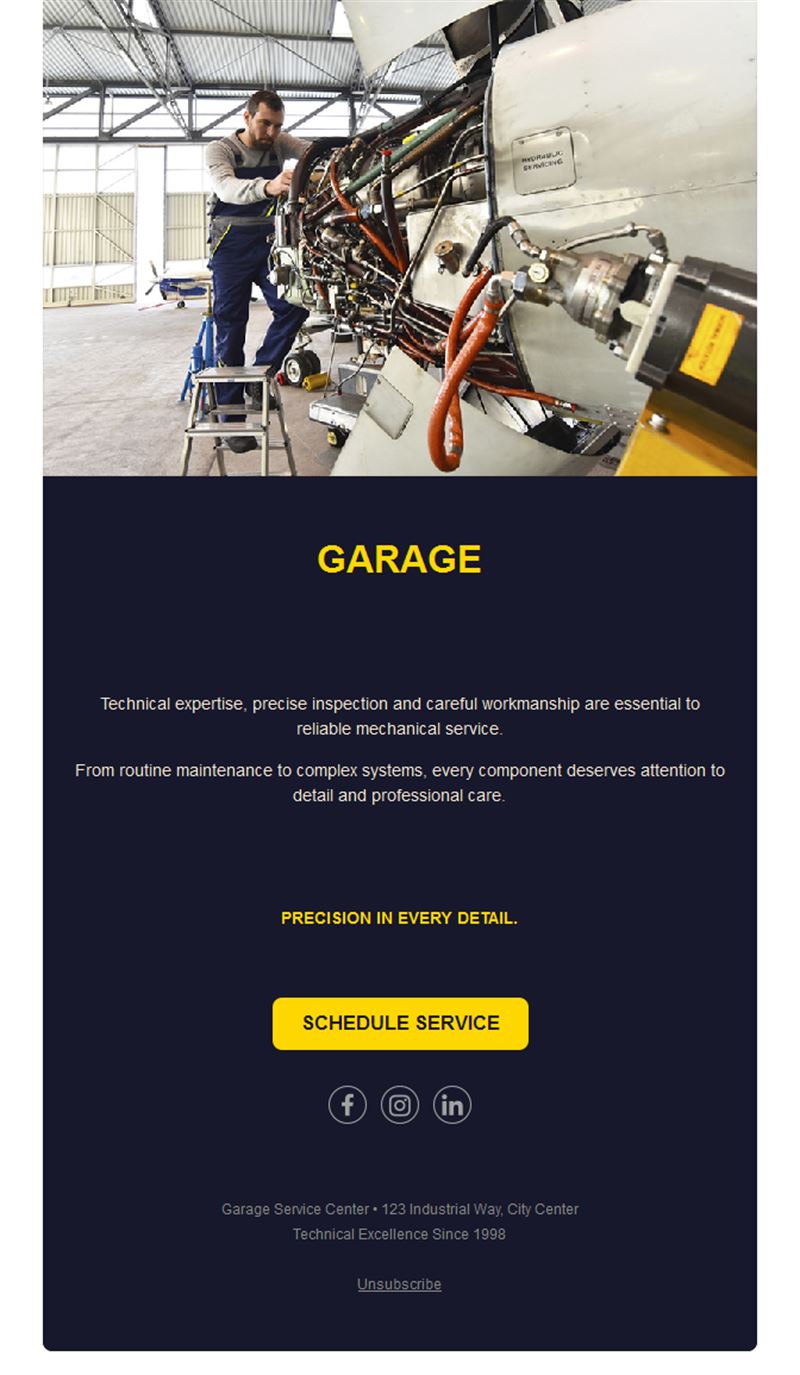
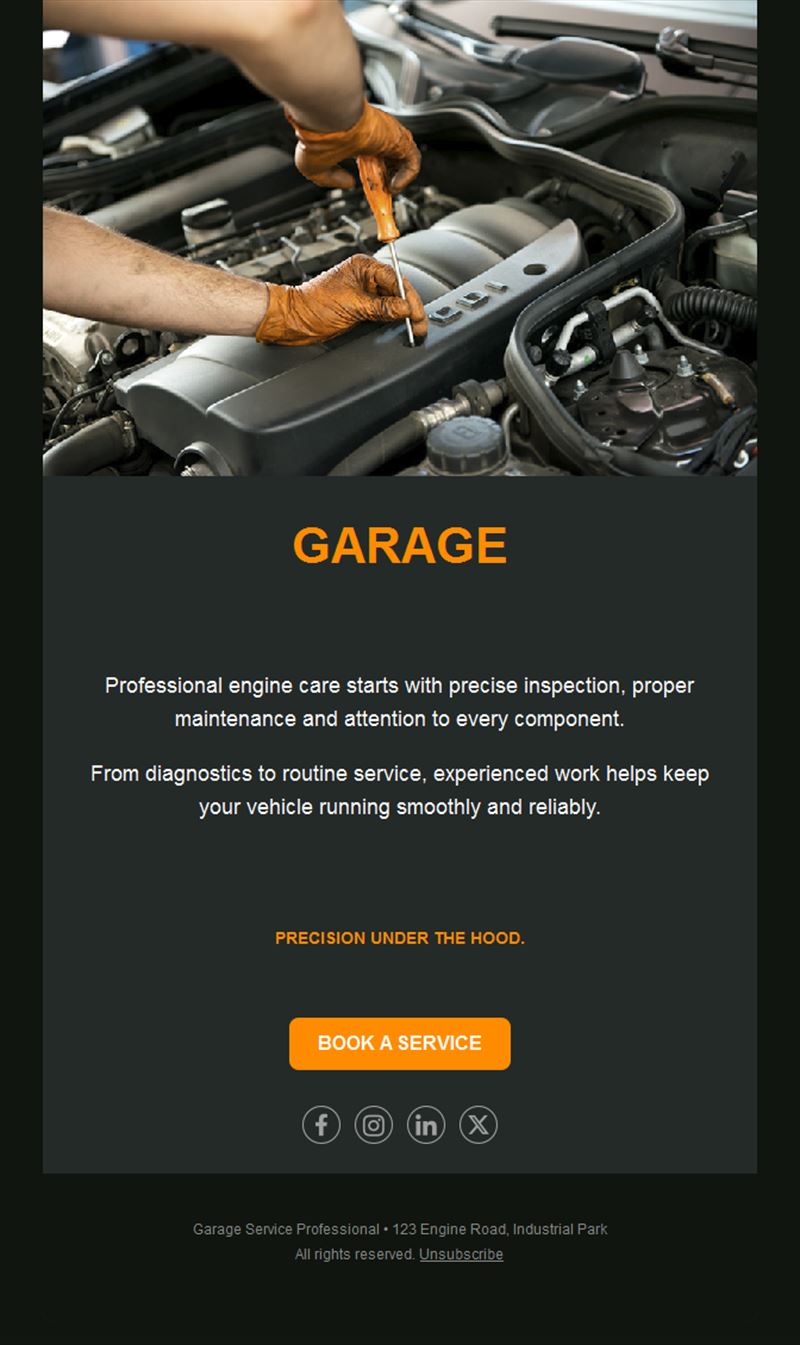
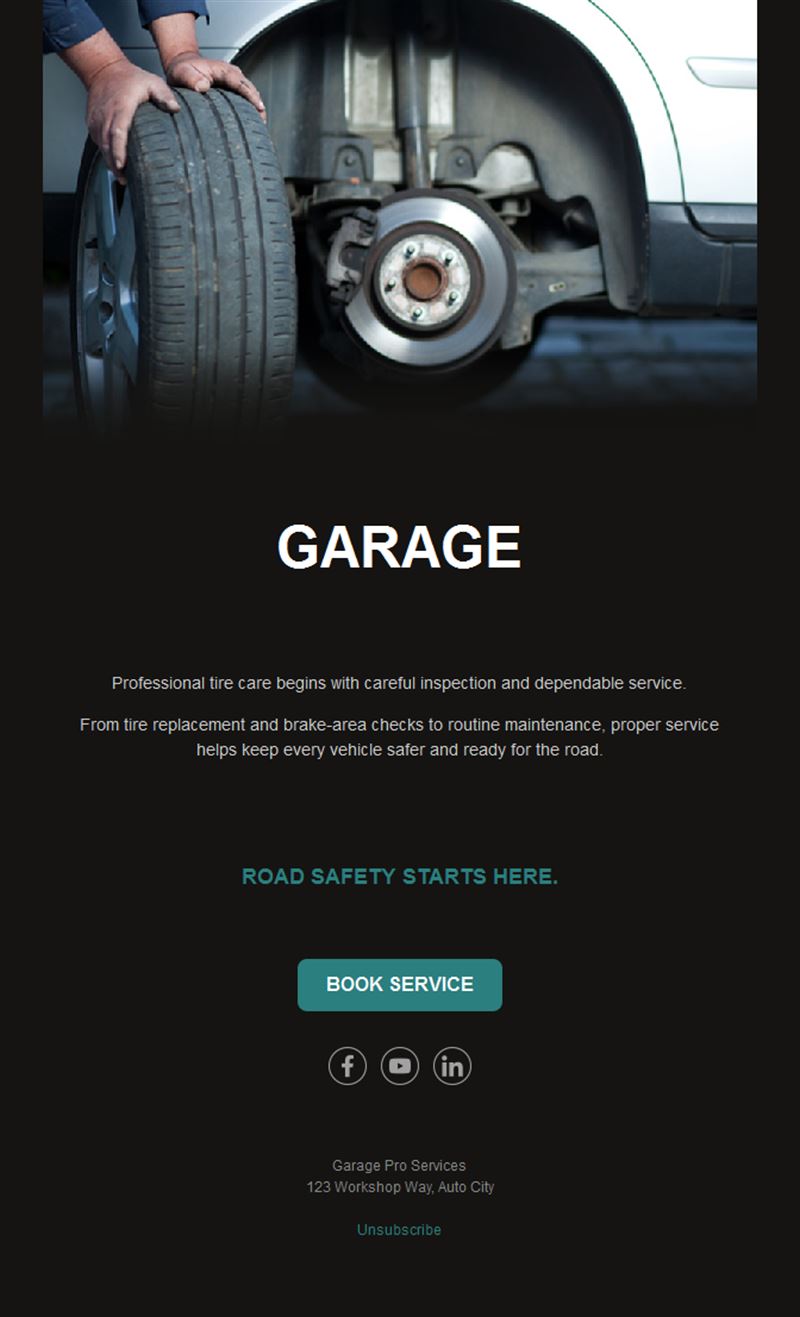
Car Garage Email Templates
Adapt for Unlimited Possibilities
Car Dealers
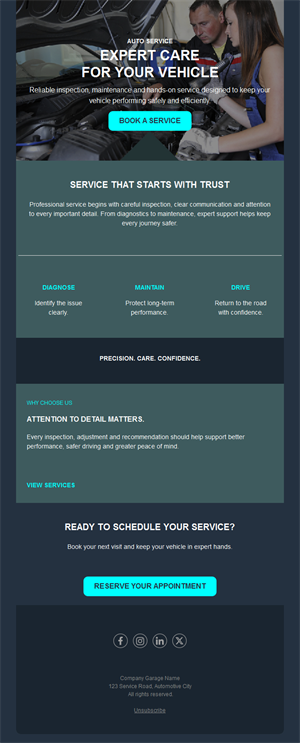
Car Dealers
Car Dealers
Car Dealers
Car Dealers
Car Dealers
Car Dealers
Car Dealers
Car Dealers
Car Dealers
Car Dealers
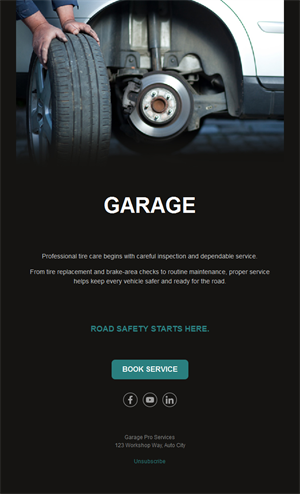
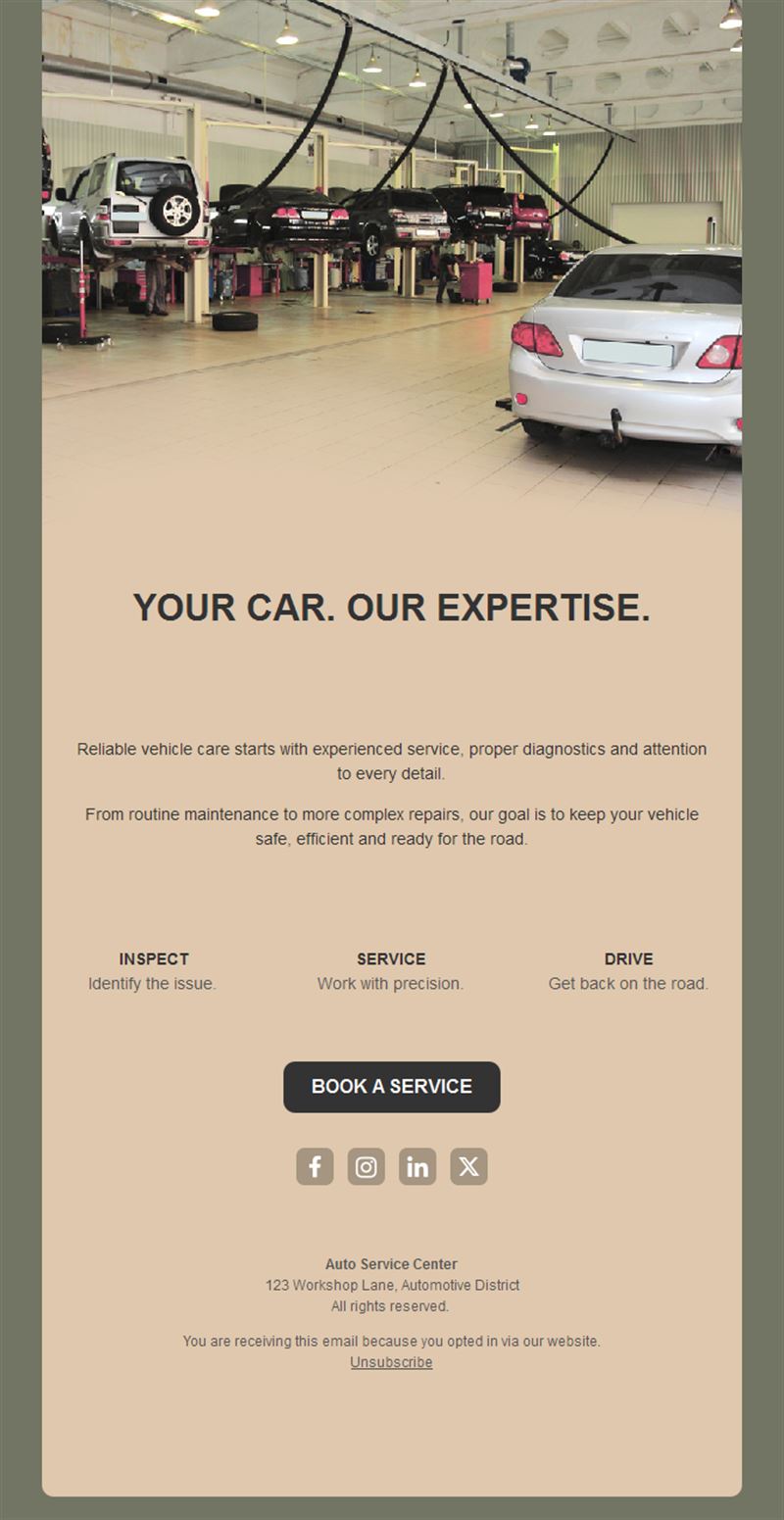
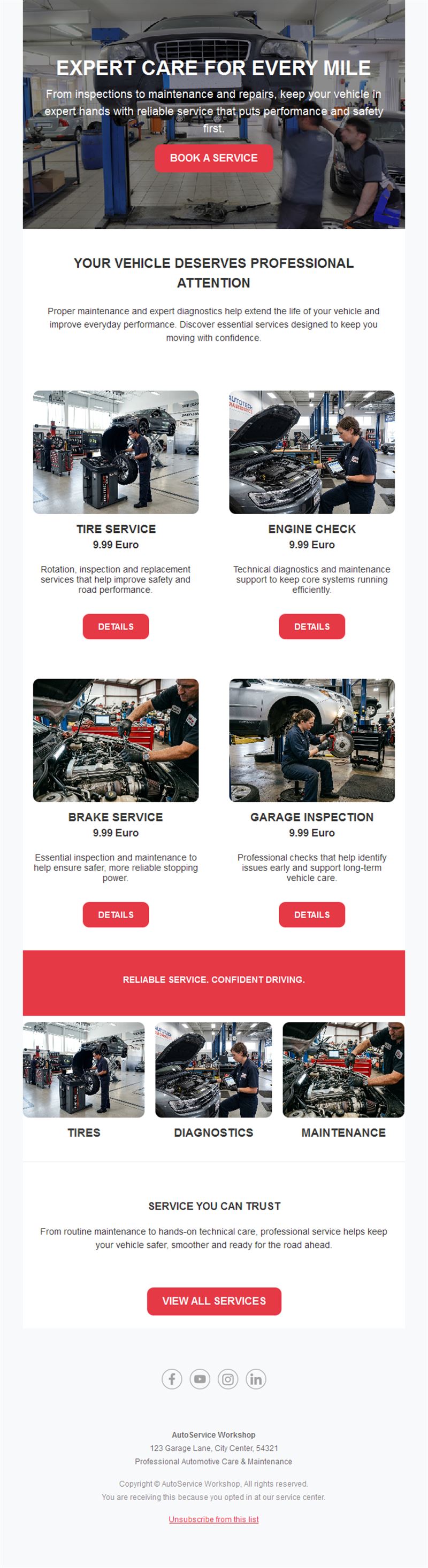
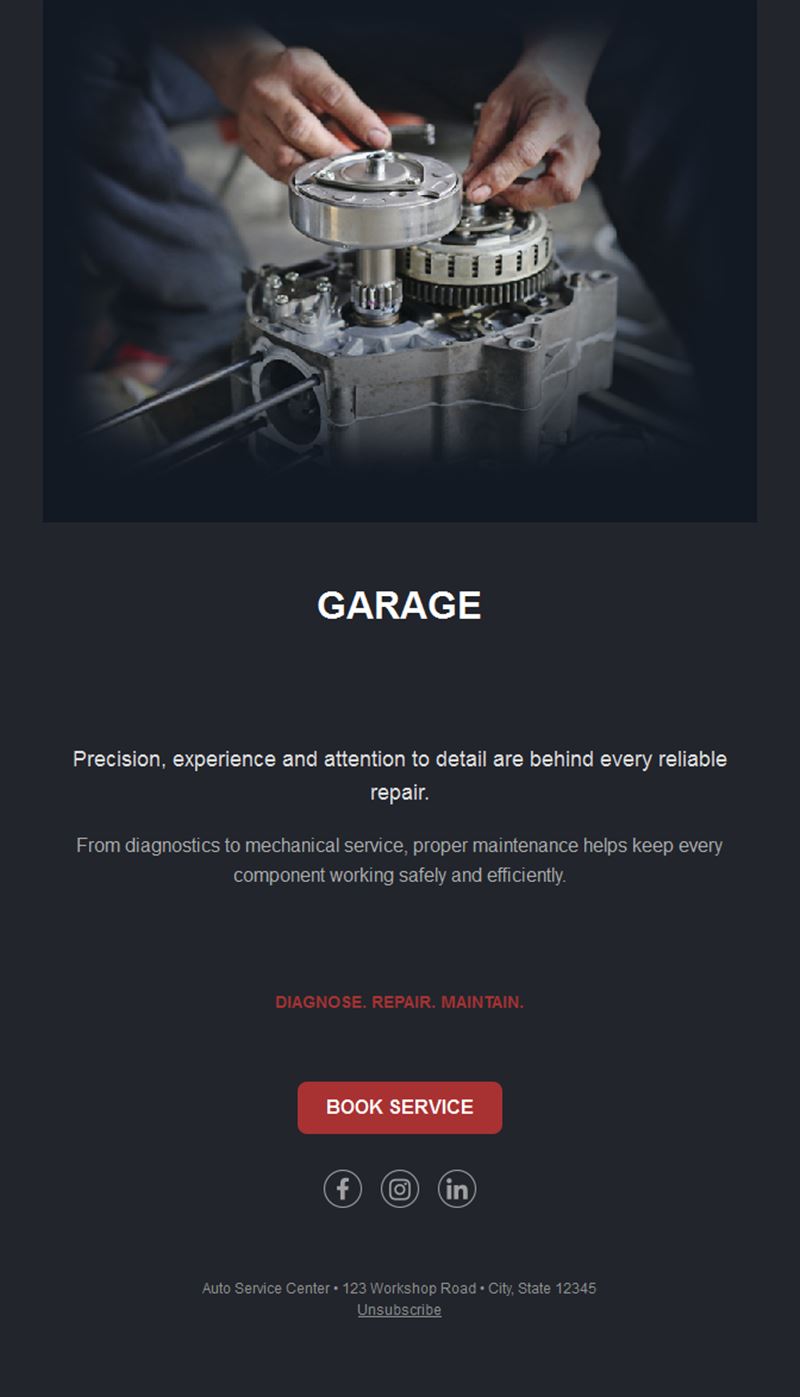
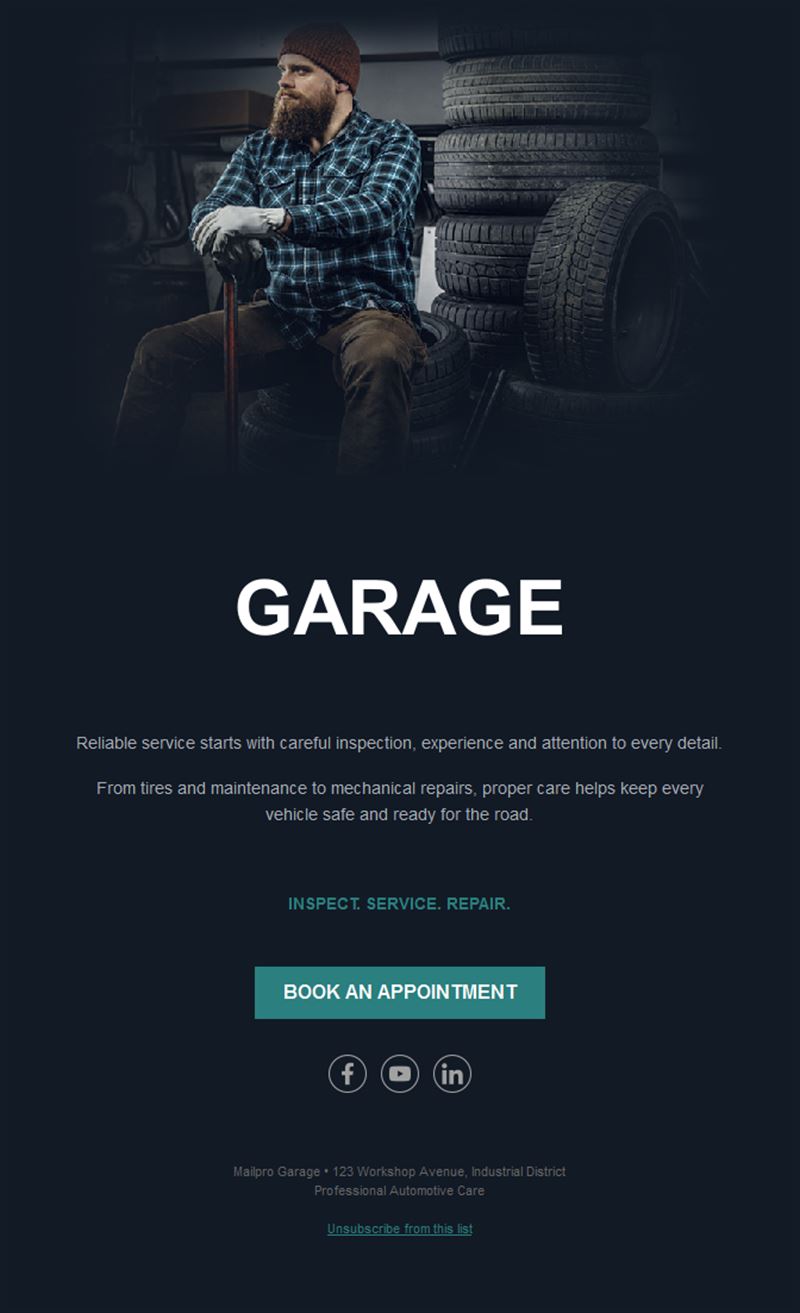
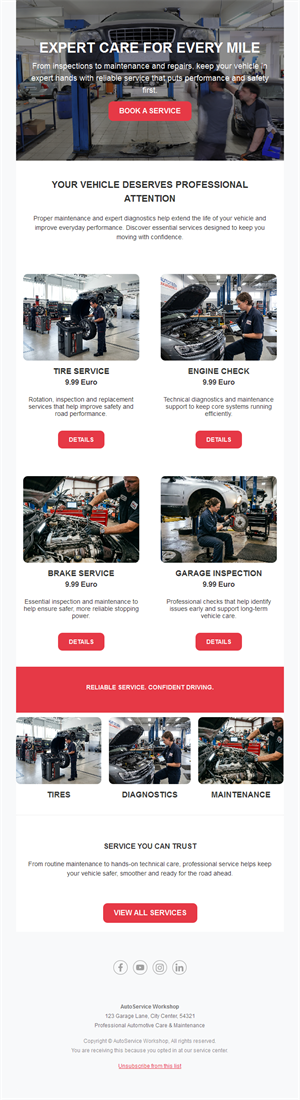
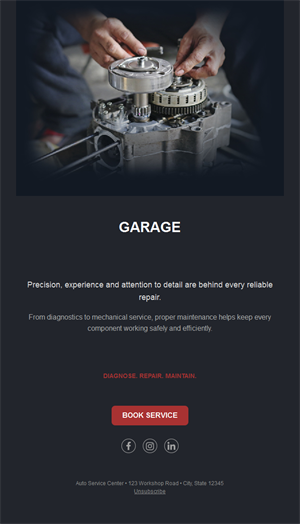
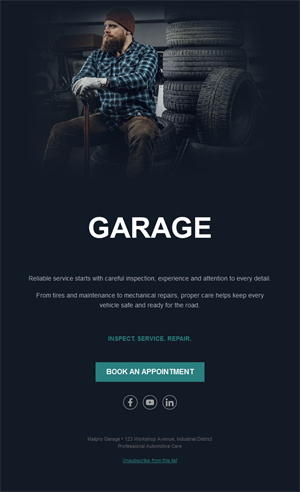
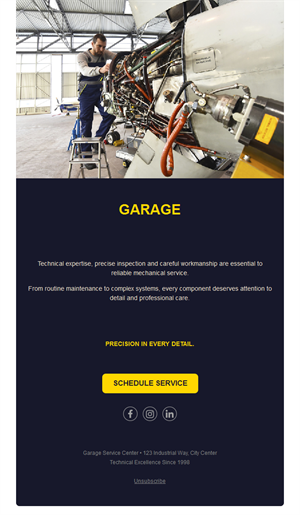
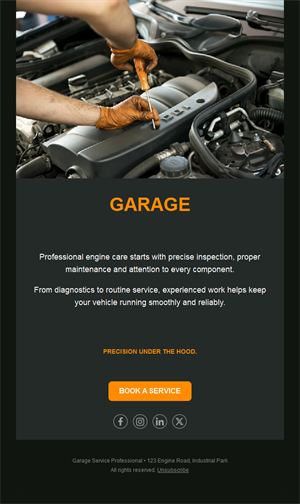
A full workshop calendar starts with well-timed reminders. Pick a ready-made car garage email template, customize it in minutes, and send with Mailpro™.
Why use Car Garage email templates?
Drivers forget services until something rattles. A garage that reminds — MOT due, tires to swap, winter check time — becomes the garage they always return to. These templates make that rhythm effortless.
- Reminder revenue: service and inspection nudges fill bays predictably.
- Seasonal campaigns built in: winter tires, summer checks, holiday road-trip prep.
- Trust through advice: maintenance tips position you as the honest expert.
- Set-and-forget: automate reminders once, benefit every year.
What can your garage send?
1) Service & MOT reminders
Due-date nudges with one-click booking — the backbone of repeat business.
2) Tire-change season
Winter/summer swap campaigns with early-bird slots before the rush.
3) Seasonal check-ups
Pre-vacation and pre-winter inspection offers that prevent breakdowns.
4) Offers & bundles
Brake specials, oil-change deals, and multi-service packages.
5) Workshop news
New diagnostics gear, EV servicing, extended hours, or loyal-customer perks.
What's inside each template?
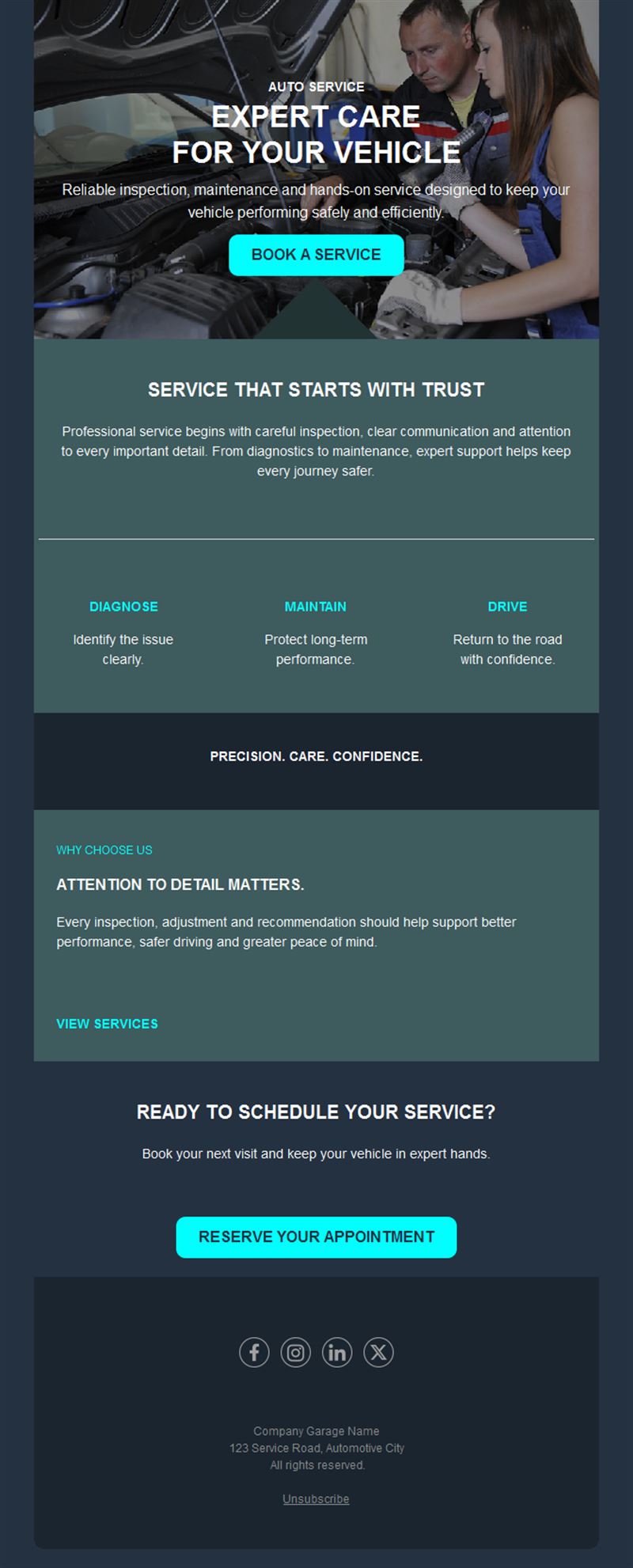
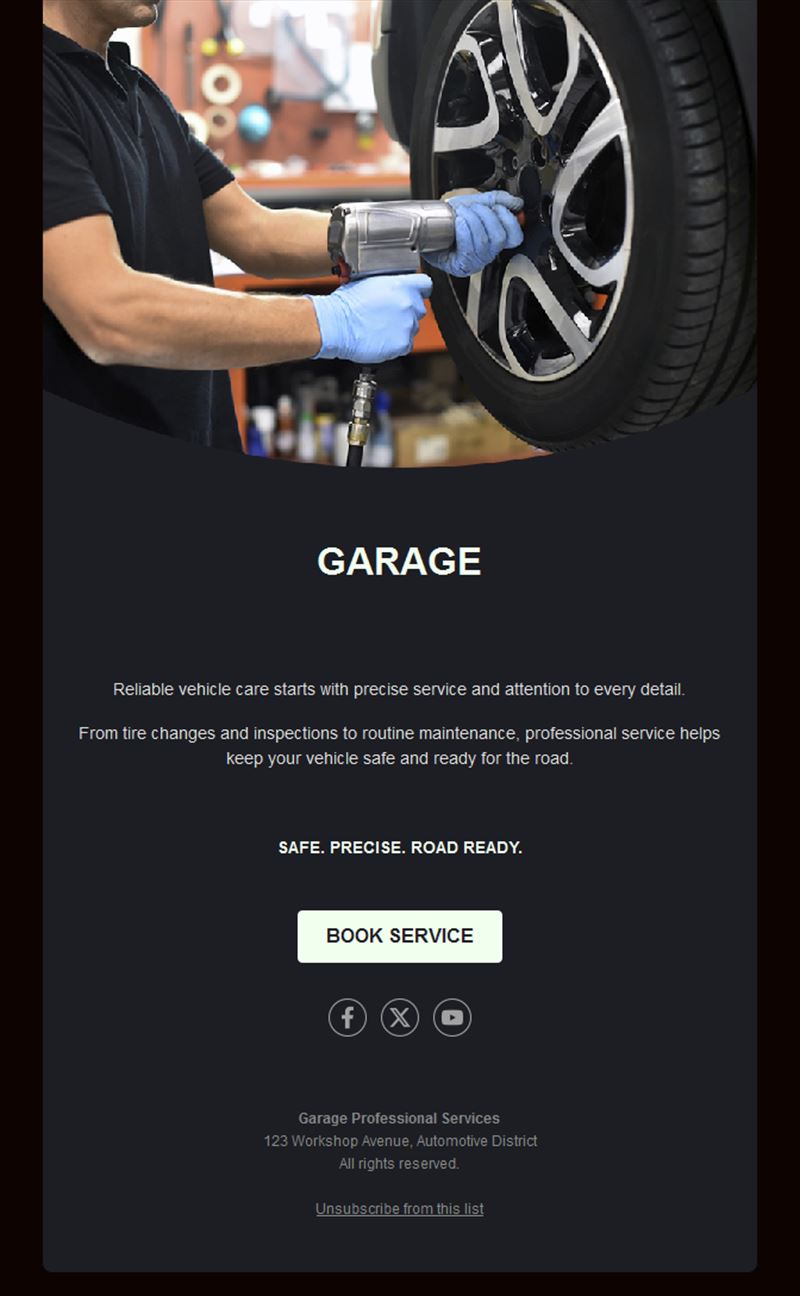
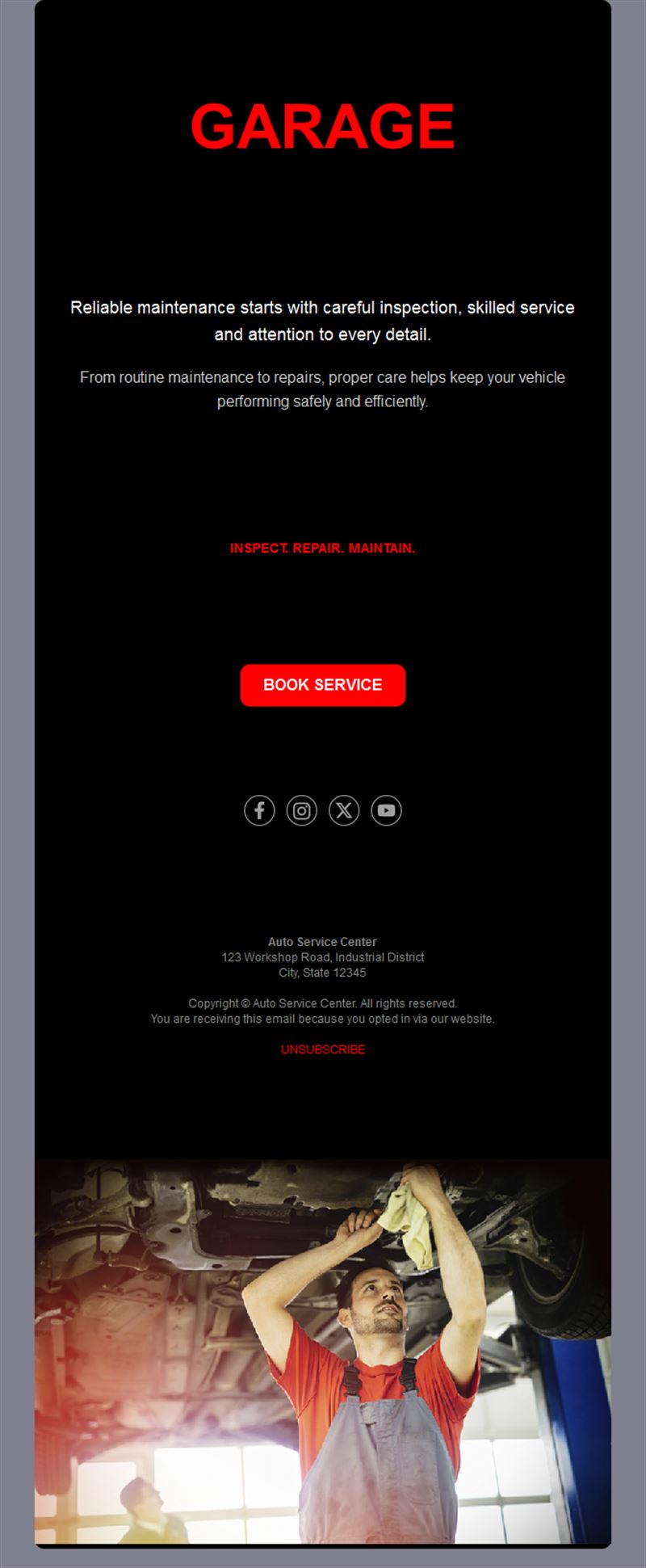
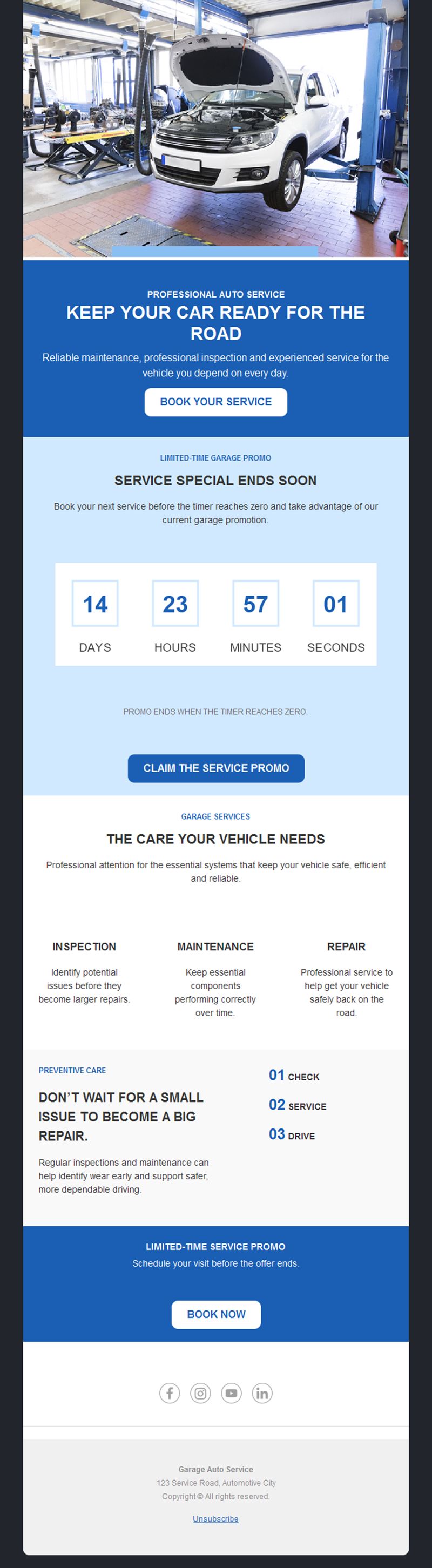
- Hero with a clear seasonal or service headline.
- Reminder block with due date and booking button.
- Offer section with prices and validity.
- Tip block for maintenance advice.
- Social links and an easy unsubscribe footer.
How to customize your Car Garage email in Mailpro™
- Pick a template: Open Templates and choose a Car Garage design.
- Edit copy & images: Clear service names and honest prices; photos of your actual workshop build trust.
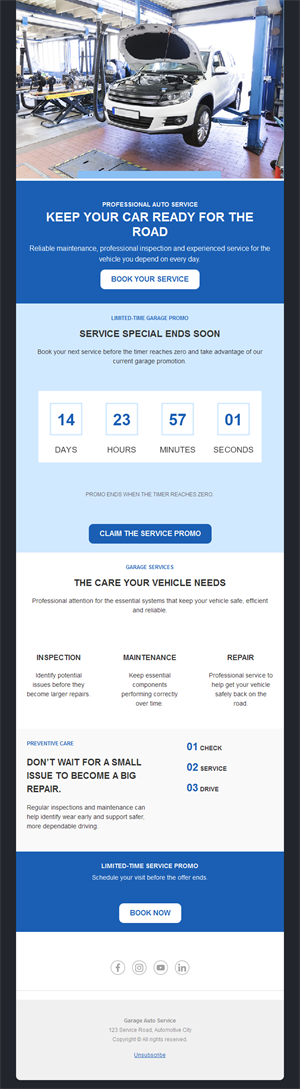
- Add a countdown (optional): Count down to seasonal deadlines like tire-change cutoffs. See how the countdown works.
- Segment your audience: Segment by vehicle age or last service date for sharper reminders. Learn segmentation.
- Schedule the send: Seasonal campaigns 3–4 weeks before the rush. Schedule email campaigns.
- Track results: Monitor opens, clicks, and conversions. View email statistics.
- Automate follow-ups: Automate service anniversaries and MOT-due reminders. Set up autoresponders.
Subject line & CTA ideas
Subject lines
- Your service is due — book in 30 seconds
- Winter tire season: beat the rush
- Going on holiday? Get road-trip ready
- Brake check special: this month only
- We now service electric vehicles
CTA ideas
- Book My Service
- Reserve a Tire Slot
- Get the Check-Up
- See the Offer
Best practices for Car Garage campaigns
- Remind by date, not blast: individual due-date emails outperform generic promos.
- Beat the seasonal rush: tire campaigns 3–4 weeks early capture the planners.
- Explain, don’t scare: honest “why this matters” advice builds decade-long customers.
- One-tap booking: a phone-friendly booking button is half the conversion.
- Follow up after service: a thanks plus next-due date closes the loop.
FAQ: Car Garage email templates
What emails bring garages the most business?
Individual service-due reminders with one-click booking, followed by seasonal tire and check-up campaigns.
When should seasonal campaigns start?
Three to four weeks before the season — early birds book the convenient slots and spread your workload.
Can reminders run automatically?
Yes — set service anniversaries and due dates once in Mailpro autoresponders and they send themselves.
How do we keep customers loyal?
Consistent honest advice plus a post-service thank-you with the next due date — customers stay where they feel looked after.
Get started
Keep the bays busy: pick a car garage email template and let the reminders drive them in.